Check the acquisition promise
Read the store headline, screenshots and description. What problem is the app promising to solve?
Study the storefront ↗
Hassan Hattab · iOS
Explore the ad evidence, study the storefront, and build your next acquisition hypothesis.
01 / Creative research
Read the store headline, screenshots and description. What problem is the app promising to solve?
Study the storefront ↗Explore apps with direct store-link matches. Compare their hooks and formats without assuming the same approach works here.
Browse observed advertisers ↗Store rankings and revenue estimates describe market context. They do not establish ad spend, conversions or ROAS.
Review the market context ↗02 / Storefront & product
Study the product story and store experience behind the acquisition funnel.


03 / Market context
Keep revenue, downloads and store rankings separate from advertising performance.
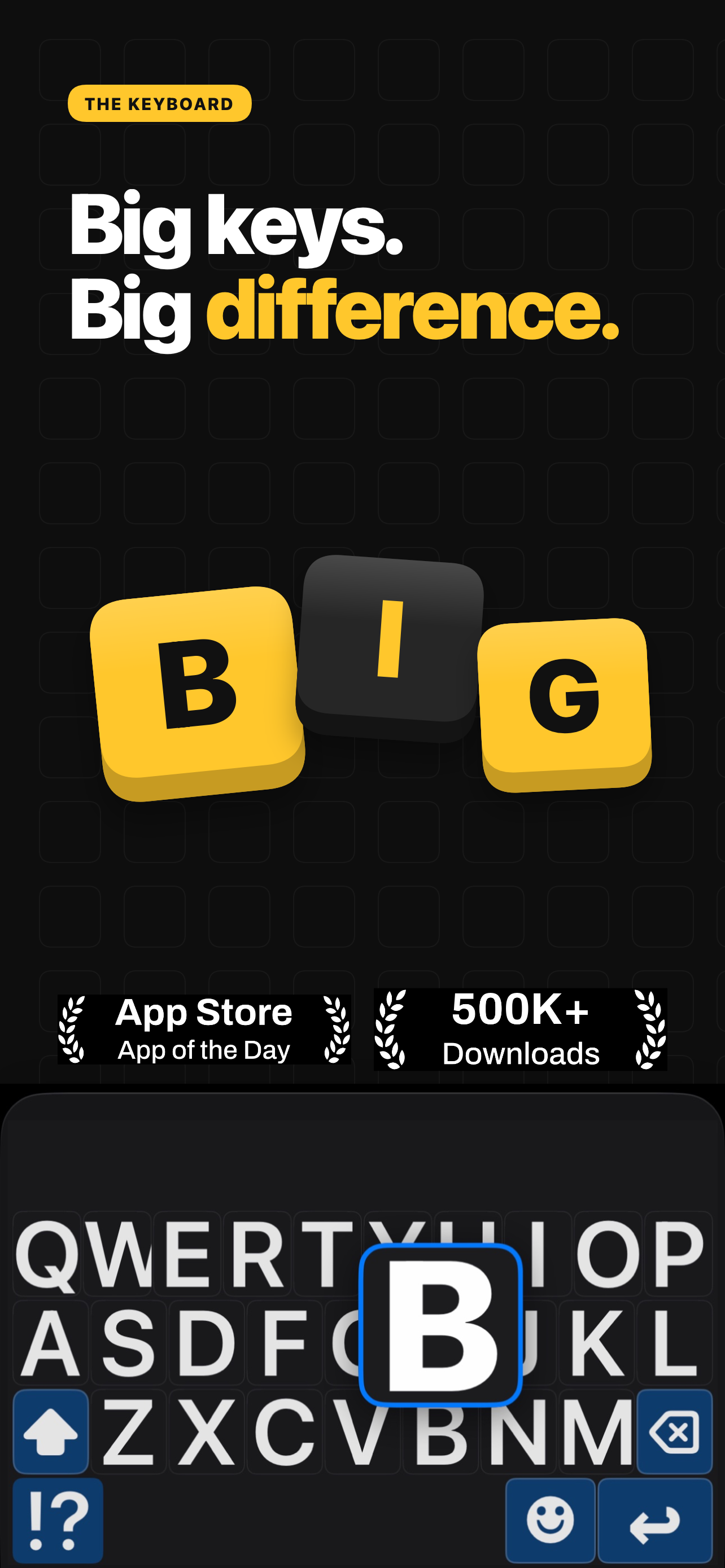
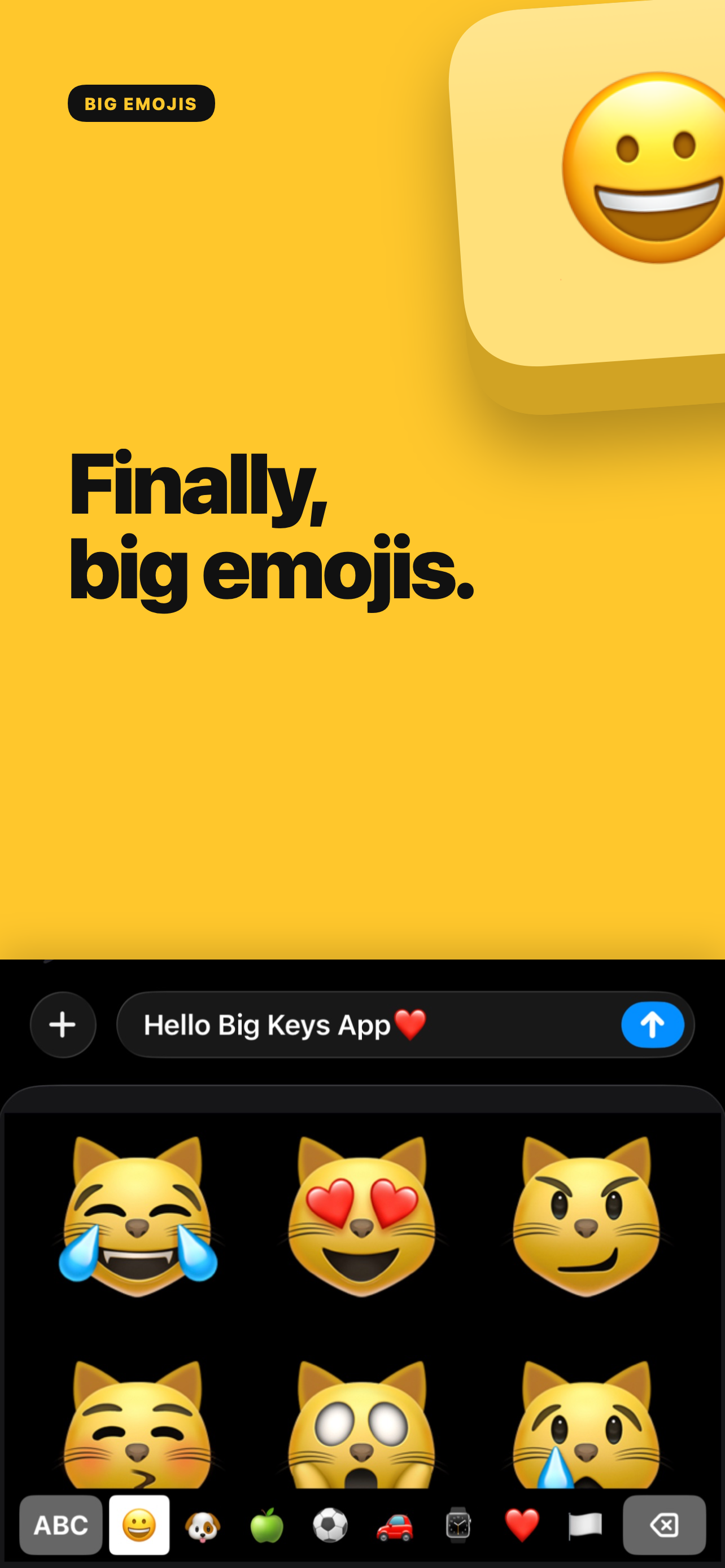
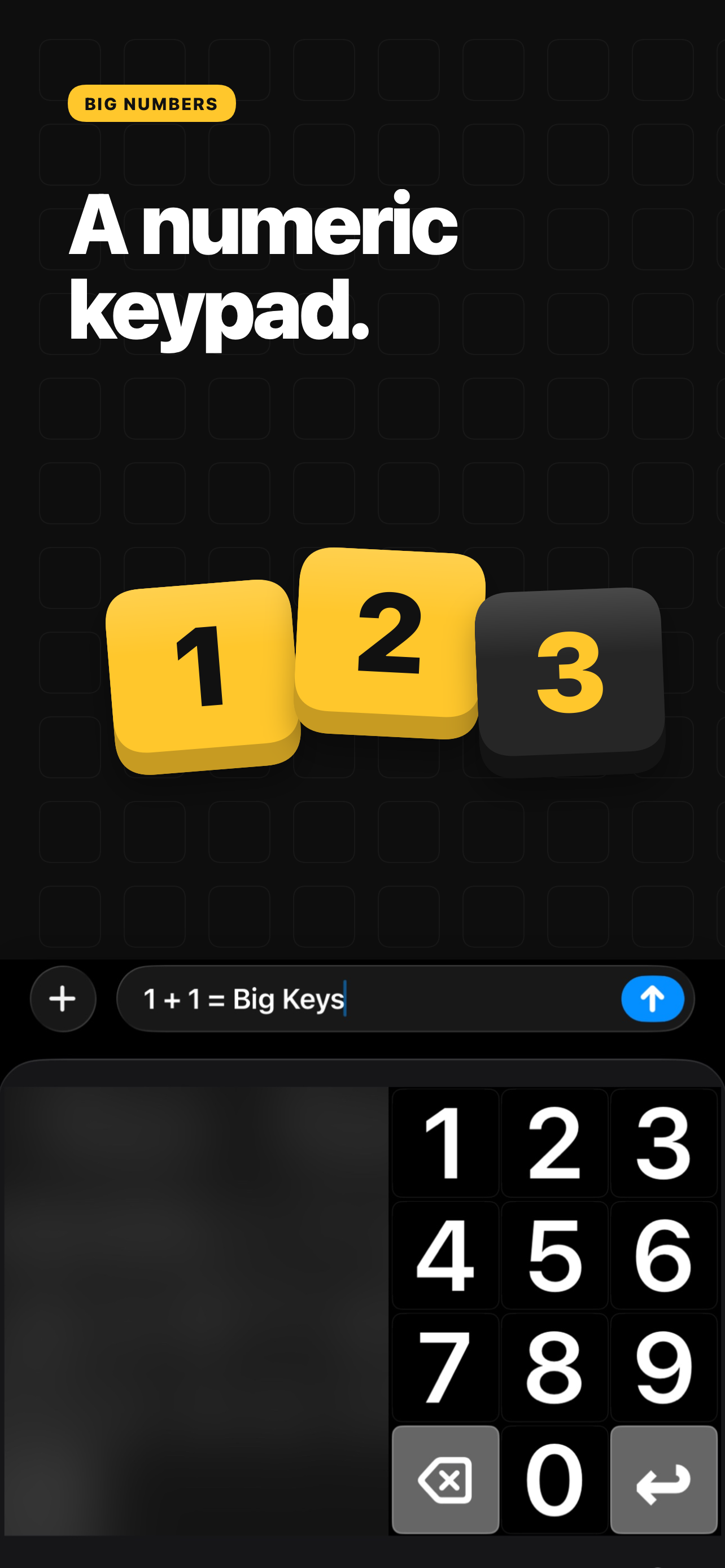
Got it yesterday really just for enlarged keys. but is there a way to make the word I capitalize while typing? and first word of sentence? will it get smarter about what word I'm using? Love the large keyboard which is why i bought it but very inconsistant with capitalization. I try a capital letter in the middle of the sentence . All is the a Way to save emojis i us a Lot without having to scroll through all? Also I've seen keyboard in the pictures that hair a 1 and 2 in lower right keyboard. Can i Get this keyboard option?
So far I'm unimpressed and have only had the app an hour. It isn't correcting/adding grammar at all - so when I want to type "I'm" it doesn't add an apostrophe and auto corrects it to "in" instead. Doesn't automatically capitalize the letter at the beginning of a sentence either. Also, keyboard lag. Lastly, even if I make a very minor spelling error on a common word it completely changes my word to something ridiculous and out of this world. It's taking me 100x as long to type something up because I have to go back through and correct 99% of what I typed, PLUS I have to type slow because of the lag, lol. (I also just noticed that this app is REMOVING my grammar (i.e I just used a capital "I" and it corrected it to a lowercase "i".)) What a waste of money behind such a good concept.
UPDATE: I downloaded 1.8.2 (which was apparently made available shortly after originally posting this review), and it appears to have fixed my problem - or maybe it was some strange glitch which I can no longer duplicate. I didn't keep a copy of 1.8.1, so I can't say for sure either way. UNEDITED ORIGINAL REVIEW FOLLOWS; PLEASE IGNORE. This was a very nice alternative keyboard, but the latest update has the keyboard panel showing up as totally blank. Luckily, tapping the blank space two or three times makes the device revert to the default keyboard, so it doesn't totally gum up the works, but I've had to revert to the older version to get this working again.
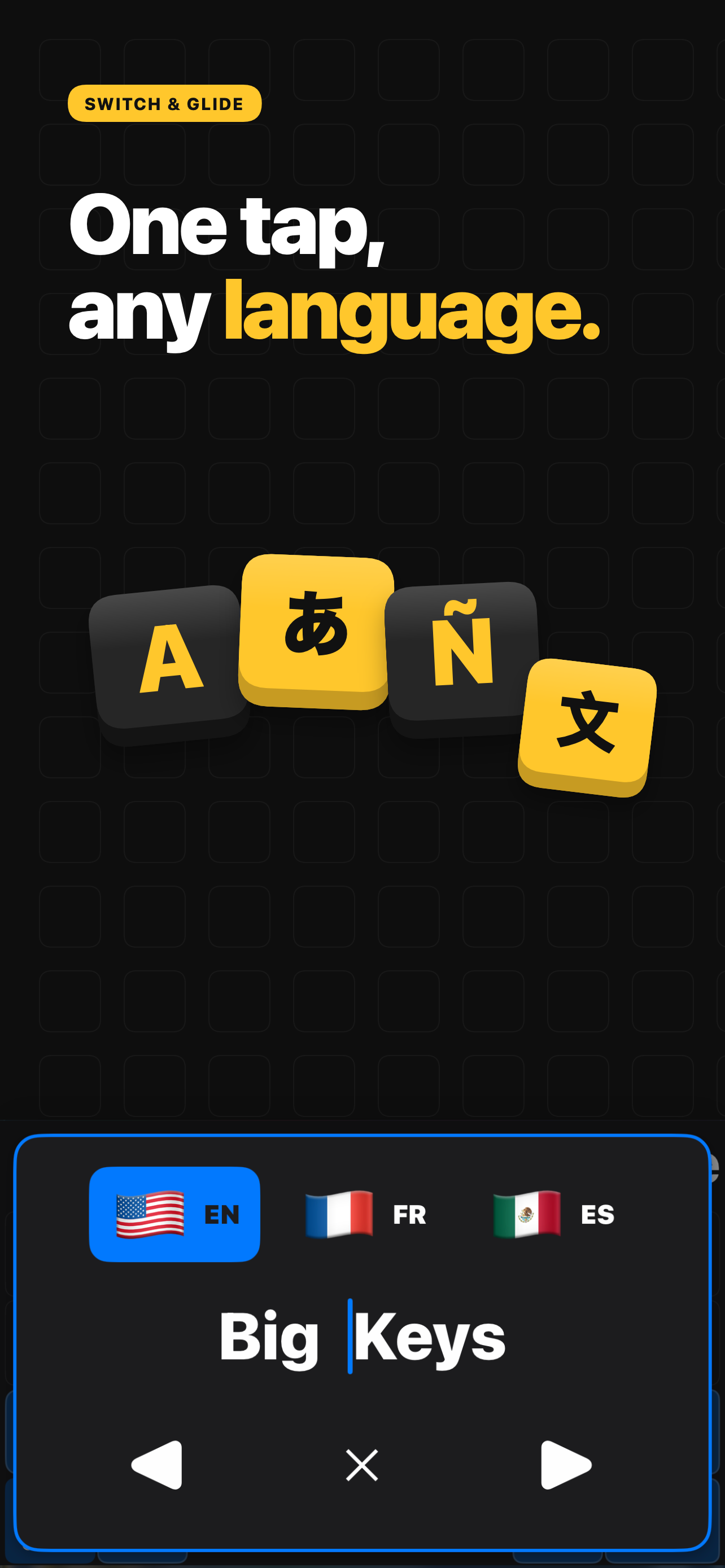
Big Keys Keyboard helps you type with large keys, large text, and an accessible keypad on iPhone. It is built for low vision, seniors, and anyone who...
| Name | Price | Type |
|---|---|---|
| Big Keys Monthly Subscription | $5.99 | Monthly |
| Big Keys Yearly Subscription | $59.99 | Yearly |
| Big Keys One Time Pay | $149.00 | One-time |