
Check the acquisition promise
Read the store headline, screenshots and description. What problem is the app promising to solve?
Study the storefront ↗
Warpkode AS · iOS
Explore the ad evidence, study the storefront, and build your next acquisition hypothesis.
01 / Creative research
Read the store headline, screenshots and description. What problem is the app promising to solve?
Study the storefront ↗Explore apps with direct store-link matches. Compare their hooks and formats without assuming the same approach works here.
Browse observed advertisers ↗Store rankings and revenue estimates describe market context. They do not establish ad spend, conversions or ROAS.
Review the market context ↗02 / Storefront & product
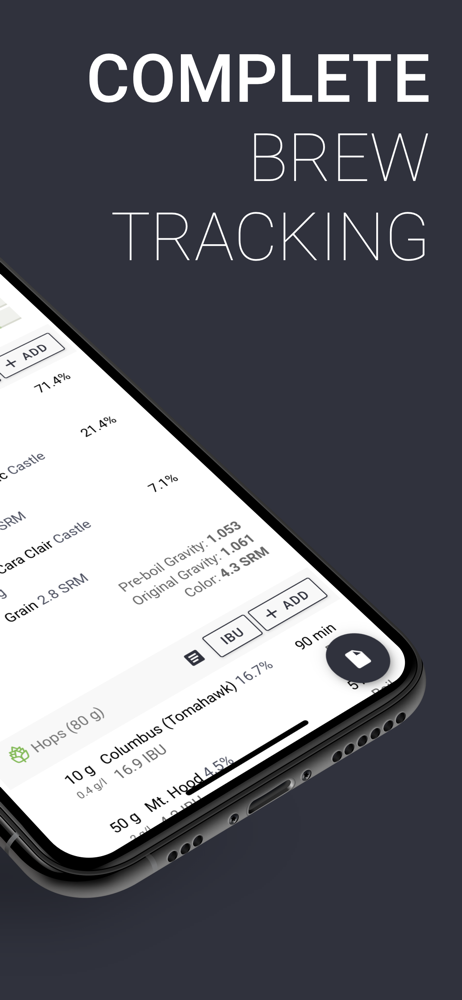
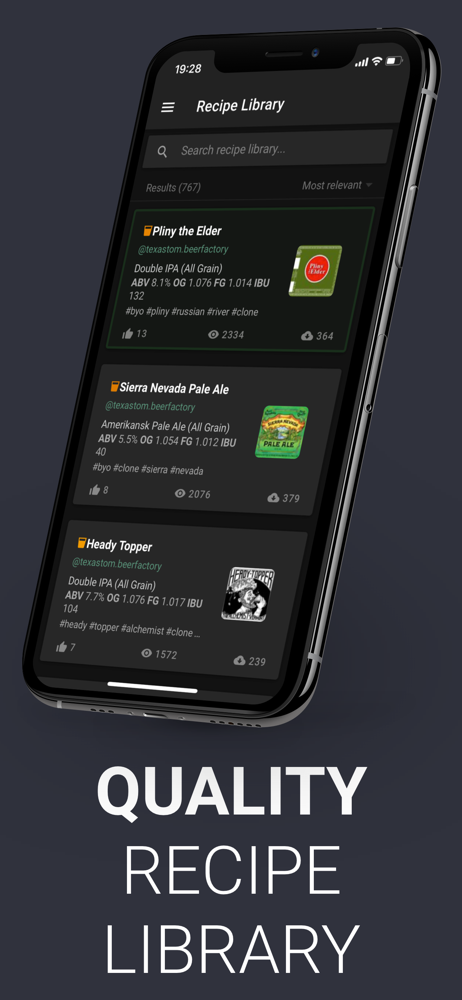
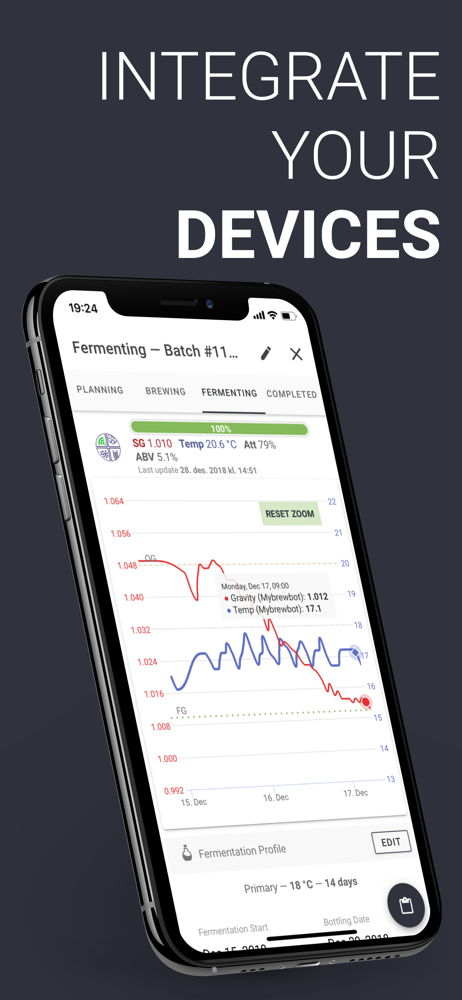
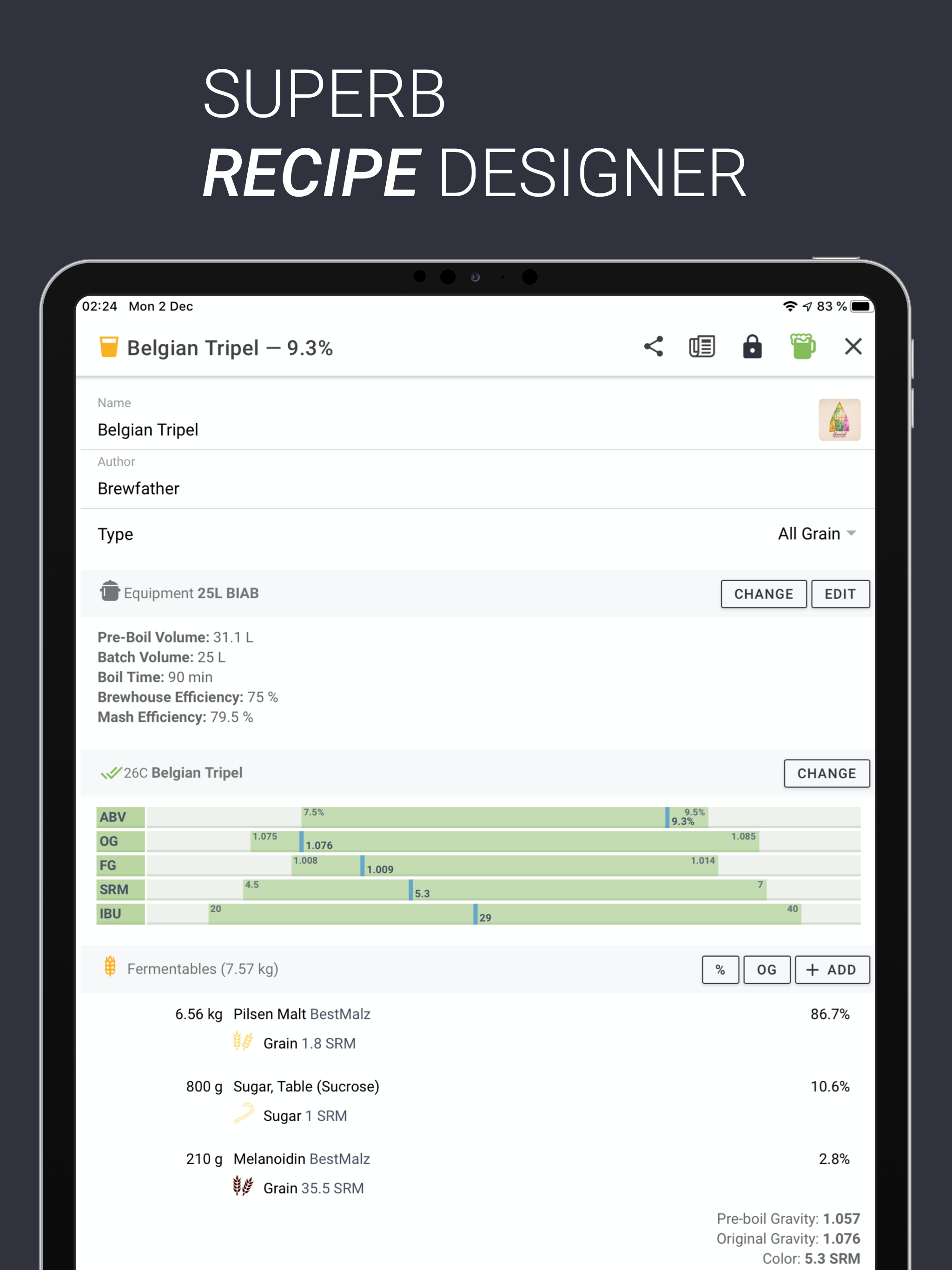
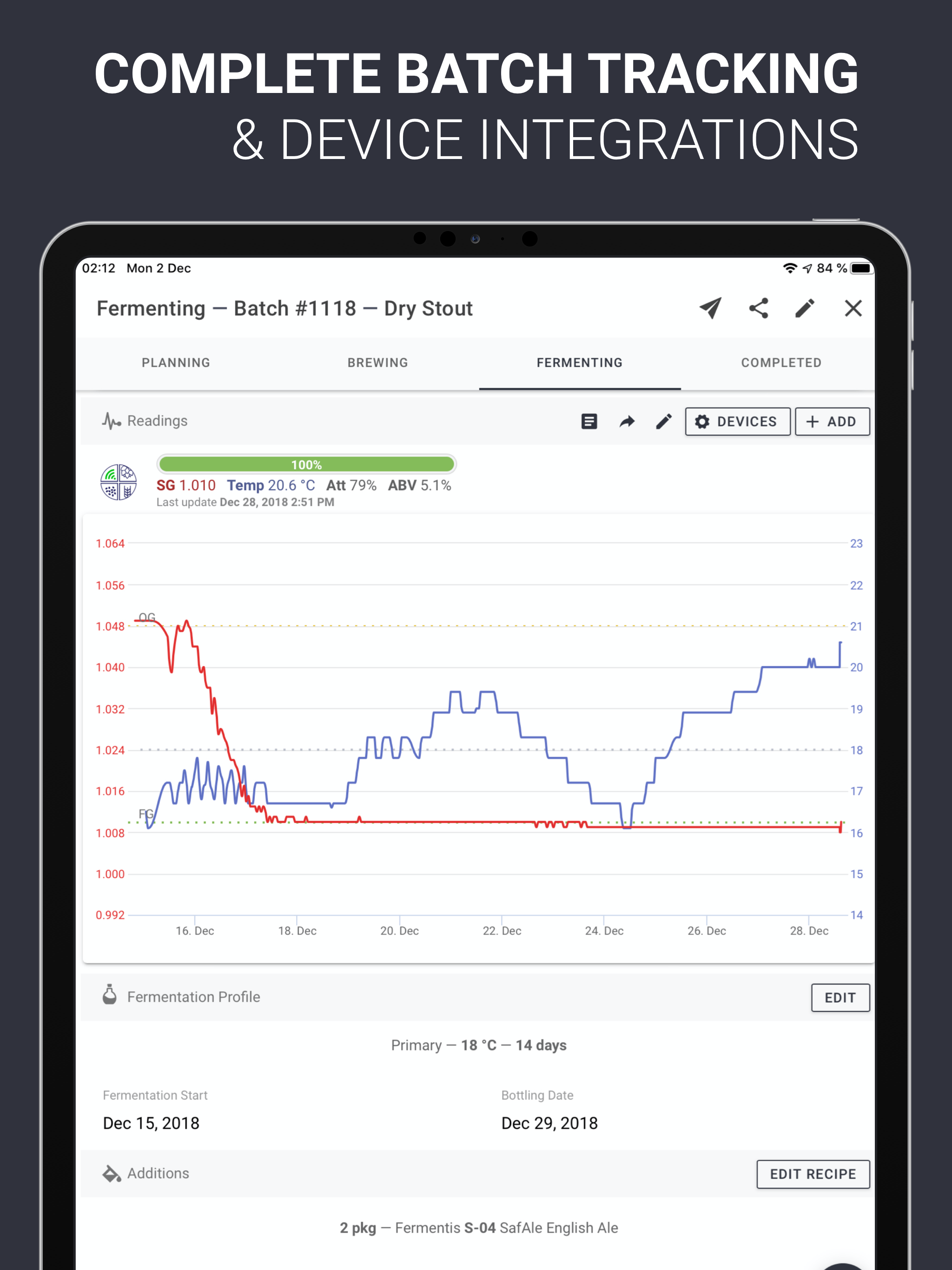
Study the product story and store experience behind the acquisition funnel.


03 / Market context
Keep revenue, downloads and store rankings separate from advertising performance.
It’s been a few years since I switched from another brewing app to Brewfather and I couldn’t happier. I’m an avid and frequent homebrewer and it was a big decision to switch as I had a lot of batches in my the previous software I was using, but I’m glad that I did. Brewfather has a nice modern interface that maintains parity between the desktop version (web app) and the mobile version. It has great water chemistry tools, a solid brew day timer, and pretty much everything you need to get it done without requiring the use of additional applications. The price is more than reasonable, it’s regularly updated, and the developer is attentive to user questions and requests. Highly recommended!
Ok, so first brew with Brewfather under my belt and WHERE HAS THIS SOFTWARE BEEN ALL MY LIFE?!?!?!!! It is awesome!! Just like everyone is saying: The UI is stellar. The flow of the brew day is awesome. Tilt integration is very choice. The list goes on... My only 2 complaints: 1. The PC Web browser version crashed 4 or 5 times before I abandoned it and switched to an iPad with a Bluetooth keyboard. When I did that it worked flawlessly and it was apparent to me that this is how it’s designed to be used. I never explored if it might have been the browser I was using (chrome) because I was so tickled with how it worked on the iPad. 2. BeerSmith has product explanations of hops, yeast and malts if you hover over the name. Grainfather does not. I use that a lot when I’m putting together a recipe. Hopefully Brewfather adopts something like that. Before my BeerSmith subscription ends. I’m hooked. Brewfather is far and above the best out there in my opinion and that’s only after one brew.
The first and last brewing app I’ll download. Brewfather checks all the boxes. Love the cloud saving so I can easily brew using my iPad, but also keep track on my phone if I need to move around the house during a mash or boil. Recipe crafting is super easy, and adapting and publishing recipes with the Library rules. Really appreciate how easy it is to auto-scale recipes, keep track of inventory, and save presets. As someone pretty new to the hobby, Brewfather has been a really helpful tool to get going, and makes brewing even more fun. Kudos to the developers for continuing to improve a quality piece of software!
Powerful and easy to use tool for your brewing needs. Easily create and manage your recipes. Keep track of all the details in your batches and your in...
| Name | Price | Type |
|---|---|---|
| Premium (Monthly) | $2.99 | Monthly |
| Premium Plus (Monthly) | $4.99 | Monthly |
| Premium (Annual) | $29.99 | Yearly |
| Premium Plus (Annual) | $49.99 | Yearly |


