
Check the acquisition promise
Read the store headline, screenshots and description. What problem is the app promising to solve?
Study the storefront ↗
shenzhen cooingdv technology co.,ltd. · iOS
Explore the ad evidence, study the storefront, and build your next acquisition hypothesis.
01 / Creative research
Read the store headline, screenshots and description. What problem is the app promising to solve?
Study the storefront ↗Explore apps with direct store-link matches. Compare their hooks and formats without assuming the same approach works here.
Browse observed advertisers ↗Store rankings and revenue estimates describe market context. They do not establish ad spend, conversions or ROAS.
Review the market context ↗02 / Storefront & product
Study the product story and store experience behind the acquisition funnel.


03 / Market context
Keep revenue, downloads and store rankings separate from advertising performance.
So when I flew this drone (my friends and I actually flew it) it was garbage. First we put it up in the air like we we’re supposed to, but when we took our hands off of the up button it wouldn’t stop going up! It almost hit the top of another building. Also I’m pretty sure there was glass on the camera and I think it broke, but I’m not sure. Also, the move button wouldn’t work? It might have been because it was almost dead, but I’ve seen the other reviews, and they say it’s trash.
Do not buy these drones nor use their software. I’ve had two and lost two, within the first 10 mins of flight time. The first one went up, took a left turn and flew directly away from me, towards the beach and no matter what i did with the joy sticks, it kept flying beautifully away from me and into oblivion. The second one, which was given to me, went up, was responding to controls for about 2 mins, then made a right turn, flying directly away from me, this time towards a mountain range. No matter what i did with the joystick control the drone did not respond and we watched it fly off into the horizon.
This app works nice on my iPad Pro. However, I have tried everything to make this work on my iPhone 11 Pro. The drones WiFi connects but the app doesn’t seem to connect so no camera, video, and no on the other controls offered using the app. When I connect my iPad. I can at least take pictures and videos with the supplied controller but my 12.9 is way to big to lug around. If it would have connected to my iPhone then I would have given it 5 stars.
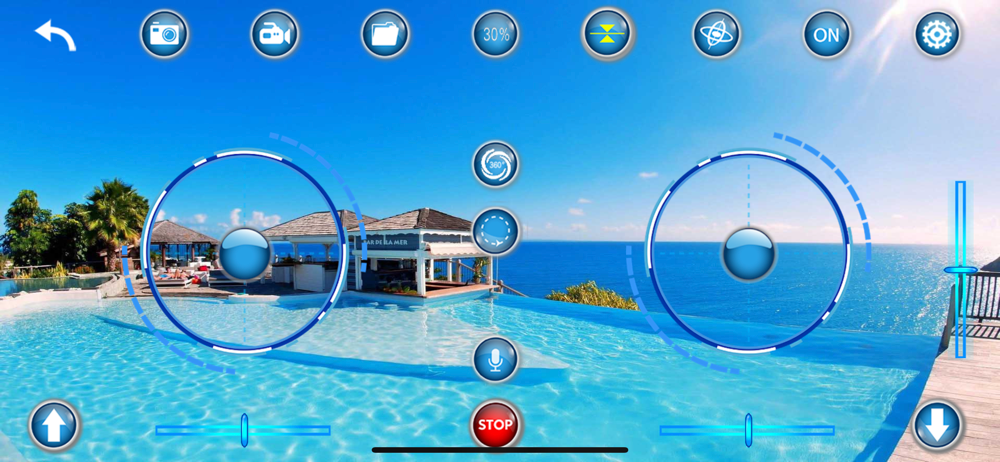
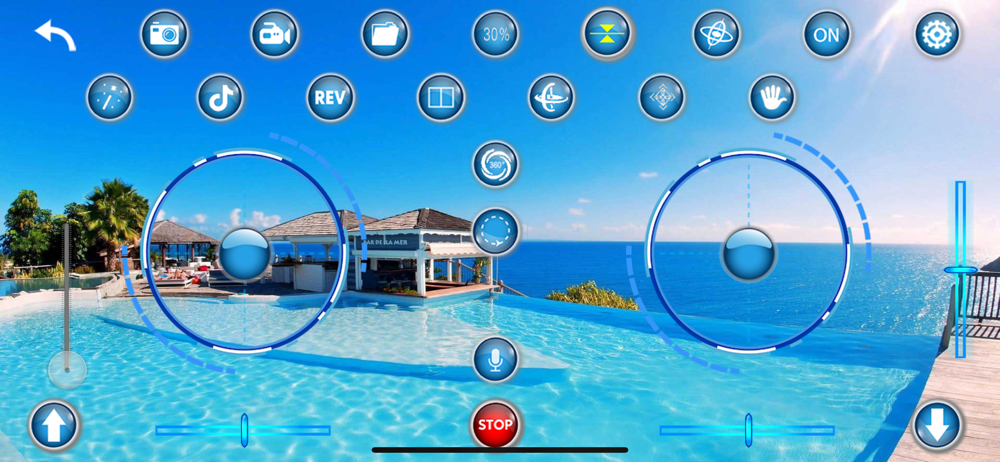
The APP controls the flight of the quadcopter through wireless WIFI image transmission technology. It has the following functions: 1. Connect WIFI to...


