Check the acquisition promise
Read the store headline, screenshots and description. What problem is the app promising to solve?
Study the storefront ↗
Claris International Inc. · iOS
Explore the ad evidence, study the storefront, and build your next acquisition hypothesis.
01 / Creative research
Read the store headline, screenshots and description. What problem is the app promising to solve?
Study the storefront ↗Explore apps with direct store-link matches. Compare their hooks and formats without assuming the same approach works here.
Browse observed advertisers ↗Store rankings and revenue estimates describe market context. They do not establish ad spend, conversions or ROAS.
Review the market context ↗02 / Storefront & product
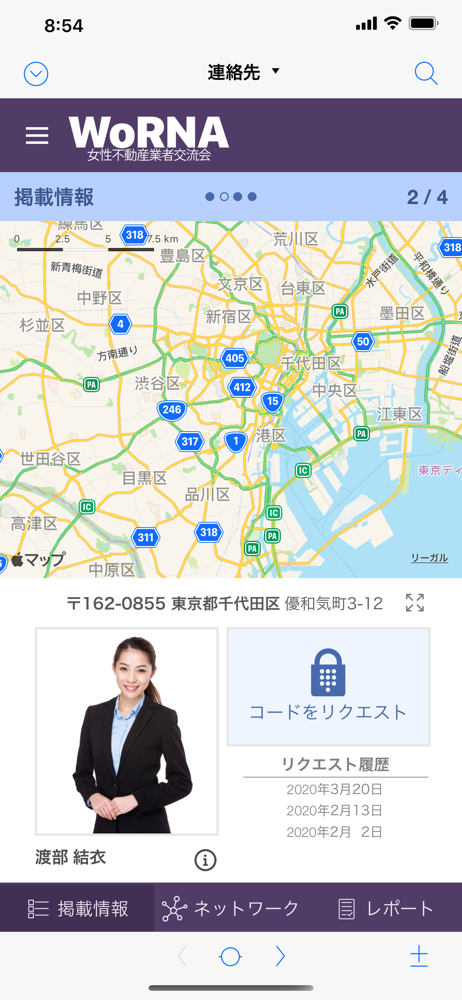
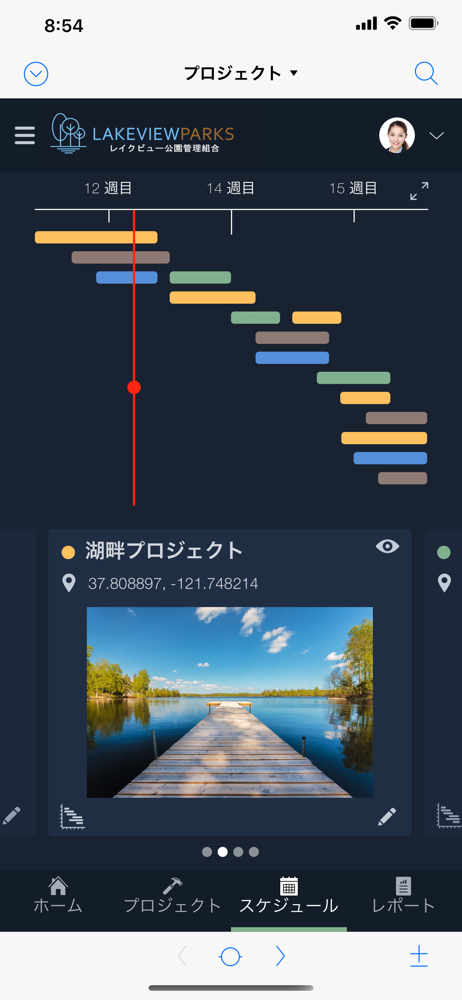
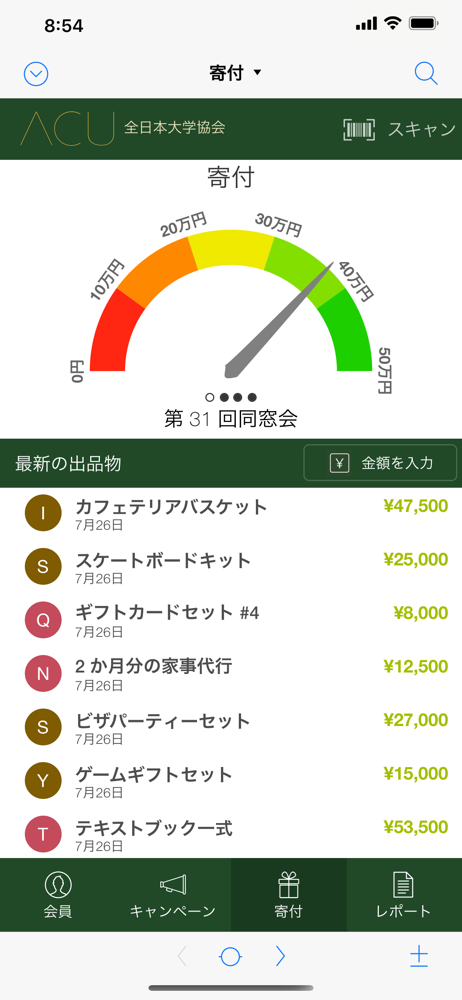
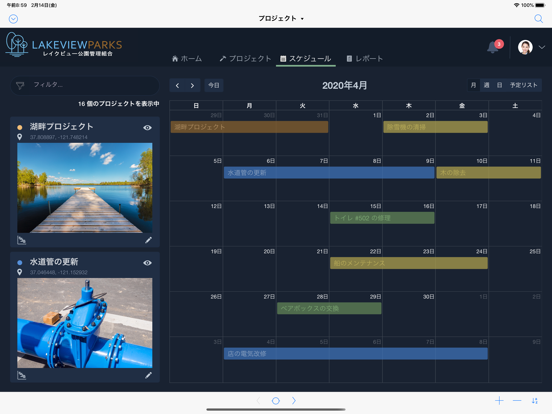
Study the product story and store experience behind the acquisition funnel.



03 / Market context
Keep revenue, downloads and store rankings separate from advertising performance.
使い方がわかりにくいです MacのFilemakerにiPadのClaris goから接続できると思いアプリをインストールしたのに起動するとClaris IDとパスワードでの認証画面が出ます。 仕方なく登録して認証したら、非アクティブだからアクティブにする必要があるというダイアログが出る。 ネットワーク共有したいだけなんです。 以前は何もせずに接続できたんですが、何故でしょう? 分からず困惑します。
下部にある 前へ 次へ をタップしても 動かなくなる場面がある。 何かの、設定があるのかな? タブ順設定等は設定済み
18の時は 計測機器の数値をBluetoothでフィールドに飛ばして入力し、タブ順設定で次のフィールドに移り、連続的に測定入力出来ていました。 111.1mm、222.2mm、333.3mmなど。 しかし、19になって同じように測定しても『111.っm』などと入力されて次のフィールドに移らなくなりました。 不便になったので18のように戻してください。 追伸。 Bluetooth 10キーでも同様の症状が出ました。 全角で111。5など。 18ではそのようなことは起こらなかったので、バグを早急に直していただきたい。
Claris FileMaker Go は、Claris FileMaker の一部です。Claris FileMaker には、クラウド、モバイル、AI といった高度なテクノロジーをサポートする独自のカスタム App を迅速に構築するために必要なすべての機能が備わっています。 Claris Fi...