Check the acquisition promise
Read the store headline, screenshots and description. What problem is the app promising to solve?
Study the storefront ↗
Samsung Electronics Co., Ltd. · iOS
Explore the ad evidence, study the storefront, and build your next acquisition hypothesis.
01 / Creative research
Read the store headline, screenshots and description. What problem is the app promising to solve?
Study the storefront ↗Explore apps with direct store-link matches. Compare their hooks and formats without assuming the same approach works here.
Browse observed advertisers ↗Store rankings and revenue estimates describe market context. They do not establish ad spend, conversions or ROAS.
Review the market context ↗02 / Storefront & product
Study the product story and store experience behind the acquisition funnel.




03 / Market context
Keep revenue, downloads and store rankings separate from advertising performance.
This app is not a waste of my time this app is beautifully constructed this app. Can you mix me in seconds it took about 5 to 10 seconds, which is incredibly fast iPad mini colleges do not crash. Thank you see you Samsung.😄😀🥰
The best when it comes to the Powerbot-E this app is perfect. The connection is great it connects within 10-20 seconds. I have to do do anything. Thank you Samsung for making this app work so good.
There is a bug that makes this unusable - on iOS 14.4 (iPhone 7) it doesn’t let you enter the wifi connection password. The keyboard is up - and covers the ‘Submit’ button. [Return] does nothing so there is no way to submit the password. So don’t buy the Samsung Powerbot-E vacuum cleaner until they fix this bug.
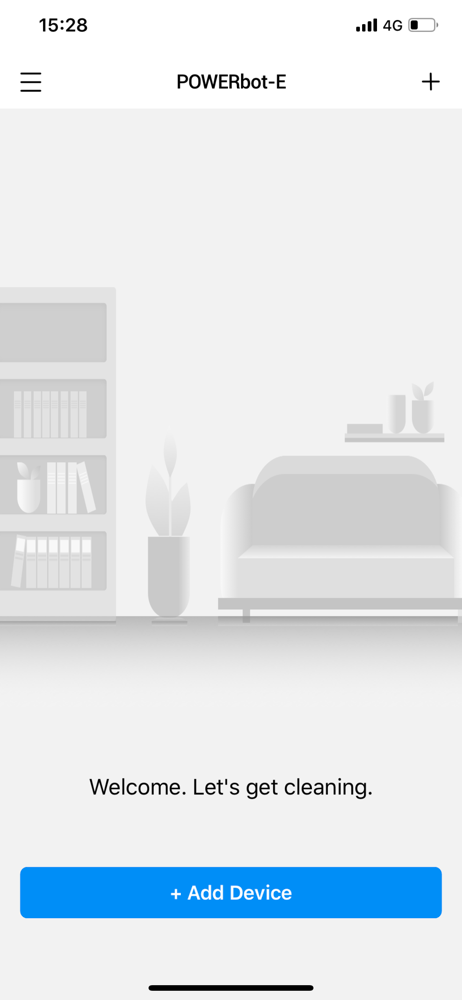
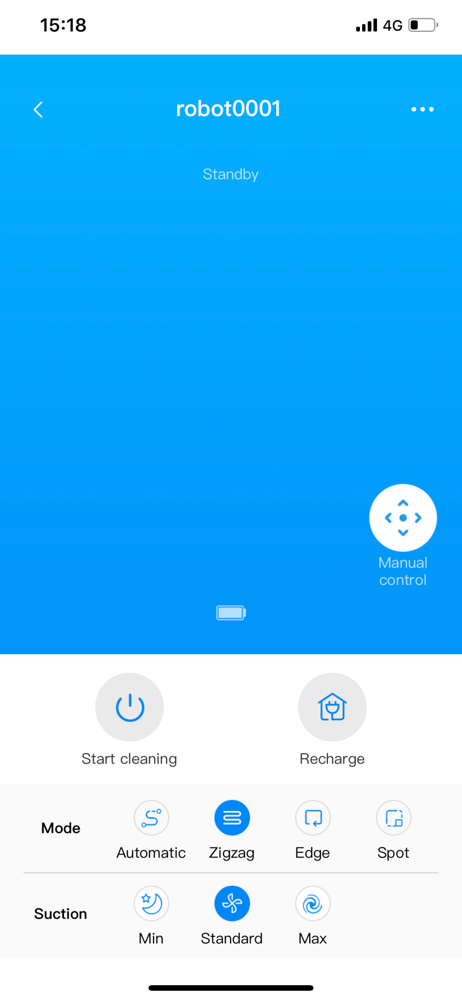
POWERbot-E APP just helps you to release your hands from housework. You can only control you robot vacuum via app, to get started, go back to docking...