
Check the acquisition promise
Read the store headline, screenshots and description. What problem is the app promising to solve?
Study the storefront ↗
Shopping Scout · iOS
Explore the ad evidence, study the storefront, and build your next acquisition hypothesis.
01 / Creative research
Read the store headline, screenshots and description. What problem is the app promising to solve?
Study the storefront ↗Explore apps with direct store-link matches. Compare their hooks and formats without assuming the same approach works here.
Browse observed advertisers ↗Store rankings and revenue estimates describe market context. They do not establish ad spend, conversions or ROAS.
Review the market context ↗02 / Storefront & product
Study the product story and store experience behind the acquisition funnel.
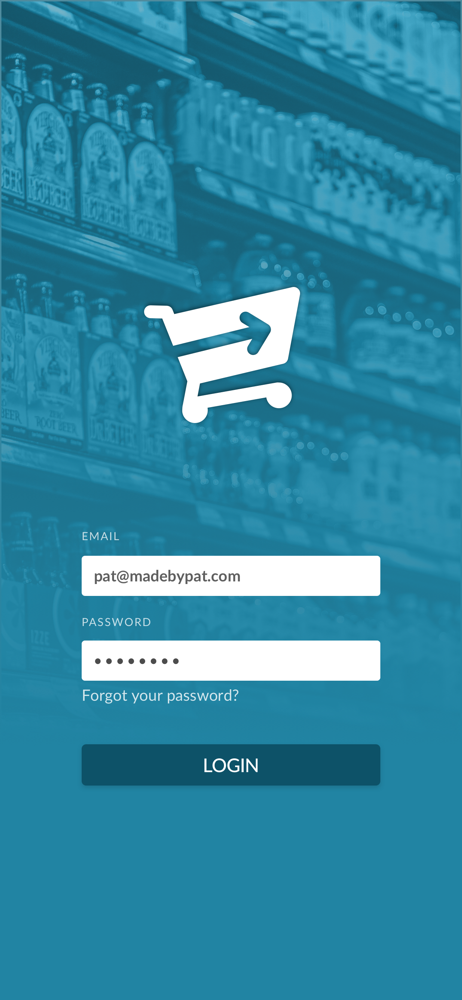

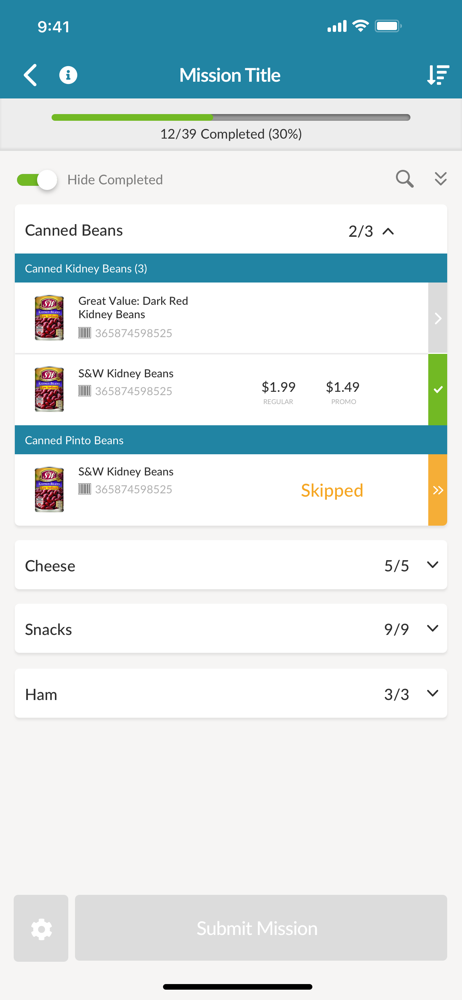
03 / Market context
Keep revenue, downloads and store rankings separate from advertising performance.
This app and everything with it is a scam there is no help no support no one to speak to after you do the jobs the numbers are disconnected complete scammmmmm
I have been using this app for a while now, performing many audits & what I’m finding is that the more I use it , the more glitches I’m finding. If the purpose of the app is to make auditing fast & easy , then I would strongly suggest a rebuild of the entire application. Quantities of items cannot be edited , which adds additional time if having to use the nites function to record any additional information. And it would not be for just one two items , it’s every single item that additional notes would have to be added for & when doing audits with 250 items or more & multiple locations , it’s get very frustrating bc of additional time. It can easily add on an extra 30 minutes or more. There have been times when information had been recorded & submitted , only to find out that it must all the resubmitted bc your data didn’t go through . It’s one glitch on top of another. So what’s supposed to be fast & efficient is actually frustrating & time intensive. PLEASE FIX.
After adding information in the notes area, in order to see the submit/report toggle at the bottom, while using my iPhone 11 Pro, I had to go to my text size in my phones settings and toggle to change the text size up or down two sizes to reveal the tab. I had to switch it to a new size each time I used the notes. It took me some time to figure that out since there is no back button once I was in the notes area and I was unable to get out of it. That’s obviously a glitch of some sort on the app because the keyboard is hiding the report button and there’s no other way that I could find to hide the keyboard. Total waste of time when I had nearly 50 out of the 151 items I was price checking today. This same thing happened on June 5th so I know it’s not a fluke. Also, it is nearly impossible to find the “out of stock” or “item not carried” tab on the report I was filling out. When I say nearly impossible, I mean that I only found it once out of 50 items and I’m not even sure how I did that since I couldn’t ever find it again. Please fix these issues and I’ll give the app 5 stars.
The Missions app is designed for professional auditors to gather retail intelligence in the field. The app utilizes one of the largest product databas...


