
Check the acquisition promise
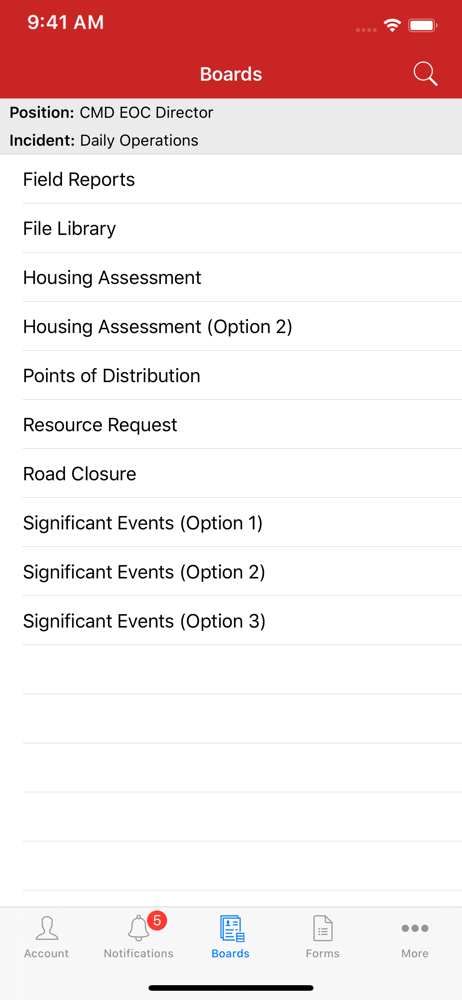
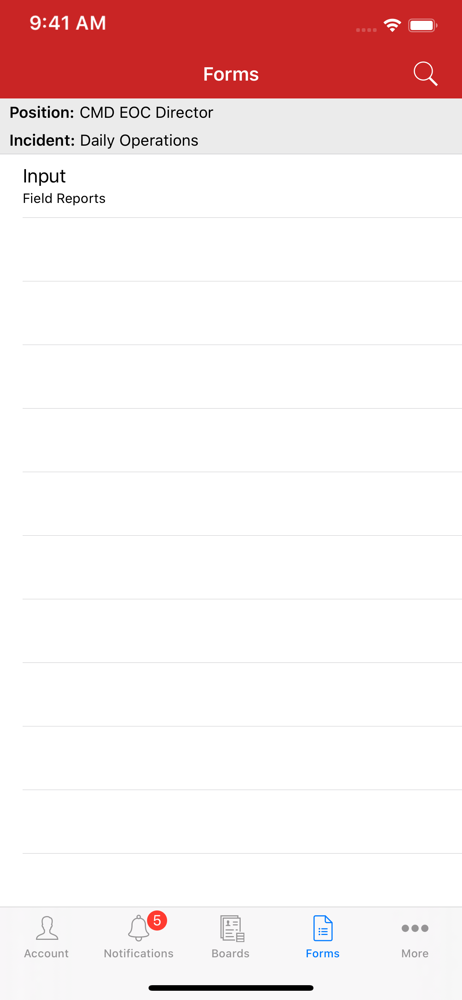
Read the store headline, screenshots and description. What problem is the app promising to solve?
Study the storefront ↗
EMSystems LLC · iOS
Explore the ad evidence, study the storefront, and build your next acquisition hypothesis.
01 / Creative research
Read the store headline, screenshots and description. What problem is the app promising to solve?
Study the storefront ↗Explore apps with direct store-link matches. Compare their hooks and formats without assuming the same approach works here.
Browse observed advertisers ↗Store rankings and revenue estimates describe market context. They do not establish ad spend, conversions or ROAS.
Review the market context ↗02 / Storefront & product
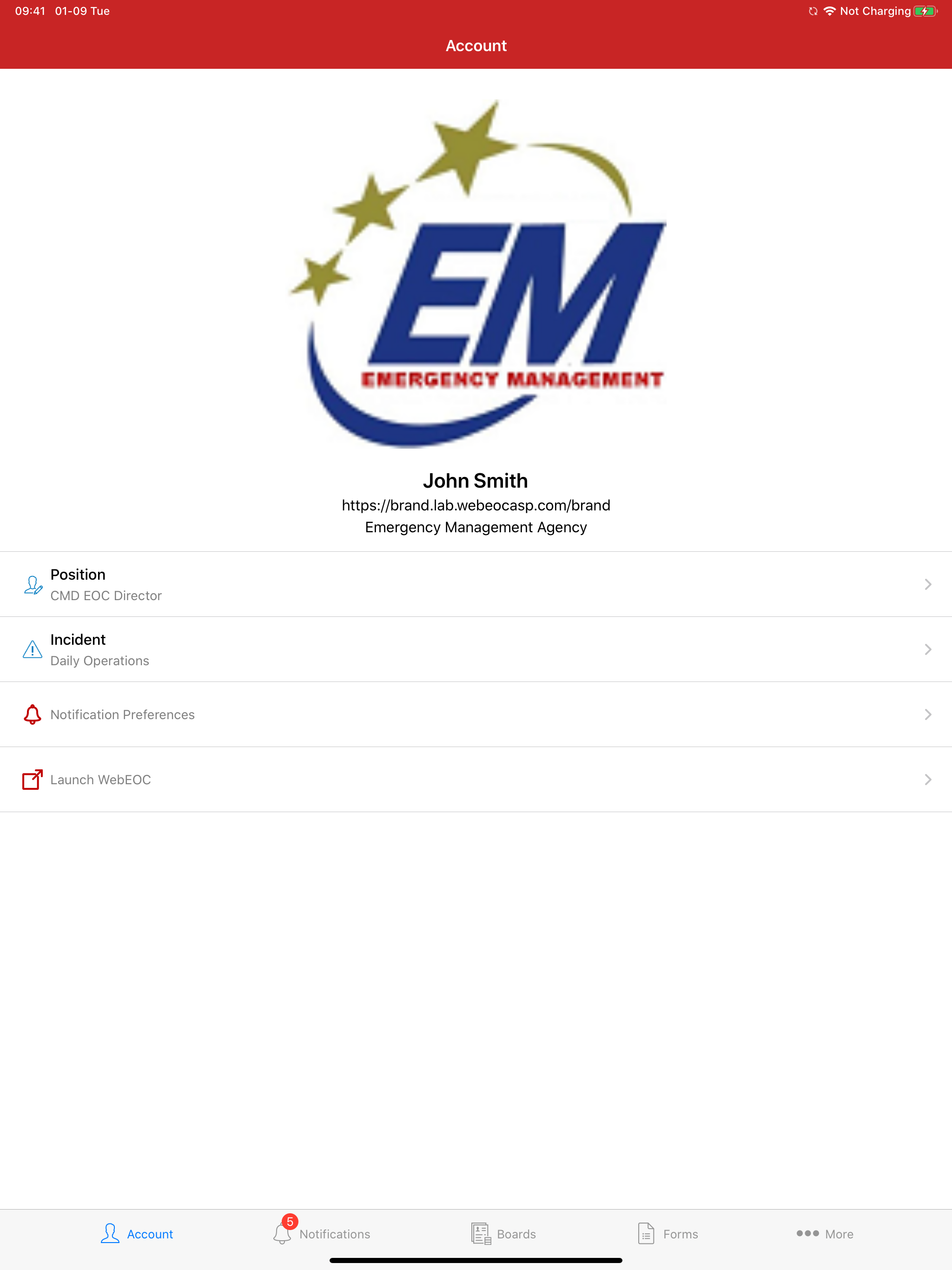
Study the product story and store experience behind the acquisition funnel.



03 / Market context
Keep revenue, downloads and store rankings separate from advertising performance.
I have been using the WebEOC client for several months now, and find it to provide wide ranging access to my emergency management data. The dashboards and forms that I use in my desktop change to fit the screen I’m using, and I can easily read the screen for immediate access to my data. I can’t think of a better way to maintain situational awareness while in the field. This will be even more crucial since hurricane season is right around the corner.
It will mot allow me to log in. It keeps saying I need version 8.6.1.1 but there aren’t any updates available
Continuously says URL required. Doesn’t load. IOS 14 on 12 pro max.
With the WebEOC app, you can capture data, conduct assessments and complete reports in the field to automatically update WebEOC boards. Stay on top of...


