Check the acquisition promise
Read the store headline, screenshots and description. What problem is the app promising to solve?
Study the storefront ↗
EnGenius Technologies, Inc. · iOS
Explore the ad evidence, study the storefront, and build your next acquisition hypothesis.
01 / Creative research
Read the store headline, screenshots and description. What problem is the app promising to solve?
Study the storefront ↗Explore apps with direct store-link matches. Compare their hooks and formats without assuming the same approach works here.
Browse observed advertisers ↗Store rankings and revenue estimates describe market context. They do not establish ad spend, conversions or ROAS.
Review the market context ↗02 / Storefront & product
Study the product story and store experience behind the acquisition funnel.




03 / Market context
Keep revenue, downloads and store rankings separate from advertising performance.
I bought a new iPhone 14 and reinstall the EnWiFi app and I am getting “connection failed” error. I’ve tried resetting network, resetting phone uninstalled reinstalled app and it still doesn’t work. I installed it on 2 other devices(apple iPhone 13 and iPad) both worked perfectly. I noticed on the 2 devices it worked on, I was prompted for a user name and password before connecting. I never got that prompt on my iPhone 14.
General management of the access points isn’t good. I should be able to adjust settings without having to into group settings every time.
Unfortunately there isn’t a usable log to determine what caused connection drops. Also the app is should NOT be asking for Location as other reviewers mentioned. I read about your desire to improve by getting the SSID but your desire should never have priority over the users’ privacy choices. Please release an update that allows us to turn this frustrating, and invasive “feature” off.
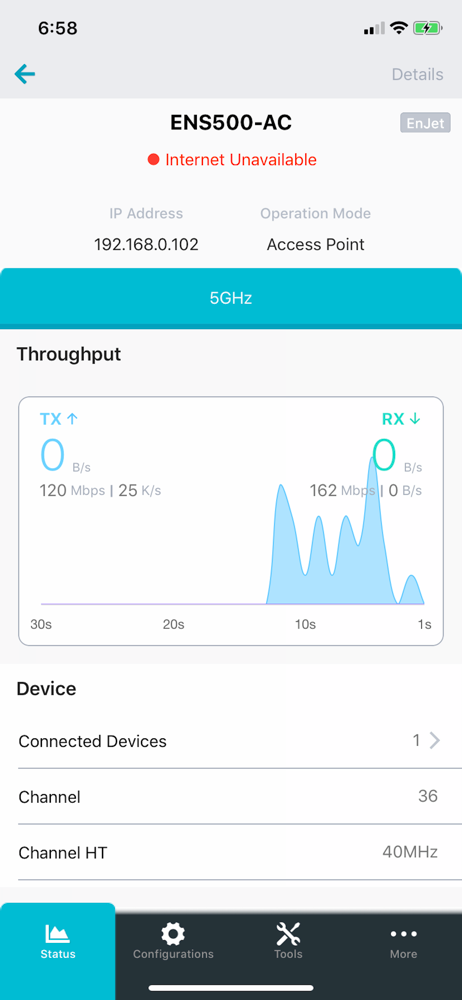
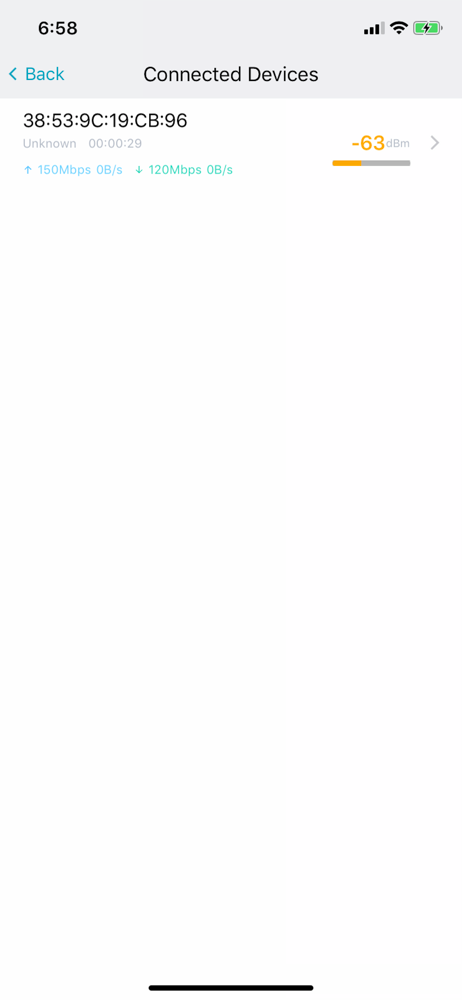
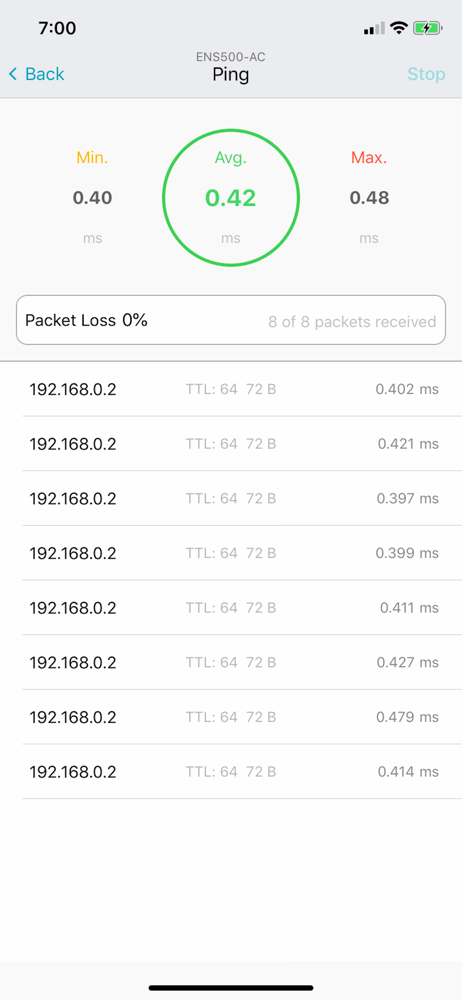
EnWifi is a convenient Wi-Fi management tool for EnGenius-brand outdoor and indoor Wi-Fi devices. Configure and monitor EnGenius access points/CPE fro...