Check the acquisition promise
Read the store headline, screenshots and description. What problem is the app promising to solve?
Study the storefront ↗
MochaSoft · iOS
Explore the ad evidence, study the storefront, and build your next acquisition hypothesis.
01 / Creative research
Read the store headline, screenshots and description. What problem is the app promising to solve?
Study the storefront ↗Explore apps with direct store-link matches. Compare their hooks and formats without assuming the same approach works here.
Browse observed advertisers ↗Store rankings and revenue estimates describe market context. They do not establish ad spend, conversions or ROAS.
Review the market context ↗02 / Storefront & product
Study the product story and store experience behind the acquisition funnel.


03 / Market context
Keep revenue, downloads and store rankings separate from advertising performance.
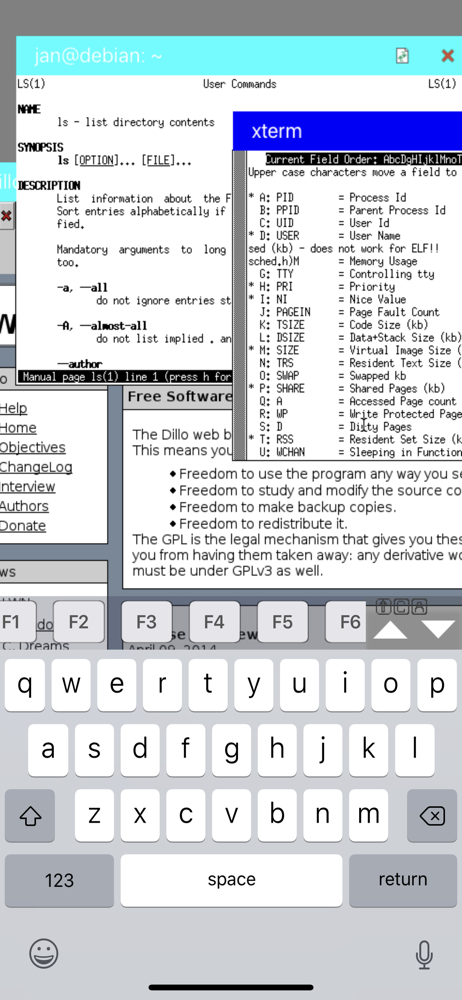
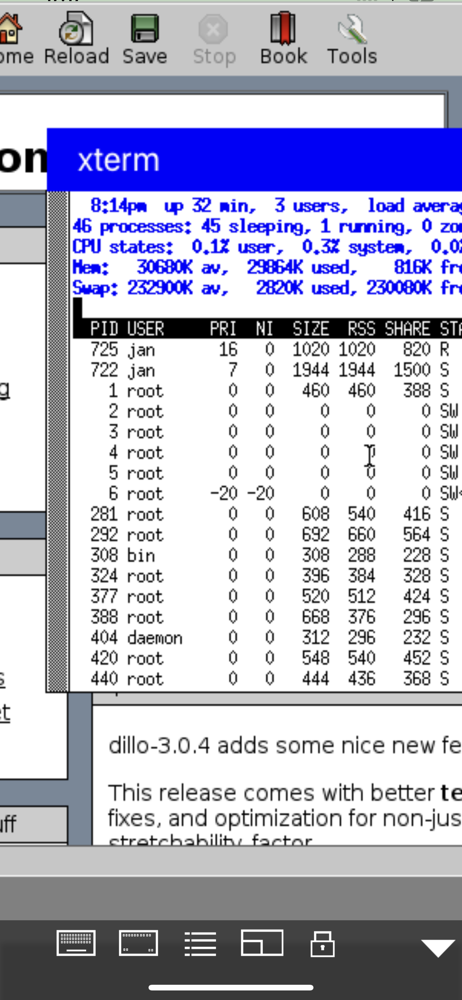
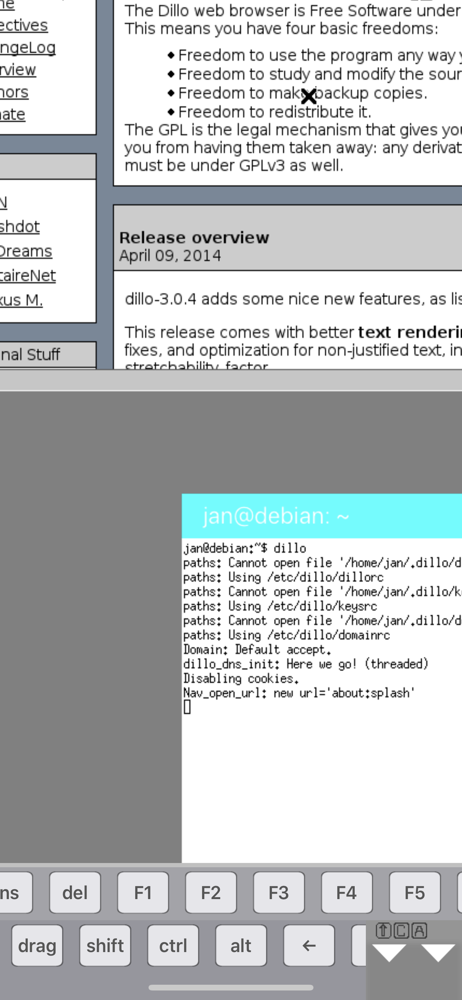
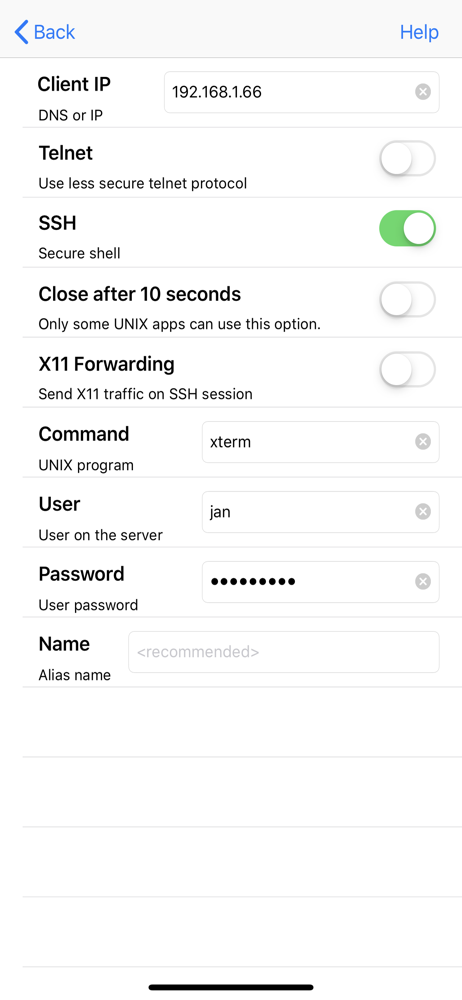
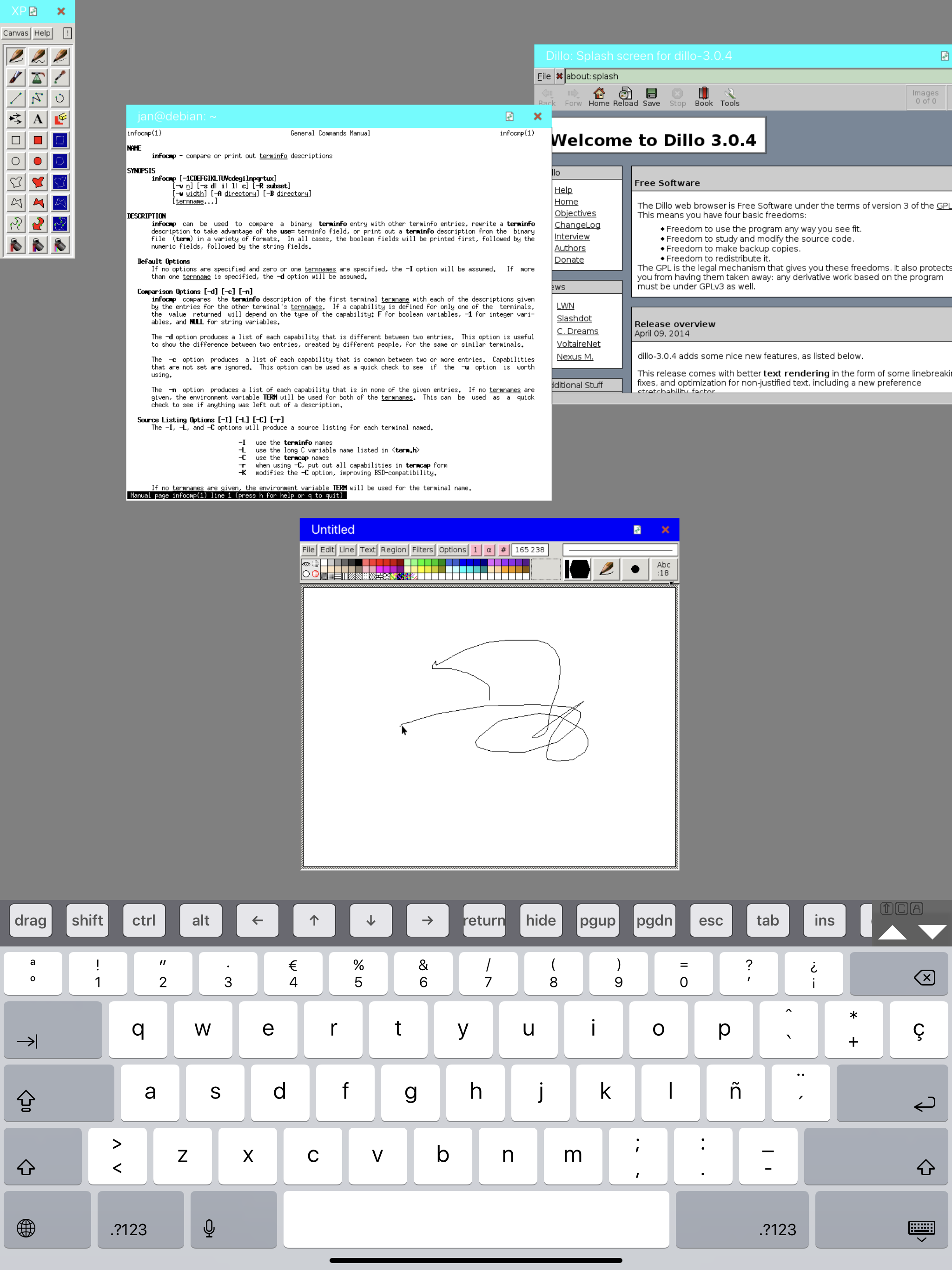
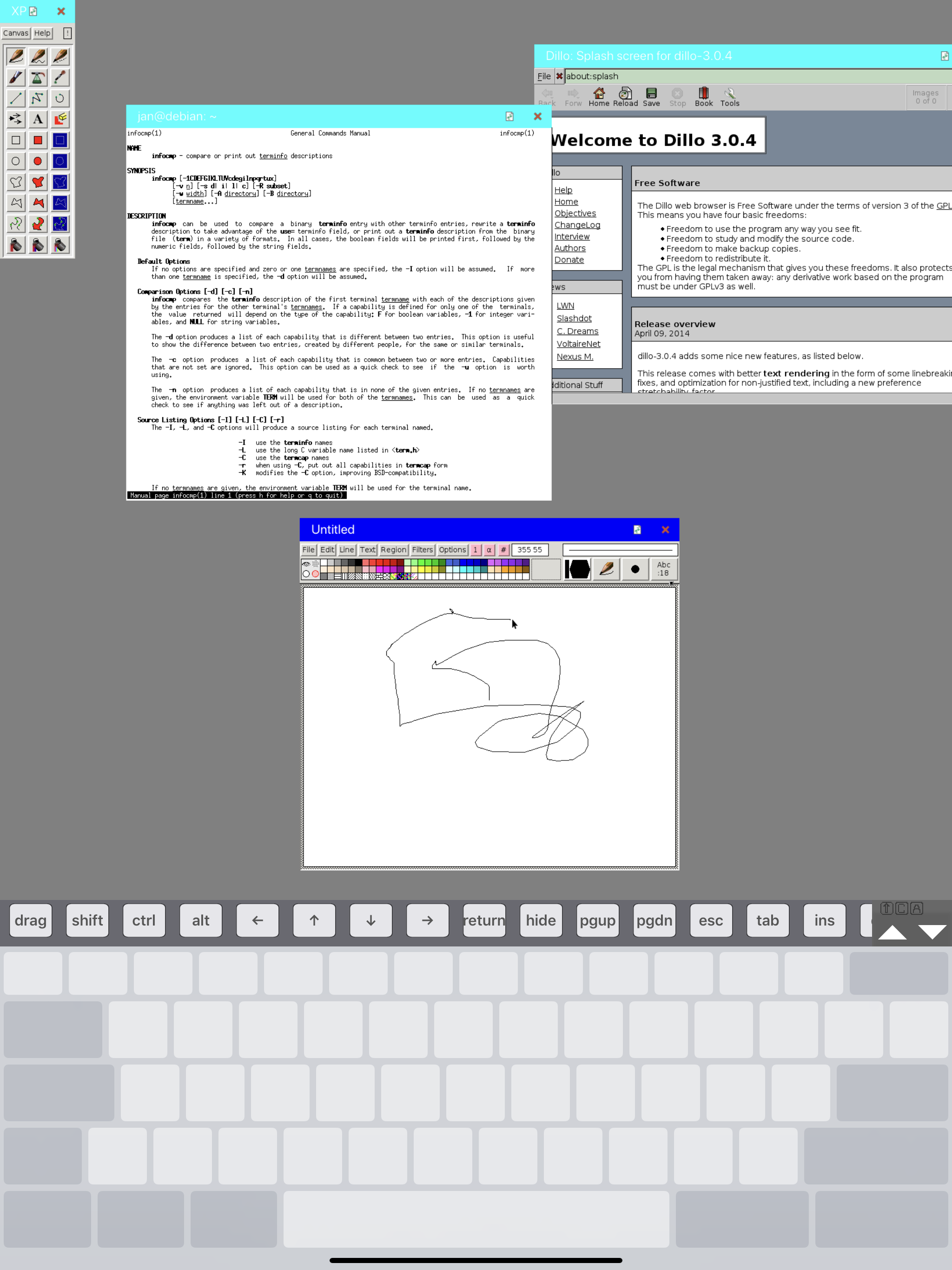
Honestly, it’s hardly a replacement for an X11 client on a real computer, e.g. Xquartz on a Mac, or a real X11 environment on Linux. As an X11 environment, it’s pretty rudimentary, but setting up a client is straightforward. Starting a client is more than a little awkward on an iPad. The touch interface just isn’t natural, so using a Magic Keyboard is probably best. Then, getting the keyboard to work in an xterminal isn’t always intuitive, what with the non-obvious icons at the bottom of the screen. However, as a stop-gap measure until you can get to a real computer, it does the job.
For this app to be great, it would need a few things: a) importing the settings from the lite/demo version, switching from the lite/demo means setting up all clients again from scratch b) support for Apple MagicKeyboard; an iPad Pro with MagicKeyboard would make a perfect X11 Terminal, but mouse pointer remains in a mode that is appropriate for a touch screen, and doesn’t recognize/change to reflect the touch pad used. c) Allow to lock the screen size to the actual display. Even with the proper screen size chosen, one can still scroll the screen, which is annoying. d) client templates, like e.g. for using Xephyr to get a remote desktop x11 session, this can be quite useful e.g. operating a Raspberry Pi connected over USB-C networking to an iPad Pro. It’s a nifty way of getting a programming environment and Mathematica by attaching a cigarette pack sized box to the iPad. It really is all there, it just needs some polish, and that would make all the difference between “OK, gets the job done, somehow, but is still annoying” and “Great, it’s a joy to use.”
Basic functionality is present but there are glitches. App gets confused when you are using a BT keyboard. You have to toggle it off bring up the on screen keyboard and switch the BT keyboard on again to get it to work.
Mocha X11 lets you connect easily to X11 Window applications running on UNIX and Linux platforms. The UNIX application run on the remote server, but...