
Check the acquisition promise
Read the store headline, screenshots and description. What problem is the app promising to solve?
Study the storefront ↗
PalCoop · iOS
Explore the ad evidence, study the storefront, and build your next acquisition hypothesis.
01 / Creative research
Read the store headline, screenshots and description. What problem is the app promising to solve?
Study the storefront ↗Explore apps with direct store-link matches. Compare their hooks and formats without assuming the same approach works here.
Browse observed advertisers ↗Store rankings and revenue estimates describe market context. They do not establish ad spend, conversions or ROAS.
Review the market context ↗02 / Storefront & product
Study the product story and store experience behind the acquisition funnel.

03 / Market context
Keep revenue, downloads and store rankings separate from advertising performance.
重すぎるよーーー さんざん待たされてからのエラーとかないわー。 サクッと家で注文出来ないなら、近所のスーパーに買いに行く。そうなればコープで頼むメリットがあんま無い
注文しようと思うとブラウザに飛びます。同じアプリ内ですべて完結できれば良いんですが。
パルコープからの案内チラシで先程ダウンロードしました。 なのでアプリ内操作はほぼ未使用ですが、ログインするたびに組合員コードとパスワードが必要になるのですが、入力しなくて良い方法ってありますか? 生協の組合員コードなんていちいち覚えてないので、入力が大変面倒です。 確認のため、数ヶ月に一回入力とかにして欲しい。
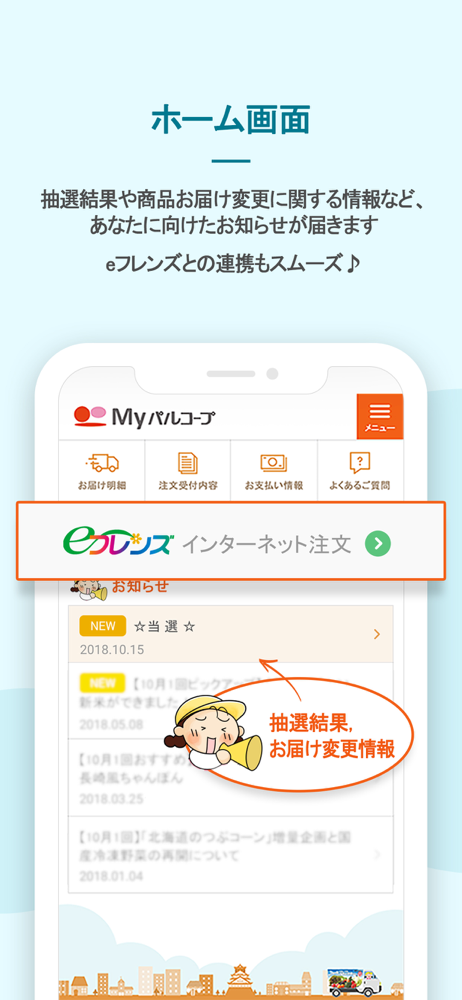
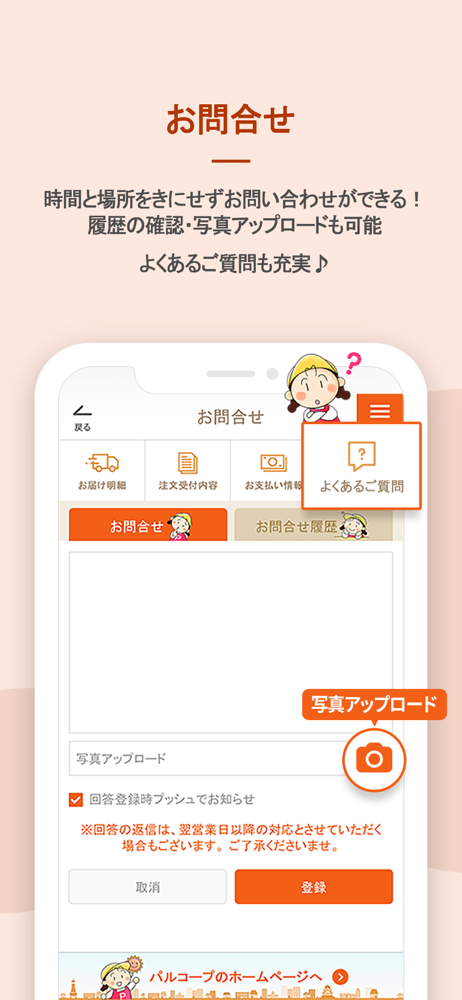
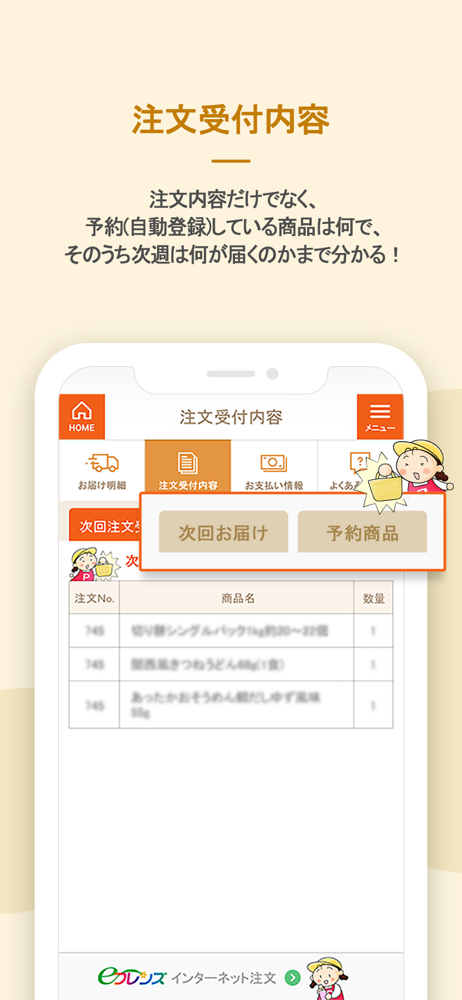
おおさかパルコープの組合員さんに向けた、おおさかパルコープの公式アプリです。 組合員さんご自身の共同購入に関する情報を、いつでもどこでも見ることができます。 【このアプリで見ることができること】 ●あなたに向けたお知らせ(抽選結果・注文忘れのお知らせ・年末の特別配送時間…etc) ●過去8週分の...


