Check the acquisition promise
Read the store headline, screenshots and description. What problem is the app promising to solve?
Study the storefront ↗
SOUTH BAY INTERNATIONAL, INC · iOS
Explore the ad evidence, study the storefront, and build your next acquisition hypothesis.
01 / Creative research
Read the store headline, screenshots and description. What problem is the app promising to solve?
Study the storefront ↗Explore apps with direct store-link matches. Compare their hooks and formats without assuming the same approach works here.
Browse observed advertisers ↗Store rankings and revenue estimates describe market context. They do not establish ad spend, conversions or ROAS.
Review the market context ↗02 / Storefront & product
Study the product story and store experience behind the acquisition funnel.



03 / Market context
Keep revenue, downloads and store rankings separate from advertising performance.
It worked the first time I used it… I recommend this app so you can put your remote in your partners night stand/table drawer (and theirs in yours). The remotes will be out of sight, but accessible for each person to use the “snore function”. 👍🏽👍🏽
It is a little ridiculous the Bluetooth device do not have names. Someone program to only show the UUID only. I downloaded a free Bluetooth scanner app. The scanner will list all the Bluetooth devices around you. The device name with the word “base” is the adjustable bed. Find UUID for the device, then find again in the app. Once connected, it works like a charm.
Getting it setup when you use dark mode on your iPhone is difficult at best. Because the display names of the Bluetooth devices are all in black they don’t show when trying to connect. I hade to try several connections before I could get it connected to the bed. Once once connected it is a decent alternative to the remote which came with the bed.
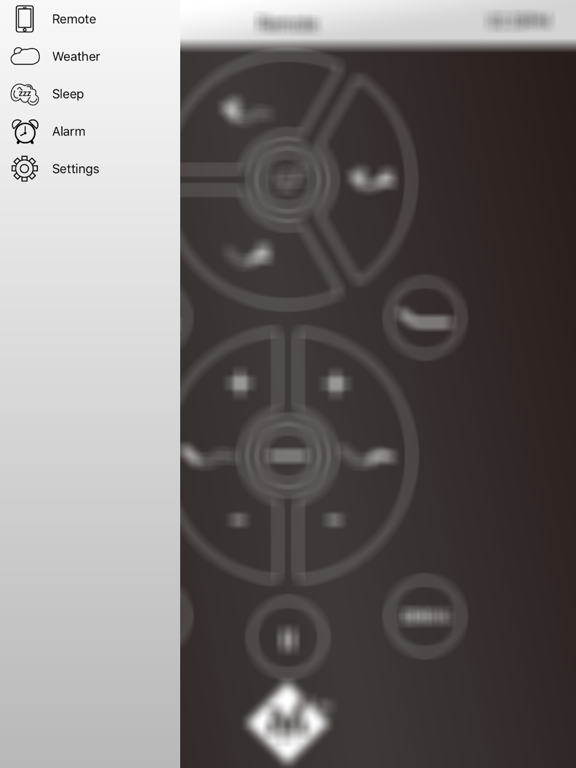
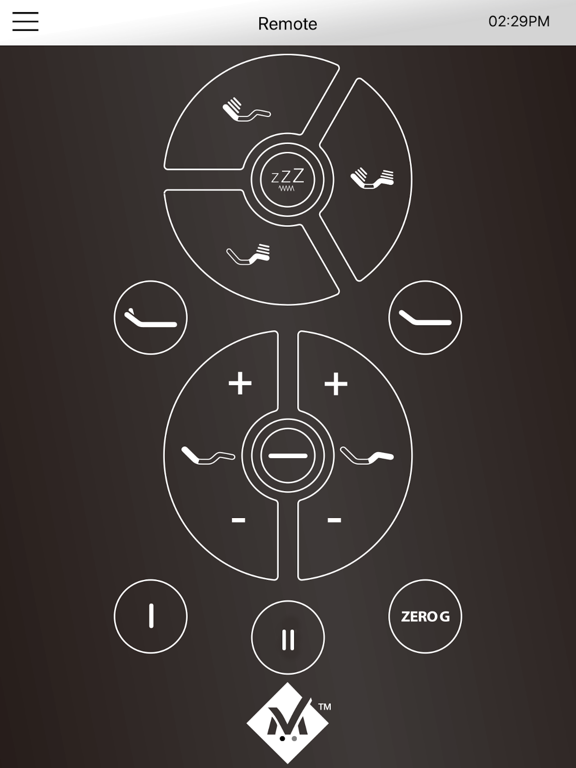
Control your adjustable base from your iOS device. This easy to setup app works for any BT enabled adjustable base and will mimic the functions of the...