Check the acquisition promise
Read the store headline, screenshots and description. What problem is the app promising to solve?
Study the storefront ↗
Blockstream · iOS
Explore the ad evidence, study the storefront, and build your next acquisition hypothesis.
01 / Creative research
Read the store headline, screenshots and description. What problem is the app promising to solve?
Study the storefront ↗Explore apps with direct store-link matches. Compare their hooks and formats without assuming the same approach works here.
Browse observed advertisers ↗Store rankings and revenue estimates describe market context. They do not establish ad spend, conversions or ROAS.
Review the market context ↗02 / Storefront & product
Study the product story and store experience behind the acquisition funnel.




03 / Market context
Keep revenue, downloads and store rankings separate from advertising performance.
I really wanted to like Blockstream Wallet, especially because it advertises the ability to connect to your own Bitcoin node. Unfortunately, the personal-node experience has been frustrating and unreliable. On my Windows desktop, I was able to connect to my Start9 Bitcoin node and successfully send a couple of transactions using Tor and my onion address. However, after logging out, I was unable to reconnect and kept receiving a “connection failed” message. The iPhone experience has been even worse. When connected to my personal node, outgoing transactions fail with a “General SOCKS server failure.” If I disable my personal node and use Blockstream’s servers instead, the transaction goes through immediately. I use the same personal Bitcoin node with other wallets without these problems, so the issue appears specific to Blockstream Wallet. For a Bitcoin wallet that promotes self-custody and the ability to use your own node, reliable personal-node connectivity should be a core feature, not something that works inconsistently depending on the device. The wallet itself has potential, but until personal-node support works reliably on both Windows and iPhone, I can’t recommend it for users who prioritize privacy, sovereignty, and running their own Bitcoin infrastructure.
Apparently this wasn’t beta tested with iPhone 15 and 16.l with Jade. I can get it to work on iPhone 15 but it not easy to get it to connect. Surely doesn’t insist confidence as being reliable and secure. With I Phone 16 you have to create a new wallet to get it to connect each time. Completely uses. If you are using an IPhone 16 don’t add any BTC. Most likely it will be stuck or lost. I don’t know what the old app performed like but it had to be better. I don’t care about purchasing through the app as long as I can make a transfer. Plus if you sell it doesn’t have a way to transfer the funds. So again pointless.
I appreciate that Green has a non-custodial wallet for both Liquid and BTC, and even an experimental Lightning wallet. The top, unique features: - You can create multiple wallets (unlike Breez, Aqua and Muun). - You can restore a wallet from another wallet app (unlike Breez, Aqua and Muun) - even Aqua Liquid transactions tied to a BTC wallet show up in sync on Green. - You can use your Green wallet app on multiple devices simultaneously (unlike Breez and Muun). - Green offers both BTC and Liquid for cold storage on their Jade device (and can be set as Watch Only wallets on Green). - the LN wallet uses true Lightning (unlike the higher fees/swaps of Aqua and Muun), but it is still very glitchy in it’s Beta stage I’m excited about the integration of both Liquid and Lightning technology. If Green were to combine the features of Aqua for swapping it would be a five-star wallet. In my current testing and comparison Breeze is better functioning for Lightning send/receive. Aqua is necessary for Liquid swaps (tip: restore your Aqua wallet in Green to basically integrate their tech here). But if you want to move Lightning back on chain to BTC than Muun is the cheapest and most efficient (tip: Exchange via LN send to Muun to swap/send BTC to Green Jade cold wallet).
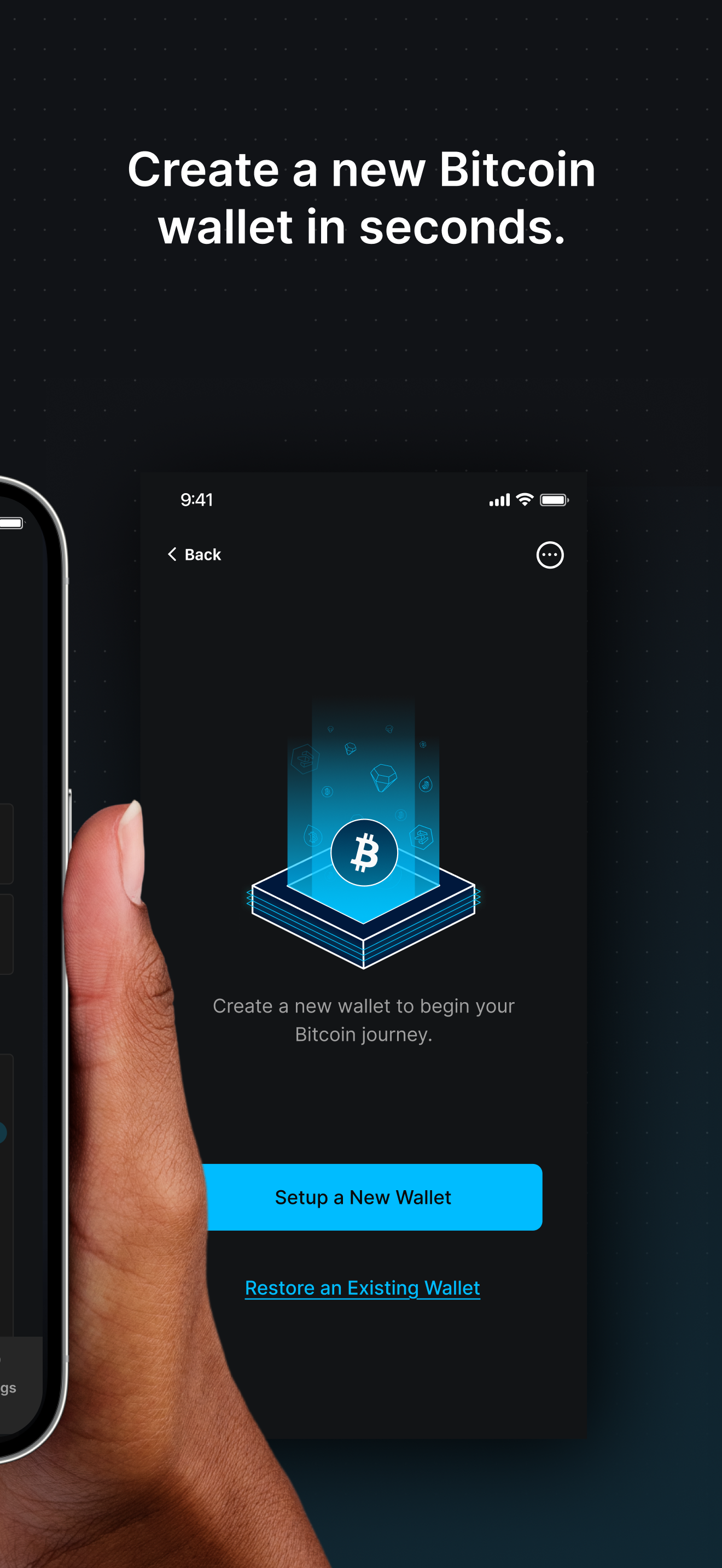
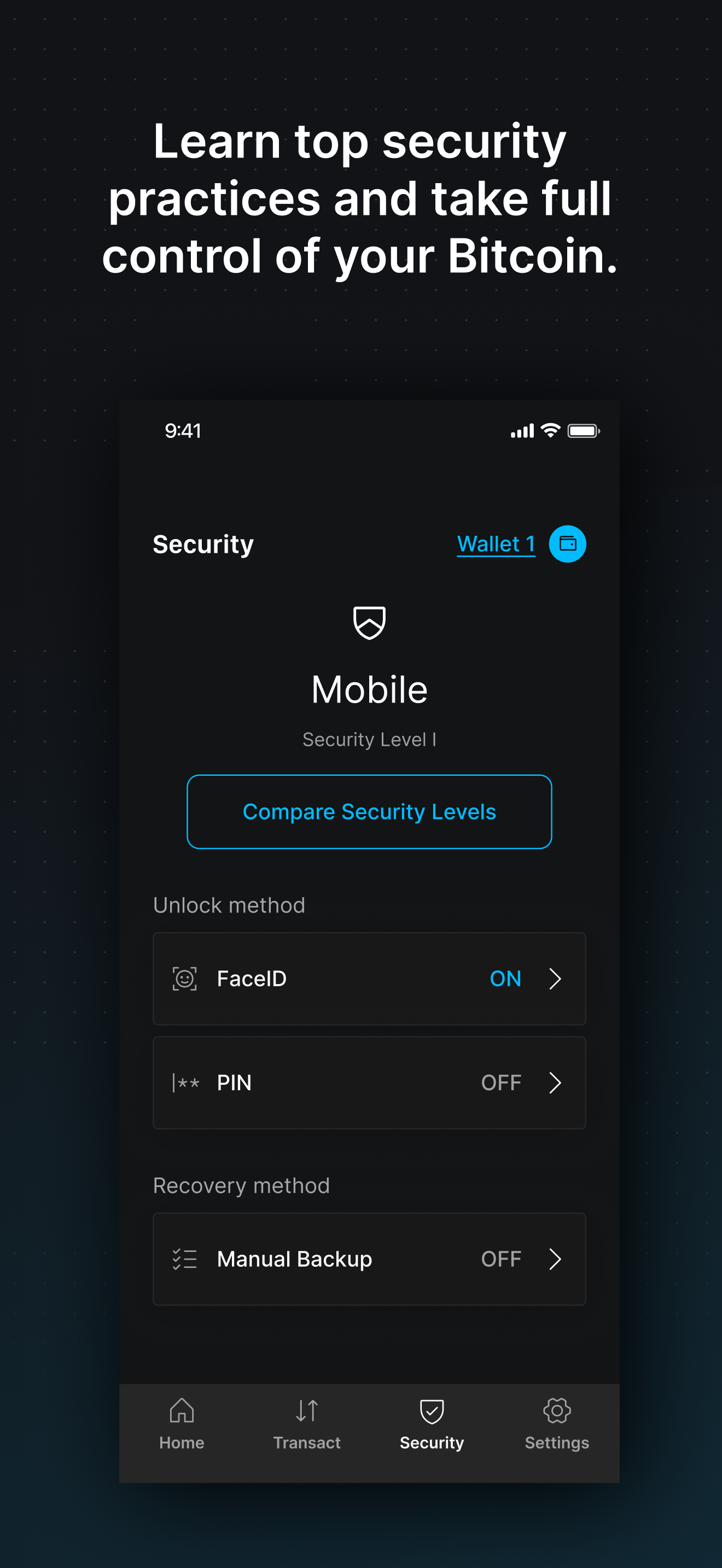
Buy, send, and secure your bitcoin with no sign-up required. The Blockstream app is a self-custodial wallet that works across all three layers of Bitc...