Check the acquisition promise
Read the store headline, screenshots and description. What problem is the app promising to solve?
Study the storefront ↗
Vlad Paraschiv · iOS
Explore the ad evidence, study the storefront, and build your next acquisition hypothesis.
01 / Creative research
Read the store headline, screenshots and description. What problem is the app promising to solve?
Study the storefront ↗Explore apps with direct store-link matches. Compare their hooks and formats without assuming the same approach works here.
Browse observed advertisers ↗Store rankings and revenue estimates describe market context. They do not establish ad spend, conversions or ROAS.
Review the market context ↗02 / Storefront & product
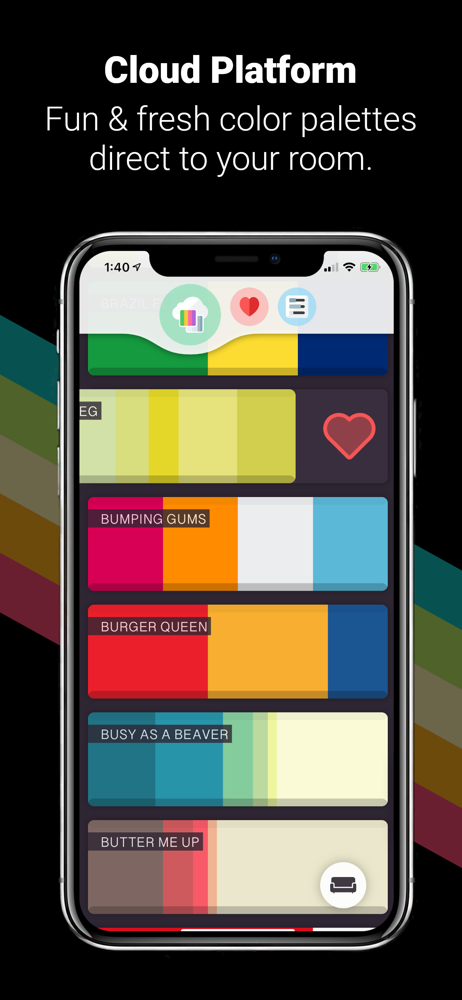
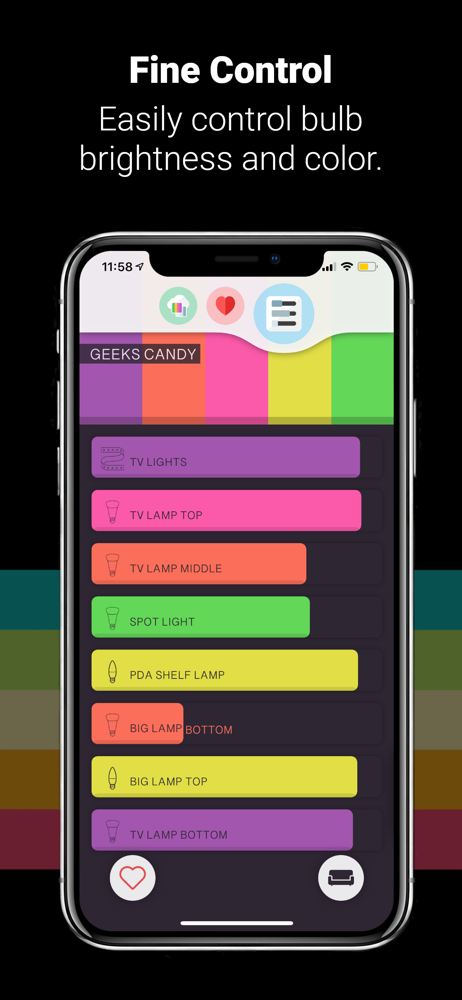
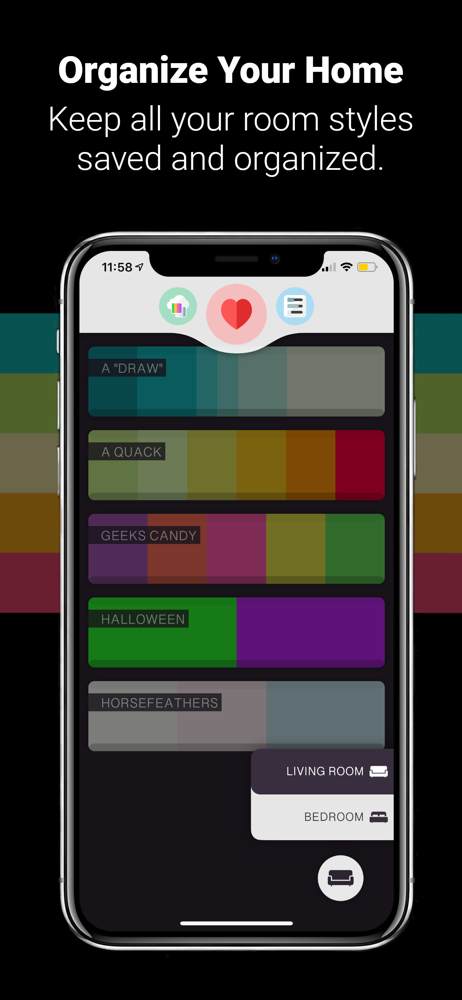
Study the product story and store experience behind the acquisition funnel.

03 / Market context
Keep revenue, downloads and store rankings separate from advertising performance.
As the title says, this has become my most used hue app & I have tried them all 😉. It just works & has a great user interface as well. More than happy to pay for the pro unlock rather than some crazy subscription fee like many others have. As far as future update wishlist goes, I hope we get some zone support & maybe some animations of some sort in a future update!
The colors are beautiful, whimsical and spot on matches to what they are supposed to represent. However! I have a huge Hue collection which includes some Hue Switches. The switches control some specialty lights I wanted to manage through the Hue App that don’t have Hue bulbs, my lava lamp for example. I also have several of the Hue Filament bulbs that I don’t always want on for some color moods because they don’t match the tone. There’s no way in this app to select specific lights or groups and turn them off. EVERY TIME I change the color theme these come back on, even after I go in to the specific light list and turn them off. Suuuuuper lame feature that seems like a no brainer. I can’t even find a settings option inside the app...? The app is so cute and beautifully designed. It’s really disappointing that there is no way to customize the controls even a little bit more, when the main function of having Hue lights is controlling and setting the mood. Some of the best color combos I’ve seen, amazing price, gorgeous design, easy to use, but lame lock out of customization. Would be a five star app with a few tweaks.
I’ve been collecting hue lights for the past five years, and I’m a huge fan of apps that can randomize scenes to a pallet like iConnectHue. What makes Jelly For Hue different, is that there is a plethora of exciting pallets that push your bulbs to the millions of colors they are capable of. This isn’t another full saturation randomizer. You’re going to see colors from your lights that you have yet to think of. The color pallets are curated and are top notch! Worth every penny for the upgrade! The app experience is fresh and fun! Not to mention that the Developer is great. Since I have a huge hue collection, I have many rooms. I ran into a problem where the bounding box of the room selector modal was larger than the top of my iPhone, and it was displaying behind the top navigation menu. Vlad took the bug report seriously and fixed the issue post haste! Even emailed me back to let me know that he acknowledged the issue and fixed it. This experience was just as enjoyable as using this fun app itself!!!
As featured on Philip's 'Apps We Like' - Jelly Scenes is the easiest way to get your Philips Hue lights looking awesome. We have 100s of hand-picked a...
| Name | Price | Type |
|---|---|---|
| Unlock all Palettes | $3.99 | One-time |