Check the acquisition promise
Read the store headline, screenshots and description. What problem is the app promising to solve?
Study the storefront ↗
Vitalij Schaefer · iOS
Explore the ad evidence, study the storefront, and build your next acquisition hypothesis.
01 / Creative research
Read the store headline, screenshots and description. What problem is the app promising to solve?
Study the storefront ↗Explore apps with direct store-link matches. Compare their hooks and formats without assuming the same approach works here.
Browse observed advertisers ↗Store rankings and revenue estimates describe market context. They do not establish ad spend, conversions or ROAS.
Review the market context ↗02 / Storefront & product
Study the product story and store experience behind the acquisition funnel.

03 / Market context
Keep revenue, downloads and store rankings separate from advertising performance.
I inserted 🎞photo in the app and change the DPI I wanted. Then downloaded to my 📲pics folder. To recheck if it was change I re-upload the photo (the one that I download from the app) to the app and 🧨💣 it was ✅ done. Measurements perfect. This app is 💎.
This app is heaven sent! I don’t have to go through the trouble of using photoshop to get 300 dpi images or pay someone to change the dpi for me. I use this app when taking images of my paintings with my iPhone to sell online. I get the dpi I need in just a few seconds. Thank you!!! Pure Awesomeness.
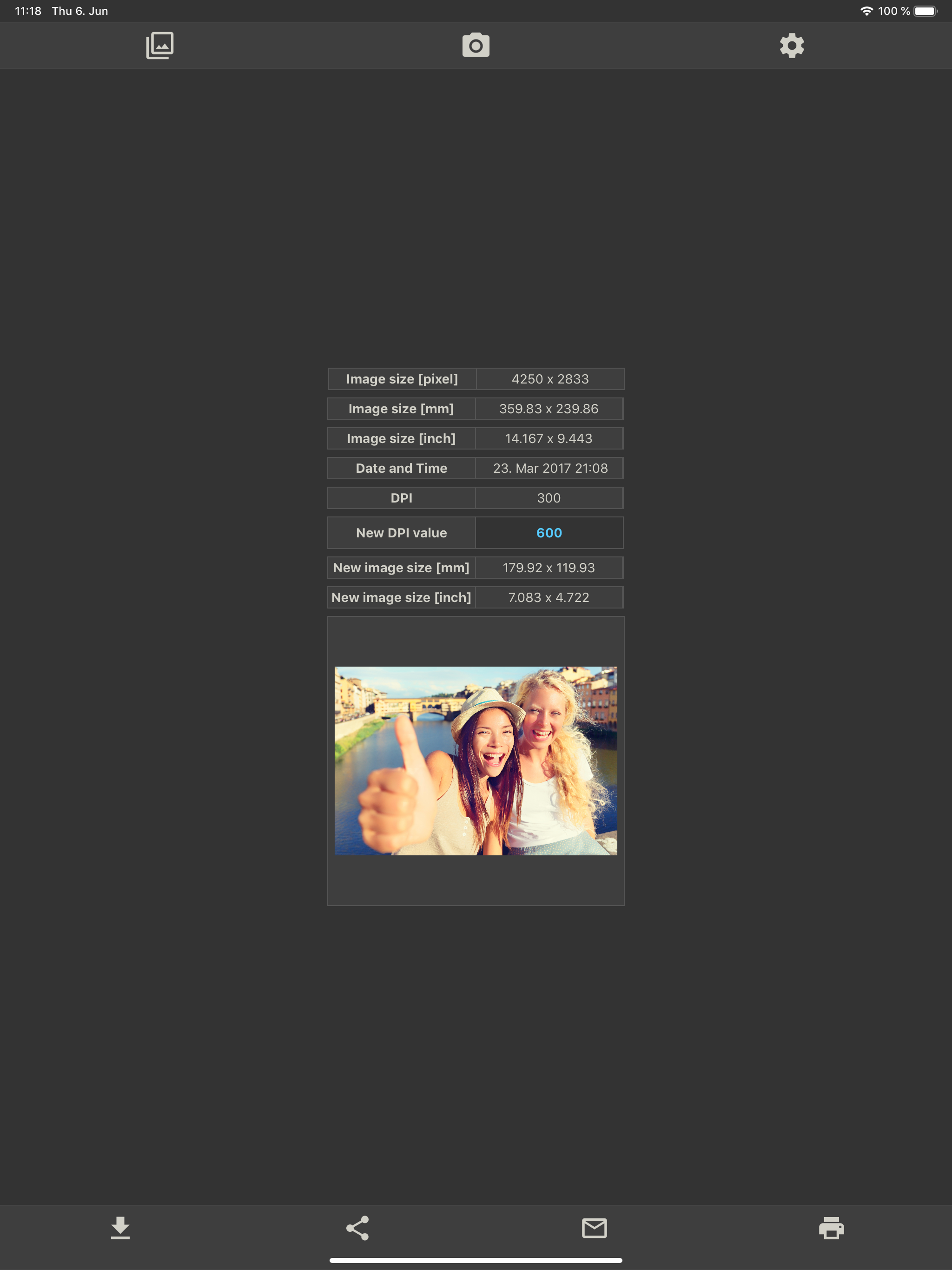
... the increase in DPI = a decrease in the actual image dimensions. The nice thing about it however, is the Developer (so smart) included a template which displays info (like the current dimensions and DPI of the image your using). Once you enter the numeric value you want for you new image, it automatically adjusts and displays precisely what the dimensions of the new image will be. For example: Say I have a 3100 x 2000 pixel photo with an existing value of 96 DPI. If I enter a new DPI of 960 DPI (a ten-fold increase for illustrative purposes) my 3100 x 2000 pixel photo will have 960 DPI. But it’s new dimensions would more than likely be 310 x 200 pixels or a ten-fold decrease. FYI - I haven’t tested this example’s accuracy to determine the precise dimensions, but at least you get the picture. (Pun intended). Highest Recommendation For All This Developer’s Apps. They’re great.
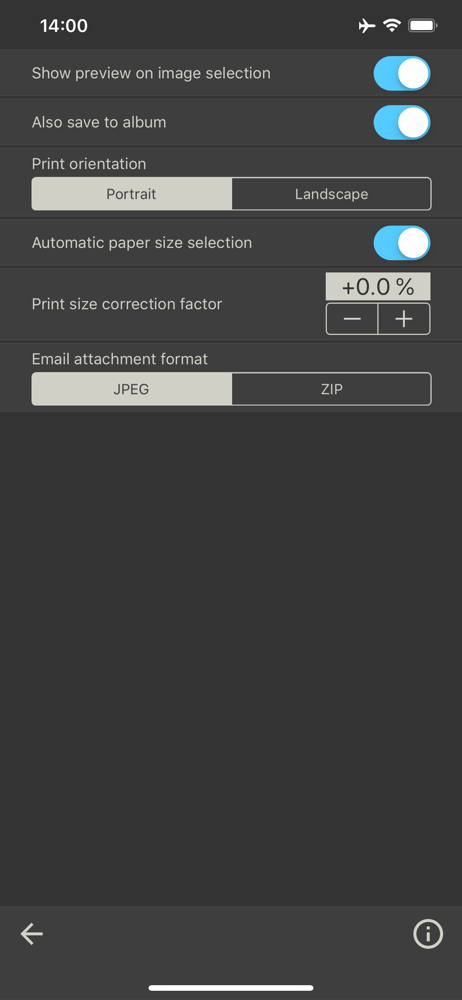
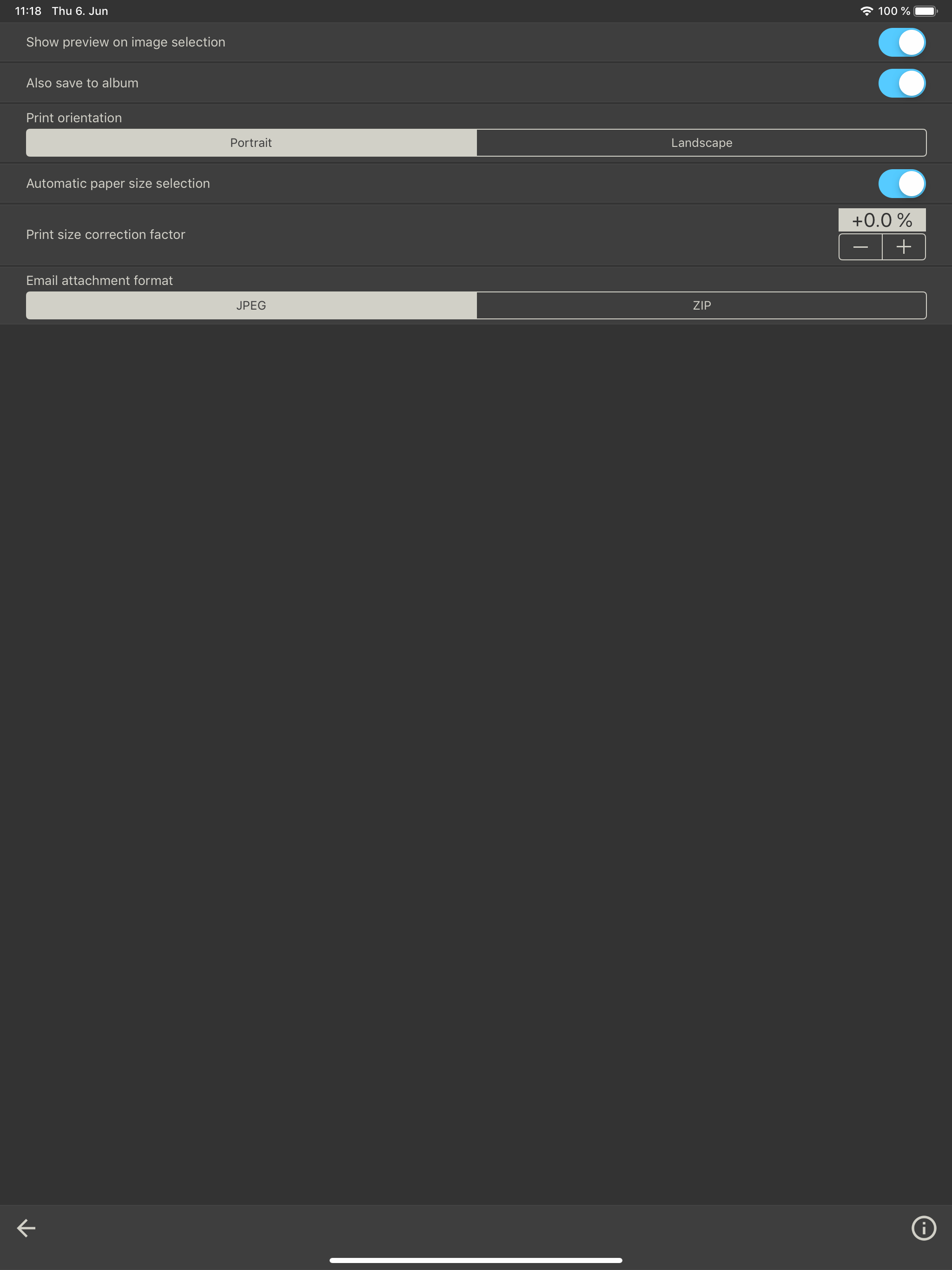
This app allows you to change the DPI value of an image. The image with the changed DPI value can be saved as a new image, shared, emailed or printed.
| Name | Price | Type |
|---|---|---|
| Remove Ads | $17.99 | One-time |