Check the acquisition promise
Read the store headline, screenshots and description. What problem is the app promising to solve?
Study the storefront ↗
Think Tap Work · iOS
Explore the ad evidence, study the storefront, and build your next acquisition hypothesis.
01 / Creative research
Read the store headline, screenshots and description. What problem is the app promising to solve?
Study the storefront ↗Explore apps with direct store-link matches. Compare their hooks and formats without assuming the same approach works here.
Browse observed advertisers ↗Store rankings and revenue estimates describe market context. They do not establish ad spend, conversions or ROAS.
Review the market context ↗02 / Storefront & product
Study the product story and store experience behind the acquisition funnel.



03 / Market context
Keep revenue, downloads and store rankings separate from advertising performance.
Good but I’ve got Two questions/suggestions: 1) could the size of the timer get any smaller than 1”x2”? You can pinch zoom the size but it stops at about 1”x2” and would be nice to go just a smidge smaller. There’s the long tiny version (it’s like a 1/2” X 4”(ish) but the sides of blank space on either sides of the clock/timer itself seem like wasted or in the way unnecessary taken up space and if that wasted space could be customized to just a tiny 1/2”x 1” border I think it would be a perfect size imo. And 2) being able to have a more or truly free placement anywhere on the screen rather than a few fixed corner positions. Every app is different and fixed corner positions can be in the way of certain tools rather than having to constantly move to another corner if in the way of workspace and having free positions to put the clock/timer anywhere would allow for a more diverse timer and make this app perfect in my opinion. I Would be giving 5 stars if these options could be more customizable. Thanks
I’ve only use this app for a week, but I really like it however, I really wish that there was a separate reset button because the toggle in settings only allows you to choose reset every time or not and it would be nice to have the option- in both the timer & Pomodoro!! I think that would make this app really amazing otherwise right now I’m on the fence of whether to continue my subscription, because it’s distracting to have to go into the app just to reset it only sometimes. Also, I wish the PIP would allow you to make the clock smaller, so it takes up less real estate on the screen, however I think that has to do more with the iPad operating system. Thanks!
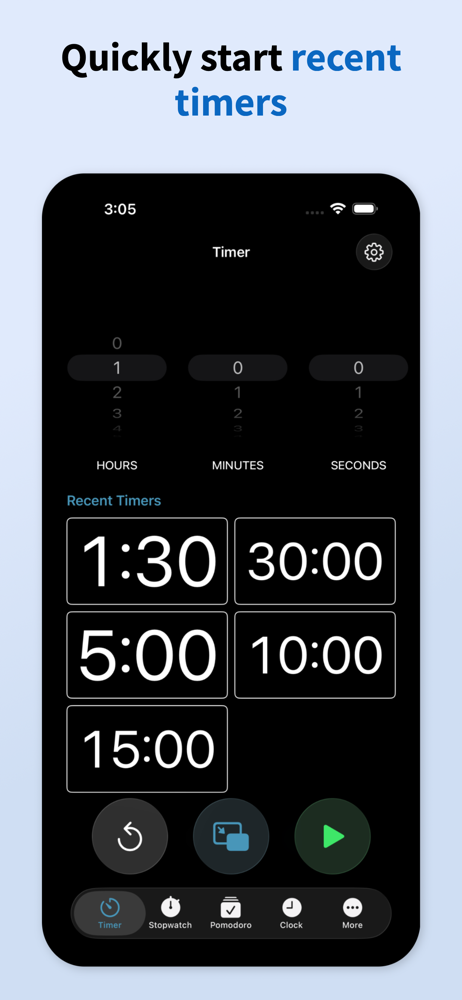
Great timer, please consider adding an option to type to enter the time. This is a bit annoying when I use it on my macOS, but even on my iPad sometimes it’d be nice to be able to type in the time. Thanks for the great product, it makes me a bit more efficient. Oh never mind, I think the cache option will be fine for reusing times so maybe keeping it simple is better!
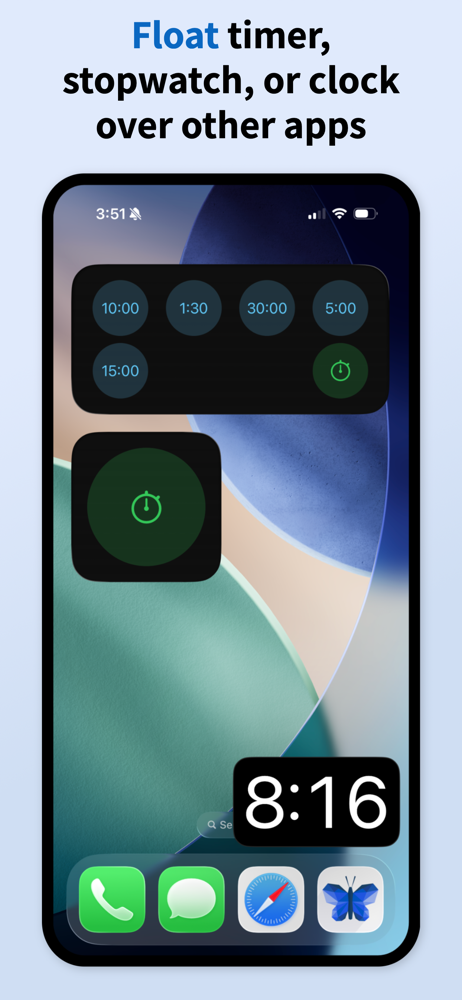
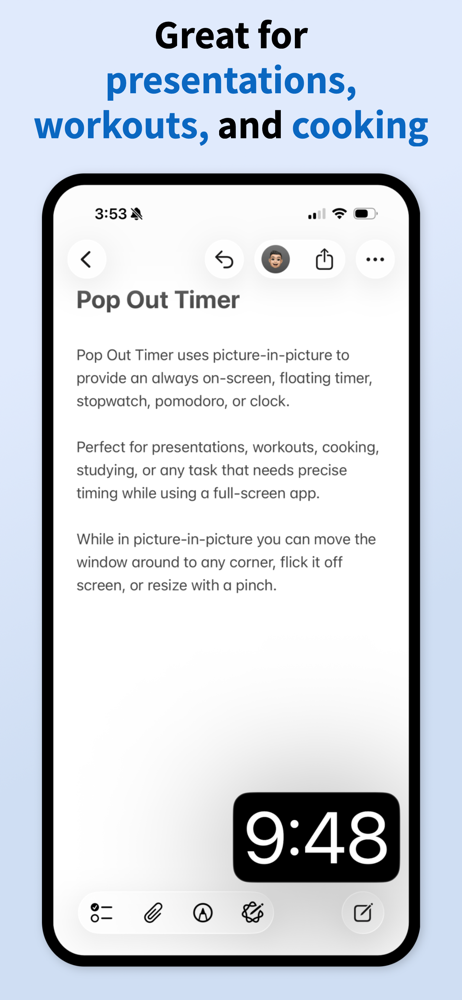
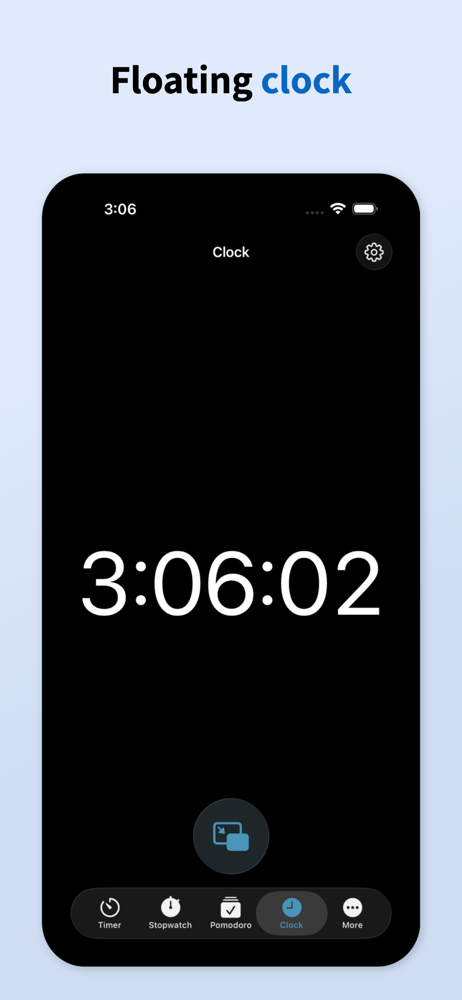
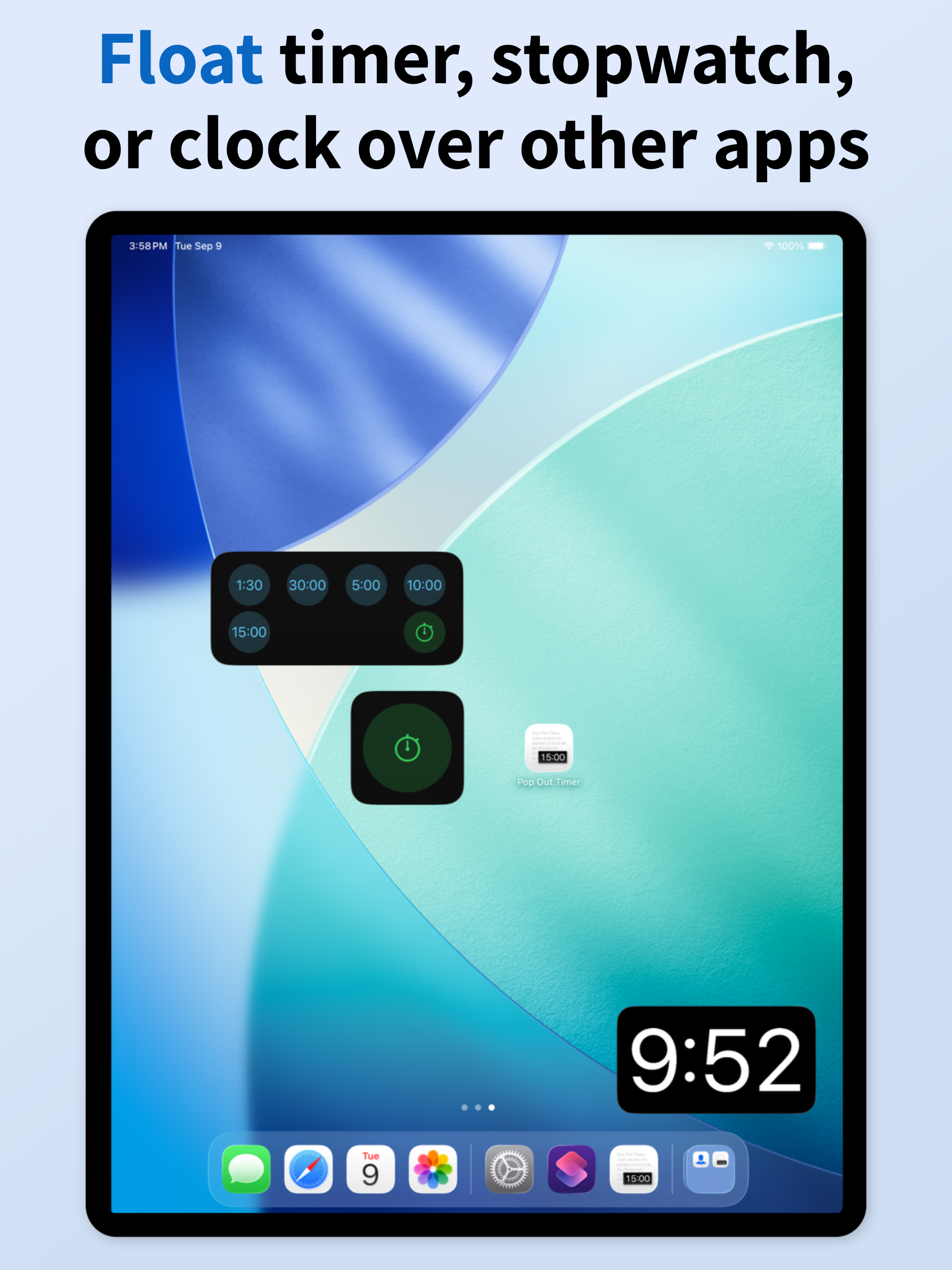
Pop Out Timer uses picture-in-picture to provide an always on-screen, floating timer, stopwatch, pomodoro, or clock. Perfect for presentations, workou...
| Name | Price | Type |
|---|---|---|
| Pop Out Premium Monthly | $0.49 | Monthly |
| Pop Out Premium Yearly | $3.99 | Yearly |
| Pop Out Premium | $11.99 | One-time |