Check the acquisition promise
Read the store headline, screenshots and description. What problem is the app promising to solve?
Study the storefront ↗
GT Independence · iOS
Explore the ad evidence, study the storefront, and build your next acquisition hypothesis.
01 / Creative research
Read the store headline, screenshots and description. What problem is the app promising to solve?
Study the storefront ↗Explore apps with direct store-link matches. Compare their hooks and formats without assuming the same approach works here.
Browse observed advertisers ↗Store rankings and revenue estimates describe market context. They do not establish ad spend, conversions or ROAS.
Review the market context ↗02 / Storefront & product
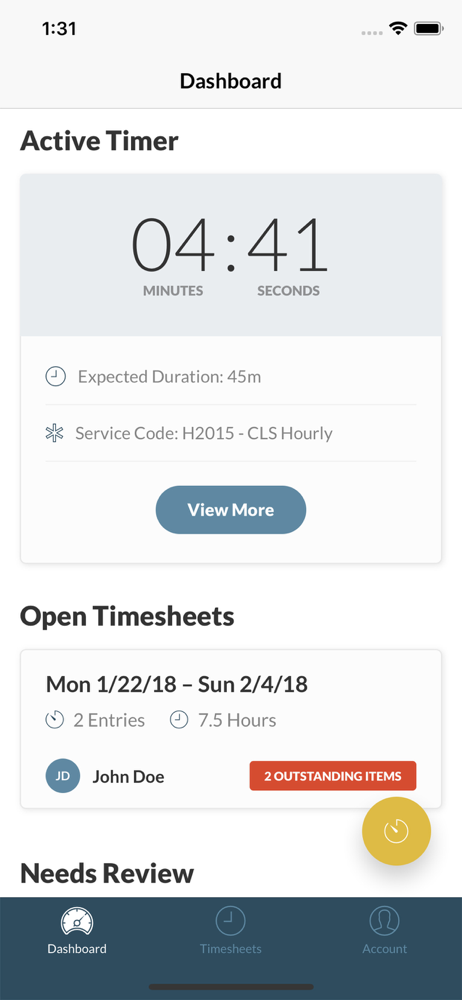
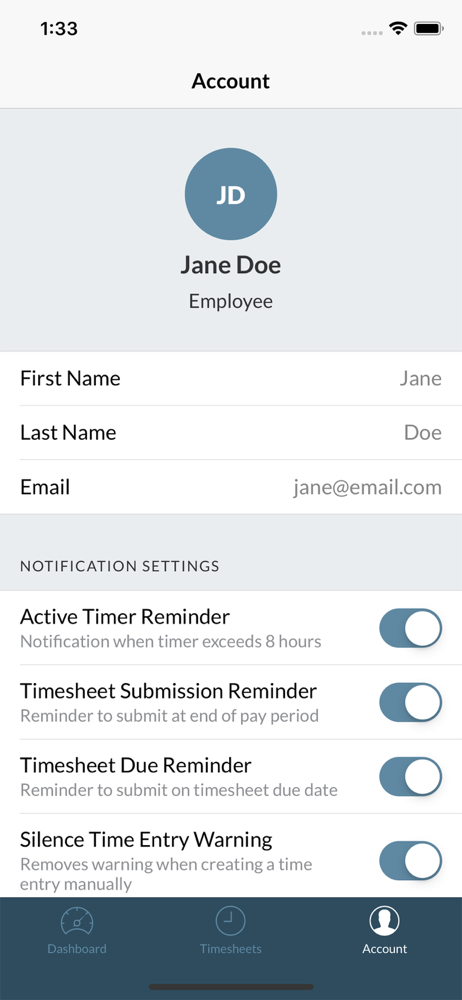
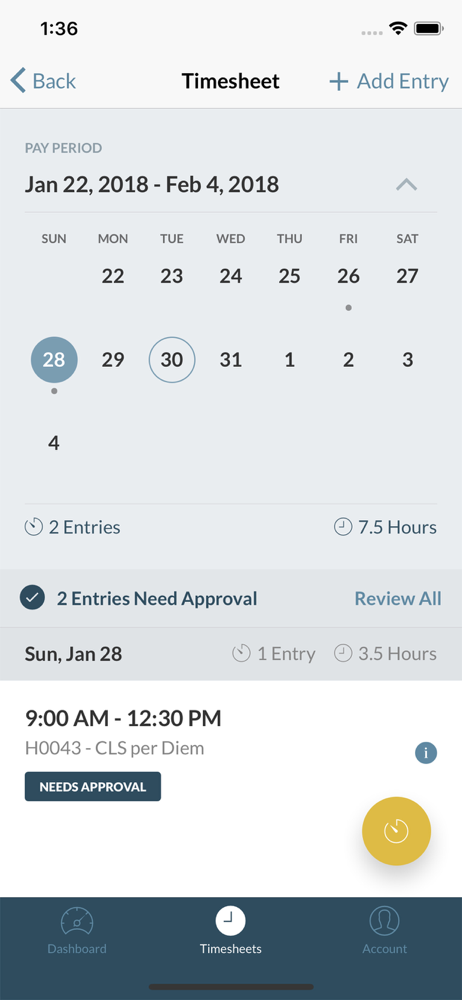
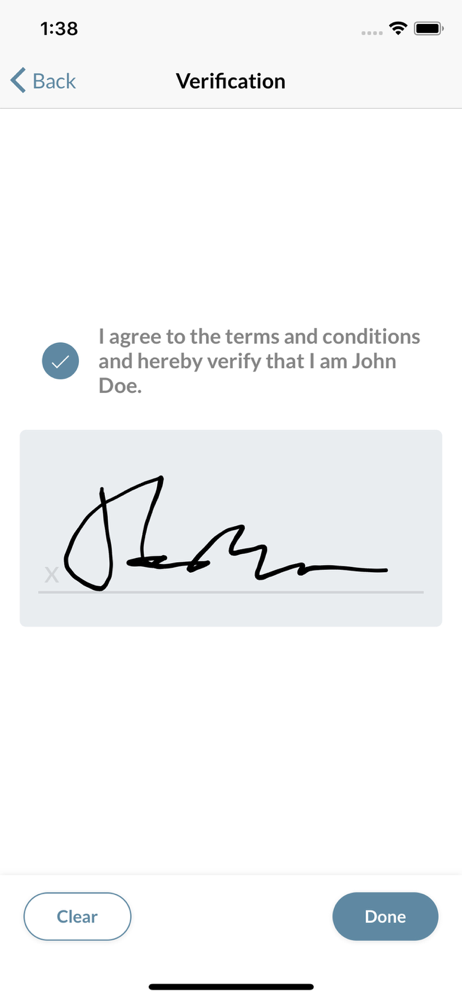
Study the product story and store experience behind the acquisition funnel.

03 / Market context
Keep revenue, downloads and store rankings separate from advertising performance.
Since the last update it’s been nothing but problems, it won’t approve my time unless I log out then log back in but even then I can’t do my bio scan like before I have put in user name and password and wait for it to sync then it will approve my time. One time it took me so log to do this I discarded my time for that day, so I lost one day of pay because of this app. I call help desk they tell me to uninstall and reinstall but still does the same thing. I got an email to change my password, so I did and that didn’t work. A week later got another email saying change password so I called help desk and the said I must have hit that button that I forgot password, I told him I didn’t see how on a bioscan! This app is terrible! Please fix it… and has anyone seen how small the patient sign box is, can’t fit a long name in it! Why?
When it’s functioning, this app makes clocking in and out and getting paid easy. The problem is that it frequently isn’t working. It logs me out of the app in the middle of the work day and can take 5+ minutes to synch when logging back in. When clocking out it will skip over the sign and submit page, not loading that page into the next work day. I’ve clocked in and then found that it didn’t save when I went to clock out. I’ve clocked out on a Friday and discovered Monday that it never actually stoped the timer. For the past 2 weeks, I’ve had to log in to the app and renter a passcode every time that I’ve opened the app.
The only reason it won’t let me clock in sometimes is because of Apple security updates on the software iOS 18 it requires you to change your iCloud password multiple times. Because the application is in the App Store it could take an hour or two by the time you get it downloaded and you have to wait until after 8 AM so if you’re supposed to be clocking in at five or 6 AM, you’re gonna lose a couple hours of work you might even lose that whole day or whole couple of days especially if it’s around a holiday. There’s no way to fix this because it has to do with the Apple phone. The app itself is working smoothly. The only reason I uninstalled the app was because the face of the app was all white and I couldn’t clock in. When I went to login on the other device that I had, the password information was missing because of iCloud shutting down the family devices due to a security breach.
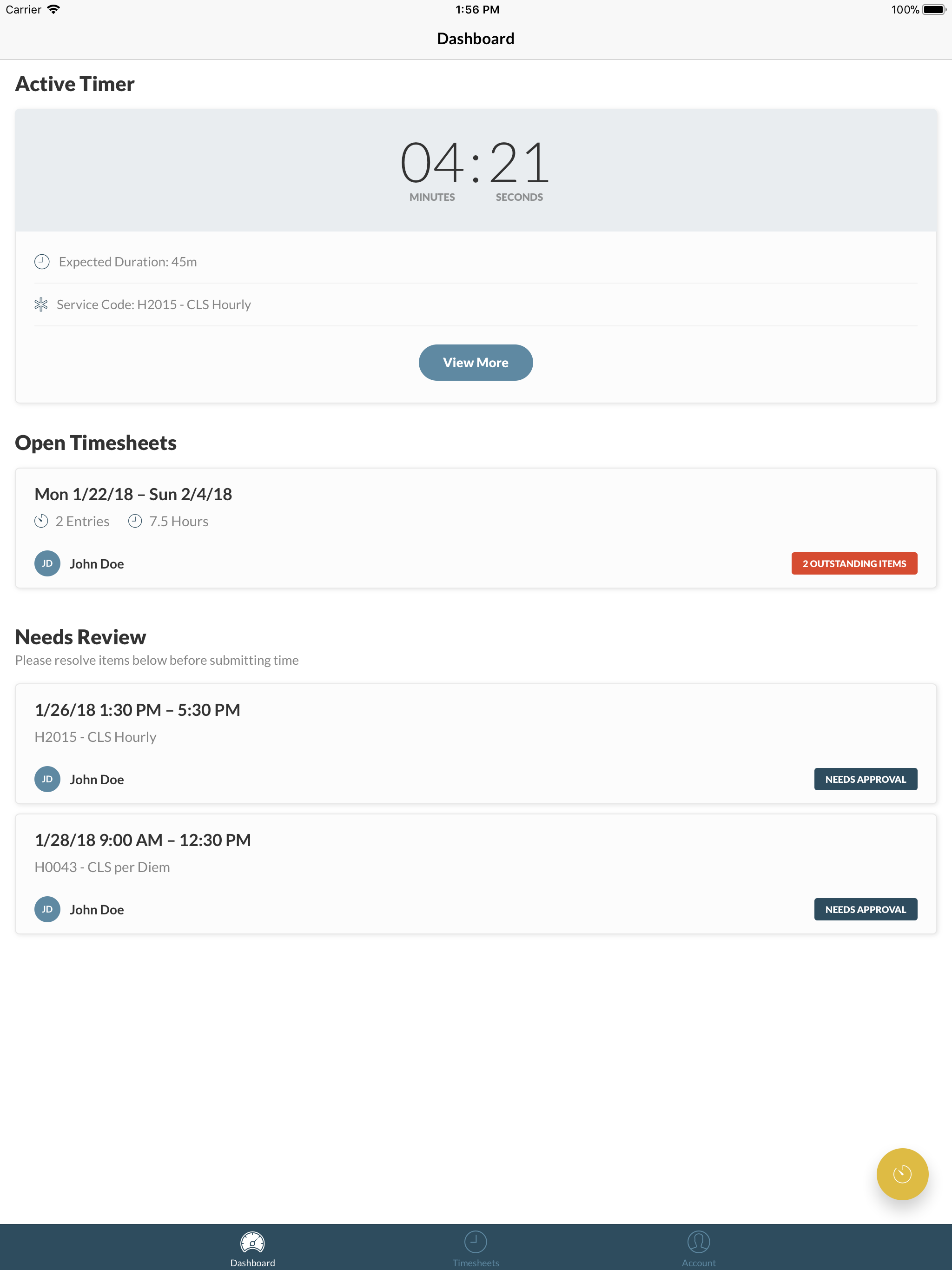
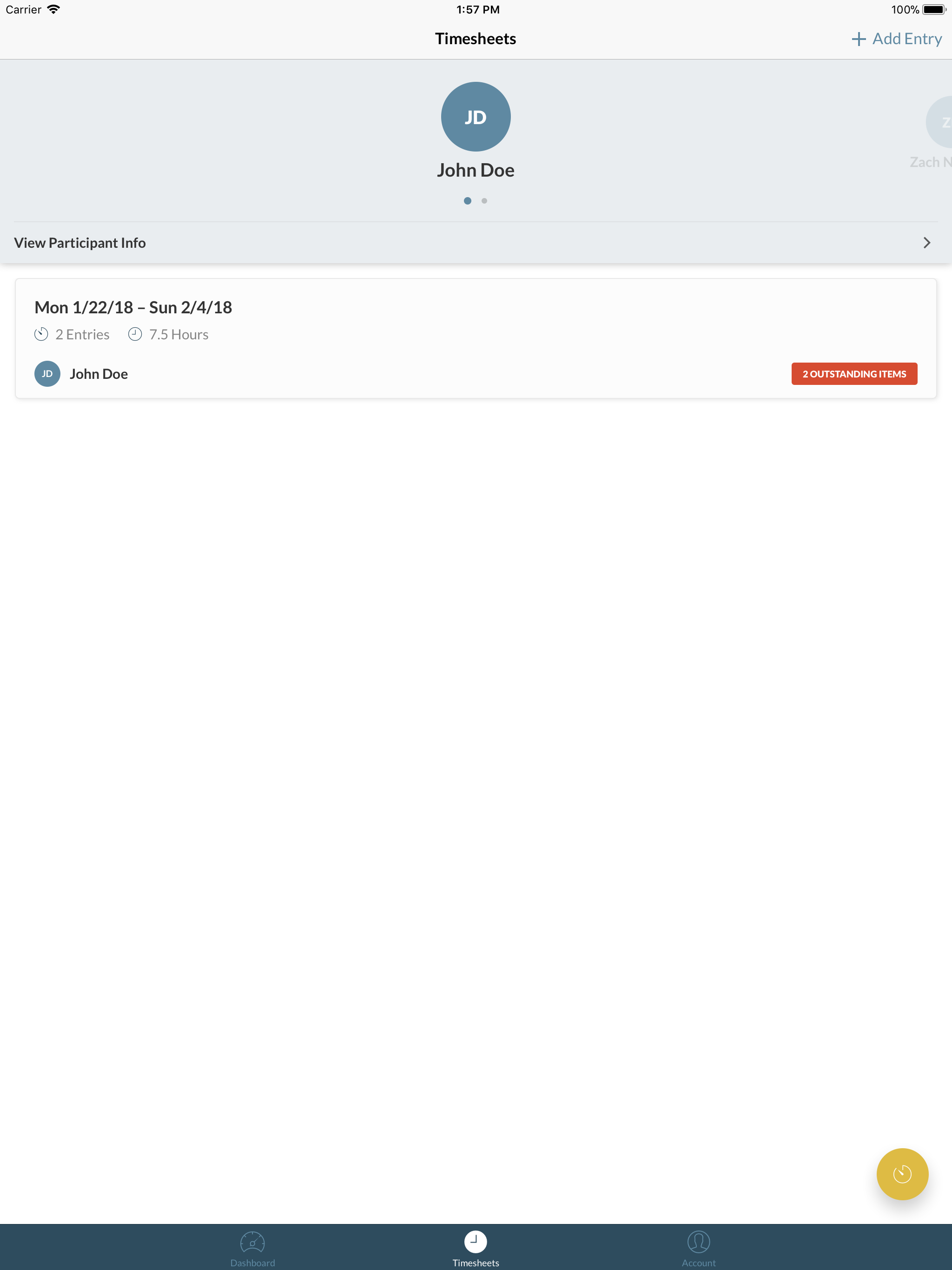
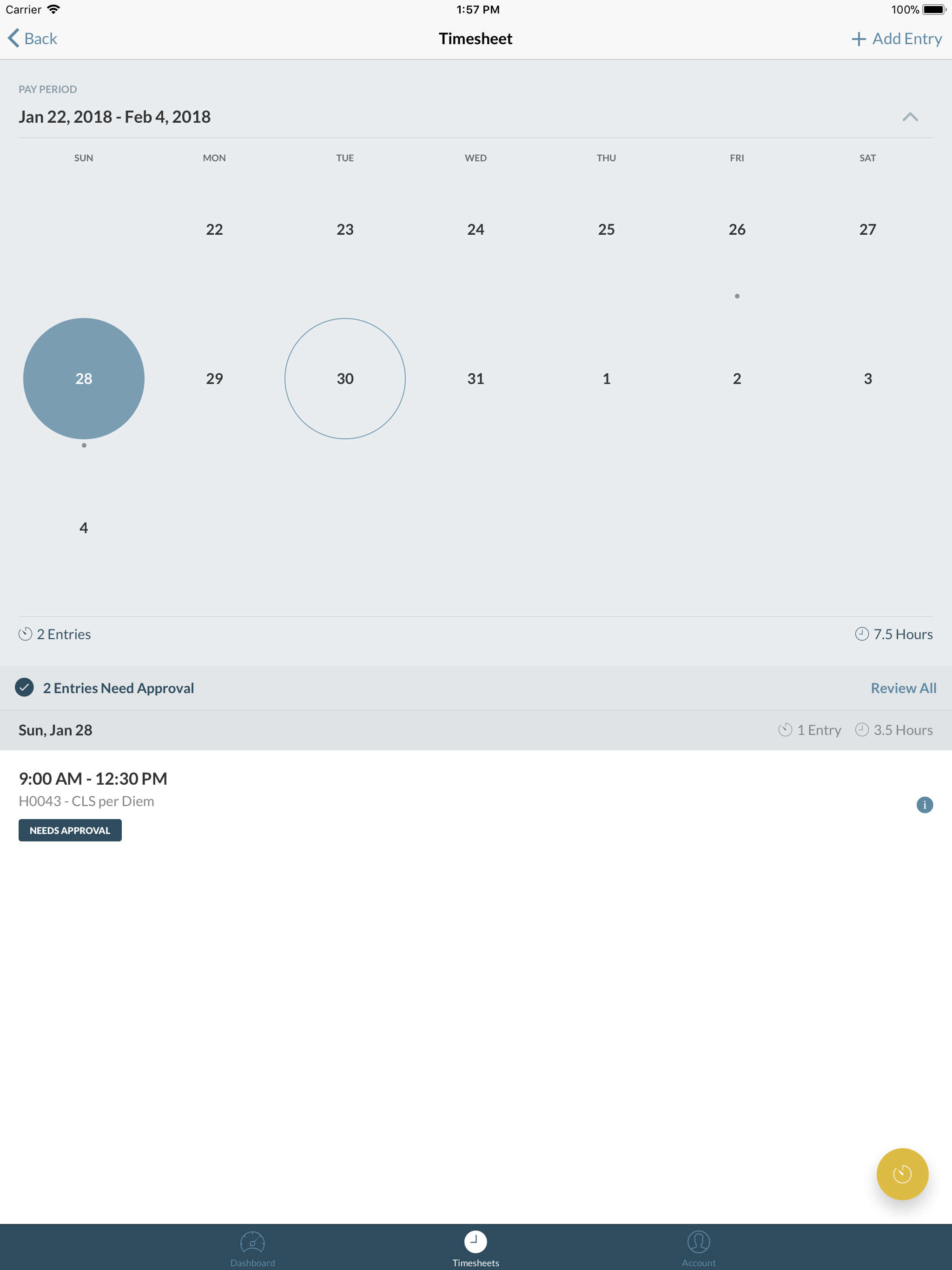
Caregiver is designed to make tracking and submitting your care hours simple and convenient. Manage all of your timesheets across multiple participant...