Check the acquisition promise
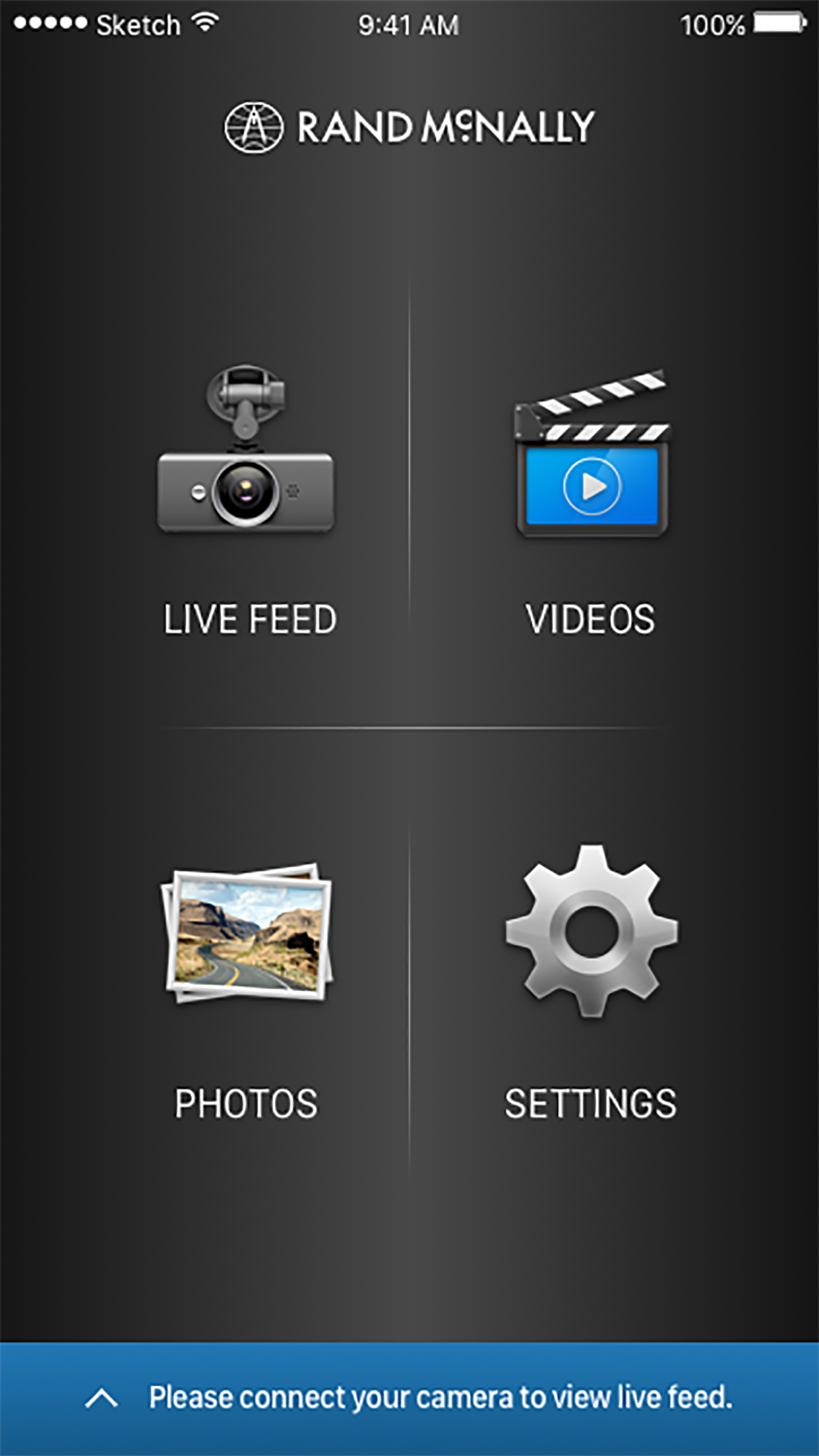
Read the store headline, screenshots and description. What problem is the app promising to solve?
Study the storefront ↗
Rand McNally · iOS
Explore the ad evidence, study the storefront, and build your next acquisition hypothesis.
01 / Creative research
Read the store headline, screenshots and description. What problem is the app promising to solve?
Study the storefront ↗Explore apps with direct store-link matches. Compare their hooks and formats without assuming the same approach works here.
Browse observed advertisers ↗Store rankings and revenue estimates describe market context. They do not establish ad spend, conversions or ROAS.
Review the market context ↗02 / Storefront & product
Study the product story and store experience behind the acquisition funnel.


03 / Market context
Keep revenue, downloads and store rankings separate from advertising performance.
Very unsatisfied now with this model dash cam. I have 2 of these and bought another one a few years back cause the mount wouldn’t allow charging so plugged right in to the cam itself. Well this was my first and bought one during this dilemma and put up for a reserve. Then the first one wouldn’t connect to my Wi-Fi on my iPhone. I thought the dash cam was toast cause of this. Got my other one out and hooked it up. And again won’t connect to my phone. I’ve tried resetting my phone, unplugging the camera to restart camera and last ditch effort was turning off Wi-Fi on camera and phone then back on. Maybe it will connect or maybe not. I’ve tried to look for updates as the app no longer has this feature and even removed the app and Reinstalled it. You may get it to connect while sleeping but very slim to none……. While I am here can anyone tell me about the garmin dash cams or any other brands? At this point as a truck driver it is very unreliable and don’t have confidence as I once did when I initially purchased the first one. Wow just think if a wreck happened and at no fault of mine and low and behold I can’t prove it because I can’t pull any videos in my defense. I gave it a one star only because I had too. If you find one of these still in new old stock at the truck stops DO NOT PURCHASE THIS BRAND AND MODEL.
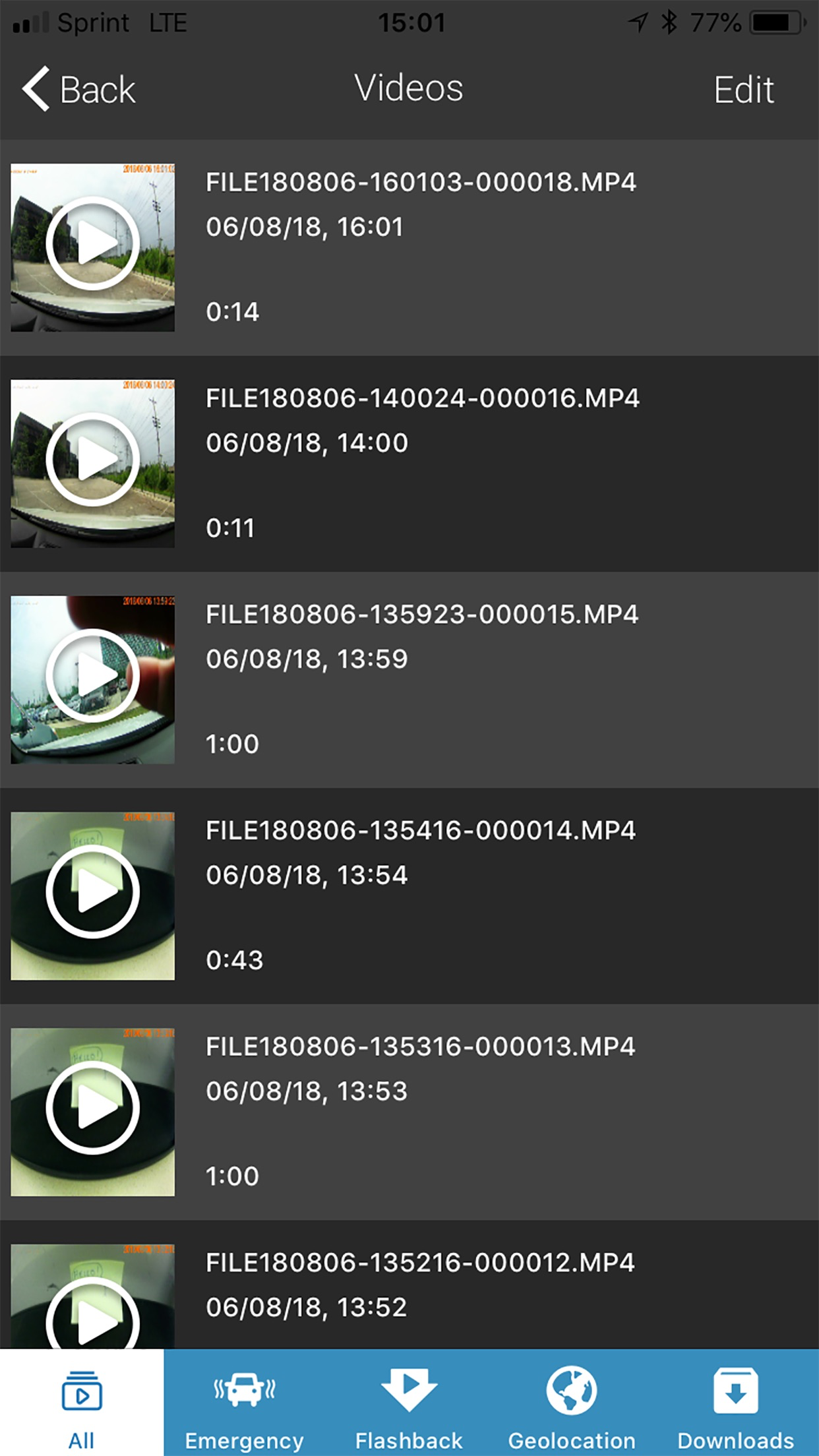
I’ve needed to access and send videos on two separate occasions now. 1st time I didn’t try real hard and didn’t care so much. This time I need to download and send them. It videos in one minute segments and I got 3 downloaded t my phone then it locked up. So I figured I’d give that part a break and try to email the 3 I had but they won’t send. Not worth a crap if you can’t actually use it for what it’s intended.
So this is my first dash cam. Figured, since I paid $200 for it I would get a pretty decent product. The camera itself works pretty well as far as I can tell. I would have hoped for a USB-C connector, as most devices have been using lately and would have made for a more convenient solution if I lose or damage the cord. Also would have hoped for an option for plugging it into a USB port as opposed to just a lighter receptacle. Otherwise, the camera is fairly nice. As for the app… seems pretty clunky, especially seeing as it is from a leading company. My biggest frustration (as petty as it sounds) is the “back” button. I have to hit it 8-10 times and find the sweet spot in order to get it to return to the previous screen. I feel like I should’ve taken the time to read the reviews before purchasing. I was considering the Garmin but the Loves station was out of stock. That was probably a sign. Either way, I am still overall happy with the purchase, just wish there was some sign of an app update in the future. Update for 5 stars.
The companion app lets you sync your DashCam 500 and download video and photos to your smartphone through a built-in Wi-Fi® connection. And with the p...