
Check the acquisition promise
Read the store headline, screenshots and description. What problem is the app promising to solve?
Study the storefront ↗
Pyronix Ltd. · iOS
Explore the ad evidence, study the storefront, and build your next acquisition hypothesis.
01 / Creative research
Read the store headline, screenshots and description. What problem is the app promising to solve?
Study the storefront ↗Explore apps with direct store-link matches. Compare their hooks and formats without assuming the same approach works here.
Browse observed advertisers ↗Store rankings and revenue estimates describe market context. They do not establish ad spend, conversions or ROAS.
Review the market context ↗02 / Storefront & product
Study the product story and store experience behind the acquisition funnel.



03 / Market context
Keep revenue, downloads and store rankings separate from advertising performance.
Actually I’ve changed my mind… this app is utter UTTER garbage. It always lets me down!!! Every single time. They should delete this and just start again. The app is ok but very basic. What it does spectacularly badly is... when you really need it, it will let you down. For example, you spend thousands of pounds on cameras and equipment, and then have this app. There is movement detected on your garden.... so you open the app.... it stalls on “86% loading and a spinning wheel” whilst you are desperate to see what’s out there! Then it finally loads... but too late to see anything live... So, you select Playback... and decide what previous minute to view, you select it, then get a “camera failed to load” message!!! Which means you have to restart your phone and then repeat everything all over again, but by now, it’s 5 minutes later and the event is well past! The intruder is well gone. Total waste of time. Total waste of effort. Total garbage. And if any developer says it’s my system, it is always the app at fault, loads of checks done and the app is the weak spot of the entire system. Rubbish.
I recently had a professional company install a Pyronmix Alarm System and 6 Camera HikVison Indoor and Outdoor CCTV. The reason for this particular install was the opportunity to have both CCTV and Alarm within a single application. I have to tell you, this application performance is purely based on the quality of your installation. I vigorously stress tested the app, and if something wasn’t working, the installer and I would overcome the problem. For example - you really need a strong internet connection for everything. We found this out very quickly. Right now I have been using the app for 3 weeks and overall very happy and pleasantly surprised by the speed and what it can do. Pros: - Speed of the app is impressive - CCTV Window that appears - Reliability (so far) - Performance and Features Requested improvements - Ability to watch motion detection footage at x2/x4 Speed - Ability for footage to identify what has moved in recording - Ability to filter motion detection footage list by specific camera and not device - Ability to see what mobile devices have access to account - Ability to view 6 cameras (currently jumps from 4 to 9) - Ability to set push notifications per specific camera that are connected via NVR. Cons: - Face Detection Notifications has never worked. - Motion Sensor at its lowest level is still really sensitive. Overall I’m very happy with the experience, but feel there are improvements to be made. Hopefully this feedback is considered.
I’ve started using this as it’s handy to be able to view both my alarm systems and Hikvision CCTV on one app. It is lacking a few basic features however. There appears to be no way of arming and disarming CCTV alarms through the app. You can enable/disable notifications globally, however when using IVMS 4500 app for the CCTV, you can remotely switch on/off the “notify surveillance centre” option on a per site basis. This effectively isolated the notifications while not affecting the alarm settings locally. Also, like the iVMS app you cannot reorder the list of cameras, intruder panels you’ve added - this is basic functionality in most iOS apps. They just appear in the order you’ve added them. Not much help if you’ve a long list of sites.
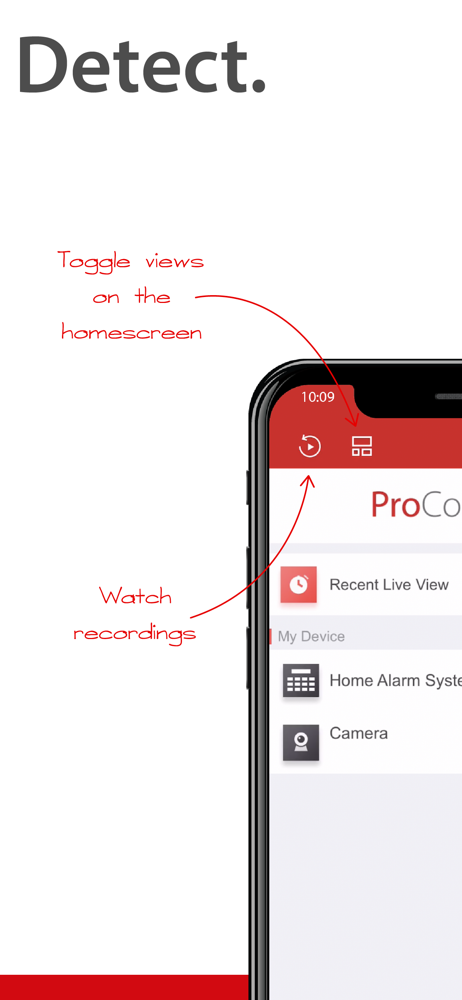
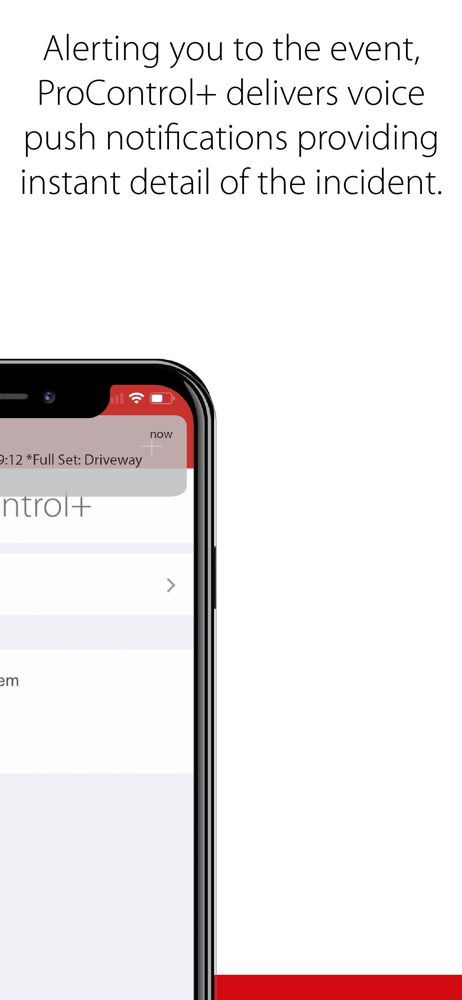
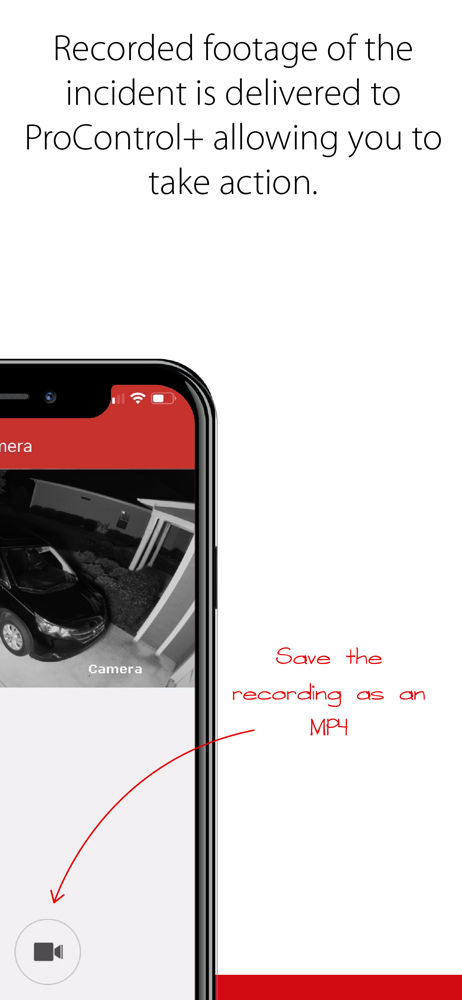
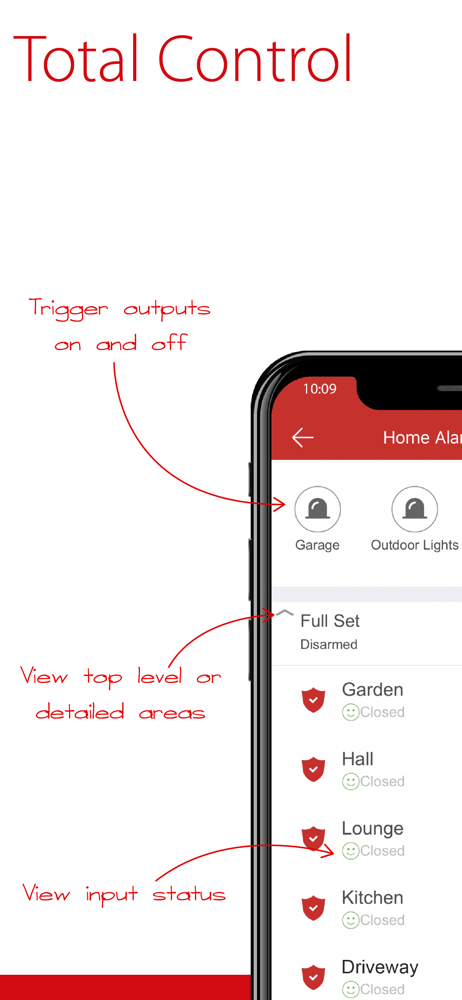
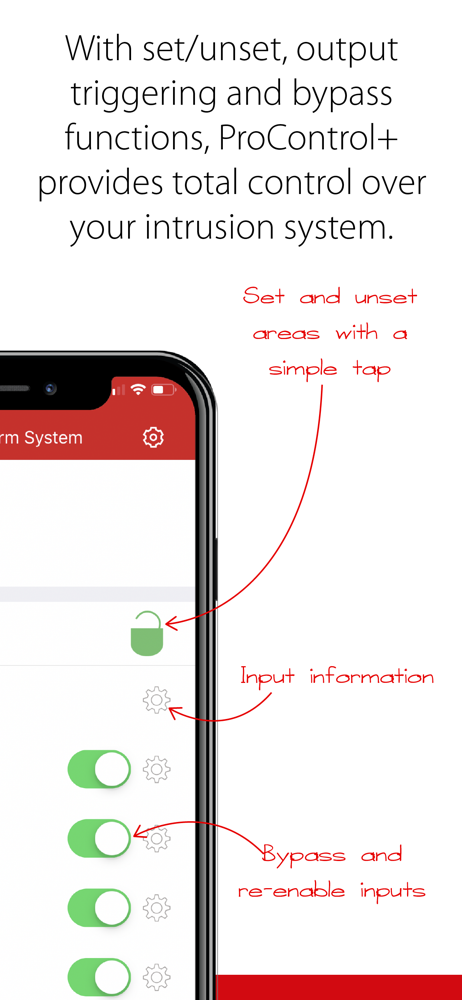
With a simple and easy-to-use user interface, ProControl+ allows users to effortlessly switch between intruder systems and cameras affording peace of...


