
Check the acquisition promise
Read the store headline, screenshots and description. What problem is the app promising to solve?
Study the storefront ↗
Alex Sieroshtan · iOS
Explore the ad evidence, study the storefront, and build your next acquisition hypothesis.
01 / Creative research
Read the store headline, screenshots and description. What problem is the app promising to solve?
Study the storefront ↗Explore apps with direct store-link matches. Compare their hooks and formats without assuming the same approach works here.
Browse observed advertisers ↗Store rankings and revenue estimates describe market context. They do not establish ad spend, conversions or ROAS.
Review the market context ↗02 / Storefront & product
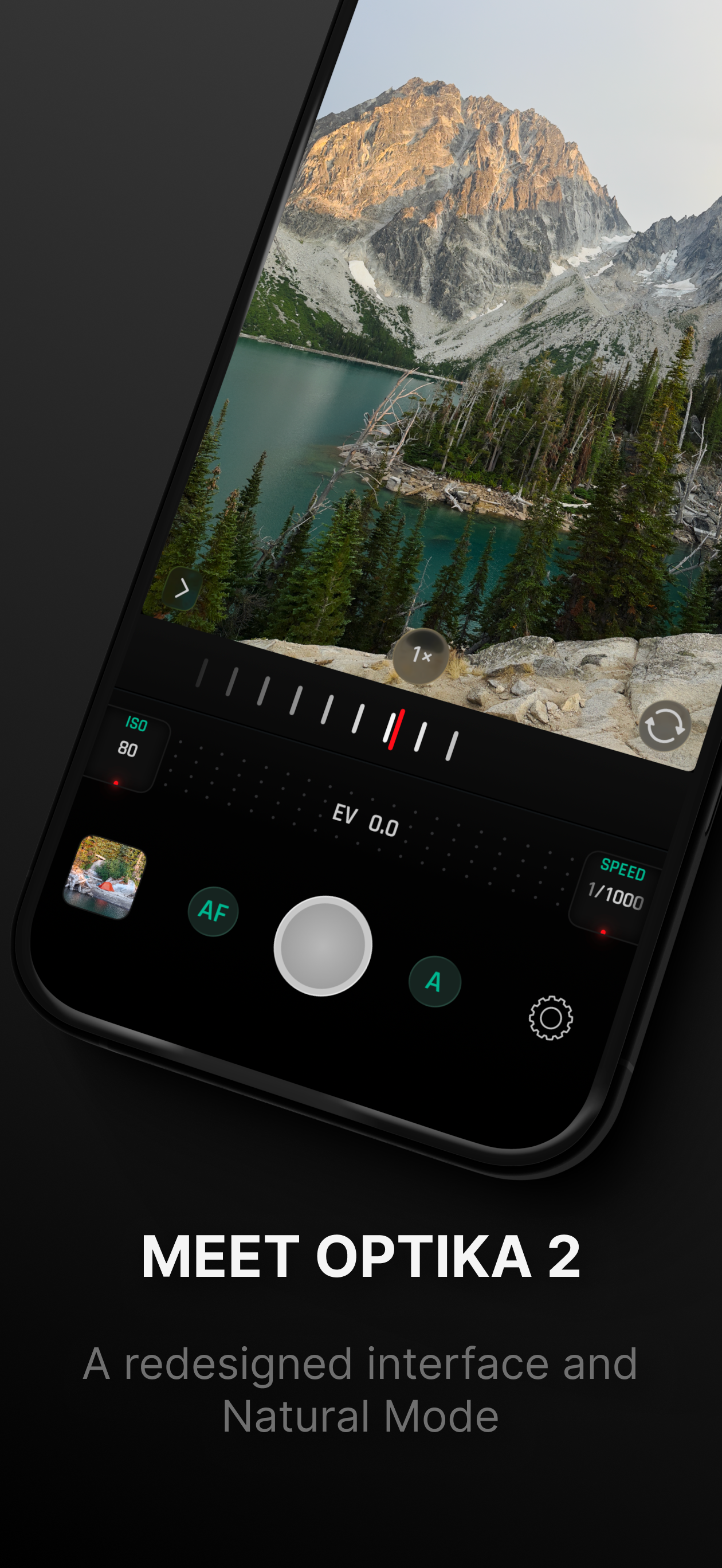
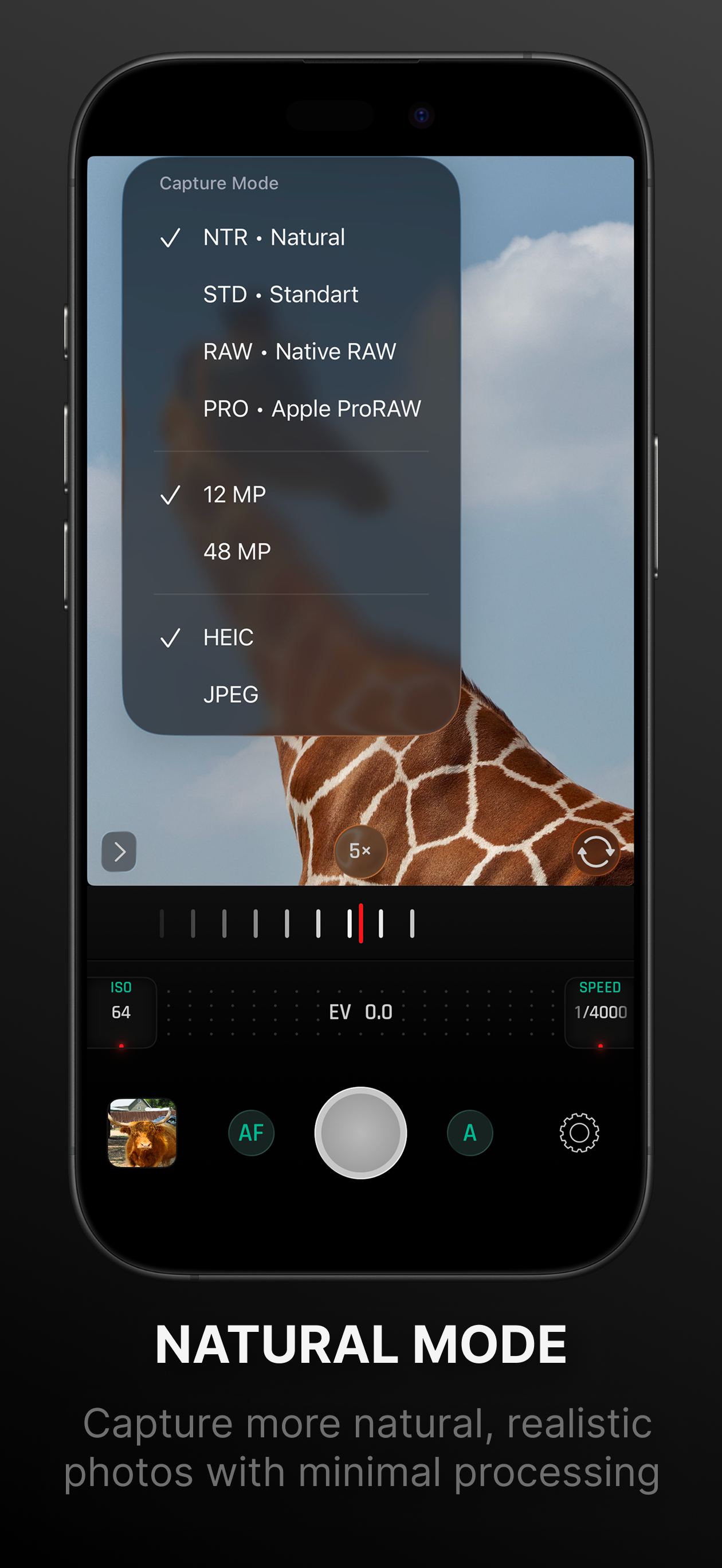
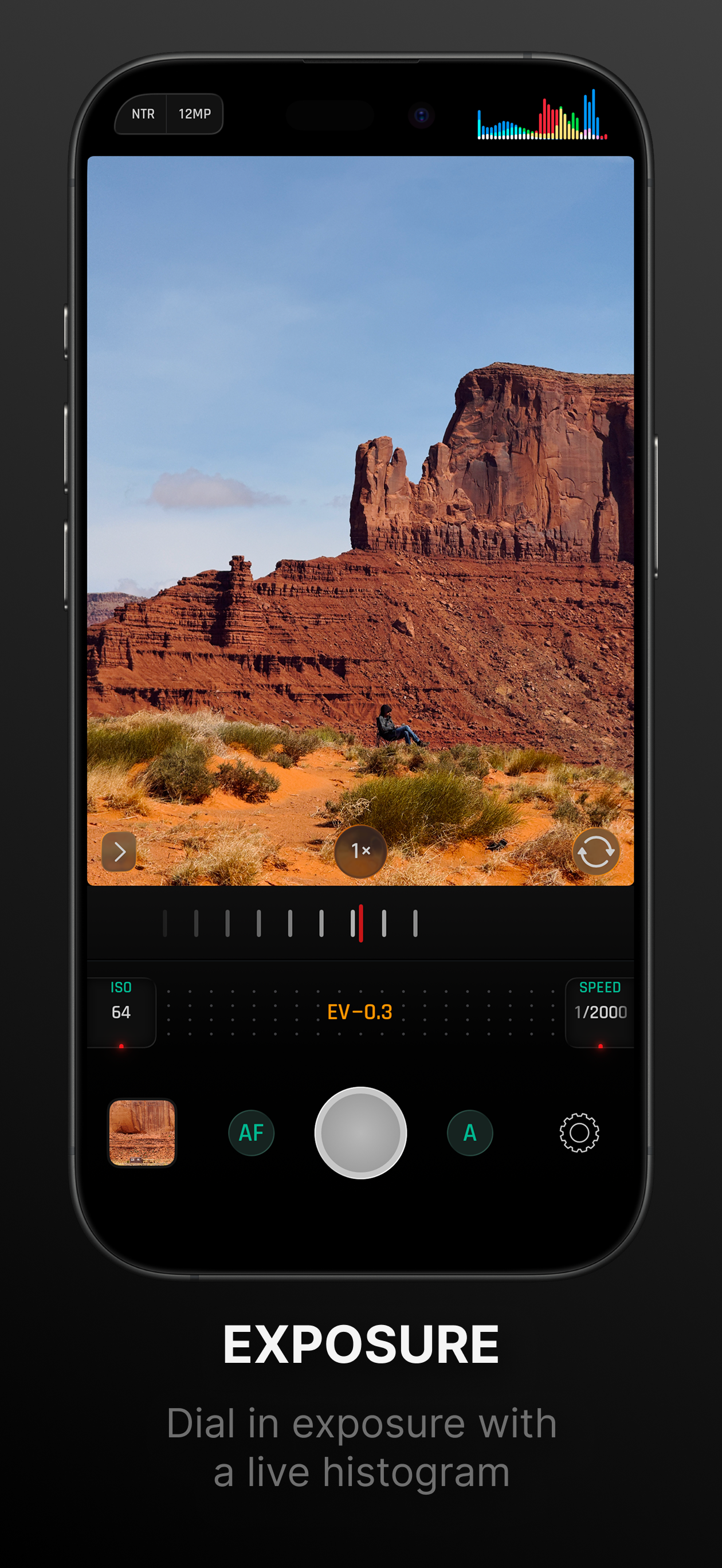
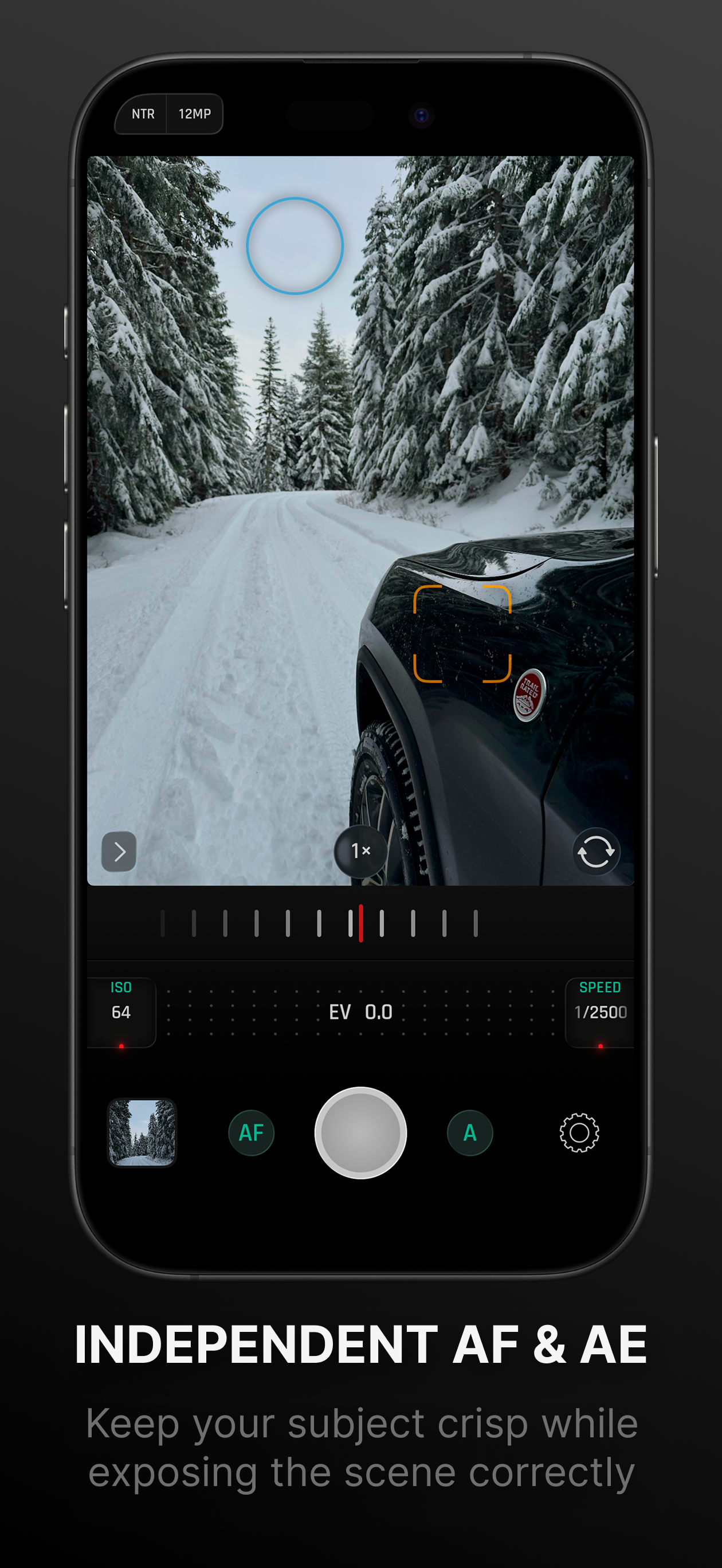
Study the product story and store experience behind the acquisition funnel.



03 / Market context
Keep revenue, downloads and store rankings separate from advertising performance.
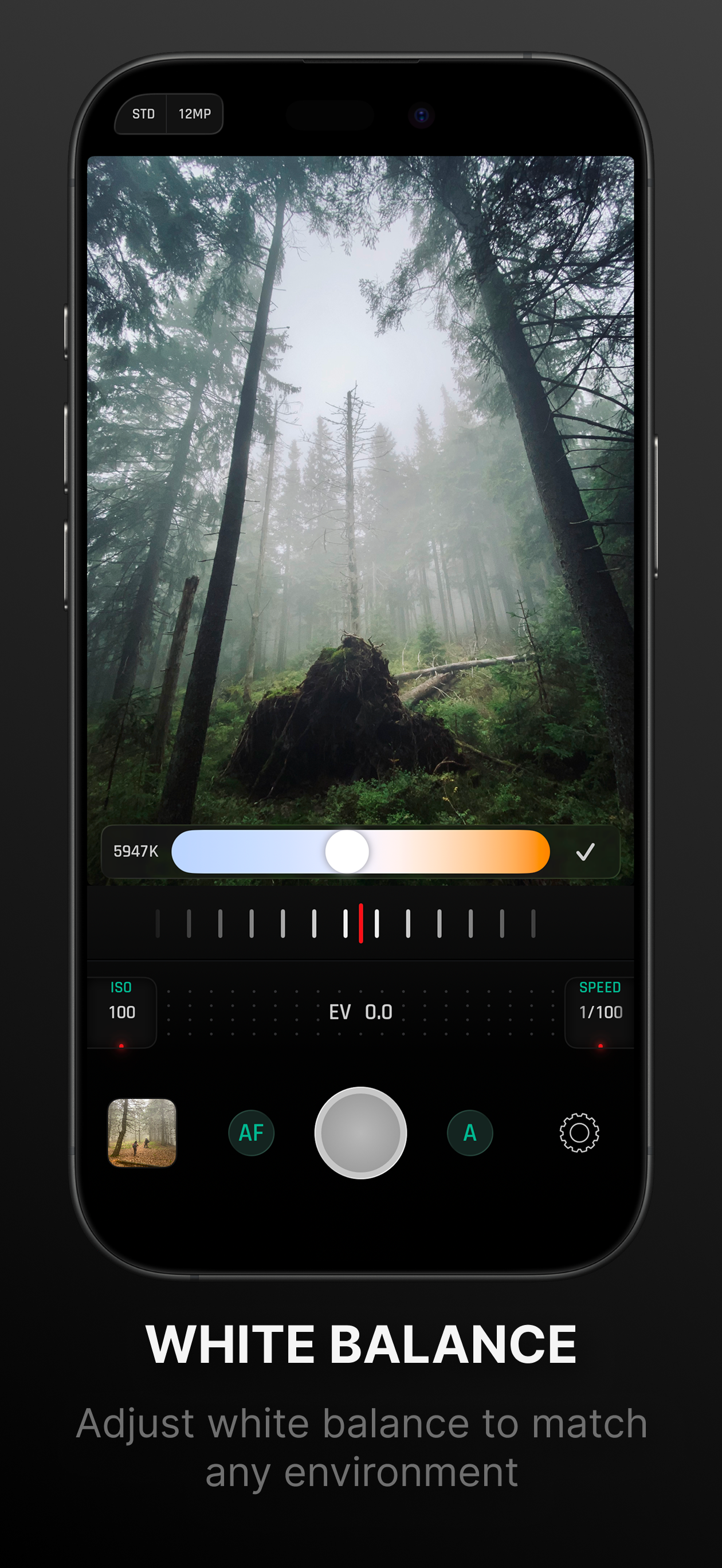
I like the UI and how all main controls can be easily adjusted with one finger
It's great app lightweight doesn't take up lots of memory space,easy and simple to use the UI,it's fast soon as I open it its already focusing. only things I wish it had would be focus pecking and to zoom in/out with the option to have the zoom bar always on the screen maybe 1 click buttons to turn the screen brightness to 100% great work on the app! Tho
The controls for this manual camera app are intuitive and easy to use. Other manual camera apps I’ve used favored UI aesthetic over usability. The controls remind me of handling a physical DSLR. In about 90 seconds of trying it out, I understood the controls and was using them without thinking. That is the experience I want with a manual camera app. I want to be focused on taking the shot, not the setup process. As a suggestion, the Settings popover could use a landscape mode like the rest of the controls already have. And I think if the Settings popover is opened by tapping a button, then it should close by tapping a button. Maybe it could close by either sliding or tapping.
Take back control of your photography. Optika combines a streamlined, intuitive interface with pro-grade manual tools, designed specifically to bypass...
| Name | Price | Type |
|---|---|---|
| Monthly | $1.99 | Monthly |
| Annual | $14.99 | Yearly |
| One Time Purchase | $19.99 | One-time |


