
Check the acquisition promise
Read the store headline, screenshots and description. What problem is the app promising to solve?
Study the storefront ↗
FASTEST TECHNOLOGY PTY LTD · iOS
Explore the ad evidence, study the storefront, and build your next acquisition hypothesis.
01 / Creative research
Read the store headline, screenshots and description. What problem is the app promising to solve?
Study the storefront ↗Explore apps with direct store-link matches. Compare their hooks and formats without assuming the same approach works here.
Browse observed advertisers ↗Store rankings and revenue estimates describe market context. They do not establish ad spend, conversions or ROAS.
Review the market context ↗02 / Storefront & product
Study the product story and store experience behind the acquisition funnel.




03 / Market context
Keep revenue, downloads and store rankings separate from advertising performance.
I purchased the lifetime plan because I cannot be bothered to pay for a subscription service. There have been a couple of times my purchase seemed to be voided but logging out and back in has restored it. My biggest frustrations are speed and obtrusive pop-ups that can’t be fixed without uninstalling the app.Sometimes when connecting it will prompt me to enter login information when I’ve been logged in for days. This prompt will happen when the app is completely closed, I’m on a different app, or none. It limits what I can do with my own device by popping up every few seconds in the center of the screen and again, the only solution is to uninstall and reinstall the app.Then, while in use, the internet browsing and content loading speeds are notably different than without the VPN. I accept that it would be slower. I didn’t think it would be THIS slow. I’ve been considering looking for another VPN and if I can find a quality lifetime product, I may switch.
Bought this on the $20 “lifetime” special advertised on the Internet. Hey, $20, how bad could it be? Pretty bad. I have tried five or six different VPNs on my various devices, each with their own +/- but this only had negative marks in my book. Once you buy it, set it up (it’s really VERY simple because there are NOT MANY FEATURES), and start working it will vary in speed, drop connections, and for all the “many servers” it advertised, once you install it you’ll see a very limited number of servers. I should have read the reviews prior to buying, but once I bought it I decided to comb through the reviews on the App Store. I suggest that you do the same, but BEFORE shelling out whatever it costs. ALL, and I mean ALL, of the five-star reviews were very obviously written by, if not the SAME person, at least several people sitting at the same table. Look at the names of the reviewers. Look at the formatting of the names. Read the (essentially) same review, with very similar age-level writing and grammar and structure. It’s so bad it’s funny. Just be sure to read ALL of the reviews, and skip the five-star comments. I requested a refund about one hour after buying. They were hesitant but eventually I was refunded $20. Don’t go near this hokey mess. There are many more, much better apps out there. Sure, they cost more, but you GET more, and you don’t feel like your money is going to some boiler room in the former Soviet Union. Stay safe out there!
I have had this vpn service for about two months. I signed up due to a sale that is life time for a cheap price tag, and the need to use vpn occassionally overseas to avoid site restrictions. I saw many negative reviews, which I overall agree. But I have figured out some work arounds that may be useful for other users. 1. I can get Vpn to work in US and in east asia. However, for the initial login on the app, I was only able to do it wittin the US, but not in east asia. Once I had my device logged in in US and set up the vpn settings, the device can work in other countries— I was not always able to change the vpn server in the app—nevertheless, i was able to establish vpn connection to the Vpn server that I chosed in US.2. The VPN service seems to require good connection speed to their server. The connection drops if my wifi is a single bar, and requires reconnection (see below). 3. The vpn may require frequent manual reconnection, especially overseas. The first time my vpn dropped, i was scared that my device becomes completely useless, because the regular wifi is also out. Then I figured out that I can manually turn off fastestvpn, which allows me to re-establish my regular wifi. This is how to do it: In iOS, go to settings. Under General, choose Vpn. You will see a line with FastestVpn. Click on the info icon next to this entry (“i” in a circle sign), and you will see a switch for “connect on demand”. Switch this off will disable FastestVPN and return your deice to regular wifi. 4. If your Vpn drops, you can manually reconnect by following the above steps to disable fastestVpn and reconnect by switching Connect on Demand back on. If you are overseas, this may require a good wifi signal and several trials.5. The app is very poorly designed. I cannot easily get into the login page or choose Vpn servers when overseas. However, as long as the device was connected in the US, I am able to establish Vpn, through the above reconnection steps, despite the app having difficulty finding connection itself.
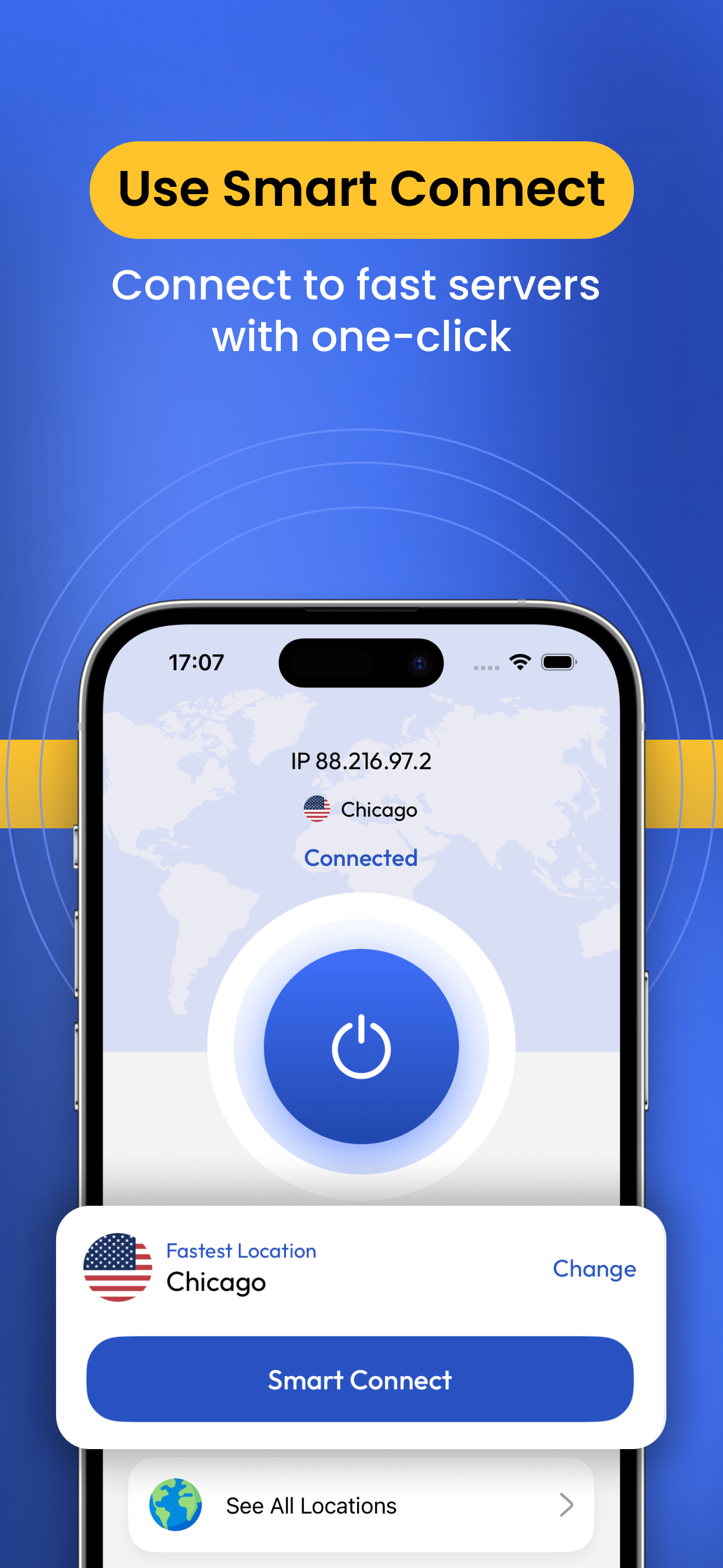
FastestVPN creates a safer internet for users worldwide. Feel an unrestricted experience while surfing the internet with the best VPN for your devices...
| Name | Price | Type |
|---|---|---|
| Pro Monthly Auto-Renewable | $1.99 | Monthly |
| Monthly Auto-Renewable | $6.99 | Monthly |
| Monthly Auto-Renewable | $9.99 | Monthly |
| FastestVPN Pro Lifetime | $19.99 | One-time |
| Yearly Auto-Renewable | $24.99 | Yearly |
| Yearly Auto-Renewable | $29.99 | Yearly |


