Check the acquisition promise
Read the store headline, screenshots and description. What problem is the app promising to solve?
Study the storefront ↗
恒俭 董 · iOS
Explore the ad evidence, study the storefront, and build your next acquisition hypothesis.
01 / Creative research
Read the store headline, screenshots and description. What problem is the app promising to solve?
Study the storefront ↗Explore apps with direct store-link matches. Compare their hooks and formats without assuming the same approach works here.
Browse observed advertisers ↗Store rankings and revenue estimates describe market context. They do not establish ad spend, conversions or ROAS.
Review the market context ↗02 / Storefront & product
Study the product story and store experience behind the acquisition funnel.

03 / Market context
Keep revenue, downloads and store rankings separate from advertising performance.
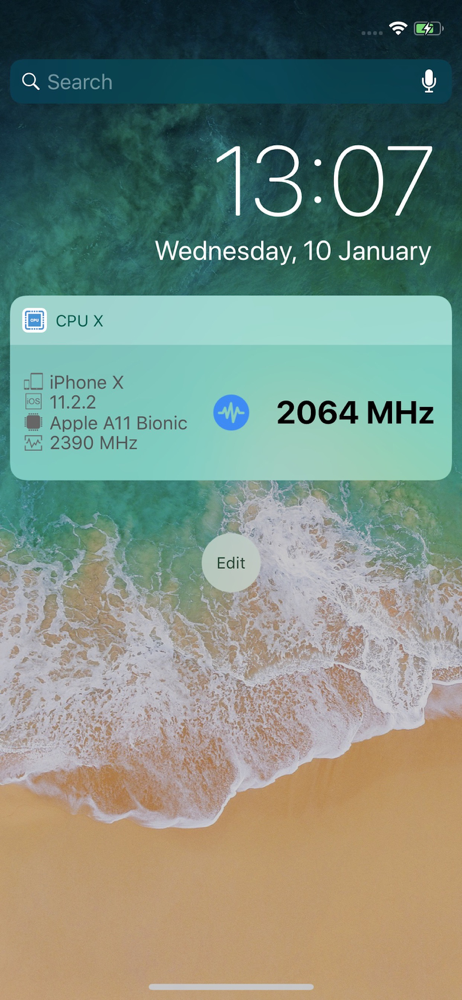
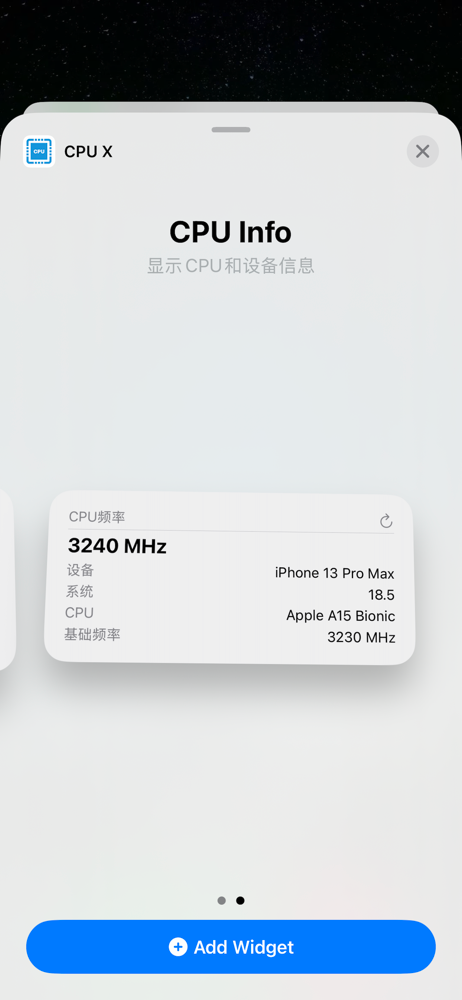
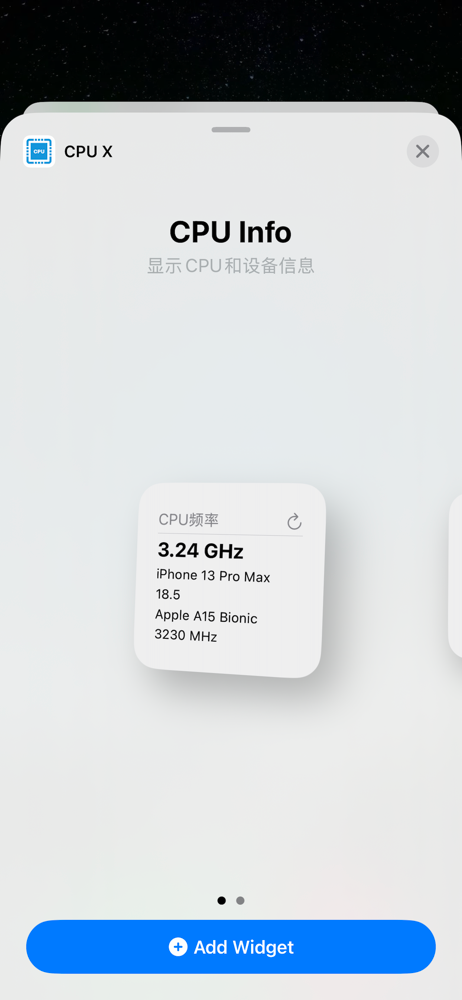
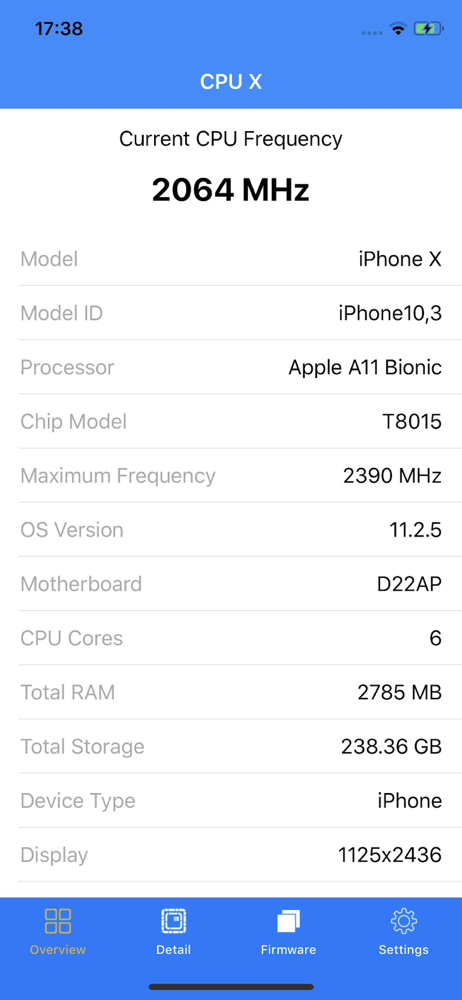
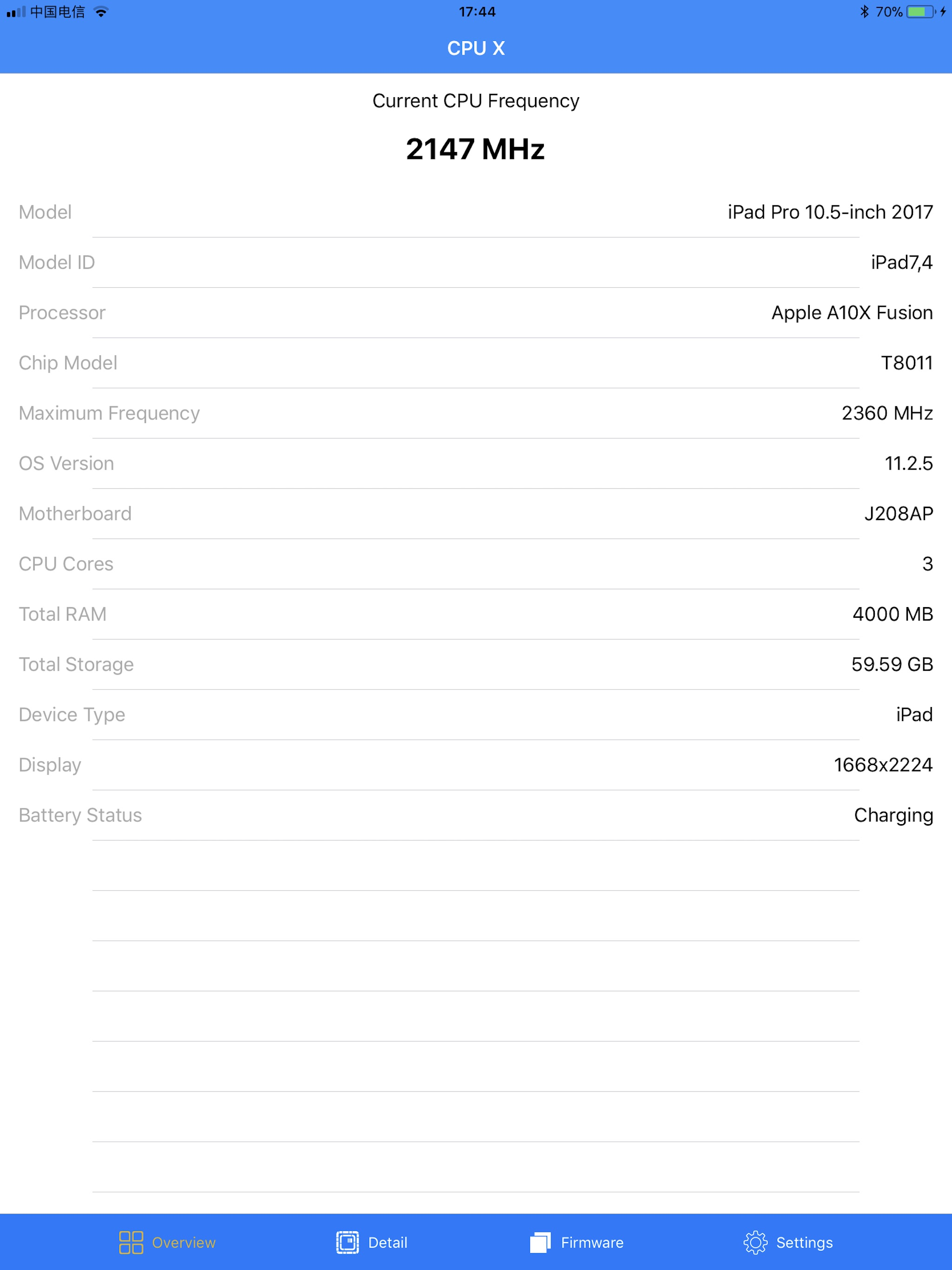
This app is compact and shows what I want to see: CPU current frequency and max frequency. Many other CPU and benchmark apps do not show this. This app helped me identify that my degraded battery was causing CPU throttling. UI is clean. Simple widget is nice to have.
So I saw another app that I wanted to check my cpu frequency because my iPhone felt slow and it was 1.99 it was the same thing Thank you Levi Would want to shout you out
The info about the max CPU frequency is the only thing that this app doesn’t have. But is very good, functional and complete.
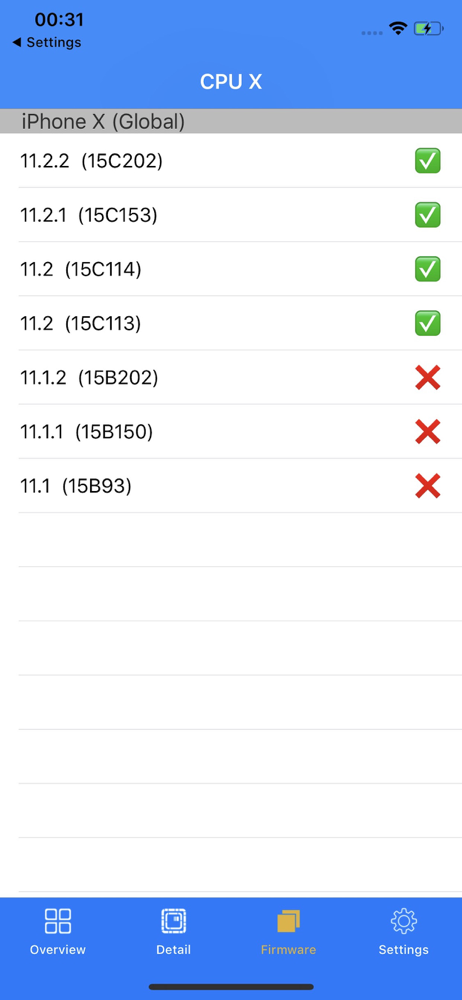
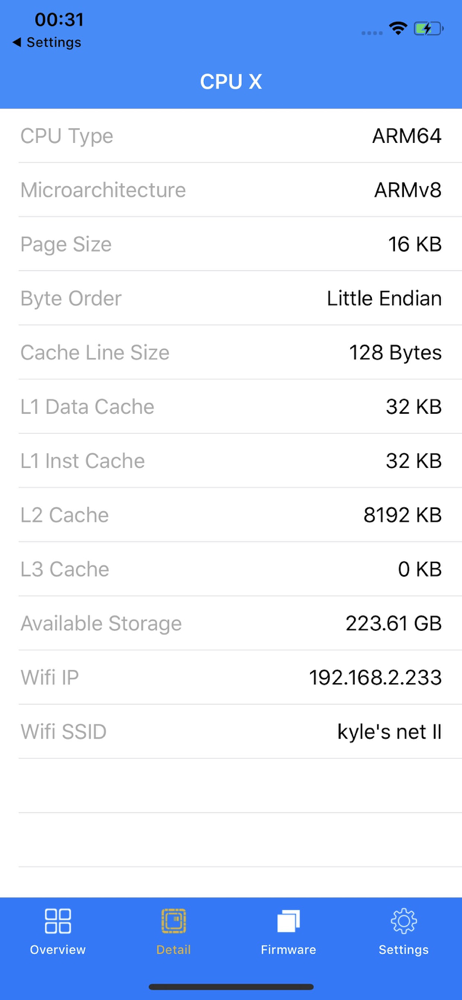
Hardware and software information utility for iOS based devices. CPU X for iOS is capable of showing various diagnostic information for phones and tab...