
Check the acquisition promise
Read the store headline, screenshots and description. What problem is the app promising to solve?
Study the storefront ↗
InTime Solutions, Inc. · iOS
Explore the ad evidence, study the storefront, and build your next acquisition hypothesis.
01 / Creative research
Read the store headline, screenshots and description. What problem is the app promising to solve?
Study the storefront ↗Explore apps with direct store-link matches. Compare their hooks and formats without assuming the same approach works here.
Browse observed advertisers ↗Store rankings and revenue estimates describe market context. They do not establish ad spend, conversions or ROAS.
Review the market context ↗02 / Storefront & product
Study the product story and store experience behind the acquisition funnel.




03 / Market context
Keep revenue, downloads and store rankings separate from advertising performance.
The notifications from the app worked for a week and now it’s gone again. Can we fix
There needs to be an option to disable email notifications. I don’t need app notifications AND email notifications. Especially considering we are given a limited amount of space (data) in our work email accounts, and we get inundated with completely unnecessary InTime emails. It’s extremely frustrating. You cant block them because it’s “coming from your employer”, and identifying them as junk does nothing. This is a major short coming with the program. Create a button to turn off email notifications.
For reference, I work for a fire department, 24 hour shifts, force hires, etc. Been using Iselink for the last 3 years, spent 10 years with Telestaff prior to that. Seeing my schedule on the calendar is nice, that’s about where it ends. In team view, where it shows people assigned to a certain station and then the days they work are marked in blue. 1. If they change stations, sometimes that day doesn’t show a blue box. You have to press on the day they work and then swipe to see where they are the next day. 2. Force hire days should be colored red (I often look for force hires on days that I can work), I have to go through every box on every employee to find them. 3. In that box where it shows them working, can you put the station number in the box? That way I don’t have to open every. Single. Day. On the calendar, where you press on a day, then press on available shifts, and that’s where it shows available shifts on a given day. Why not let us swipe left/right to move to the next day? Going in and out of every. Day. Is daunting. 3 stars because it’s very average. The app is far from intuitive and/or refined. I’d use the website, but on the iPhone; the display and interaction are really poor, team view only shows you two days and two people and scrolling is a nightmare because it doesn’t always register your touch in the right area to scroll. Basically, the computer is the easiest and fastest way to do anything outside of looking at your own schedule on the calendar.
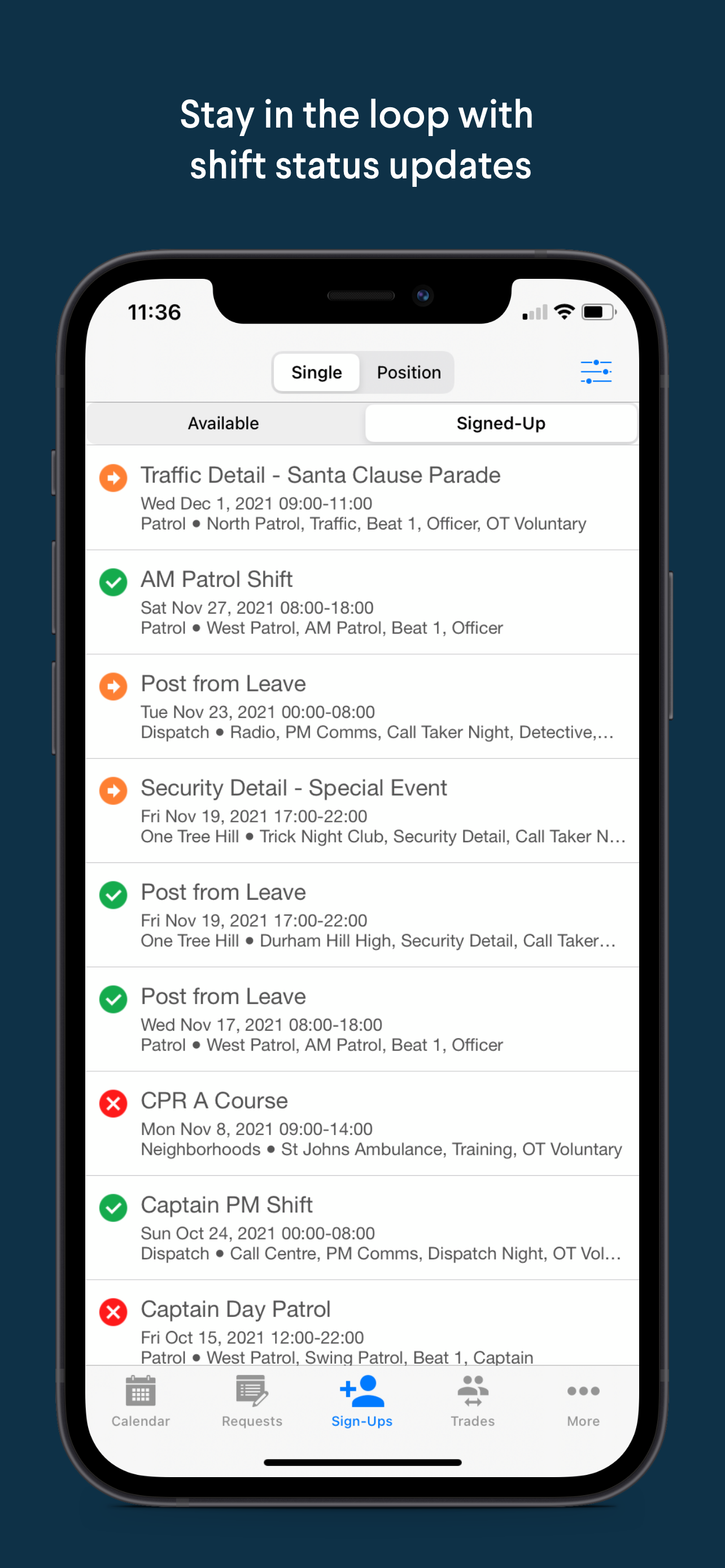
InTime is a shift scheduling app ideal for law enforcement & public safety employees. With InTime, all employees get easy to use, on-the-go access to...


