Check the acquisition promise
Read the store headline, screenshots and description. What problem is the app promising to solve?
Study the storefront ↗
IdeaPunch · iOS
Explore the ad evidence, study the storefront, and build your next acquisition hypothesis.
01 / Creative research
Read the store headline, screenshots and description. What problem is the app promising to solve?
Study the storefront ↗Explore apps with direct store-link matches. Compare their hooks and formats without assuming the same approach works here.
Browse observed advertisers ↗Store rankings and revenue estimates describe market context. They do not establish ad spend, conversions or ROAS.
Review the market context ↗02 / Storefront & product
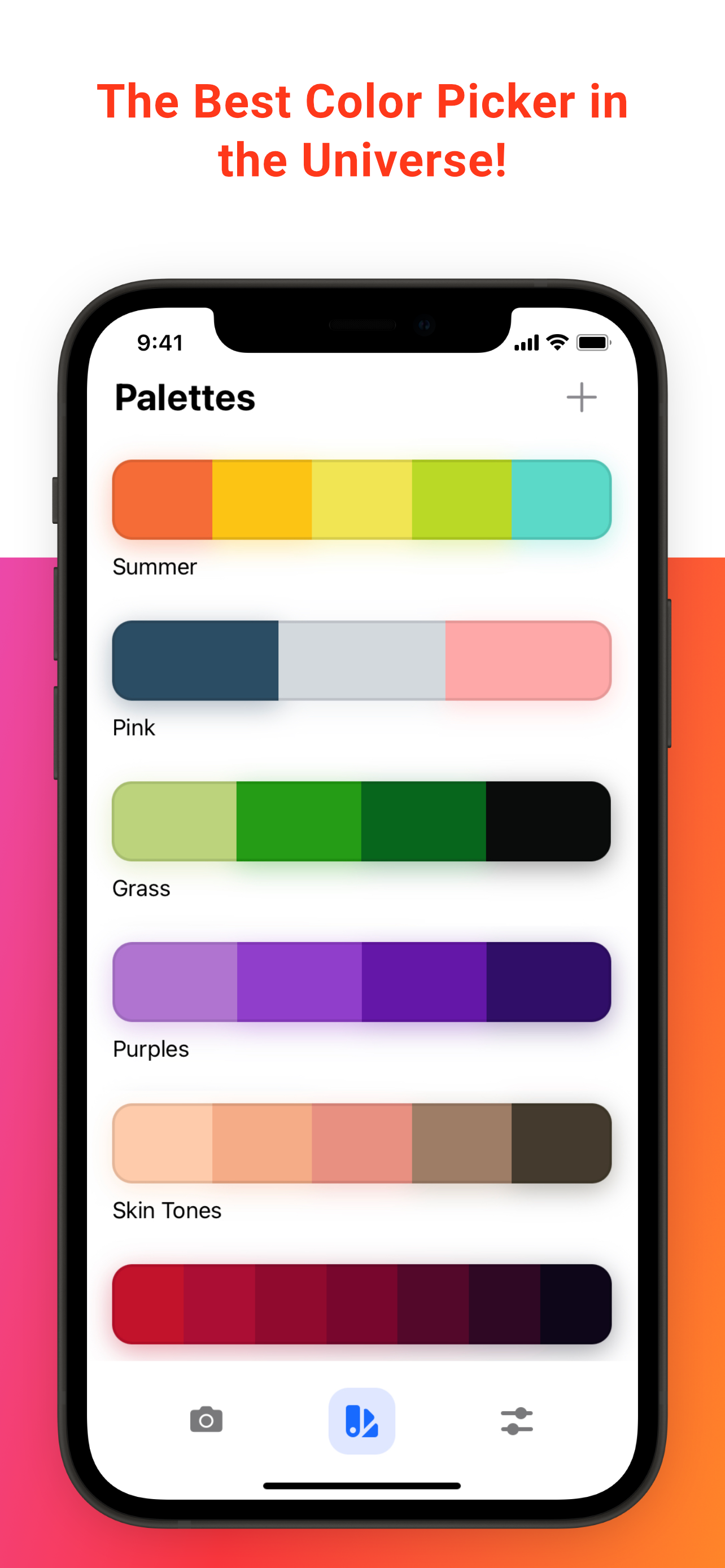
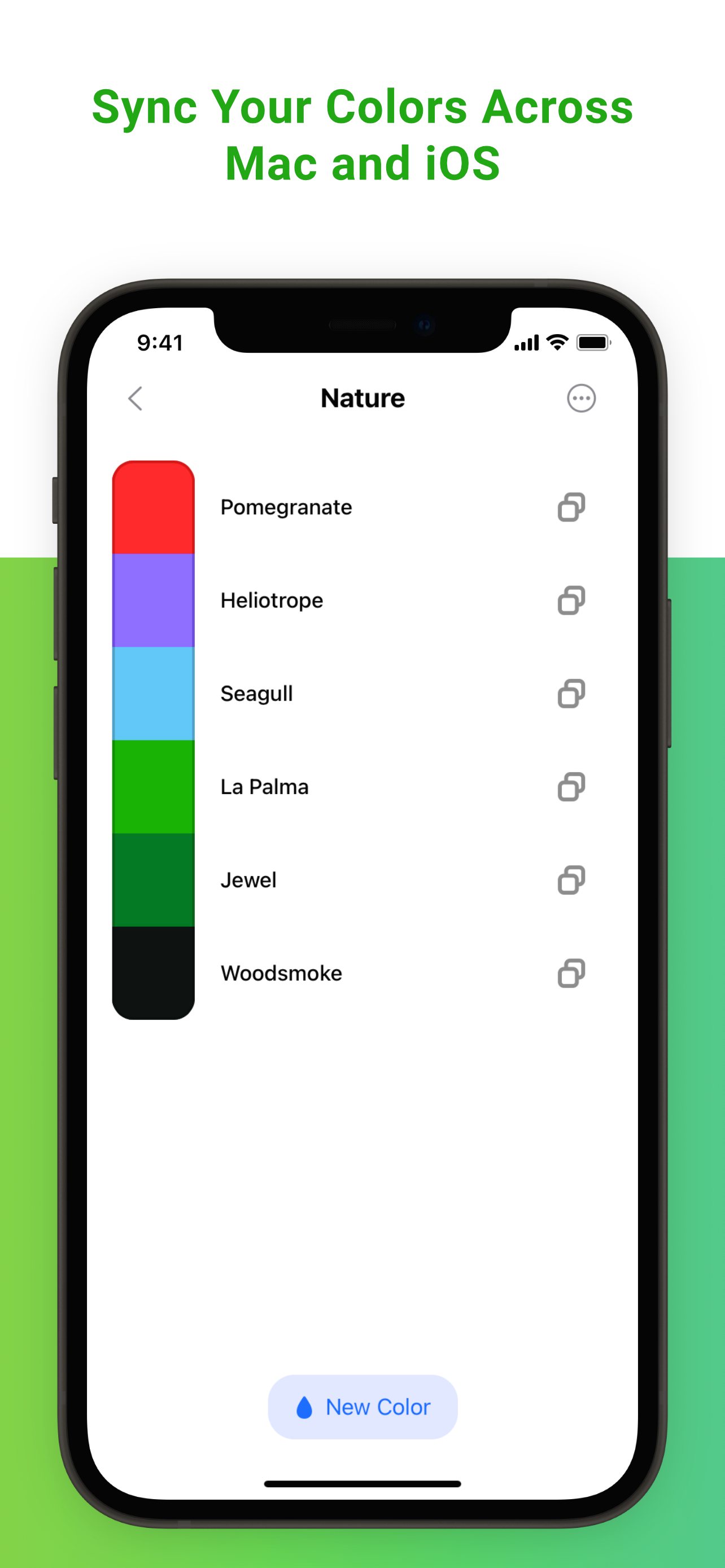
Study the product story and store experience behind the acquisition funnel.




03 / Market context
Keep revenue, downloads and store rankings separate from advertising performance.
Years ago, these developers were among the first to recognize the glaring omission of a color picker in certain note taking applications (cough, Goodnotes) and rectified it with this comprehensive color picker app that extends far beyond note taking to everyday life. I use this for note taking, paint projects—anything under the sun. It’s great to see how far they’ve come with the app, AND they have the integrity to continue providing support for those of us who bought the app early. That’s one of many reasons why I recommend the app, even if you’re just discovering it now. Beyond the everyday usefulness of the app itself, you want to support developers you can trust. With these ColorSlurp developers, trust and respect is something you can count on.
Color Slurp has proven to be an absolutely indespenisble tool as a graphic designer. My favorite part is how quickly and easily this lets me use colors from one color space in another. As a freelance designer, I get all sorts of files from my clients, oftentimes inconsistent with one another. Thanks to Color Slurp it's now a breeze to pick CMYK colors from InDesign and use them as RGB colors over in Illustrator. I can even easily convert my brand colors to the weird colorspace Squarespace uses without having to Google a random website to help me out! I also really love how if you have it on one device, you're able to sync it through iCloud with all your others. I can create custom palettes on my computer and use them immediately over in a procreate file. The camera color selection tool is a really neat and useful addition as well– my favorite palette comes from a sunflower I saw while I was out walking! All in all, if you do design or artistic work of any kind, I highly recommend this app on all your devices, and I recommend buying the pro version to unlock all the extremly useful features it has!
This product is very cool, very intuitive and well designed. Note if you're having trouble getting this to work with full screen apps you need te enable "Show App Icon In": "Menu Bar Only" under the general settings tab. Would love to see this product just appear as "menu-bar window" always linked to the top of the screen like the "Color Note" app instead of a window you can drag around and have to click the close button on to dismiss, as that seems a little easier to use. The app also makes a "Slurp" sound when you select color.. which is hilarious... but a little wierd. Luckily you can turn it off if you don't want to scare your co-workers.
ColorSlurp is the ultimate color productivity booster for designers and developers. • Pick colors using your camera or from any photo! • Create color...
| Name | Price | Type |
|---|---|---|
| ColorSlurp Pro Yearly | $19.99 | Yearly |
| ColorSlurp Pro Yearly | $19.99 | Yearly |