Check the acquisition promise
Read the store headline, screenshots and description. What problem is the app promising to solve?
Study the storefront ↗
PostePay S.p.A. · iOS
Explore the ad evidence, study the storefront, and build your next acquisition hypothesis.
01 / Creative research
Read the store headline, screenshots and description. What problem is the app promising to solve?
Study the storefront ↗Explore apps with direct store-link matches. Compare their hooks and formats without assuming the same approach works here.
Browse observed advertisers ↗Store rankings and revenue estimates describe market context. They do not establish ad spend, conversions or ROAS.
Review the market context ↗02 / Storefront & product
Study the product story and store experience behind the acquisition funnel.


03 / Market context
Keep revenue, downloads and store rankings separate from advertising performance.
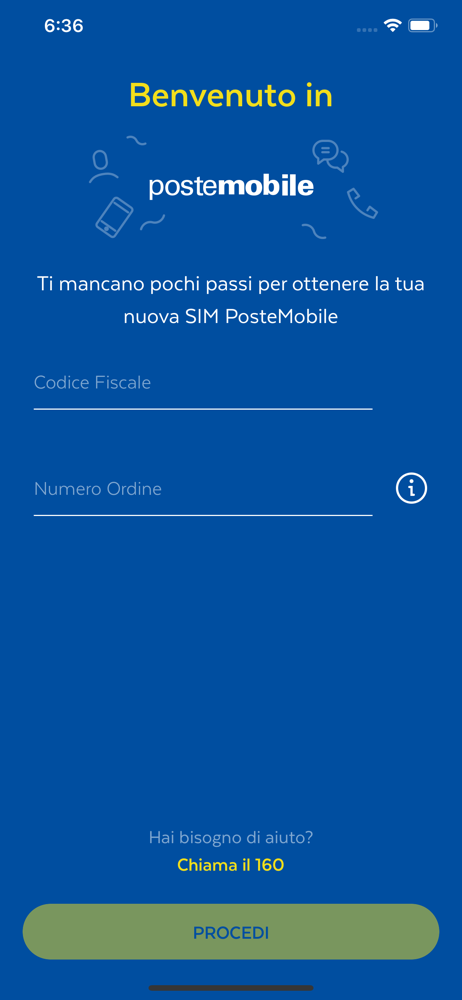
Ho acquistato la Sim da PC e in fase di ultimazione del riconoscimento mi ha dato errore. Ho scaricato quest’app per rifare la procedura ma inserendo il codice fiscale e il numero ordine mi dice: Ordine in lavorazione. Il 160 mi conferma che il riconoscimento non è andato a buon fine e mi invita a riprovare da browser, che puntualmente e immediatamente mi da errore (browser Pc, smartphone o tablet stesso risultato). Intanto mancano 6 giorni e l’attuale operatore mi rinnoverà le offerte. Cosa dovrei fare?
funziona davvero bene: chiede il codice fiscale ed il numero d’ordine, dopodichè il seriale della SIM, che si puó comodamente scansionare da dentro la app...ed, in un attimo, la sim è attiva: niente di più comodo!
Ho appena cominciato
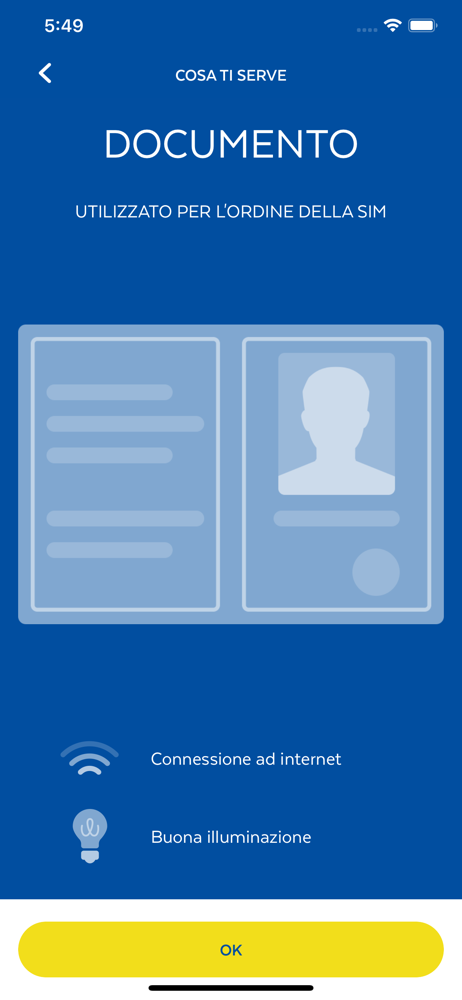
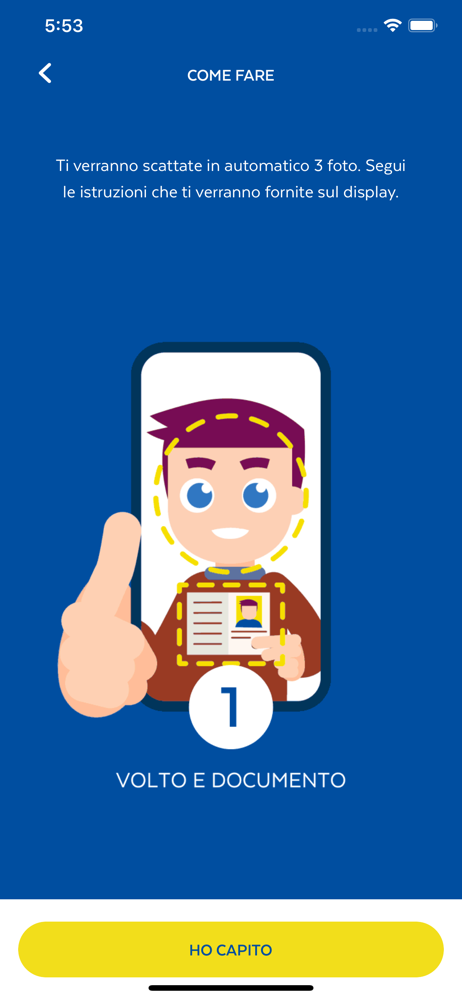
*** PER SIM DI TUTTI GLI OPERATORI MOBILI *** Scarica l'App PosteMobile SIM&GO per completare l’acquisto da web della tua nuova SIM PosteMobile. In po...