Check the acquisition promise
Read the store headline, screenshots and description. What problem is the app promising to solve?
Study the storefront ↗
MO NOUR · iOS
Explore the ad evidence, study the storefront, and build your next acquisition hypothesis.
01 / Creative research
Read the store headline, screenshots and description. What problem is the app promising to solve?
Study the storefront ↗Explore apps with direct store-link matches. Compare their hooks and formats without assuming the same approach works here.
Browse observed advertisers ↗Store rankings and revenue estimates describe market context. They do not establish ad spend, conversions or ROAS.
Review the market context ↗02 / Storefront & product
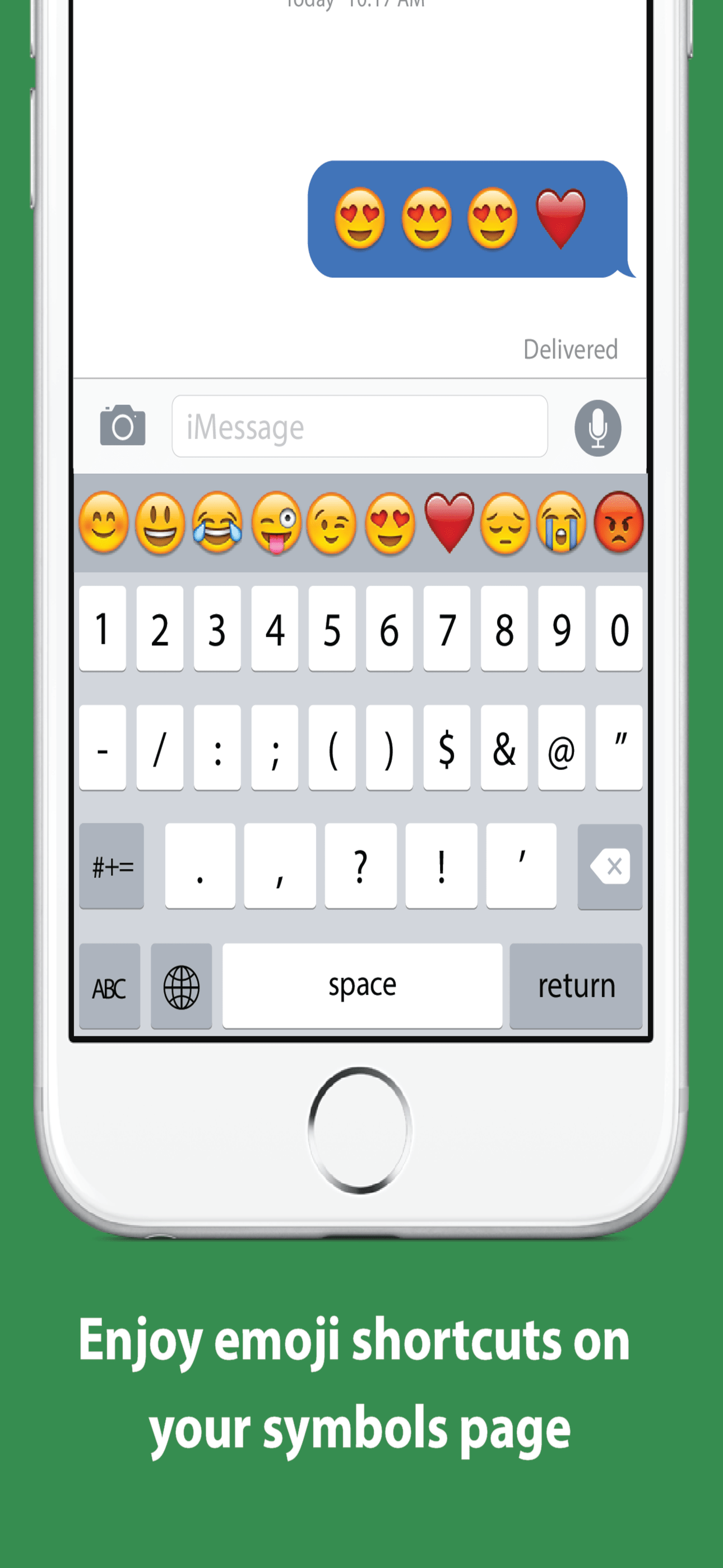
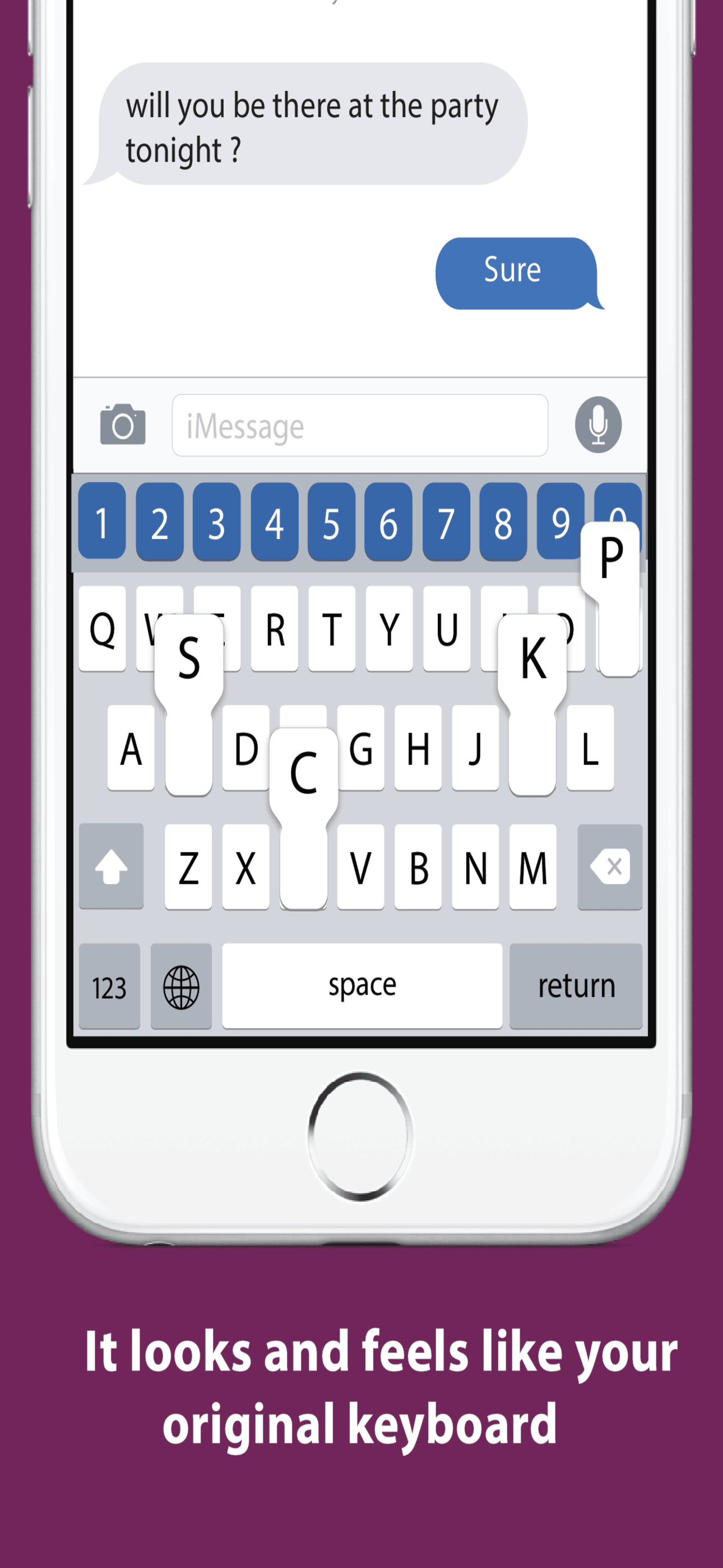
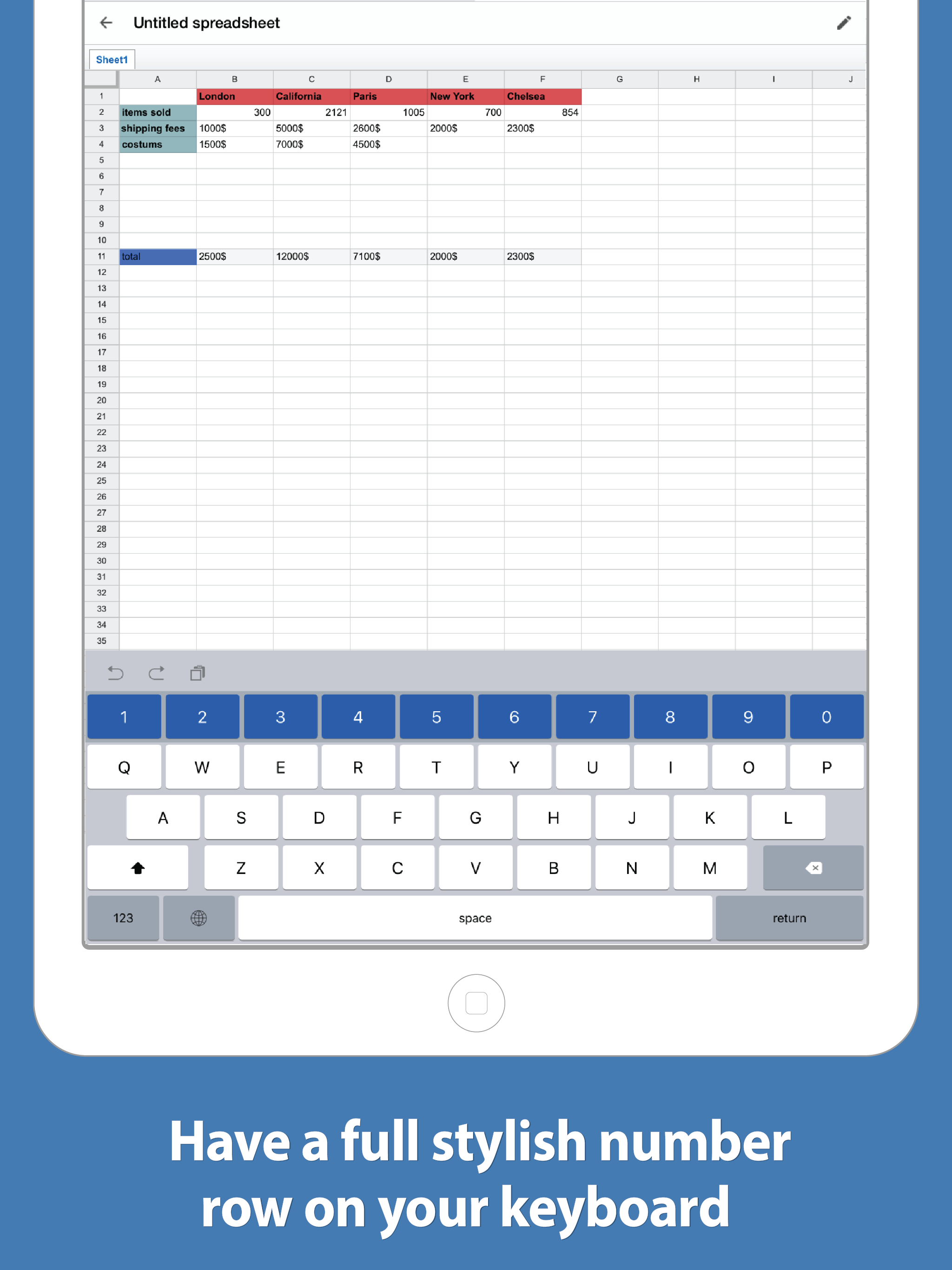
Study the product story and store experience behind the acquisition funnel.



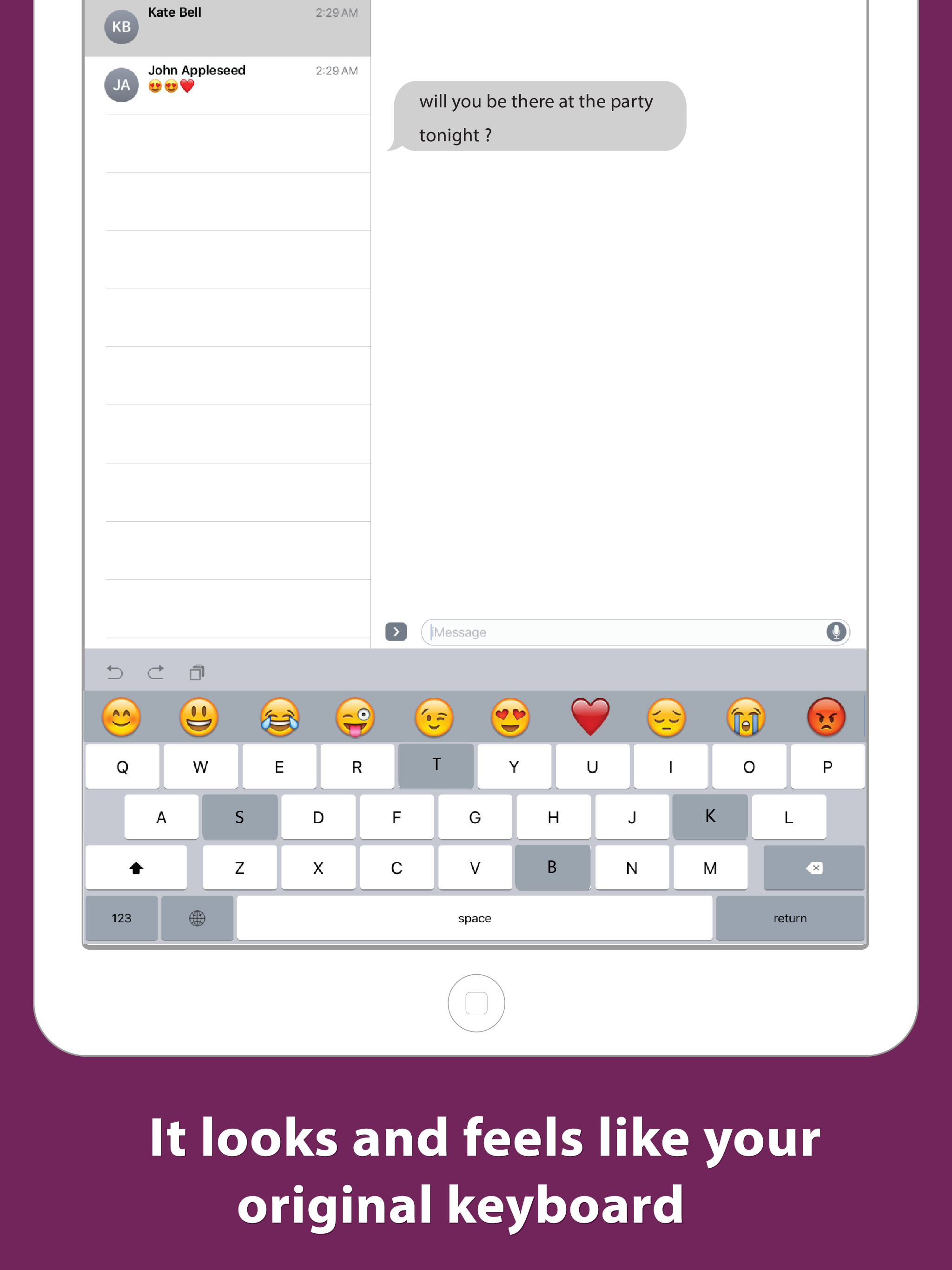
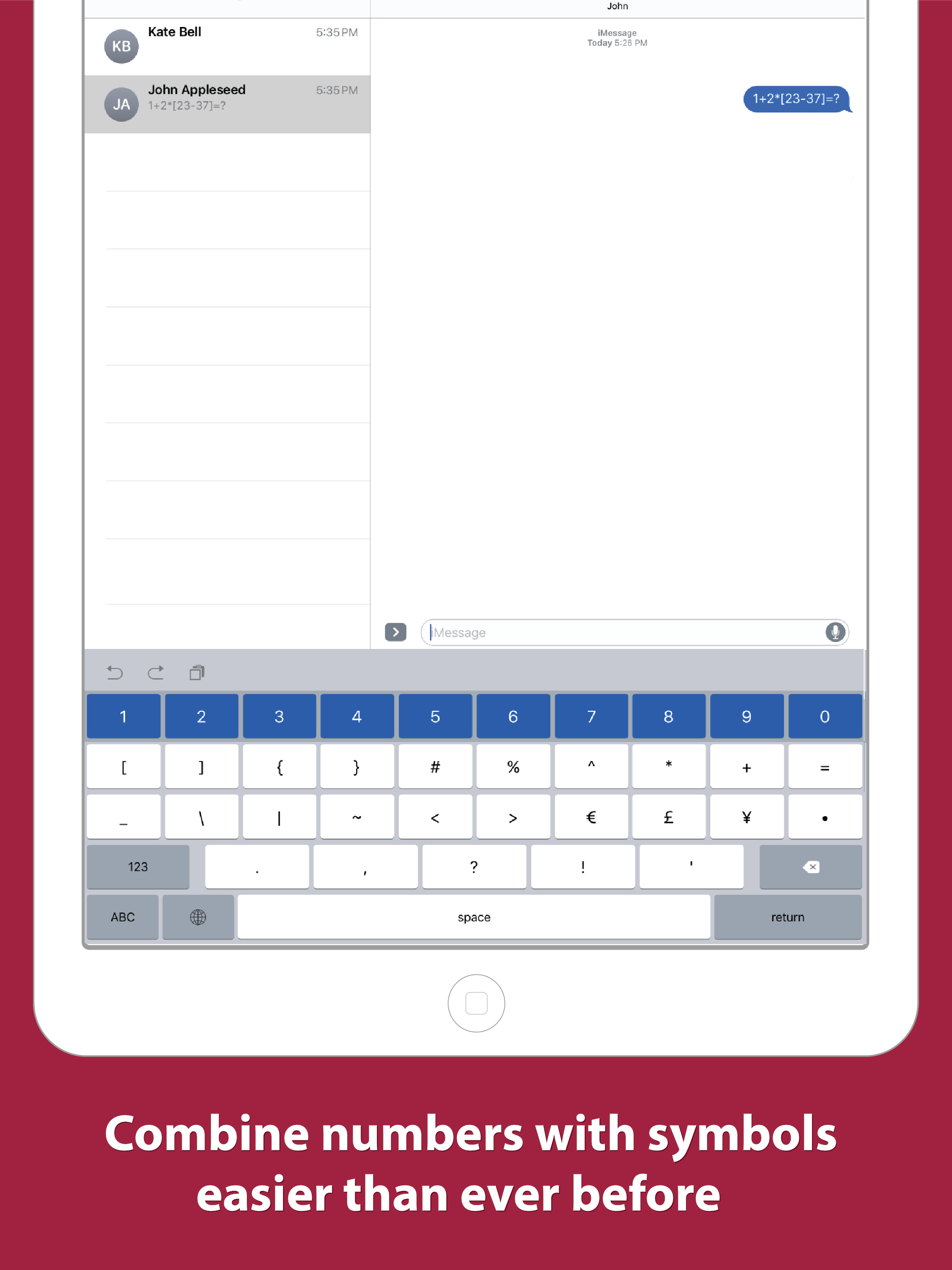
03 / Market context
Keep revenue, downloads and store rankings separate from advertising performance.
Typing o this keyboad right no nd its awful. It s (just crashed again) slow and buggy and crashes/switxhss to the default/previous keyboard frequenty, and thn it switches back sometimes. Hate it. Also, no Swype functionality among lagging over characters and outright missing them.
Super helpful app and works great with my iPhone 15
I like the numbers row on top of the keyboard. That helps. Now, how do I get it to stop clicking when I type? I've disabled the audio clicking in the Settings and your keyboard is the only thing that still clicks when I type.
Number Row Keyboard: The Smartest Number Keyboard on the App Store Switch to a new keyboard without the pain. Number Row Keyboard looks and behaves j...