Check the acquisition promise
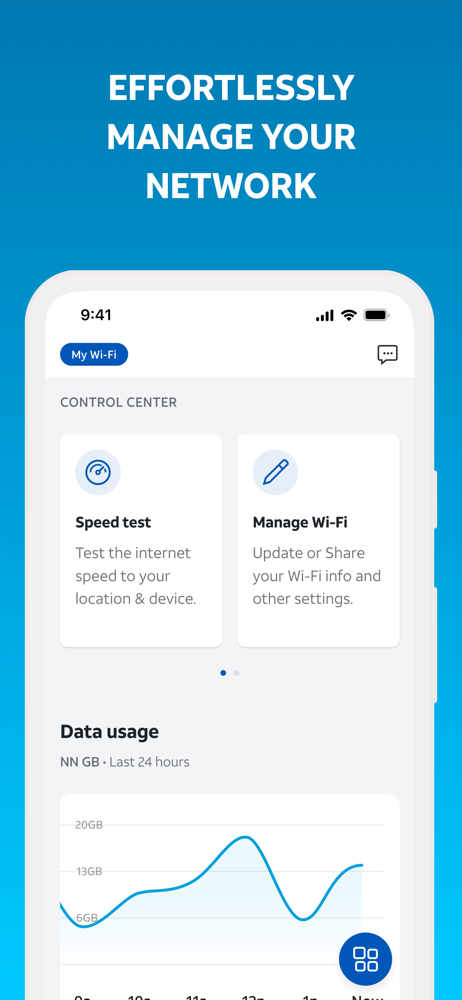
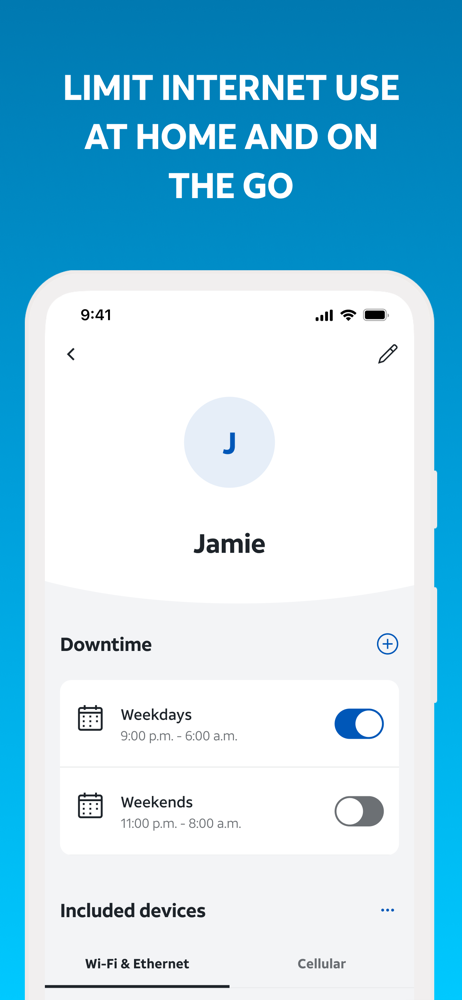
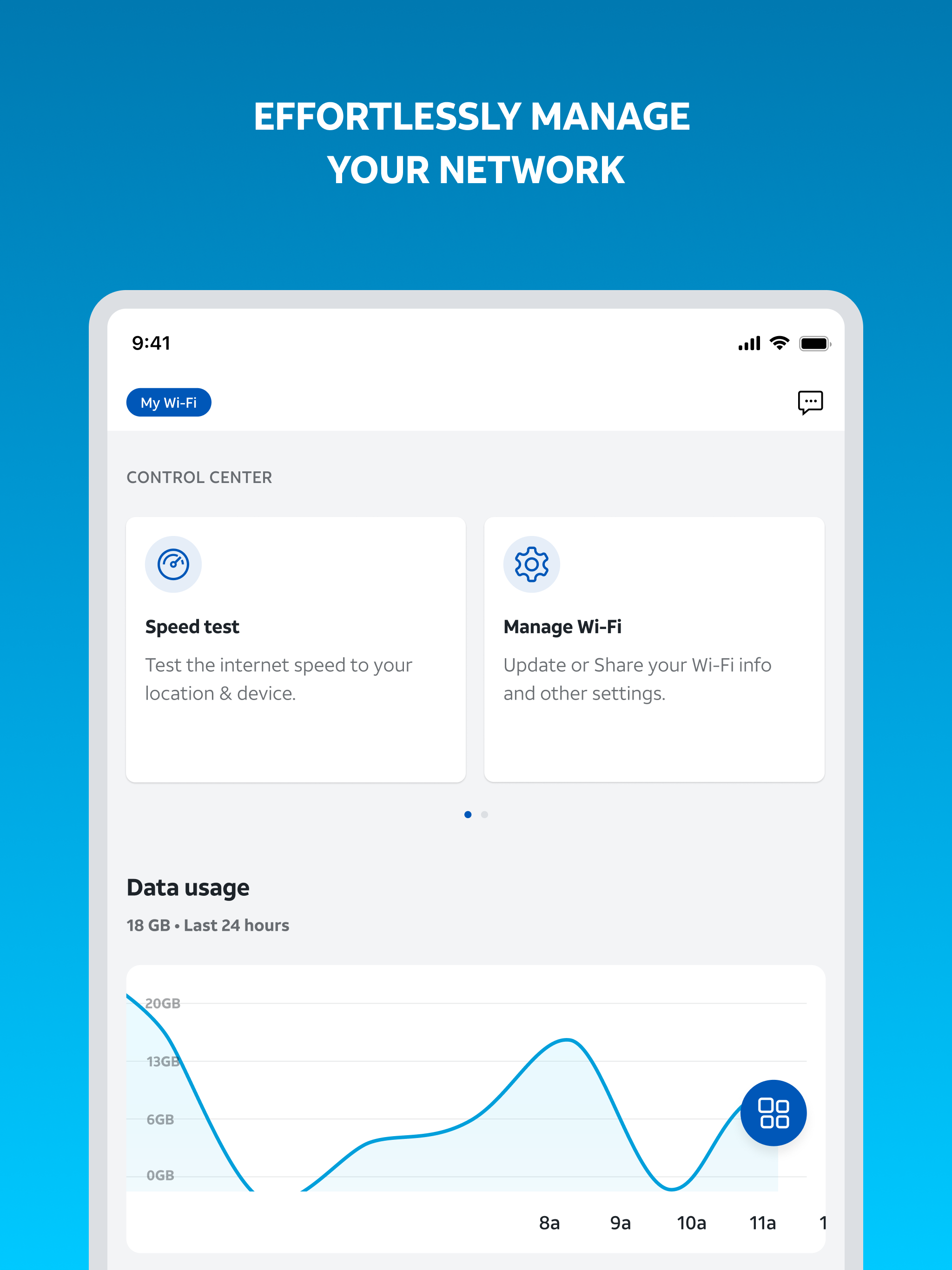
Read the store headline, screenshots and description. What problem is the app promising to solve?
Study the storefront ↗
AT&T Services, Inc. · iOS
Explore the ad evidence, study the storefront, and build your next acquisition hypothesis.
01 / Creative research
Read the store headline, screenshots and description. What problem is the app promising to solve?
Study the storefront ↗Explore apps with direct store-link matches. Compare their hooks and formats without assuming the same approach works here.
Browse observed advertisers ↗Store rankings and revenue estimates describe market context. They do not establish ad spend, conversions or ROAS.
Review the market context ↗02 / Storefront & product
Study the product story and store experience behind the acquisition funnel.



03 / Market context
Keep revenue, downloads and store rankings separate from advertising performance.
I guess after years and years of terrible service from other companies, I never really expect much in the way of customer service or features and benefits. Usually just a high cost hassle. However, I have to say that this app is incredible. I’m genuinely impressed and the team that designed this should be proud of their work. There are so many useful tools included, most of which in the past with other companies, I had to use multiple websites or various other methods which could be annoyingly cumbersome. This app has everything I need in one place. The layout is super easy to understand and is visually appealing. It would probably be very beneficial to customers who aren’t too tech savvy. I’m kind of a technical guy and like to tinker with things, but you don’t have to be to be able to use this app easily. The service has been great so far as well. I hope this helps you and have a wonderful day!
This is more of a suggestion, rather than a review; However, the review comes along with it. I just switched from Xfinity 1G to AT&T fiber 1000. I didn’t have any problems with Xfinity, but the internet installer at my new apartment suggested the switch because AT&T was a much faster internet option. It is, for the most part. My biggest issue is the lack of control I have over my devices and the fact that I have to pay extra for Active Armor. Xfinity had very similar security included with the plan, minus the website control options. The best part about Xfinity was the control I had over my network through the app. The ability to limit internet use (pause) on devices until I chose to unpause -not limited to 24 hours-, removing unwanted devices from my network while they were connected, creating profiles and choosing what devices are paused individually instead of pausing the entire profile, and the amount of information that is collected when a new device is added to the network is almost immeasurable. I have 3 devices currently on my network that just say “unknown device” no other type of information. It is extremely frustrating how limited everything is on this app, and I am not sure a slightly faster internet speed is worth a $10 difference in price. My suggestion would be to look at Xfinity’s platform and incorporate similar features to allow for a more user focused interface and service.
When I check to see the list of how many devices are connected to my network, I can tell it’s not accurate 99% of the time. It does show that at one point there may have been 13 connected but I know for a fact that there’s only 3 or 4 later on at times powered on and connected and some have even been completely powered off for literally weeks, or even months and they'll still show up as connected. I also can’t help but to think that it still does have an effect on how fast the connection is despite a vast majority of the devices not connected and completely powered off. For example, an old iPhone 5 or 10 year old Xbox 360 does not have the capability of being technically powered off, but still has the ability to be connected to WiFi (standby mode); yet the connected devices list will still show either one or both still connected for weeks or up to months on end until I turn whatever device on and then turn it back off. It seems like the only real fix on my end is to turn, whatever is not actually on and connected to my network, on and then power it back off. It’s ridiculous that that’s what I’d have to do to make me feel like it showing the number of devices connected is slowing my connection down late at night when internet traffic is at its least giving me the best of its capability. This has been going on for months now but now it’s just getting annoying if anything to be honest. Please look into a fix for this issue.
The AT&T Smart Home Manager app will guide you through a simple self-setup process for your new service. It also provides all the tools you need to ma...