
Check the acquisition promise
Read the store headline, screenshots and description. What problem is the app promising to solve?
Study the storefront ↗
John Mackay · iOS
Explore the ad evidence, study the storefront, and build your next acquisition hypothesis.
01 / Creative research
Read the store headline, screenshots and description. What problem is the app promising to solve?
Study the storefront ↗Explore apps with direct store-link matches. Compare their hooks and formats without assuming the same approach works here.
Browse observed advertisers ↗Store rankings and revenue estimates describe market context. They do not establish ad spend, conversions or ROAS.
Review the market context ↗02 / Storefront & product
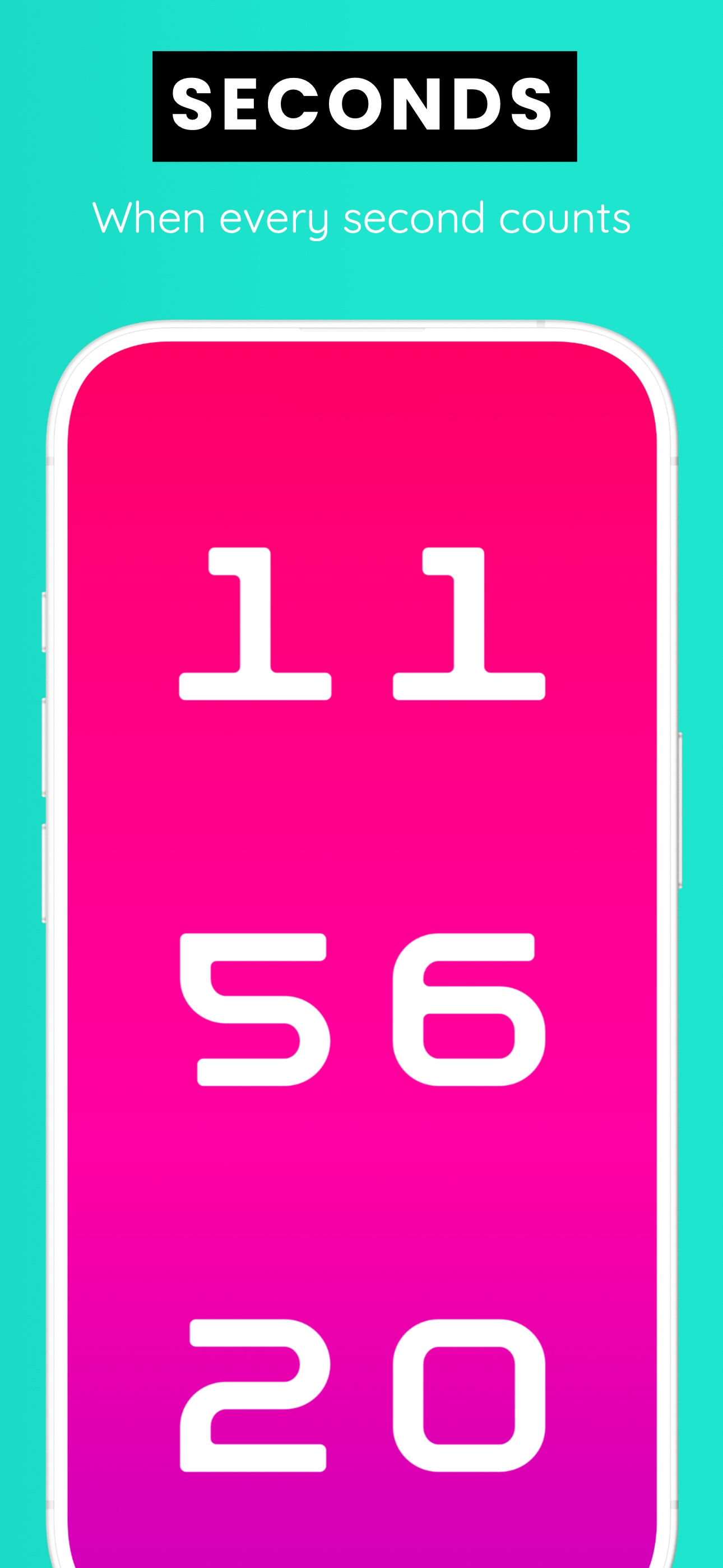
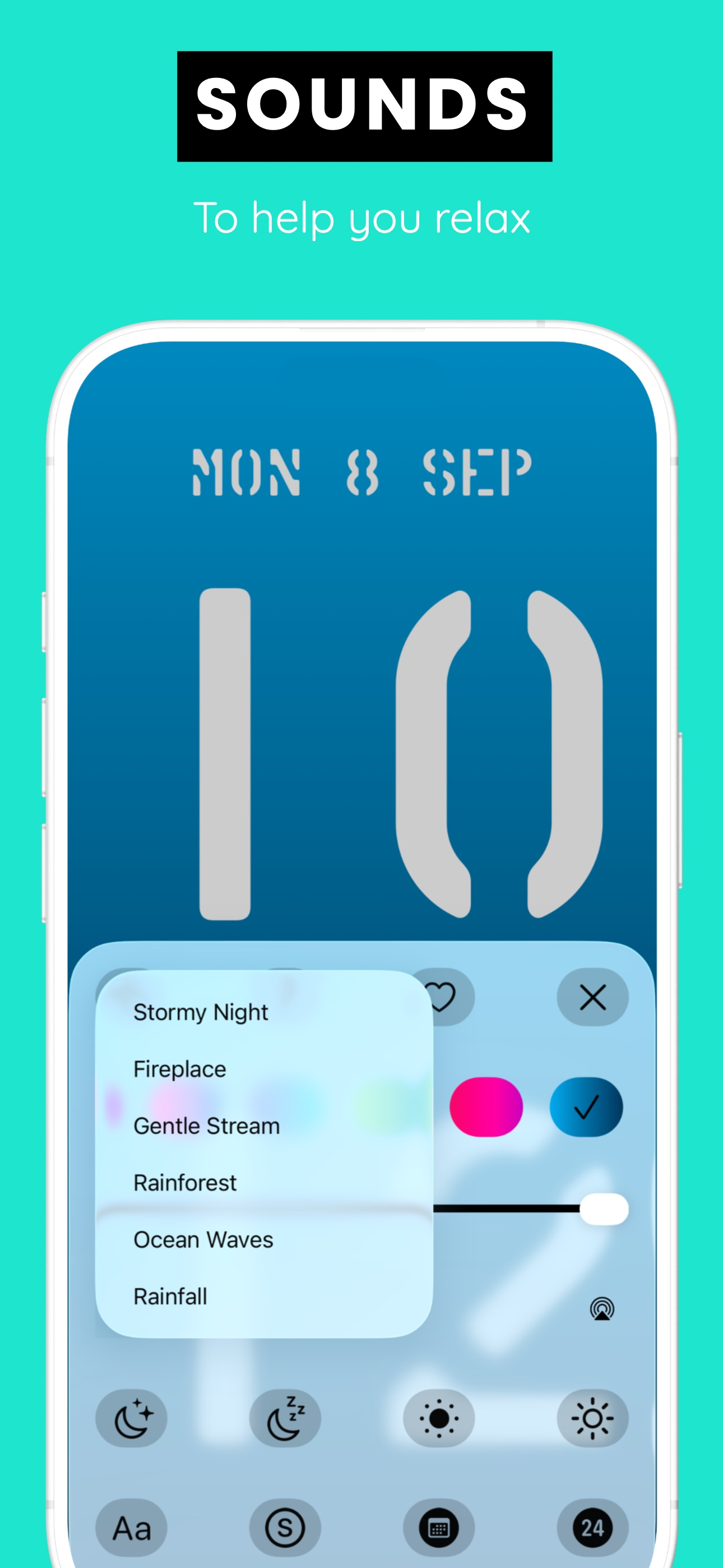
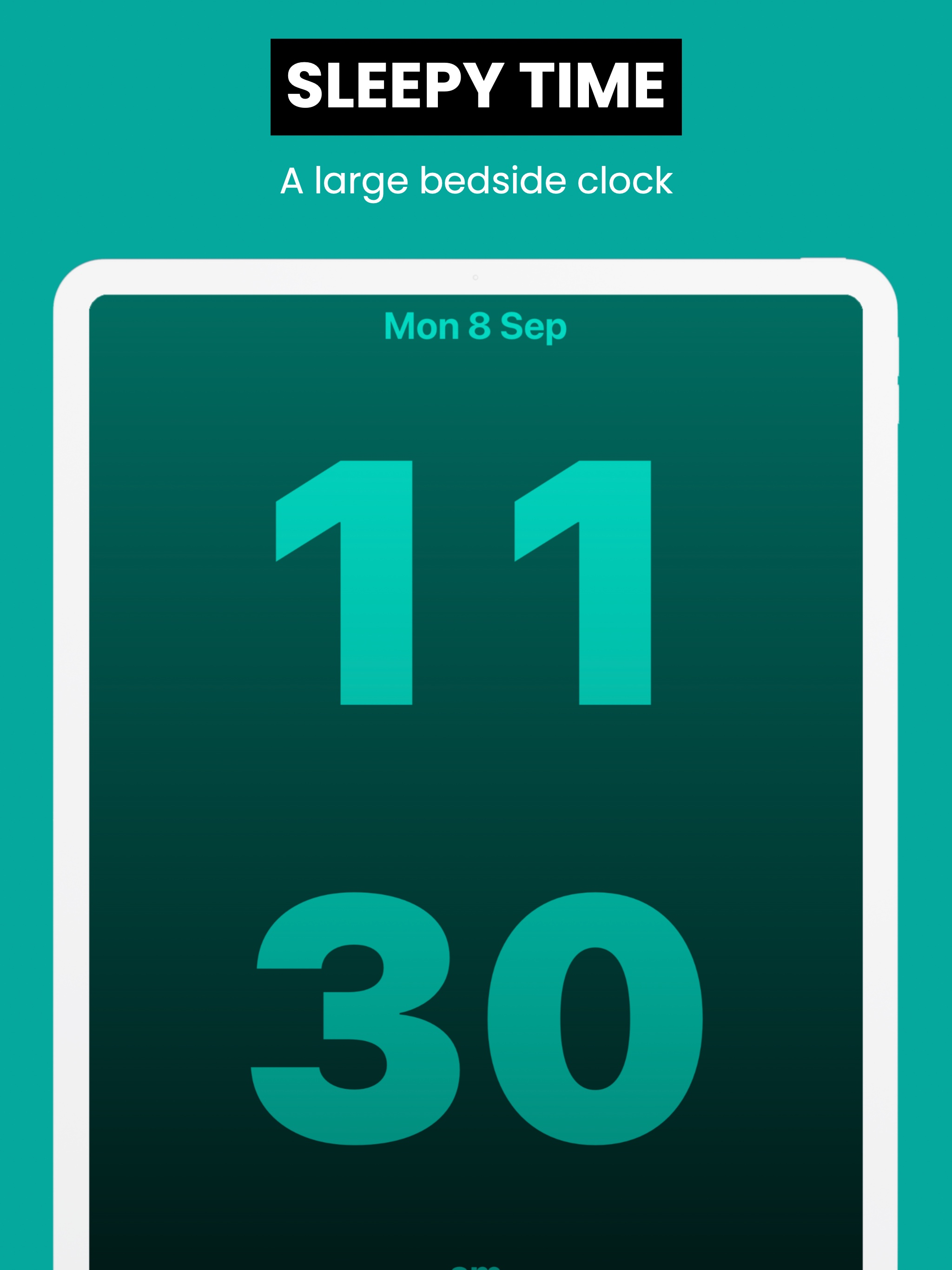
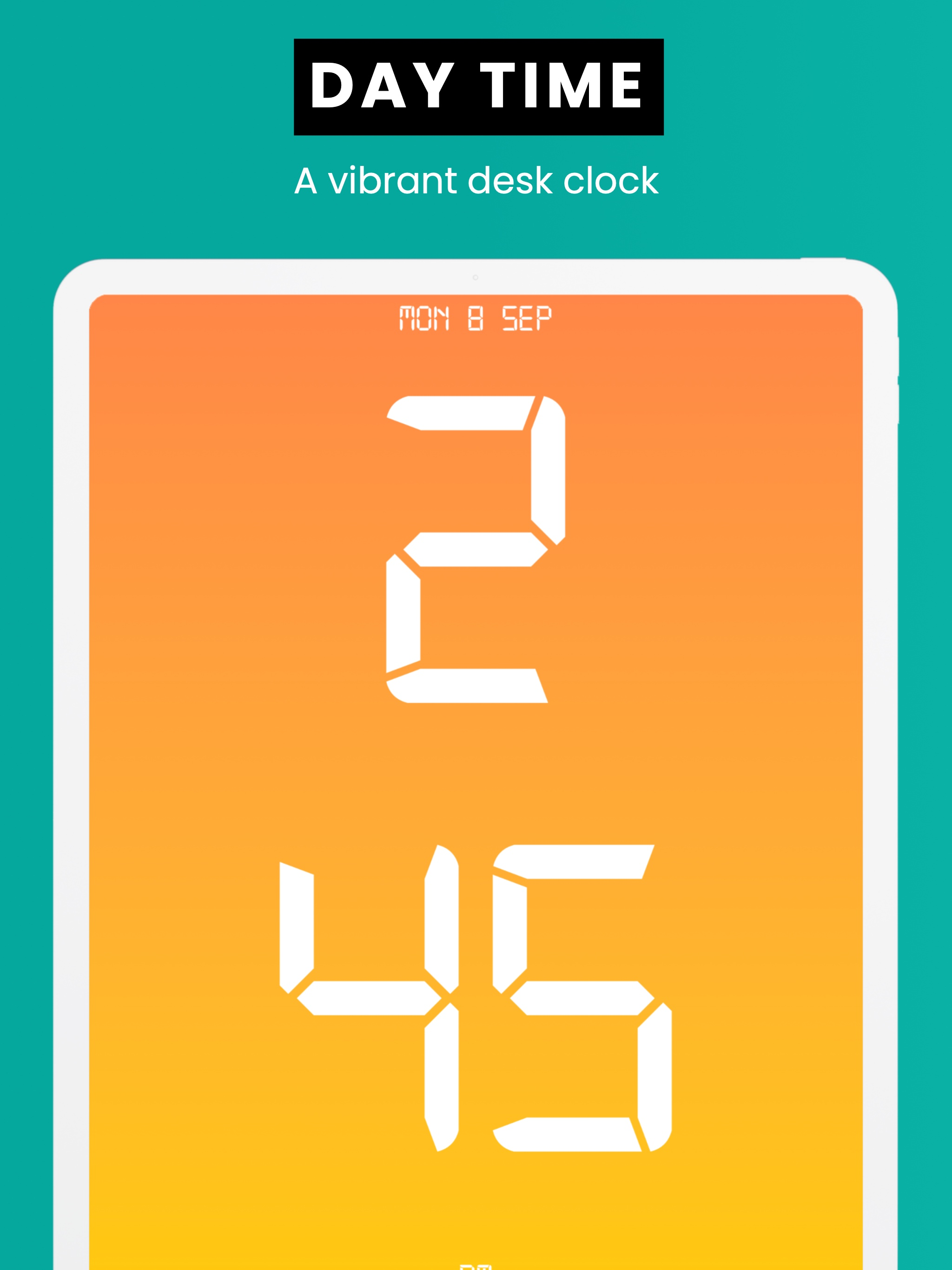
Study the product story and store experience behind the acquisition funnel.
03 / Market context
Keep revenue, downloads and store rankings separate from advertising performance.
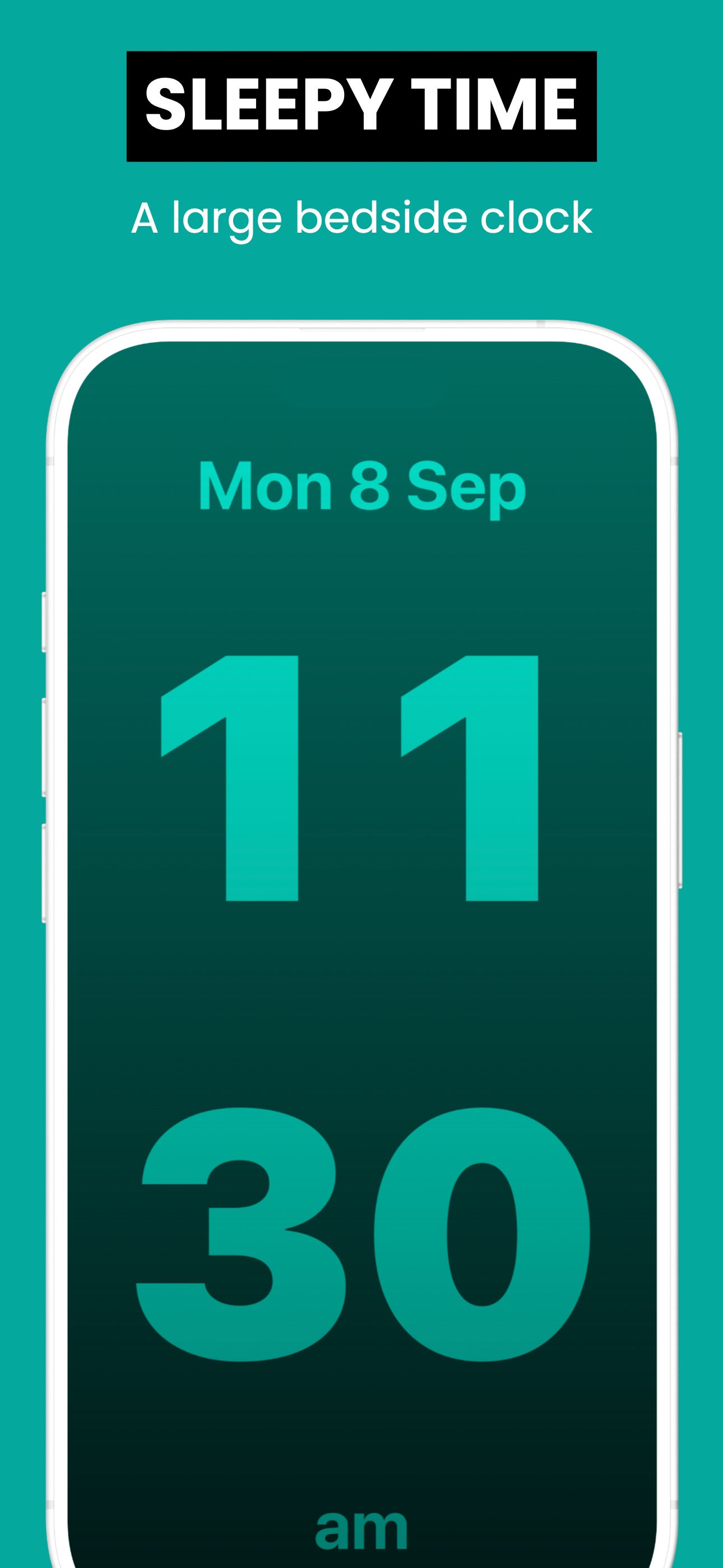
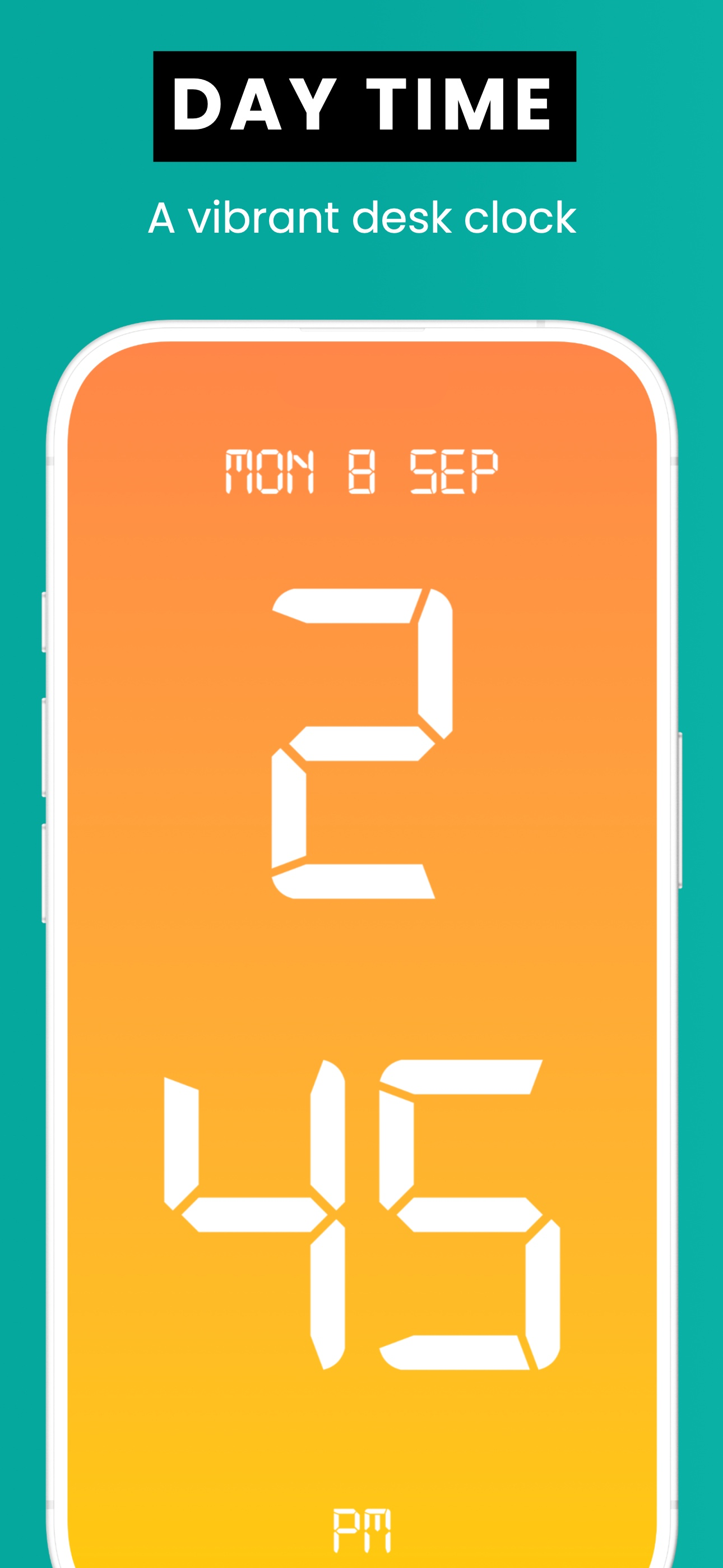
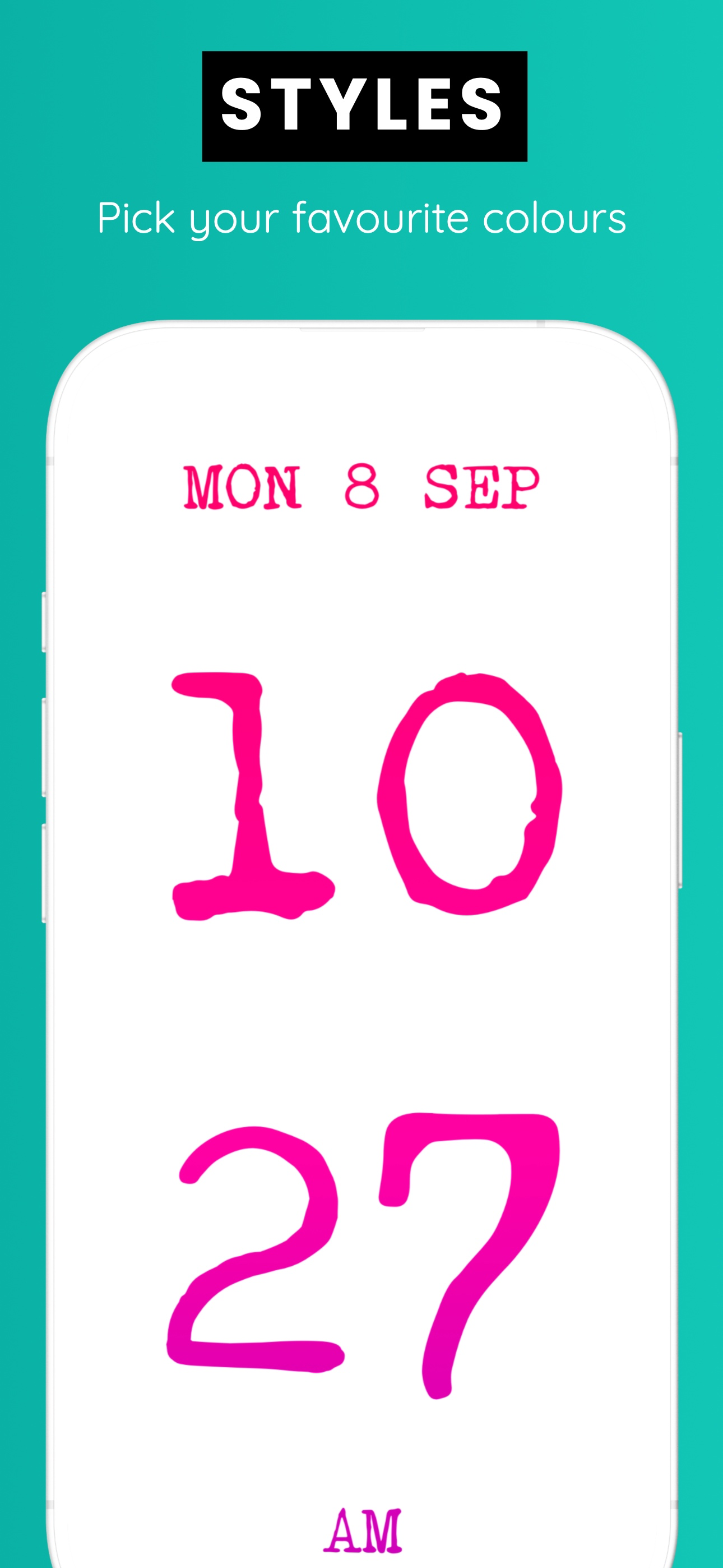
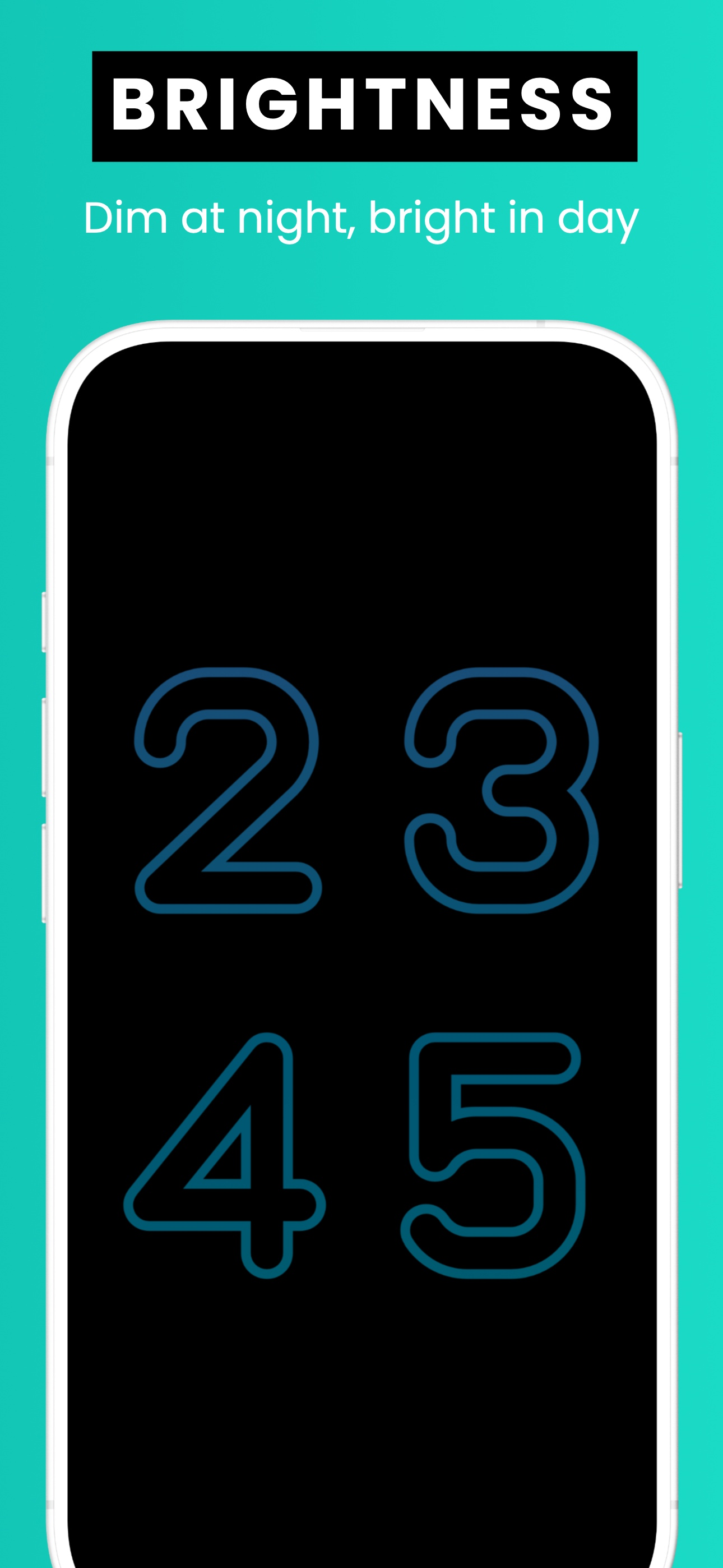
2nd Update: still my favorite clock app. I didn't realize there had been an automatic update which added the date to the screen. I panicked! My big beautiful numbers real estate had shrunk to add info I don’t care about. Then I read the update notes and saw you can change this by pinching the screen. Now I have my giant numbers back that I can read with fuzzy eyes and no glasses in the middle of the night. Glad the developer is still maintains this great app Update: after using this app a few days I wanted to make one observation and one improvement suggestion. The clock seems to be a minute or so slower than the system clock. I noticed this when my wife’s alarm went off at 5 AM the other day and when I looked at my clock it was 4:58. It seems to lag just slightly. OCD sufferers be aware! If this were a 1-10 rating scale I’d knock it down to a 9, but since it isn’t, I’m leaving my 5-Star rating. One improvement would be to be able to lock the phone with the clock face displayed. I frequently leave my phone at my desk. I’m not afraid of anyone swiping it, but I don’t want to leave it unlocked. This makes a great office clock sitting beneath my monitor. I just wanted a large, easy to read clock for my iPhone. Something I can see without my glasses at night. This is it. Simple, big easy to read numbers. Minimal adjustments. The display works in portrait and landscape. You set the brightness by swiping up for brighter, down for dimmer. Change colors by swiping left or right. Whenever you open the app it remembers the last setting. That’s it. $0.99. No ads. Sure, it would be nice to pick different fonts, maybe an infinite color palette. But really, that’s not what this app is about. If you need an alarm, the alarm on your native iPhone app is as powerful as any. Other apps had all sorts of stuff like sleep sounds, music alarms, gongs, weather feeds, RSS feeds. But the numbers did not fill the screen. This one hits the spot
This is everything I ever wanted!!!!!!! I would put more exclamation marks but I’m trying to be mindful of you readers. I searched online stores for a simple, sleek digital clock with the date to keep me on time. After giving up my online search I found this app! It’s PERFECT! You see the clock and still get the notifications you set up your phone to display. I LOVE IT!!!! ❤️❤️❤️🕕♥️♥️♥️
Basic time app that works great. A huge bonus to this app is that they removed the bright white home bar that ruins other clock apps while using the iPhone X in dark a room. Well done! I worry that the constant time appearing on the screen may cause burnout, but haven’t noticed any thus far. Perhaps the clock is changing positions ever so slightly? Some times it seems to, but that could just be my imagination? I’m rambling now, anyway, great app!
A simple and elegant clock with a focus on displaying the time in the most pleasing and readable way possible. There's a dark mode, with the ability t...
| Name | Price | Type |
|---|---|---|
| Calming Sounds | $0.00 | One-time |
| Tip for Morning Coffee | $2.99 | One-time |


