Check the acquisition promise
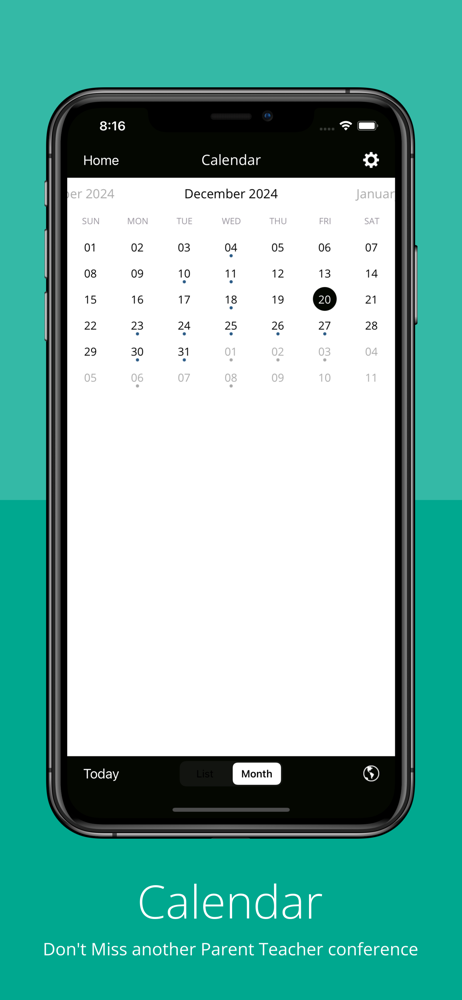
Read the store headline, screenshots and description. What problem is the app promising to solve?
Study the storefront ↗
Colorado Springs School District 11 · iOS
Explore the ad evidence, study the storefront, and build your next acquisition hypothesis.
01 / Creative research
Read the store headline, screenshots and description. What problem is the app promising to solve?
Study the storefront ↗Explore apps with direct store-link matches. Compare their hooks and formats without assuming the same approach works here.
Browse observed advertisers ↗Store rankings and revenue estimates describe market context. They do not establish ad spend, conversions or ROAS.
Review the market context ↗02 / Storefront & product
Study the product story and store experience behind the acquisition funnel.




03 / Market context
Keep revenue, downloads and store rankings separate from advertising performance.
Top info rotates not clickable. Completely blank underneath. I’ve installed reinstalled messages blackboard asked my kid’s principal and went through the IT person for the district via the principal. I’ve updated my phone wiped and reinstalled everything. Cleared cache of the app. All of it. It’s on the developers end, I need this app to check his attendance as well as updates for the school. Please fix asap
I think the app is stuck after you pick the schools you want information from. Pick the three that I need and hit update, but now it doesn’t give me the option to log in or see all the data that is provided on the app.
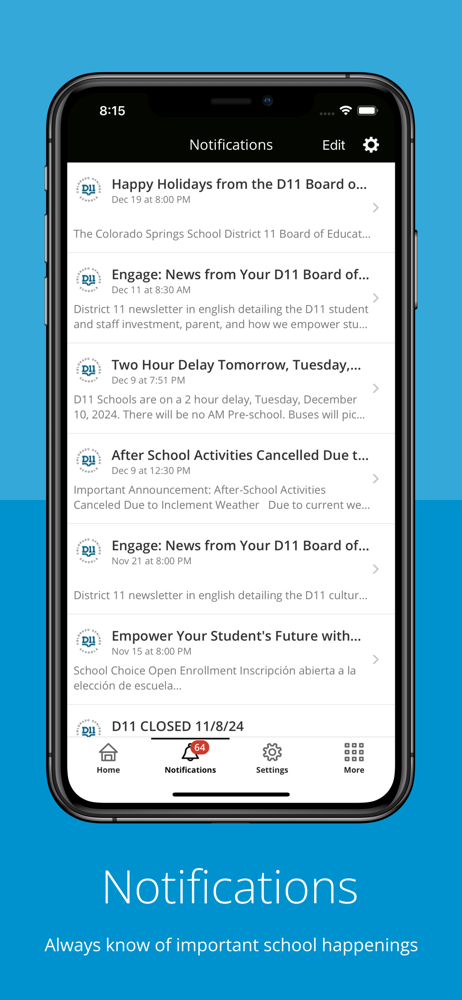
I upgraded from an iPhone 7 to 11 and the notifications stopped working. I have them all turned on and even tried uninstalling and reinstalling the app. Still doesn’t work.
The official Colorado Springs SD 11 app gives you a personalized window into what is happening at the district and schools. Get the news and informati...