Check the acquisition promise
Read the store headline, screenshots and description. What problem is the app promising to solve?
Study the storefront ↗
CrioSoft LLC · iOS
Explore the ad evidence, study the storefront, and build your next acquisition hypothesis.
01 / Creative research
Read the store headline, screenshots and description. What problem is the app promising to solve?
Study the storefront ↗Explore apps with direct store-link matches. Compare their hooks and formats without assuming the same approach works here.
Browse observed advertisers ↗Store rankings and revenue estimates describe market context. They do not establish ad spend, conversions or ROAS.
Review the market context ↗02 / Storefront & product
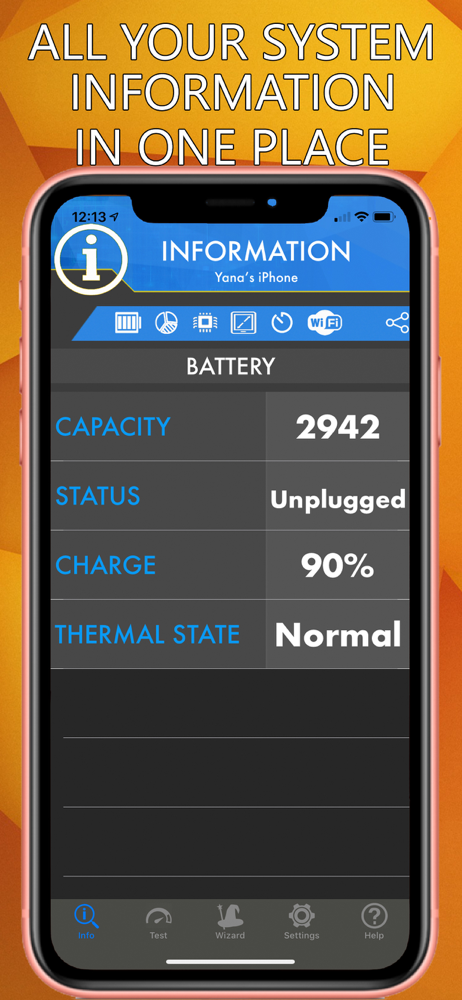
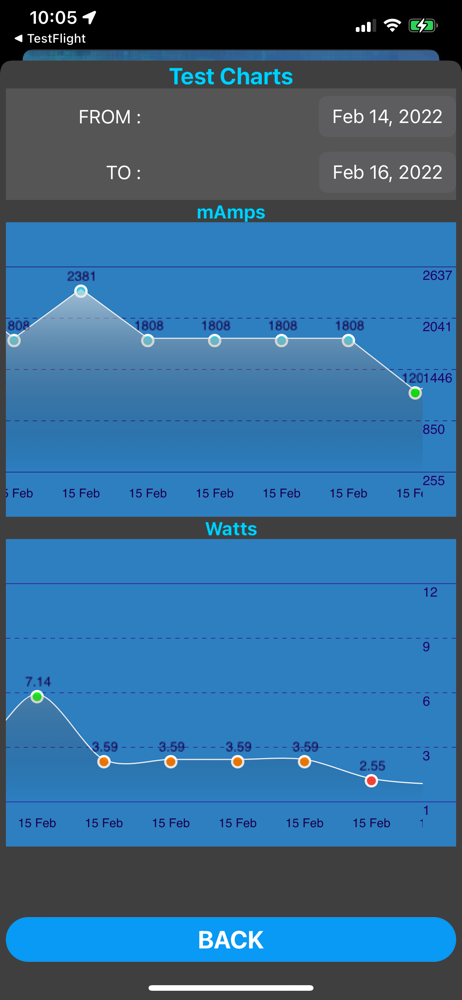
Study the product story and store experience behind the acquisition funnel.



03 / Market context
Keep revenue, downloads and store rankings separate from advertising performance.
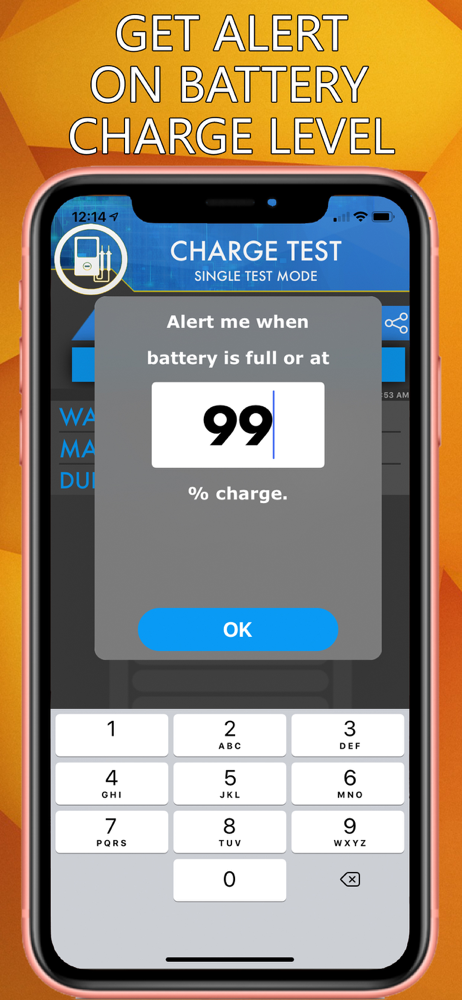
I got a new iPhone 15, and am using this app to establish baseline measurements with a battery at 100% life. I ride a motorcycle, with a phone mount between the handlebars. Years ago I added a cheap qi wireless charge pad to it for my iPhone 11. When the iPhone was new the wireless charger was able to stay ahead of the power demands of the GPS antenna, running Apple Maps and/or SENIC navigation, as well as the Bluetooth link to my helmet. This past year with the iPhone battery aged to 70% capacity I noticed the qi charge pad could no longer keep up, and the iPhone slowly discharged as I traveled down the road. I got this app to let me test and diagnose the devices, but that large pothole in the road dislodged my iPhone from its mount in heavy traffic. I got a new iPhone now – and a case with a tether, to go with the new built in wireless fast charger phone mount. This app is giving me good information to compare with several years from now when this iPhone ages. My initial impression: The screen is static, giving no indication of it’s even working – until it puts up a banner saying the test has concluded. Perhaps the screen could have elapsed time ticking off the seconds, and a line of 5 lights could progressively turn green as the percentage of charge rises. That would keep the impatient user from aborting the test early out of frustration. Aside from that, I like it. It’s a keeper!
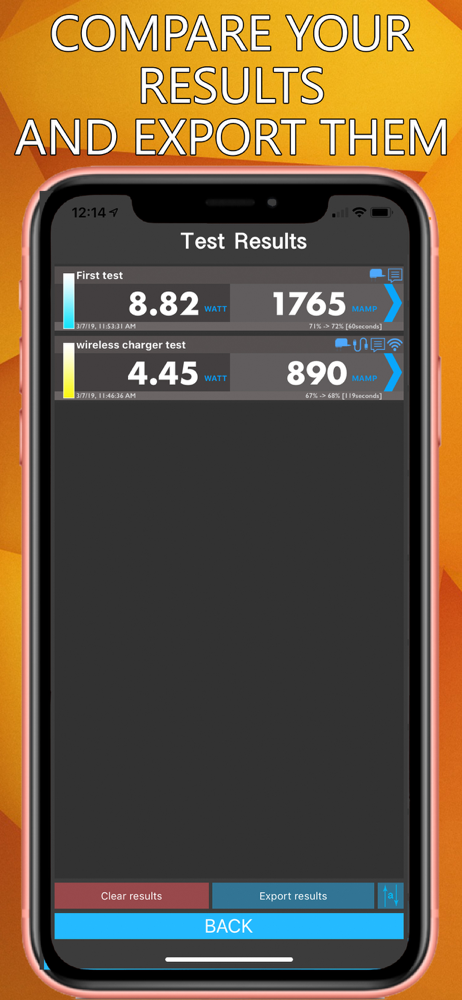
Have been using for a year or so. App works great and does what it says. However the interface has changed so much with different icons and compressed its very hard to click on the right button. For example, now the test results only show you the results vs in the past you could see the info that went along with it all in one line. It’s a mess. Please consider bringing back the old interface.
Edit: all issues were addressed. ———— Please add a conformation step before clearing results data. Very easy to accidentally delete all one's measurements otherwise. Also being able to edit the test configuration info after a test is run would be very helpful. Also where test results are displayed (at least on an iPhone X) the fields with the Name and Charge get cut off with no way to later see what was typed originally. Finally, there should be a note to users that the charging rate, or score, varies greatly with how full the battery is. Perhaps recommending all tests be done under 50% would be better than the 90% required now.
Discover the power of Amperes: Your ultimate battery and charger testing app. Uncover bad chargers and cables, evaluate both wired and wireless charge...