Check the acquisition promise
Read the store headline, screenshots and description. What problem is the app promising to solve?
Study the storefront ↗
Scott Slocum · iOS
Explore the ad evidence, study the storefront, and build your next acquisition hypothesis.
01 / Creative research
Read the store headline, screenshots and description. What problem is the app promising to solve?
Study the storefront ↗Explore apps with direct store-link matches. Compare their hooks and formats without assuming the same approach works here.
Browse observed advertisers ↗Store rankings and revenue estimates describe market context. They do not establish ad spend, conversions or ROAS.
Review the market context ↗02 / Storefront & product
Study the product story and store experience behind the acquisition funnel.




03 / Market context
Keep revenue, downloads and store rankings separate from advertising performance.
The game itself is very fun. The missing star: the app crashes and you have to do a hard reset to start playing again. Also, when the game starts, a player goes through 7 or 8 tiles with a starting count of 5? You haven’t made one play yet! So, hit the restart hand button— or you’ll be behind by 80 points.
I wanted to love this app - the dev is going out of his way to protect privacy and make a fun game. But, three times now I have had to delete and reinstall the app due to a bug that (first) prevents any input/interaction, and (second) crashes the game immediately on restart if you try to exit and come back to keep playing. Best description of this bug is: game assumes the full real estate of the screen is usable play area. But, iPhone uses the top center band and bottom center band as areas to control the OS (top: see notifications; bottom: change active app). When selecting a tile in the top band, the tile drops and seems to get “stuck”… it falls onto the board abutting or obscuring other tiles, and the game logic comes to a screeching halt (and then freezes, etc; see above). While I don’t expect a game dev to make bug fixes his full time job, I do expect a paid app with critical failures to be resolved. Five stars for intent, but one star for a fabulously failed execution.
I love this game and haven’t minded most of the minor bugs the app has dealt with, but since the newest update, the game speed gets faster and faster as I play. I like to play in the ‘slow’ mode, but can only play for a few minutes before it kicks it up to medium or fast. I have to reset the game in order to get it to go back to slow for a few minutes again. I’ve tried deleting and re-downloading it with no luck. I’ll continue to play because I love it, but I would greatly appreciate a fix to this annoying change.
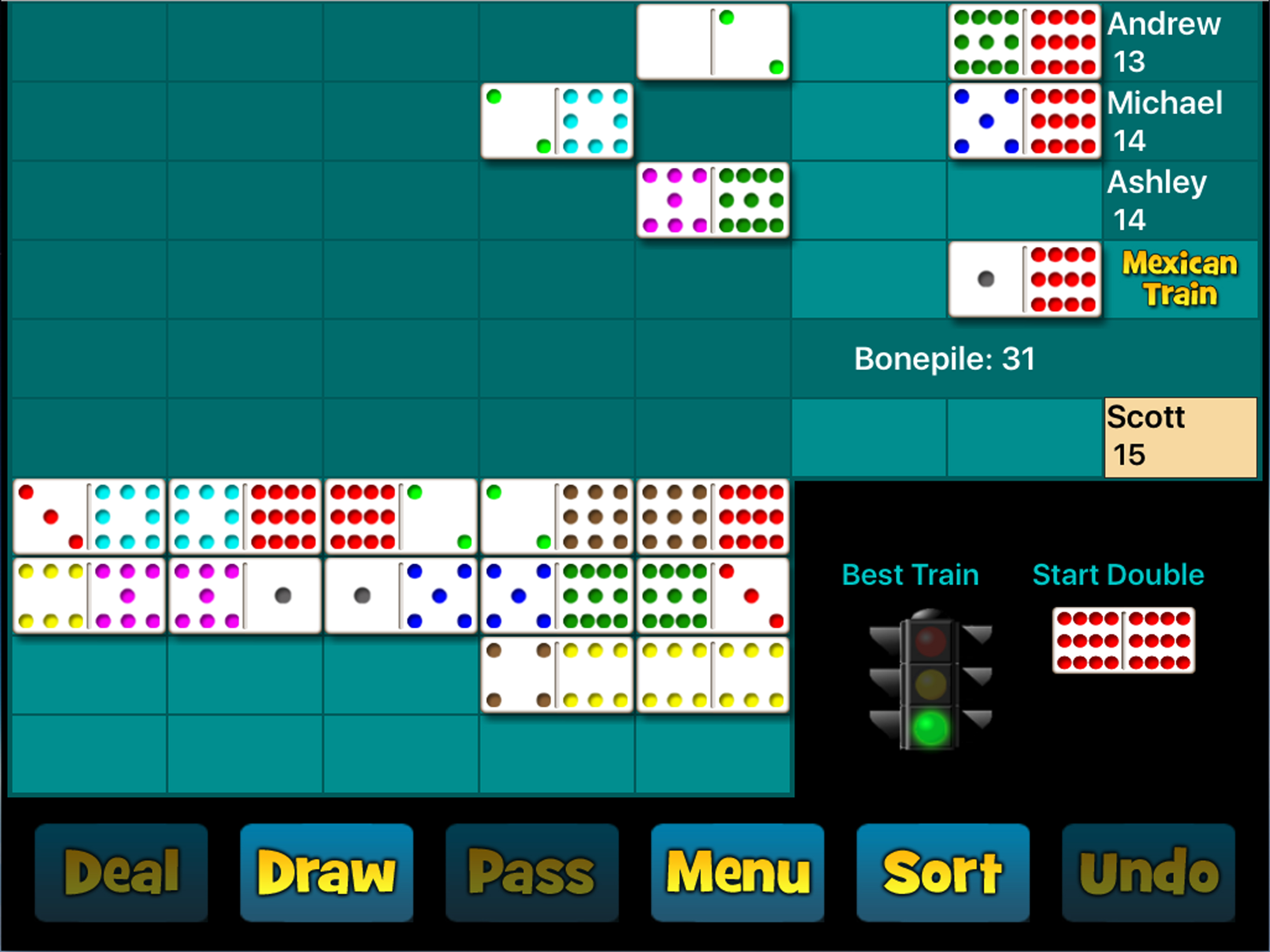
This Mexican Train Dominoes game will run on any iPad, iPhone, or iPod touch. One human player plays against 3 computer opponents of varying skill lev...