
Check the acquisition promise
Read the store headline, screenshots and description. What problem is the app promising to solve?
Study the storefront ↗
YMCA OF SILICON VALLEY · iOS
Explore the ad evidence, study the storefront, and build your next acquisition hypothesis.
01 / Creative research
Read the store headline, screenshots and description. What problem is the app promising to solve?
Study the storefront ↗Explore apps with direct store-link matches. Compare their hooks and formats without assuming the same approach works here.
Browse observed advertisers ↗Store rankings and revenue estimates describe market context. They do not establish ad spend, conversions or ROAS.
Review the market context ↗02 / Storefront & product
Study the product story and store experience behind the acquisition funnel.



03 / Market context
Keep revenue, downloads and store rankings separate from advertising performance.
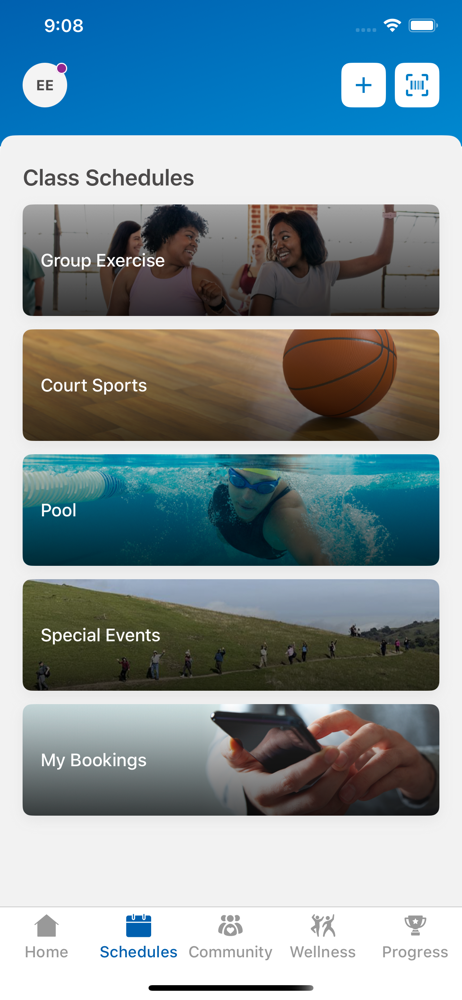
Overall the changes are great. However when you’re are in the “find a class” section. When you are looking at classes to book, the days selected at the top to not correspond with what the list shows. If you select Monday, it shows the classes for Tuesday. If you select any day of the week, it shows the following day. Hopefully they will fix this error soon.
I would really like a way to see my bookings on the calendar. The green booking button disappears after you leave that day and if you forget to ‘add to calendar’ you do not see your booking unless you open the event itself. Would be nice to have a full calendar that shows your bookings
So bad. Won’t work at all on my SE IPhone. The rest of this critique is from IPad. ** Not a user friendly app. First off I was annoyed that I had to have an account. I didn’t on web version. Why couldn’t we enter our member number like the libraries let you in entering our library number. But, OK. But when I tried to create account, I found the stated requirement for password does not match what is actually required. It says password must be 8 characters, contain an alphabetic, plus either a number or symbol. I entered nine characters, alphabetic and numeric, but that failed. I entered a capital alphabetic character, a number, and a symbol, which worked. So what are the rules? Next, trying to find a swimming appointment was not simple. Instead of having an expand/collapse choice for each date, one has to page and page and page down to find date through all the lists of slots. PLUS, it does not show full classes on first page like the web version does . So you have to go into each entry to find class closed, and then return. There should also be a choice to search on a particular date or a particular Y and a date and Y. I was hoping the app was better than web version, but it is not. Phooey!
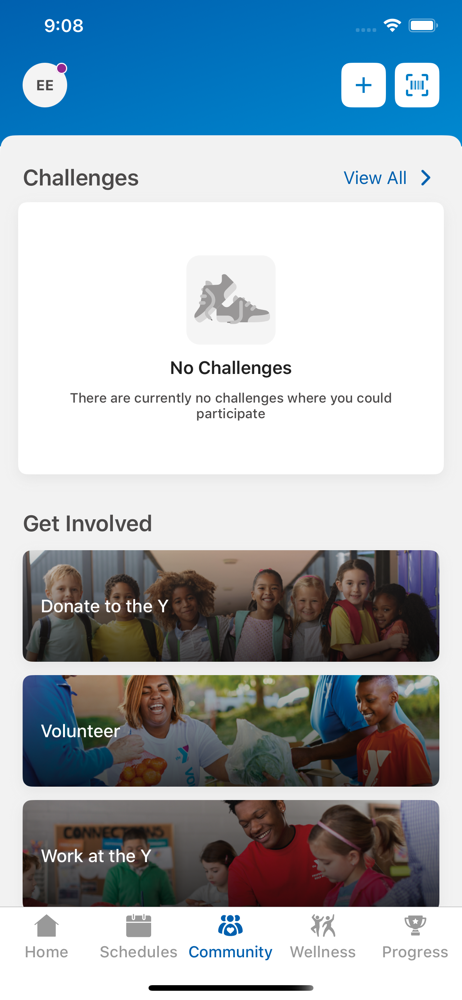
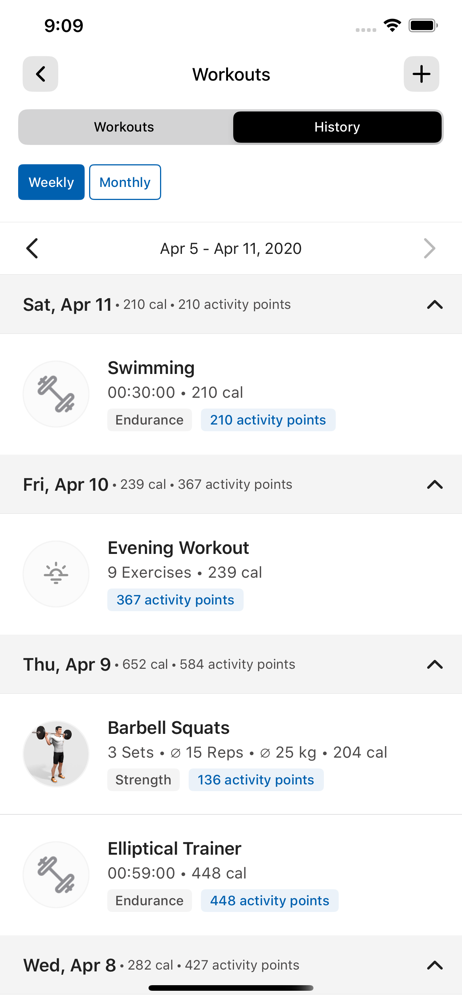
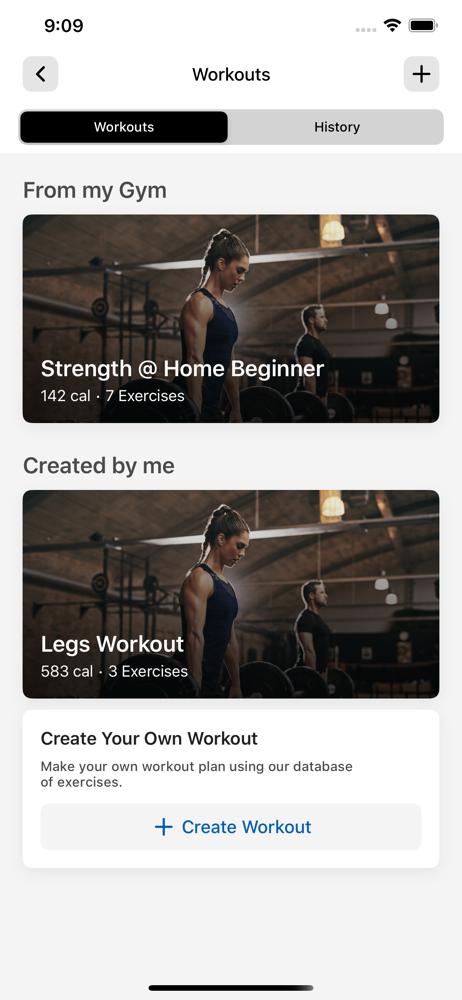
Elevate your fitness routine with the app! It's your all-in-one solution to easily monitor your workouts, track progress, and achieve your fitness goa...


