
Check the acquisition promise
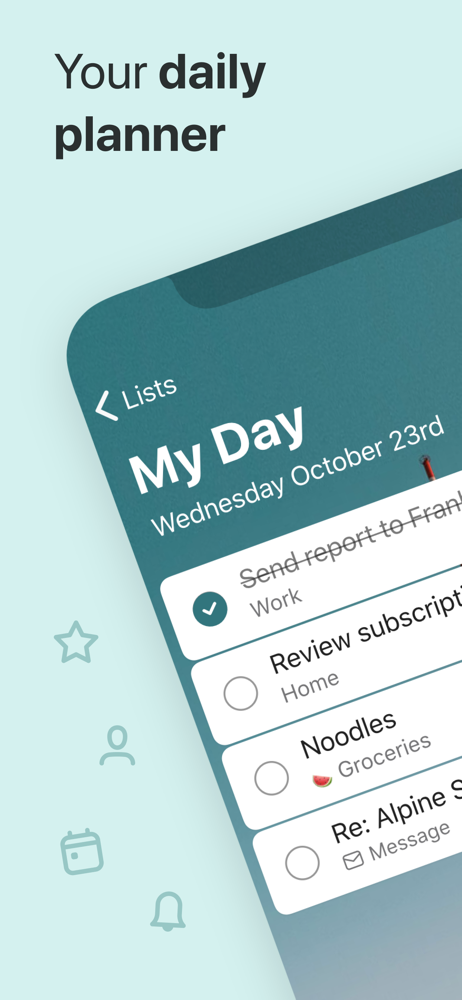
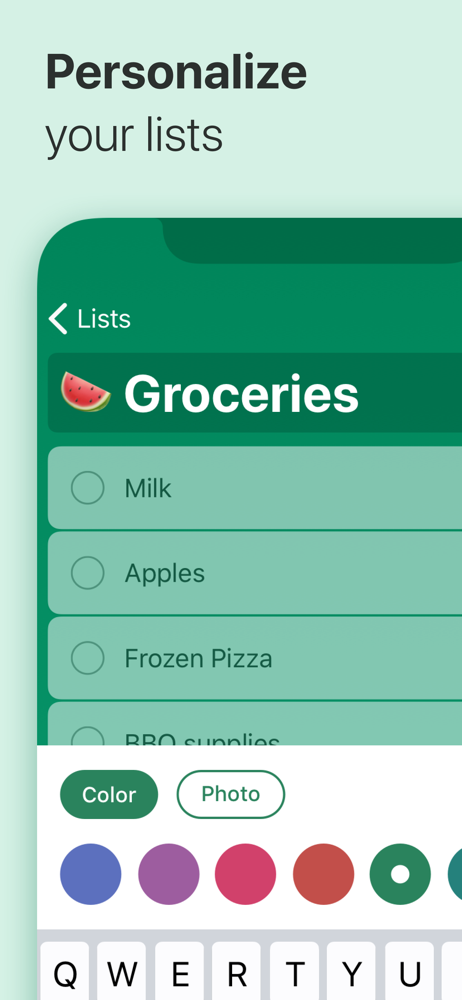
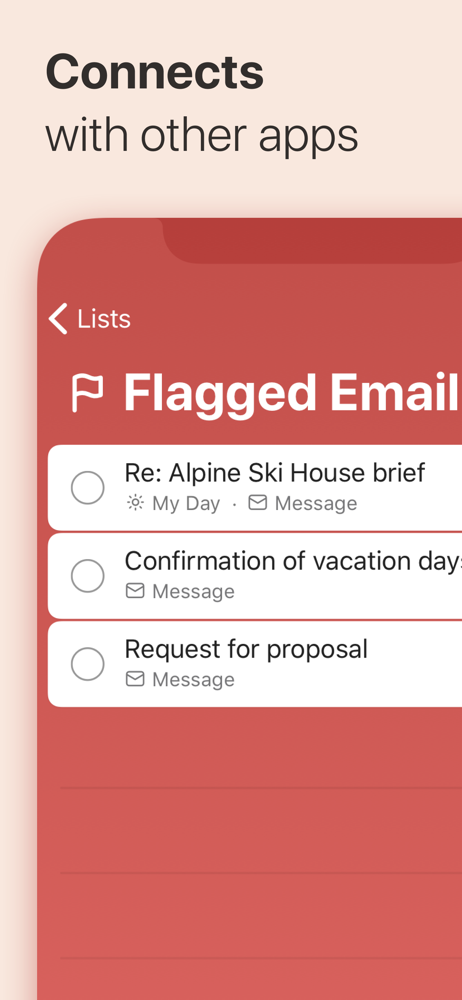
Read the store headline, screenshots and description. What problem is the app promising to solve?
Study the storefront ↗
Microsoft Corporation · iOS
Explore the ad evidence, study the storefront, and build your next acquisition hypothesis.
01 / Creative research
Read the store headline, screenshots and description. What problem is the app promising to solve?
Study the storefront ↗Explore apps with direct store-link matches. Compare their hooks and formats without assuming the same approach works here.
Browse observed advertisers ↗Store rankings and revenue estimates describe market context. They do not establish ad spend, conversions or ROAS.
Review the market context ↗02 / Storefront & product
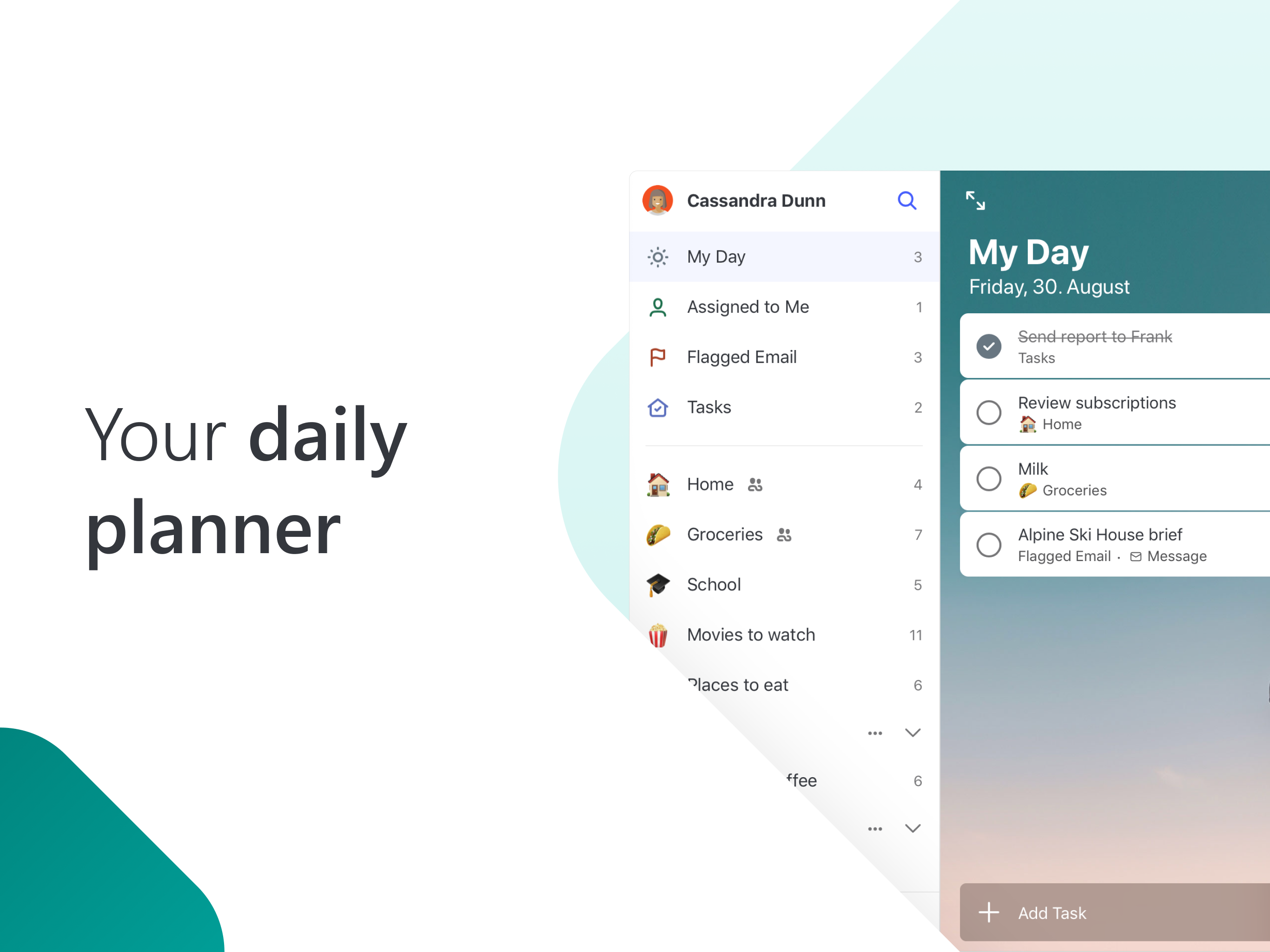
Study the product story and store experience behind the acquisition funnel.



03 / Market context
Keep revenue, downloads and store rankings separate from advertising performance.
This morning, the creators of “Microsoft To Do” FINALLY fixed enough of the features on this app to meet my former expectations of “Wunderlist!” “Microsoft To Do” (at first) had a lot of fun new features like colorful backgrounds for lists, and a few more sorting options, but was still missing some of the BASICS I enjoyed in “Wunderlist:” Here are my favorite two: 1) Being able to quickly recover a RECENTLY checked-off item at the TOP of the completed items, within a given list. Example: In “To Do” completed items were initially only alphabetized. I have an ongoing (reusable) grocery list including HUNDREDS of products. I even number them, by aisle, to ensure I see them “in order.” (Even if I’m in a different store, it still, at least, “categorizes” them together). But an “accidentally checked off” item, while shopping, was virtually GONE (until I got home & realized what was missing). This was fixed! Now I can just look at the TOP of the completed list. And, 2) Now I can see upcoming tasks separated out BY DAYS. In the past, anything beyond tomorrow was lumped together. Now, just like in Wunderlist, I can quickly find an upcoming day to which a task can be quickly moved/reassigned. And one of my favorite NEWER features of “To Do:” if you want certain tasks to recur/repeat in the future, say, only Mondays Wednesdays & Fridays (as opposed to once a week, or once a day) it can do this! Very cool. Keep up the great work!
So I’m trying to wean myself off Wunderlist to the To Do app and while it’s not terrible there are issues. For one I’m not crazy about the Planned section at all. If anything it feels cluttered and unorganized. The earlier tab brings up tasks I’ve not set dates for and ironically haven’t used recently but the only way I can remove them is by marking them as complete and 100% eliminating them. So unless I want to continuously create a new shopping task rather than edit the preexisting one in my earlier tab I guess they’ll have to hang around uselessly in Planned. The other issue I have with Planned is how jumbled up the rest of the week looks when you’re trying to see what tasks are coming up. In Wunderlist your week was sectioned into days and your tasks were allotted to those days. Now the tasks are all piled together under one tab that accounts for most of the week and it just seems like unnecessary clutter. The other issues I came across was that “My Day” doesn’t auto populate which seems rather redundant and I preferred when the important tasks moved to the top of the lists. It would also be really awesome to move the tasks assigned to each day in an order of importance if that became available. I know To Do is still an app in progress but I do rely upon my planners a lot and hope it eventually becomes as successful as the beloved Wunderlist.
I would have to say that overall Microsoft To-Do is a fantastic app and definitely the best to-do list app I have used. They make it very easy for someone with an ever growing and changing list of things that need to be done to organize everything in their life. For example: I have my main tasks listed in the default list but I also have a list for each of the jobs I work, and a group with lists for all of my college classes and their assignments. And the best part is you can view everything that needs to be done today, tomorrow, next week, and later from all of those lists all on one page in the “Planned” tab. This app also works really well across multiple platforms by instantly syncing changes. I use it on my iPhone, iPad, and Windows PC. A main feature I would really love to see added for the versions on iOS and iPadOS is the ability to add Microsoft To-Do to your widgets this way you can see and check things off your list all right from your home screen. My biggest complaint is that whenever you add a task from the “Planned” tab it defaults to being due yesterday??? But overall it’s a to-do list app and I think you would have a really difficult time finding a better one out there.
Stay organized and manage your day-to-day with Microsoft To Do. Make shopping lists or task lists, take notes, record collections, set reminders and m...


