Check the acquisition promise
Read the store headline, screenshots and description. What problem is the app promising to solve?
Study the storefront ↗
RippleInfo · iOS
Explore the ad evidence, study the storefront, and build your next acquisition hypothesis.
01 / Creative research
Read the store headline, screenshots and description. What problem is the app promising to solve?
Study the storefront ↗Explore apps with direct store-link matches. Compare their hooks and formats without assuming the same approach works here.
Browse observed advertisers ↗Store rankings and revenue estimates describe market context. They do not establish ad spend, conversions or ROAS.
Review the market context ↗02 / Storefront & product
Study the product story and store experience behind the acquisition funnel.


03 / Market context
Keep revenue, downloads and store rankings separate from advertising performance.
It takes good videos and the resolution can be adjusted. The motion detector doesn’t miss a thing. I have experienced where it would somehow get disconnected and once couldn’t pick it up at all. Not sure if this is my son tho. If I’m set up using his WiFi, I’m sure he can detect the camera. I moved in temporary with his and his wife and baby. Someone unknown or possibly a family member was going thru my things in my room, so I purchased this. I don’t know if he can deactivate it from an app controlling his house or not. (I’m not that tech savvy...but if anyone knows the answer to this one...please let me know) Overall I say it’s a good camera and well worth the price. Everything gets recorded and saved in my drop box (how I set it up)
This device just works and works well, and the cloud service is free. I consistently get notifications immediately and the recorded videos are always a couple seconds before the event plus a couple seconds after. I trust this device to film any break in completely. I really hope they add HomeKit support soon so we can use HomeKit to arm this, like when the last person leaves the home for example. Plus HomeKit’s proximity detector is worlds better than the built in one. Right now I have been having to remember to manually arm the system after leaving the house since the built in “arm when I leave home” is super buggy... it will always arm when I leave, but throughout the day it will randomly disarm and arm itself again multiple times. It also drains about 5% of battery having this function enabled.. Apples HomeKit proximity detector is worlds more reliable and can enable you to do cool stuff like arm when last person leaves or disarm when first person arrives. The new splash screen is kind of annoying because it introduces a wait time, especially since this app force closes on me upon opening it all. the. time. (On my iPhone X). So I have to sit through the splash screen every time I open the app. I open it, it crashes to home screen, open it again but this time splash screen plays, then I can use the app. Keep those updates coming and please prioritize HomeKit support!!
After a recent update, the app keeps prompting me to let me know that it's armed. It's frustrating to receive an alert thinking that something is wrong at home only to find that it's yet *another* alert saying the unit is armed. I also have the have the app open in the background (where you would swipe up to close the app - background app refresh is already enabled) for it to automatically arm/disarm. Apparently this background app refresh being enabled isn't enough. This is a great little tool. If I could set and forget that would be nice.
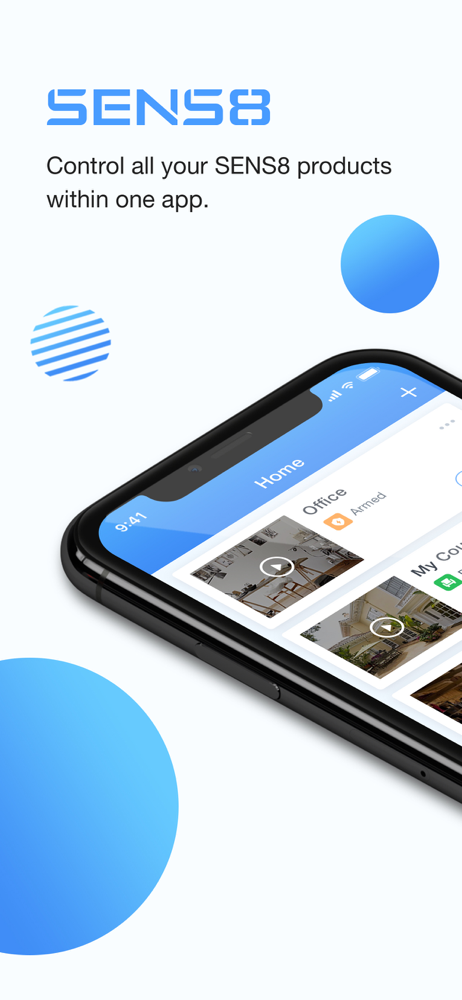
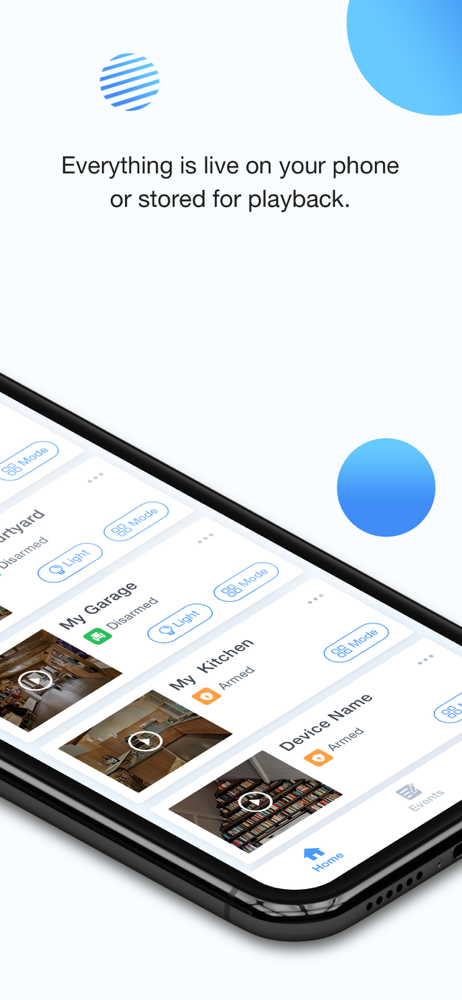
SENS8 is a home security system that offers everything that you would expect to protect your home effortlessly. Free from monthly-fee, you can directl...