
Check the acquisition promise
Read the store headline, screenshots and description. What problem is the app promising to solve?
Study the storefront ↗
Tenstreet · iOS
Explore the ad evidence, study the storefront, and build your next acquisition hypothesis.
01 / Creative research
Read the store headline, screenshots and description. What problem is the app promising to solve?
Study the storefront ↗Explore apps with direct store-link matches. Compare their hooks and formats without assuming the same approach works here.
Browse observed advertisers ↗Store rankings and revenue estimates describe market context. They do not establish ad spend, conversions or ROAS.
Review the market context ↗02 / Storefront & product
Study the product story and store experience behind the acquisition funnel.





03 / Market context
Keep revenue, downloads and store rankings separate from advertising performance.
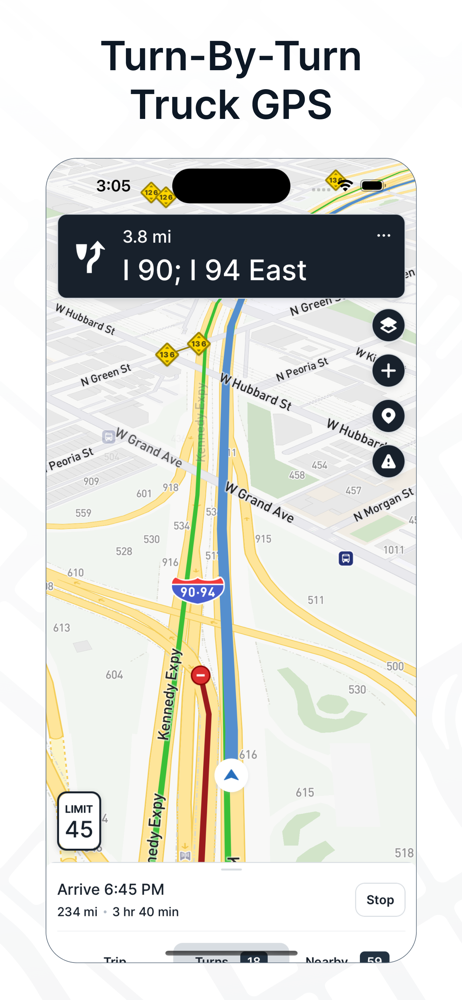
I use this app as a backup when hammer is not working. Before the new interface an update it was decent except for the part where it would take you down no truck roads, weight limit roads and roads where your trailer cant be longer than 40’ (nearly didn’t make it through). Now with the new interface it is just horrible, at first it couldn’t pin point the address and start directions. They fixed that, today after using it i just lost it and got so frustrated. I put in an address and choose a route. The moment i started the route that i picked and knew worked best, the gps just re-directs itself to the first suggested route out of the three i could’ve gone with. When you’re in the middle of driving in the city or a 2 lane highway, you cant just pull over to start it all over again. And when you start it all over again, it just does the same thing and changes the route that you picked the moment you start driving. I used the highway i wanted to use and drove up to the point where i would need guidance and the whole time the gps is just trying to reroute to the first suggested route. Not only is it trying to re route and keep updating itself, the guidance isn’t following with the map. The app crashed for a total of 3x and I missed the turn once, u-turned to go back, needed to take a jughandle and missed the turn again, u-turned and had to go back to the original right turn. The interface is so small with the arrow barely showing where you need to be headed. Just horrible.
As previous reviews have stated this app will put you in some nasty spots 100%! Here’s an example-going up to big island VA it wants you to take 501 all the way into the paper mill, but if you’re over 65 feet long you are NOT allowed over the mountain pass from Lynchburg into big island-clearly marked huge yellow signs. Sent it to the tech team for the app to report the problem...it STILL tries to route you that way and absolutely will NOT show alternate routes. FYI if you ever follow this and get stuck there 1.DO NOT make that turn as VSP waits to give tickets! Instead take 501A through town and yes it’s tight but it’s the only way to get back to BR29. Follow it to the roundabout and hook the hard left to get onto Park. From Park follow the signs back to 29BR then jump off at hwy 130 to get to the paper mill. 1. Fix it so we can choose an alternate route 2. Update your mfkin maps for legal truck routes-go state by state with an atlas and eliminate every single road with a restriction for trucks (length, weight, height) and then give the option to CHOOSE the route you want that follows directions our shipper/receiver gives. Until you do this it’s worthless for truckers of any kind 😡 assimilate your defecation
Works 99% of the time so far it’s the best out of all the other apps on here if u put in reefer it takes u to the grocery loading docks most of the time and it shows u a truck friendly way on how to enter a location I said it works 99% of the time the other 1% like many other truck gps they’re not 100% accurate so u need to satillite view and plan before u start and just be aware of ur surroundings and read signs don’t just follow the blue line it’s lead to me weight restricted roads and no trucks allowed but rarely once in a awhile and it has an option to take the fastest route it took me thru back streets and gravel kind scary with a 18 wheeler and a road with two lanes but my truck took up both lanes i followed it with no issues but I would still to the normal setting for routes that was a risky route but anyways this is the best on the App Store I wouldn’t download anything else others just go off google or they charge a subscription to do wat truck map does
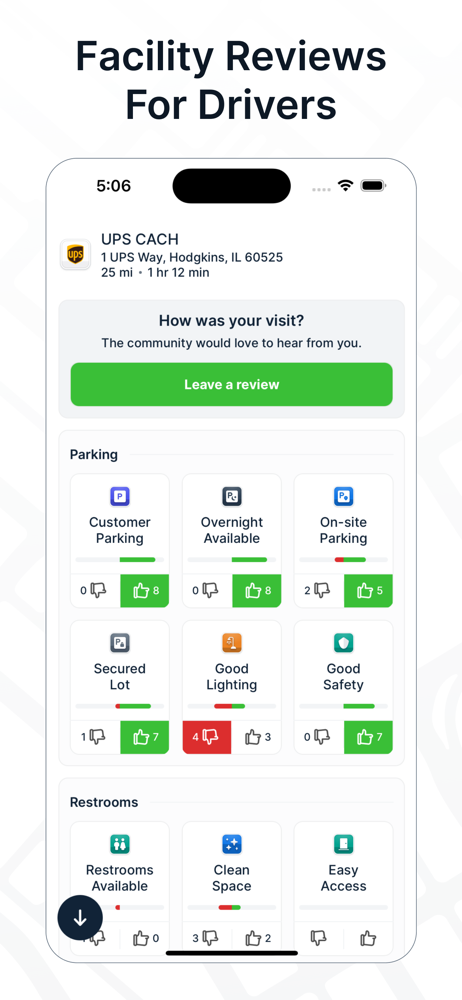
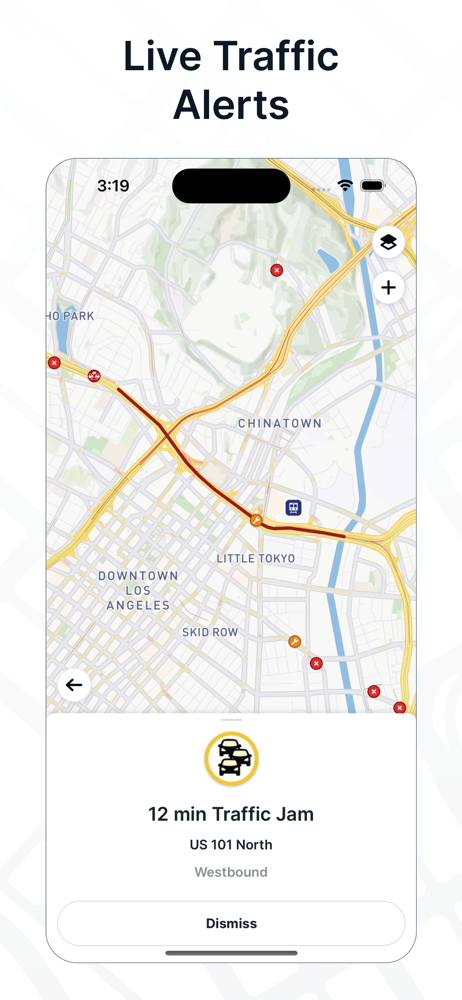
TruckMap is the best free mobile app built for Truck Drivers. The only app with truck optimized GPS routes for commercial vehicles, turn-by-turn routi...


