Check the acquisition promise
Read the store headline, screenshots and description. What problem is the app promising to solve?
Study the storefront ↗
Creaceed SRL · iOS
Explore the ad evidence, study the storefront, and build your next acquisition hypothesis.
01 / Creative research
Read the store headline, screenshots and description. What problem is the app promising to solve?
Study the storefront ↗Explore apps with direct store-link matches. Compare their hooks and formats without assuming the same approach works here.
Browse observed advertisers ↗Store rankings and revenue estimates describe market context. They do not establish ad spend, conversions or ROAS.
Review the market context ↗02 / Storefront & product
Study the product story and store experience behind the acquisition funnel.




03 / Market context
Keep revenue, downloads and store rankings separate from advertising performance.
Update Dec 2019: I continue to be impressed with this app. I was scanning in a book chapter just now and realized it was taking care of all the hyphens at the end of a line — it really is a smart OCR app. In addition to English and German, I’ve now used it in Italian as well and it works great as long as lightning conditions are excellent. The only complaint I have is the lack of support for multi-page input (ie multipage pdf or multiple image files). Developer response to this complaint is to direct users to their desktop product which ignores that modern mobile devices can easy handle such processing. But I get it, they need business. Original review: I have used this app to scan English, German, and Arabic text with good results. However, to get these good results I had to use the cloud OCR service. Still the cost for that was reasonable. I have scanned entire books (small books), but I admit it can get a little tedious. You have to get set up with good lighting, and use (what seemed to me) a hidden feature: After taking the photo and giving it a chance to scan, you have to long-press the "share" button in order to bring up a menu saying "Share whole text" which does a better job to retain formatting. I learned this because I wrote the authors twice and each time received timely and helpful feedback. Even with the above approach, there still was a lot of formatting needed to get the perfect result. But OCR has come a long way, and it's really nice to be able to do it using my phone.
I’ve been using this app for a few months now and as a college student this app has become a very essential tool for me. It makes reading textbooks and other readings easier to comprehend and saves me time. 4/5 would recommend!!
I am honestly surprised by some reviews. It's NOT a bait and switch to allow someone to use and try out features before deciding to purchase the upgrade. They could have just made the app 5 bucks and you'd have to buy it before you could use anything. So that's silly. Second, the cloud OCR uses another external service and it does cost the developer money for it to be used, that's why you pay for these packs- it just adds some more refined OCR if needed, but the built in OCR is fantastic. I have been waiting for an app that is exclusively for OCR and storing/sharing/saving that information. I am incredibly impressed by this app. Still living it a year later!
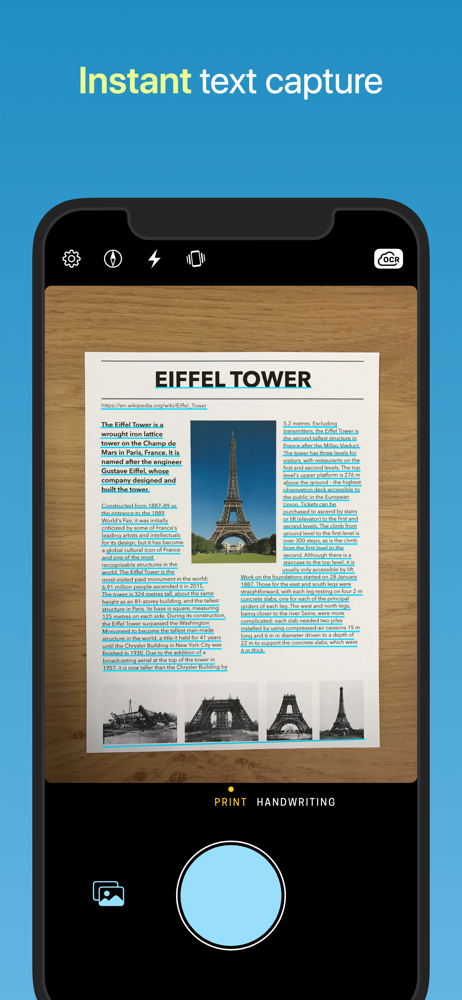
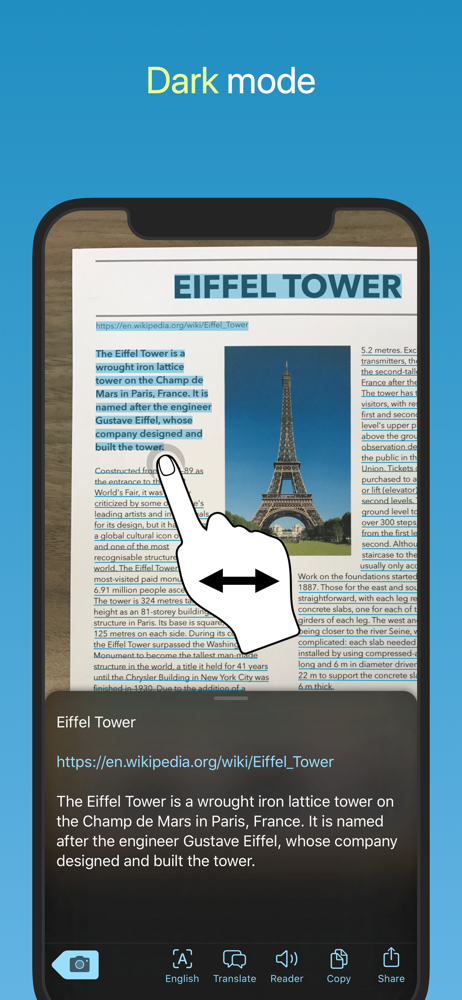
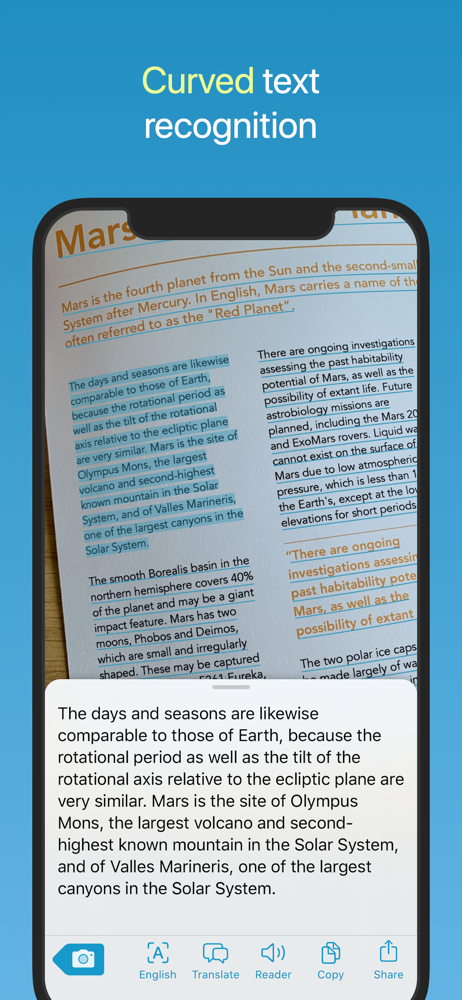
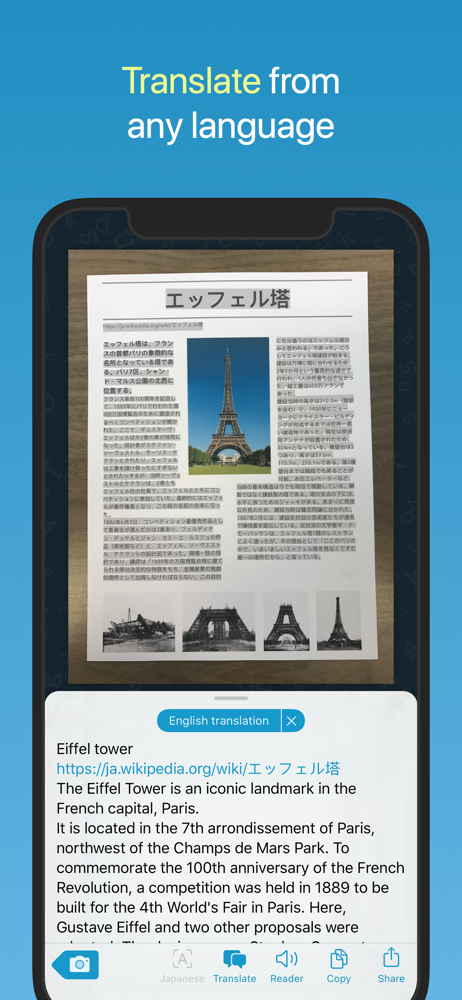
Aim at text. Shoot. It's yours! Prizmo Go lets you quickly grab text with the camera. After text is recognized in a blink of an eye, you can interact...
| Name | Price | Type |
|---|---|---|
| 10-pack Trial | $0.00 | One-time |
| Standard Plan (monthly) | $3.99 | Monthly |
| Pro Plan (monthly) | $7.99 | Monthly |
| Premium Plan Migration Yearly | $9.99 | Yearly |
| Standard Plan (yearly) | $9.99 | Yearly |
| Pro Plan (yearly) | $19.99 | Yearly |
| Essential Pack | $23.99 | One-time |