Check the acquisition promise
Read the store headline, screenshots and description. What problem is the app promising to solve?
Study the storefront ↗
One In A Billion Ltd · iOS
Explore the ad evidence, study the storefront, and build your next acquisition hypothesis.
01 / Creative research
Read the store headline, screenshots and description. What problem is the app promising to solve?
Study the storefront ↗Explore apps with direct store-link matches. Compare their hooks and formats without assuming the same approach works here.
Browse observed advertisers ↗Store rankings and revenue estimates describe market context. They do not establish ad spend, conversions or ROAS.
Review the market context ↗02 / Storefront & product
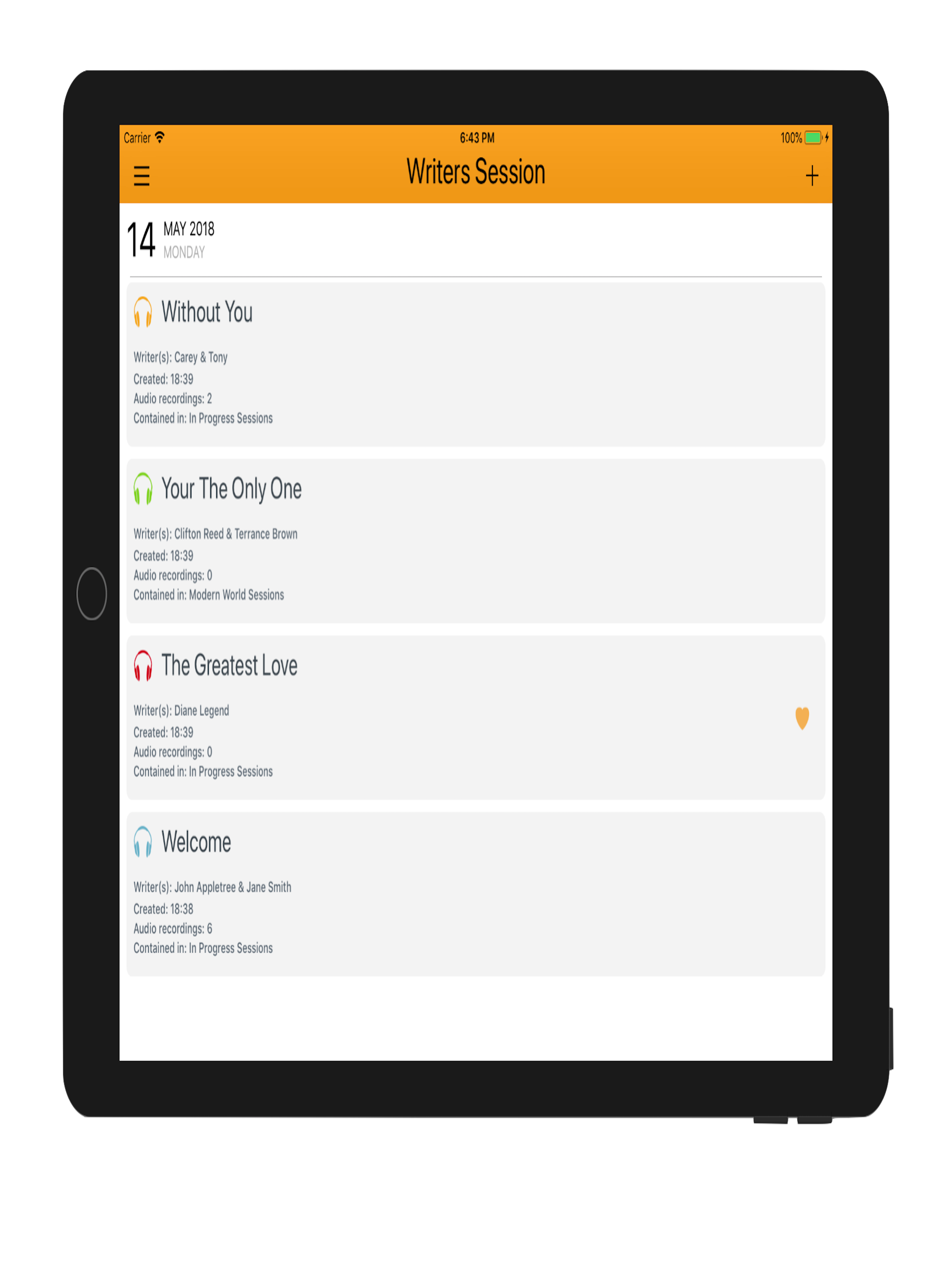
Study the product story and store experience behind the acquisition funnel.



03 / Market context
Keep revenue, downloads and store rankings separate from advertising performance.
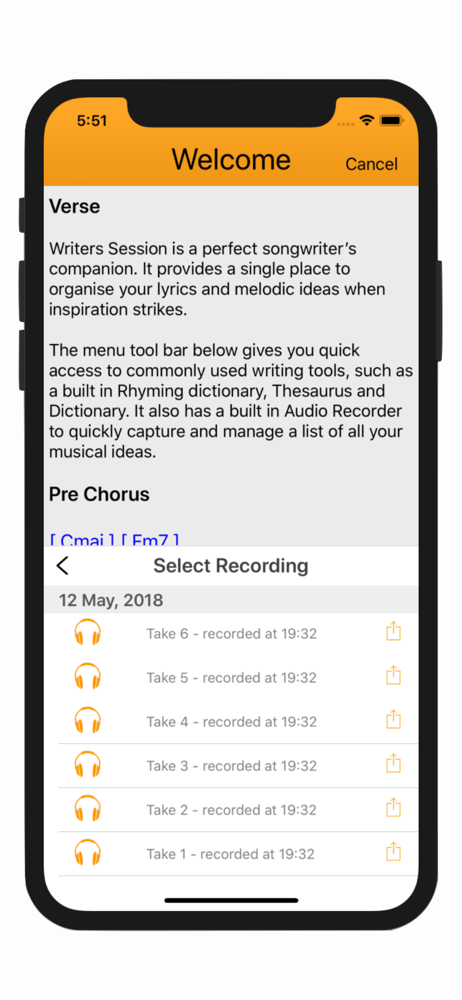
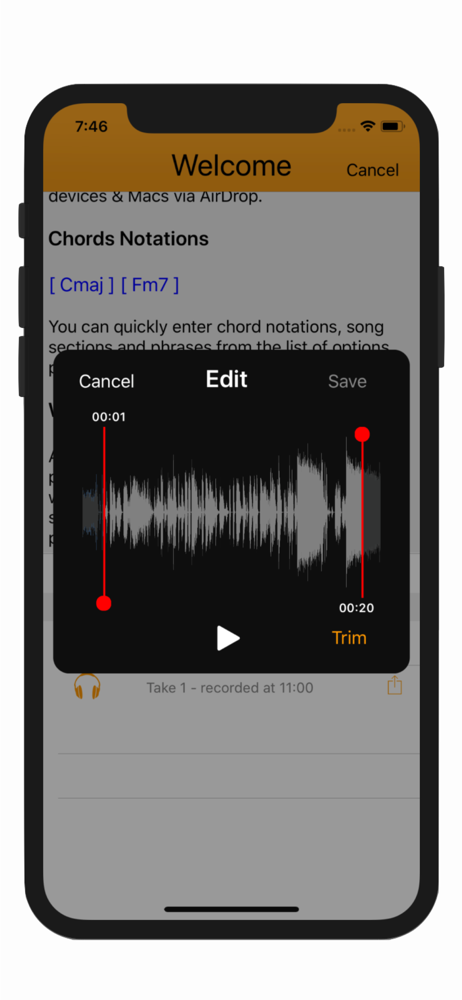
Hi! I just want to thank the developers of this app, because it’s been a great help in my songwriting :)! It has so many helpful features (my favorite is the audio recorder- it’s great for people like me with a bad memory to get out ideas before you lose them, plus, it’s easy and great to organize it!- love that tool) I don’t have many complaints about this app really- it’s fantastic. The only thing that could be added to make this app even more useful would be an option to add in photos. This would be helpful so I could add images of chord charts or ideas I have written on paper. Other than that little request, you guys did a great job making sure you had plenty of helpful tools for songwriters! :D
This is a fantastic, full featured tool! I came across this as a recommendation while looking for a notebook/journal app for my woodworking notes. I just happen to be a musician as well, and I downloaded this immediately. Just follow the guide to demo the features and you’ll see in 10 minutes if this tool is for you. I’m happy to pay for things that I will use; it’s almost a relief compared to hand tools! In the first few weeks, I’ve used it to prep for meetings and presentations, keep ideas about my custom speaker cabinet wood shop, write songs, poetry, and pickup lines for my girl... and now I find myself journaling about “social distancing”. I would like to see a connector or companion app to lay out all your assets in something like OneNote or Notion like a scrapbook, for those who would use it that way. Besides, I think a journaling habit leads to songwriting anyway. I also want to say I’ve tried many apps like this, and haven’t seen all the tools and options in once place like this. The layout is great, which I’m sure is a challenge. They did a nice job here!
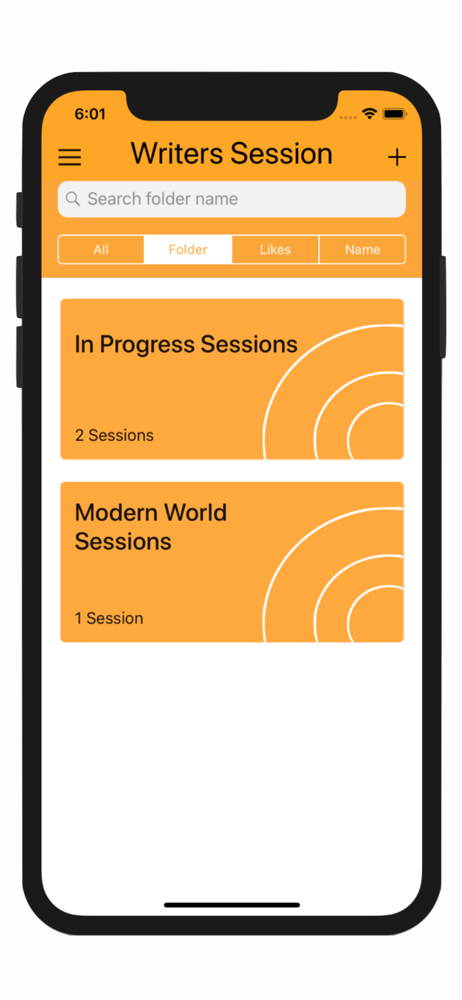
I got the paid version and it has been worth every penny. My only gripe is that it’s terrifyingly easy to delete songs. Each session title lets you open a menu by sliding to the left so that you can, for example, put the session into a folder. I like that I can organize sessions by “in progress” and “completed,” etc., but one false swipe and the whole session is deleted! It would be nice if it asked for confirmation before deleting. Other than that it’s been a wonderful writing tool.
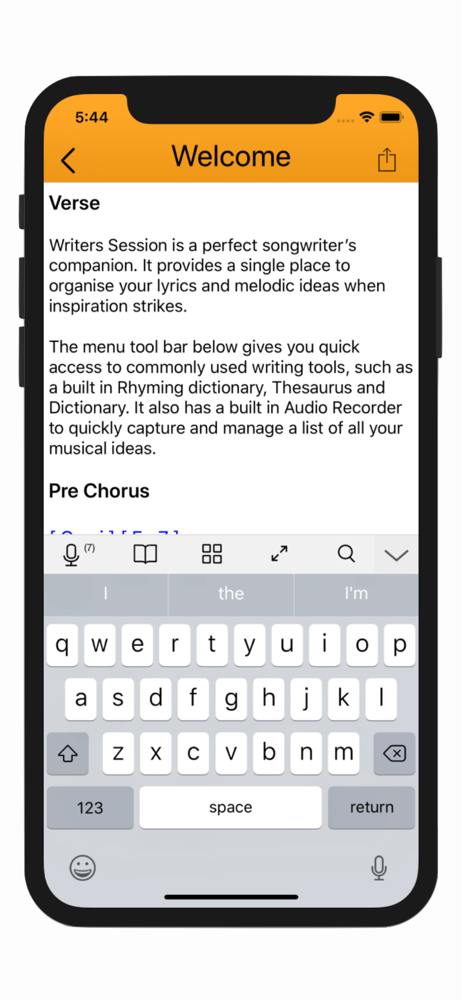
Writers Session is a perfect songwriter’s companion. It provides a single place to record and organise all your lyrics and melodic ideas. STREAMLINE...
| Name | Price | Type |
|---|---|---|
| In-App Purchase | $6.99 | One-time |