Check the acquisition promise
Read the store headline, screenshots and description. What problem is the app promising to solve?
Study the storefront ↗
HN Tech Ltd. · iOS
Explore the ad evidence, study the storefront, and build your next acquisition hypothesis.
01 / Creative research
Read the store headline, screenshots and description. What problem is the app promising to solve?
Study the storefront ↗Explore apps with direct store-link matches. Compare their hooks and formats without assuming the same approach works here.
Browse observed advertisers ↗Store rankings and revenue estimates describe market context. They do not establish ad spend, conversions or ROAS.
Review the market context ↗02 / Storefront & product
Study the product story and store experience behind the acquisition funnel.




03 / Market context
Keep revenue, downloads and store rankings separate from advertising performance.
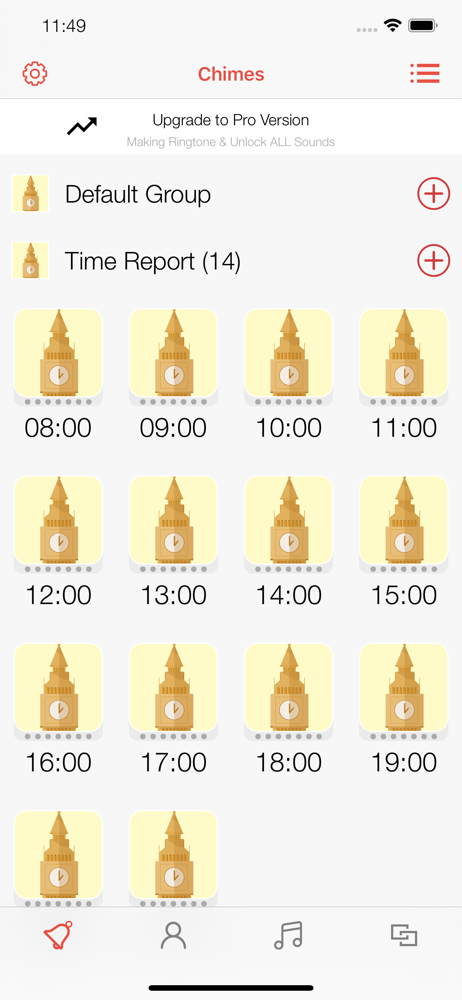
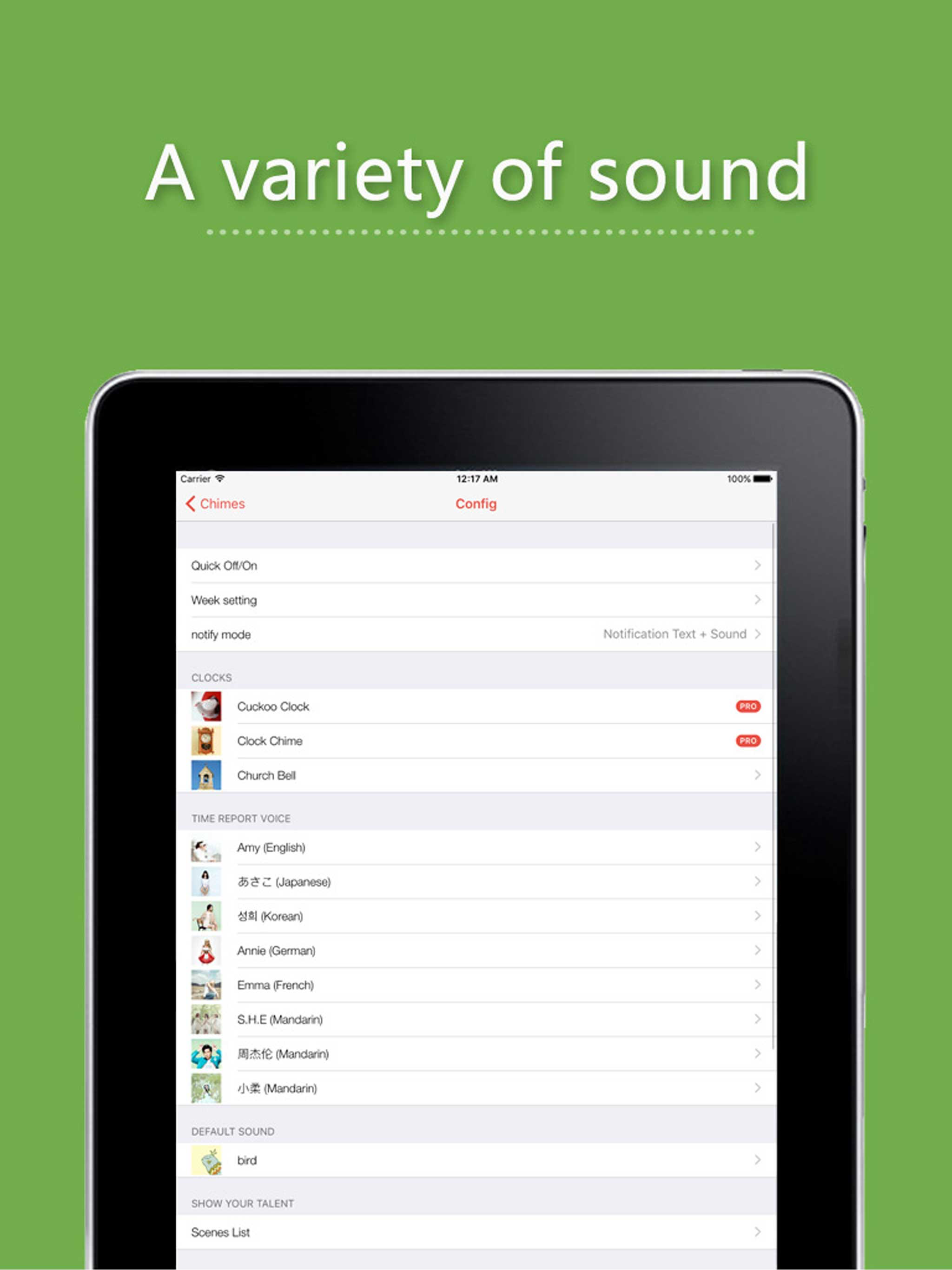
I really like this app, which was a life saver when Westminster Chimes, the app I originally used, stopped working after a major iOS update. However, this one is a bit tricky to set up; and, because of language issues between most users and the developer, what explanations there are in the configuration are very confusing. I was finally able to set it up for most of the chime sounds, which I alternate from time to time. However, I have been unable to get the cuckoo clock to work. This option is under the tab called “Sounds”, and I was able to save the times at which I wish it to sound. But, this option is neither found under “Config” nor under “Edit Groups”. I have sent a query to the developer, as I have done a few other times when initially configuring the app; but, we have difficulty understanding each other. How does one get the items only found under “Sounds” to become the default?
I used to think chimes was great. Then my iPhone updated. Now it only works sporadically. It doesn’t work at all when the clock or Chimes program is closed. I like the hourly tone and I really regret that it doesn’t work correctly. I hope someone will fix this so it will work whether the chimes app is opened or closed. I was thinking of upgrading to professional but until this one works correctly, I’m not going to do that.
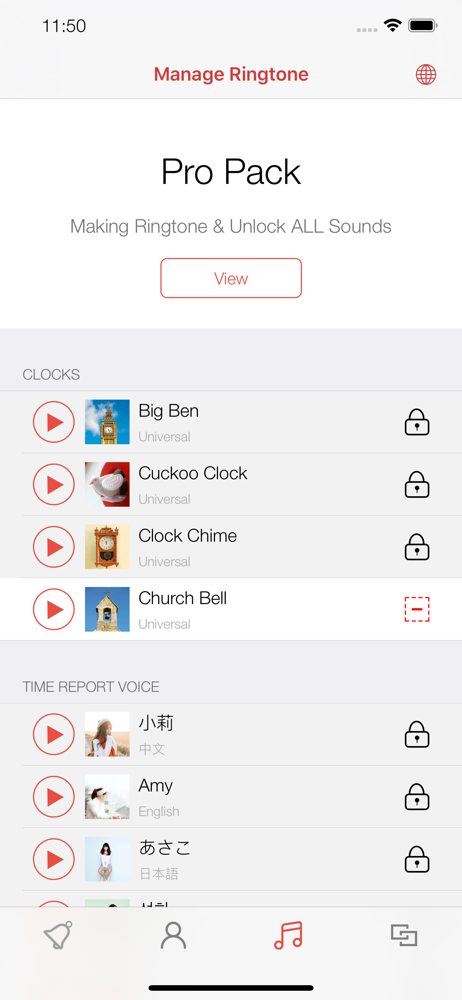
The app lets you choose from different formats for the display in either list or a grid form with 12 or 24 hour time display, is very accessible for blind and visually impaired, and has lots of good sound options that are very realistic. Please add a price somewhere in the details for the pro package, so we do not have to find out the price at the time of purchase? I also ask that you add the sound of a real alive cuckoo bird, a small pendulum clock chiming sound with a slight ticking sound leading up to or coming after the chime. Grandfather clock chime with gear sound and ticking sounds as well, Chinese temple sound effect, West Minster bell tower, Saint Michaels bell tower, Canterbury bell tower, Winchester bell tower, and Widdington bell tower chime sound effect for the pro package? I also ask that you give us the ability to choose a different sound effect for each hour throughout the day instead of having to have one sound effect for all of the hours we choose? So for example cuckoo clock at 12 PM, big Ben at 1 PM, Wall clock at 2 PM, and cuckoo bird at 3 PM. That would be awesome.
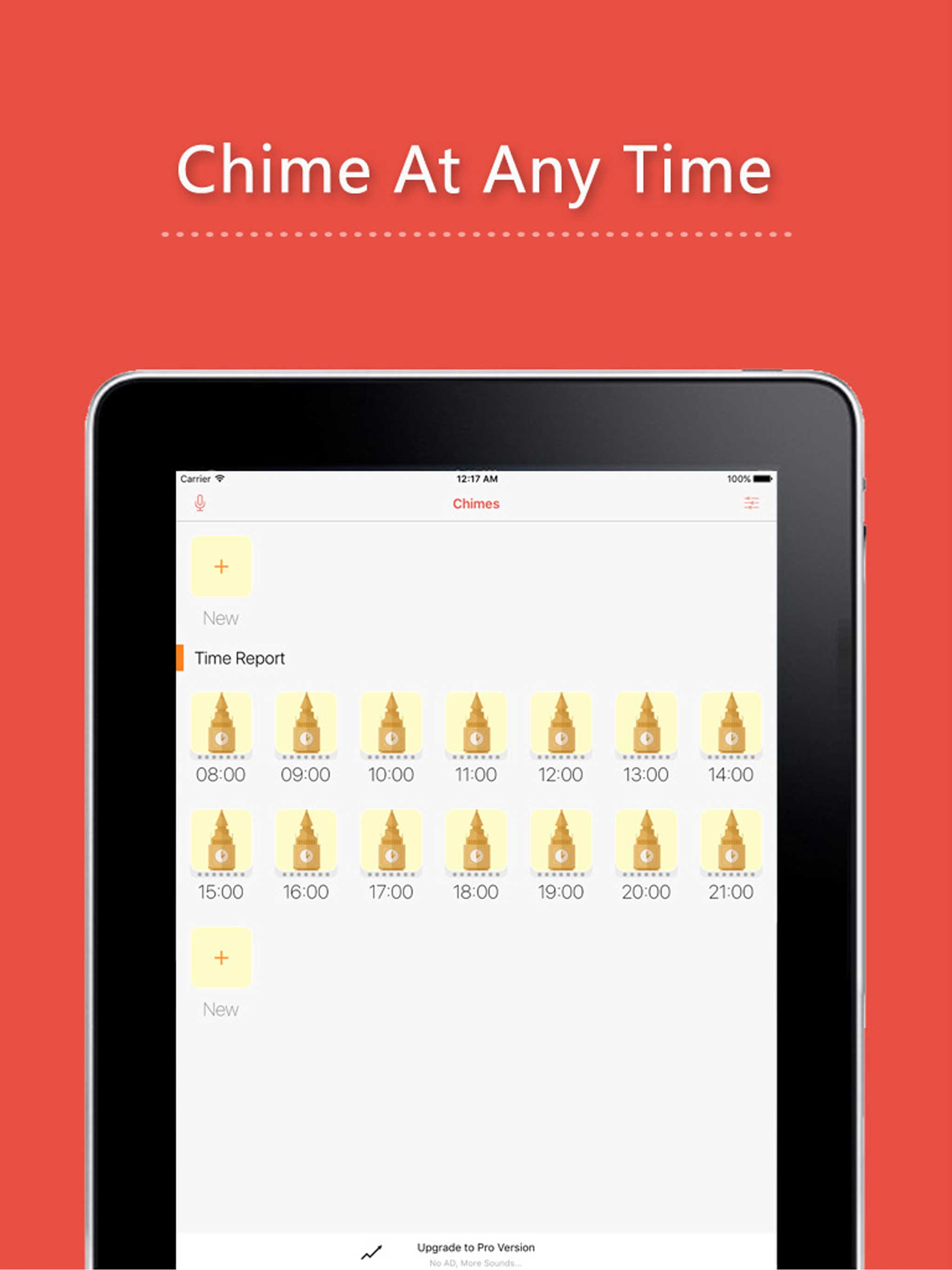
Chimes features: - Cuckoo Clock - Clock Chime - Church Bell - Big Ben sounds - Hourly time report for you - Custom time to make a sound tips - multi-l...
| Name | Price | Type |
|---|---|---|
| Pro Version | $3.99 | One-time |