Check the acquisition promise
Read the store headline, screenshots and description. What problem is the app promising to solve?
Study the storefront ↗
Leviton Manufacturing Co. Inc. · iOS
Explore the ad evidence, study the storefront, and build your next acquisition hypothesis.
01 / Creative research
Read the store headline, screenshots and description. What problem is the app promising to solve?
Study the storefront ↗Explore apps with direct store-link matches. Compare their hooks and formats without assuming the same approach works here.
Browse observed advertisers ↗Store rankings and revenue estimates describe market context. They do not establish ad spend, conversions or ROAS.
Review the market context ↗02 / Storefront & product
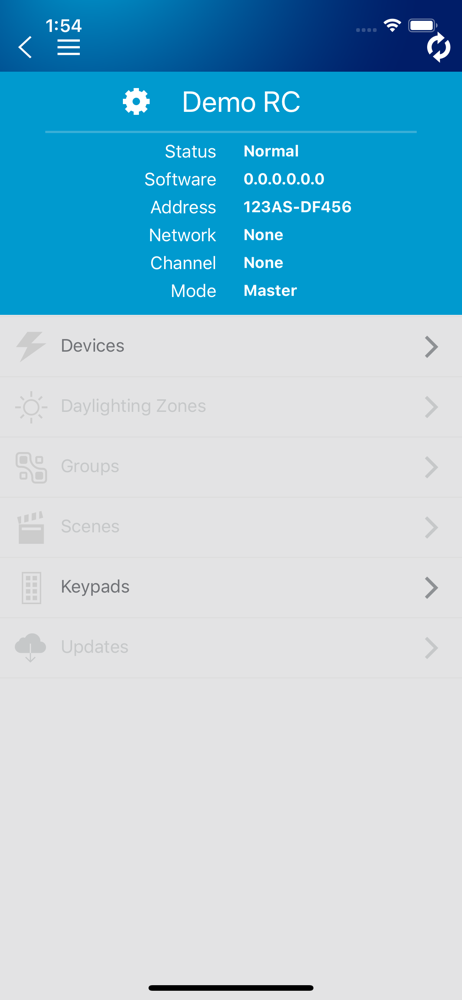
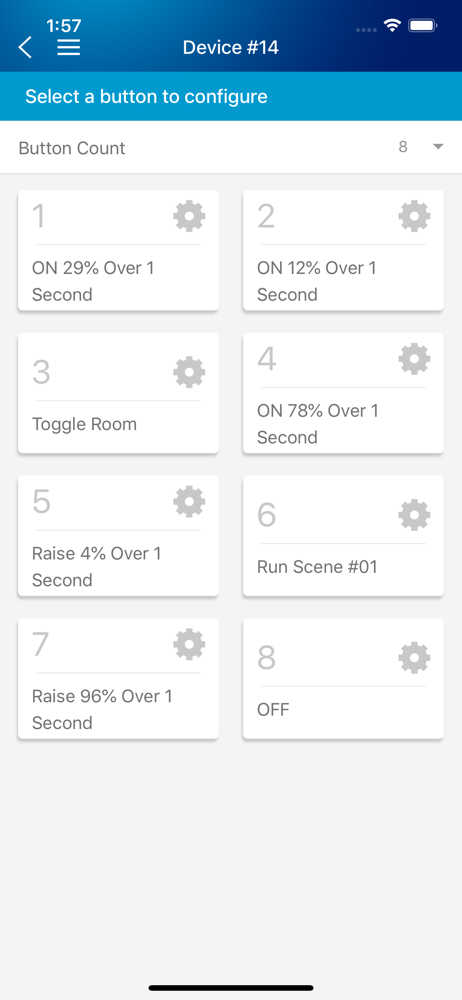
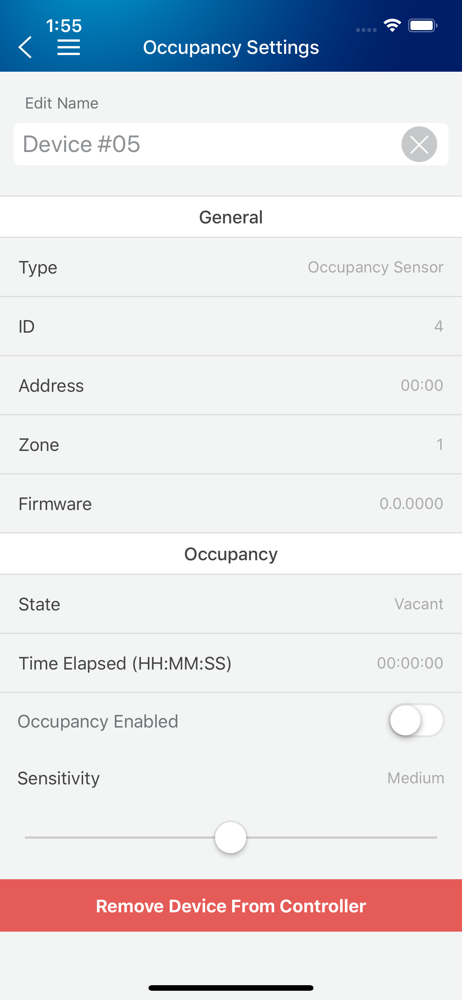
Study the product story and store experience behind the acquisition funnel.




03 / Market context
Keep revenue, downloads and store rankings separate from advertising performance.
Got most everything working but will not dim between scenes. I’m using it with twenty-one Sylvania 2x4 wireless ceiling lights, one 8-button Leviton controller and three 1-button Leviton controllers. Had to try saving some scenes several times before they would set each light properly. I can dim a scene manually, but the scenes will not no matter what I try. The lights just jump between scenes instantly to the level set for that scene.
This app can be used to interact with any of Leviton's LuminaRF-enabled Room Controllers. The application allows both user-based control, and, with th...