
Check the acquisition promise
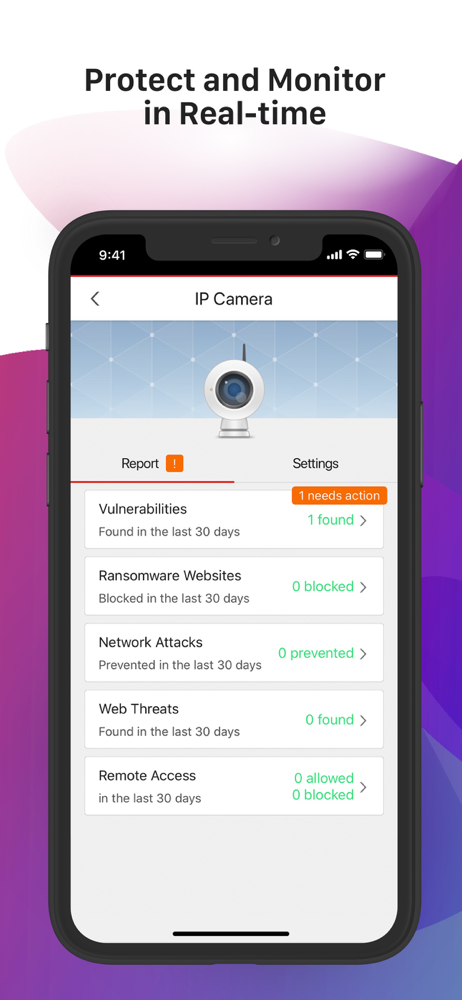
Read the store headline, screenshots and description. What problem is the app promising to solve?
Study the storefront ↗
Trend Micro Incorporated · iOS
Explore the ad evidence, study the storefront, and build your next acquisition hypothesis.
01 / Creative research
Read the store headline, screenshots and description. What problem is the app promising to solve?
Study the storefront ↗Explore apps with direct store-link matches. Compare their hooks and formats without assuming the same approach works here.
Browse observed advertisers ↗Store rankings and revenue estimates describe market context. They do not establish ad spend, conversions or ROAS.
Review the market context ↗02 / Storefront & product
Study the product story and store experience behind the acquisition funnel.




03 / Market context
Keep revenue, downloads and store rankings separate from advertising performance.
Nice concept but very finicky and difficult to connect. TM Unit scanned the Internet and devices on my local network but let in two devices that I could not identify and could not remove using tools provided. They were not my devices. Using my Linksys router control program did not show these devices on my network as if the Trend Micro device had a back door connection ( hopefully not). The unit blocks all my connections to the Internet at my EA8500 Linksys router connected to a Spectrum HiSpeed modem regardless of changes to all router / modem settings. Disconnecting the True Micro instantly. The Internet came alive immediately. Disconnected the device and deleted the TM control program shredding the software as well as removing entries from the PC registry and all browser caches for safety.
I wanted a firewall that would protect my network from being hacked. I plugged the firewall device in, scanned for my devices (I only had one device connected to Wi-Fi) and went to bed. The next day, I saw that the firewall had detected a device (which was not mine) and allowed this device to connect to my internet network. The unknown detected device had used 6.7 gigabytes of data with a few hours before I saw it and blocked it. Next, my internet connection speed became so slow that pages on the internet would not load. I spent hours trying to solve the slow internet connection problem. Finally, I unplugged the Trend Micro firewall device and was able to use the internet again. This is a great concept, but the device needs improvement.
It works, had a problem with it not liking my Bose soundtouch boxes but that was cleared up. Had a problem with the disconnects, called support, they worked on it, it took a couple of days but it is stable now. This is not a VPN, it is an IOT FW...
Trend Micro™ Home Network Security Smart Protection for Your Connected Devices at Home PROTECTS, BLOCKS, MONITORS: Protects Smart Home Devices and pr...


