Check the acquisition promise
Read the store headline, screenshots and description. What problem is the app promising to solve?
Study the storefront ↗
Roland Corporation · iOS
Explore the ad evidence, study the storefront, and build your next acquisition hypothesis.
01 / Creative research
Read the store headline, screenshots and description. What problem is the app promising to solve?
Study the storefront ↗Explore apps with direct store-link matches. Compare their hooks and formats without assuming the same approach works here.
Browse observed advertisers ↗Store rankings and revenue estimates describe market context. They do not establish ad spend, conversions or ROAS.
Review the market context ↗02 / Storefront & product
Study the product story and store experience behind the acquisition funnel.



03 / Market context
Keep revenue, downloads and store rankings separate from advertising performance.
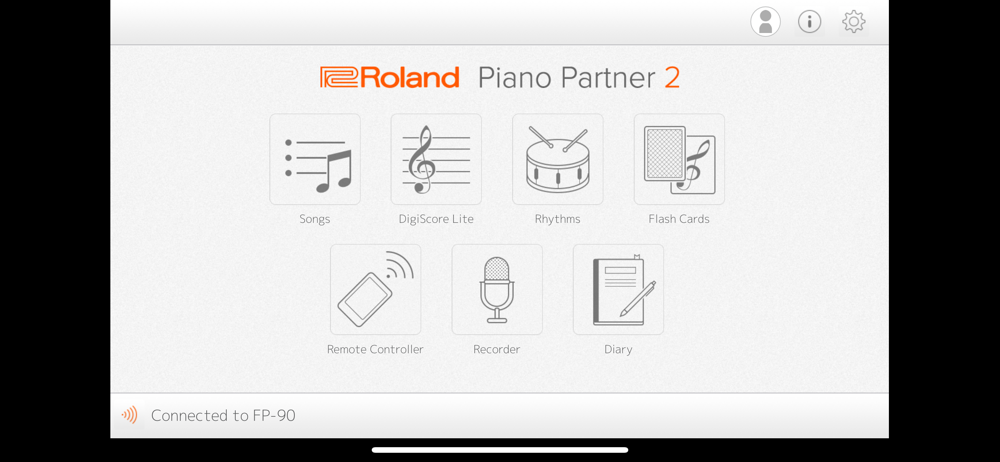
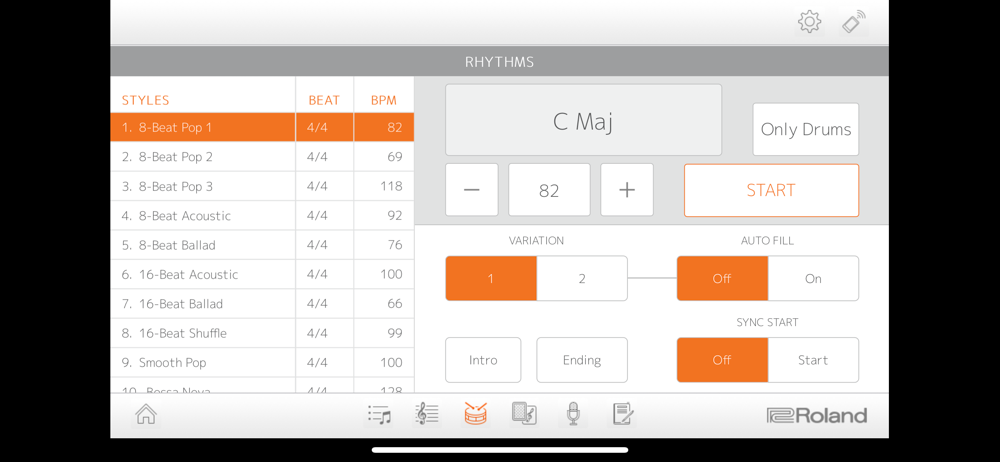
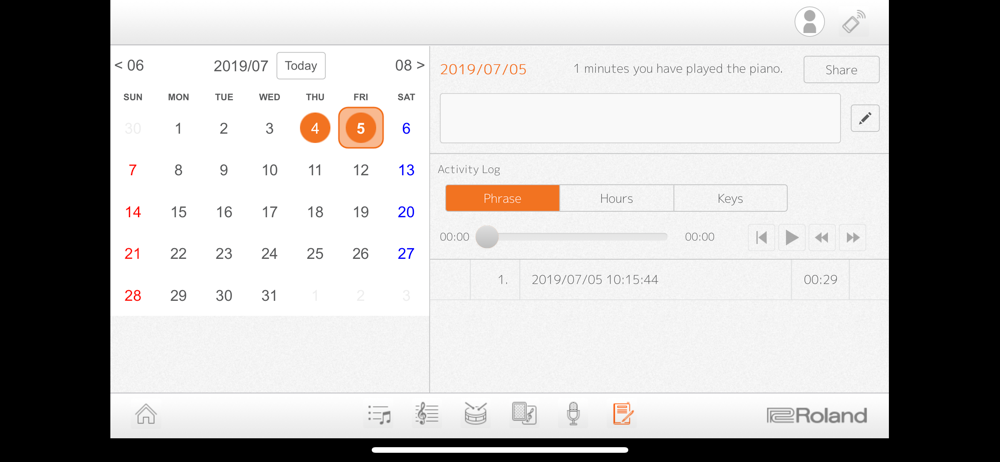
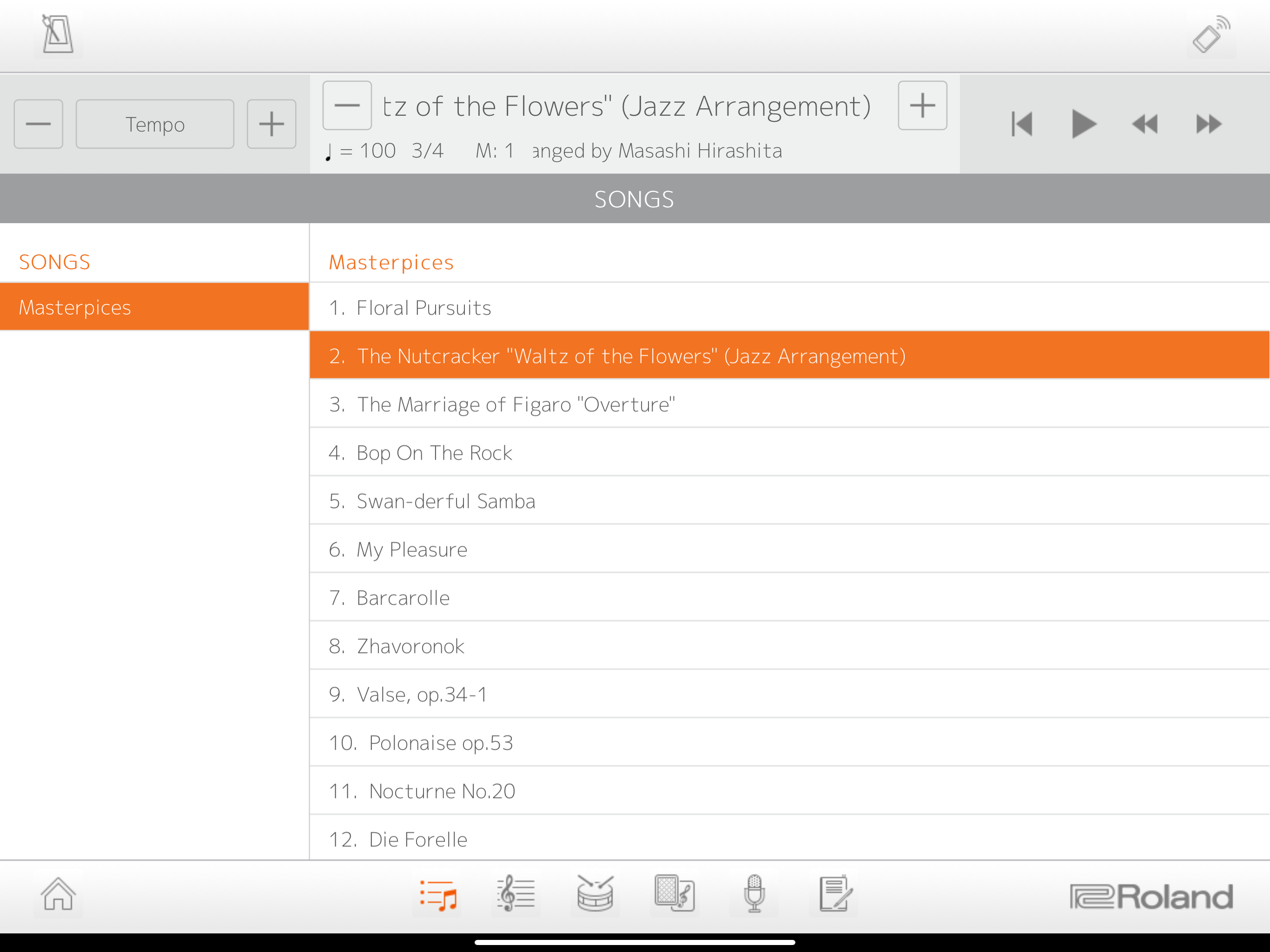
The Piano Partner 2 app has some innovative controls and some developed features, but there are two issues with it: 1. It doesn't allow you to save recordings to an external device, (or at least explain why it can't). Recording playback slows down and acts very strange when the app is minimized. 2. Bluetooth problems. For about a year, I couldn't connect with Bluetooth, but it was fixed once I realized the bluetooth settings on my FP-10 were turned off accidentally (it uses white keys and function button for the bluetooth settings and is not very obvious when it gets changed, which probably causes a lot of confusion for people). Also possibly fixed in updates, but it's hard to tell.
Got the app after trying to connect my FP60 to GarageBand and it kept disconnecting... strangely, once I got this app and connected, the MIDI connection in GarageBand works. While no one expects Roland to put out a full editor, they really skimped on music production capabilities. The lack of functionality in the recording section of the app is the biggest disappointment. No ability to export or do anything with the midi files you create (and if there is the UI does not make it apparent). And not even simple editing features like re-recording sections, so if you screw up once, you have to delete the file and start over. But then again, there’s no reason to seek perfection cause you can’t do anything with the file anyway. The idea and some of the approaches of the app are really nice, particularly the way they synced the Bluetooth lag (GarageBand has an almost unusable delay). The learning functions look useful for beginners, but ultimately how many customers of Roland’s high end digital pianos are beginners? Ultimately, I will keep using the app, but almost exclusively for the remote control capabilities. Even as an owner of an FP60 which has a display, the UI of the app is so much easier to scroll through and set split points, audio adjustments, etc. I think Roland was on the right track, but they fell short in places. Thinking of the places this app could’ve gone: file management for local recordings (folders, projects, etc), export of MIDI files to editors, and at least a mid-featured recorder... Instead of using the app as a tool for playing, this would have had massively more appeal, in my opinion, as an interface into the keyboard.
I’ve been a Roland owner for some time now, and will have to complain the quality of their home products have declined, and this app is certainly no exception. While I’ll leave the critiques of the piano for another site review, this app for starter has a dismal UI/UX experience. For something that is recommended to be a piano training aid, the lack of intuitive functionality leaves it feeling more like a simple utility. So what should a utility have? Presumably features to coincide with the overall learning experience - This leaves me with a laundry list of complaints that Roland would need to heavily consider before I take another crack at this application: - UI/UX: Swipe is a thing, just like flipping a page. - UI/UX: Font and text doesn’t have to look like a programmer was forced to make this app - UI/UX: Big icons doesn’t mean accessibility - UI/UX: Greying icons to indicate lack of Bluetooth connectivity doesn’t make me want to explore this app - Feature: Training aid? How about a dictionary that responds to the note and chord when you hit it. - Feature: Have you seen the wealth of missed opportunity with partnering your app to an existing sheet music site? - Feature: Seriously, scoring? - Feature: How about an actual recording app? - Overall: Scrap everything and start over On a closing note, if I’m going to spend over 1k, I’d expect something a lot more than this. If I were Roland I definitely wouldn’t have been okay releasing an app akin to some 90s era desktop application.
Compatible Pianos: GP609、GP607、LX-17、LX-7、HP605、HP603A/HP603、HP601、RP501R、RP102、KIYOLA KF-10、DP603、F-140R、FP-90、FP-60、FP-30、FP-10、GO:PIANO(GO-61P)*、G...