Check the acquisition promise
Read the store headline, screenshots and description. What problem is the app promising to solve?
Study the storefront ↗
Google · iOS
Explore the ad evidence, study the storefront, and build your next acquisition hypothesis.
01 / Creative research
Read the store headline, screenshots and description. What problem is the app promising to solve?
Study the storefront ↗Explore apps with direct store-link matches. Compare their hooks and formats without assuming the same approach works here.
Browse observed advertisers ↗Store rankings and revenue estimates describe market context. They do not establish ad spend, conversions or ROAS.
Review the market context ↗02 / Storefront & product
Study the product story and store experience behind the acquisition funnel.

03 / Market context
Keep revenue, downloads and store rankings separate from advertising performance.
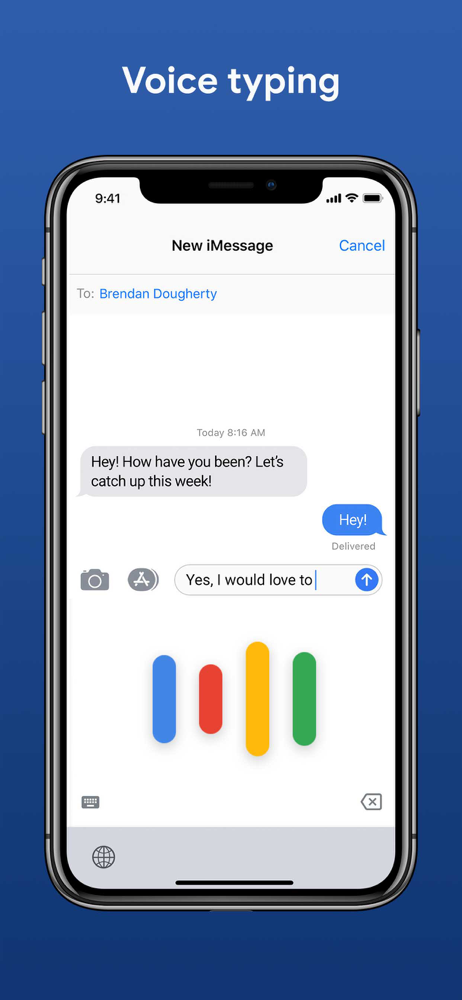
When dictating, the first word of the session defaults back to lowercase. I hear this is an old problem that should be remedied. It's a small issue but below standards. For some reason, the microphone symbol shows up intermittently in the dialogue box. If it isn't present, then you have to drop down to the microphone symbol below the dialogue box you to the Google keyboard app and a screen that tells you that it is listening. If you pause and thought, it stops recording even if you are not finished then you cannot restart the recording. It shows an icon that is spinning but nothing will happen and hitting the send icon does nothing and hit X symbol does nothing but if you close out the box, what you've dictated appears in the dialogue box you were originally dictating into. Unfortunately, this won't make the microphone in the dialogue box appear so for the remainder of what you want to dictate, you have to keep doing this back-and-forth thing. I'm perplexed. Closing the app you were dictating into such as message will not reestablish the in dialogue microphone. On the plus side, it is much better than APPLE's native keyboard in correct word selection for homophones though a text replacement option is not available. I also found that once in the Google keyboard, I could not switch to other keyboards touching the world symbol on iPhone except by clicking on next keyboard after touching the world symbol to make the switch.
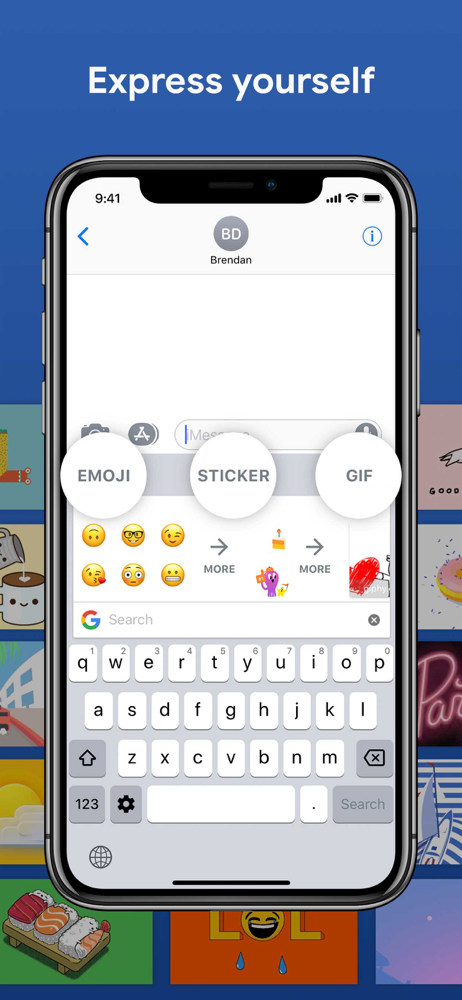
The app is ok. It gives you a sense of control over but lacks key features that the regular keyboard has. Firstly, the keyboard is only primarily for the Portrait position, and if put to the side mode, it seems distorted. Also, I really don't like how the bottom bar does not go with the asthetics of the keyboard (unless you keep it on black or white keyboard depending on if you has Dark or light mode). On the other hand, I do like the Google suite of features, though it feel a bit clumped, are very useful. It helps you get links to websites, enter GIF's, and translate from one language to another. The only laggy Google service is the voice type, which has to go to the G-Board app to record, unlike all the other features which are right in front of you. I would personally use the voice typer by the regular keyboard which you access quickly on the bottom. Overall, the G-Board experience is meant for a custom based consumer, who would like accessibility features like Google Translate, Google Search and GIF's in their finger tips, as well either not worried about asthetical appearance or are willing to stay uniform with either a black or white keyboard layout.
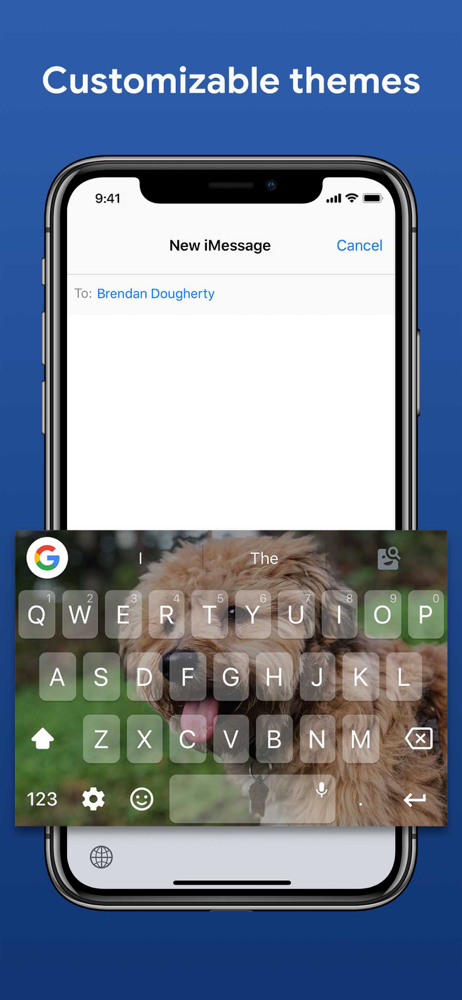
❤️❤️❤️ love Gboard keyboard. It's my go -to keyboard. I have 14 different keyboards. I always find myself tapping the globe symbol and going back to Gboard! Developers should look towards more customizations to create your own keyboard. Most of the regular skins already in app are not really my style. I mostly create my own skins using cute photos or wallpapers. NEEDS: Fonts, more key colors , borders around keys are too transparent. Please add Special key effects. Totally worth it to download and use everyday! I absolutely love this keyboard app!!!! It's missing some things... Like long press on the second and third row keys should open the corresponding punctuation. I say this bcz in certain forms and sites the convenient period button disappears and you're left tapping back and forth between 123 and ABC. Wastes time and makes Swype typing awkward. Having said that this keyboard has the most accurate swipe type keyboard and predictive text suggestions!!!! Will rate 5 stars when some features suggested or others are added to this app. It's been more than six months from my last review. All perfect since the last update. The only thing I would like to see is the ability to customize our keyboards better. I love all my keyboard skins but I would love a way to.... add more personalization. Google is free AND awesome. Thank you to the developers who keep bringing the magic to third party keyboards in iOS 14.4!!!
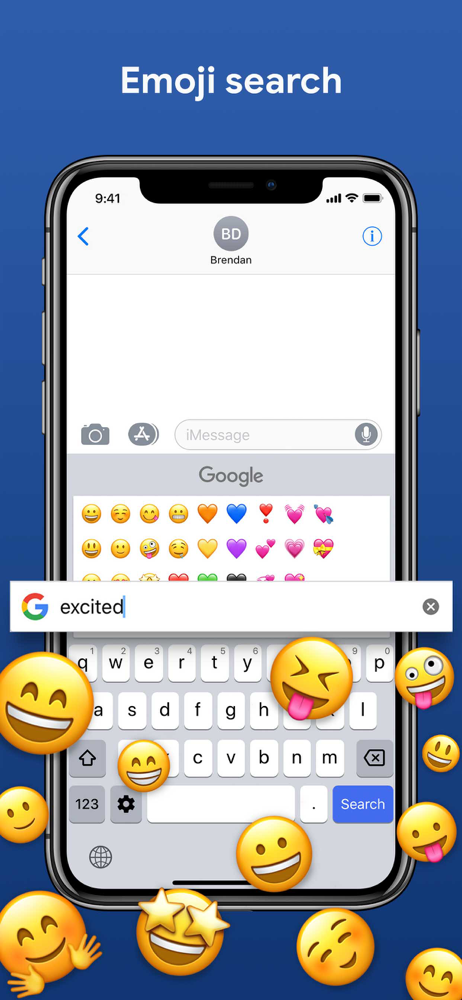
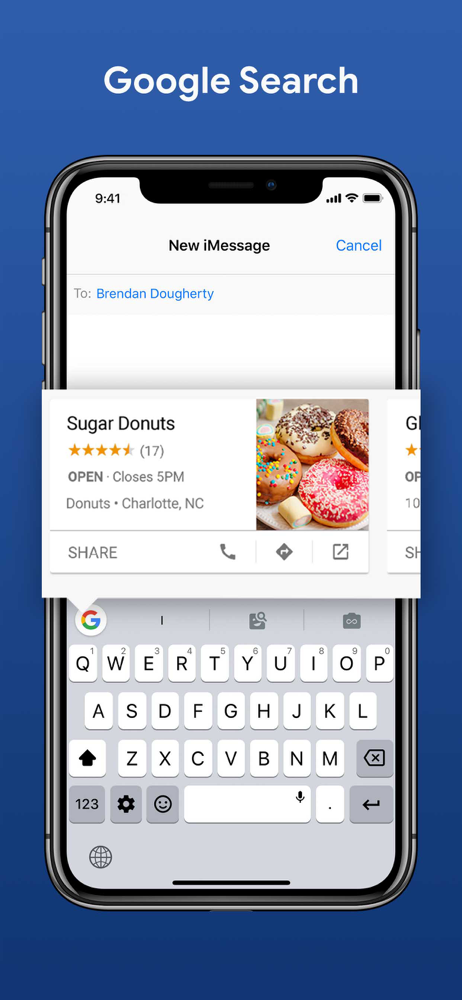
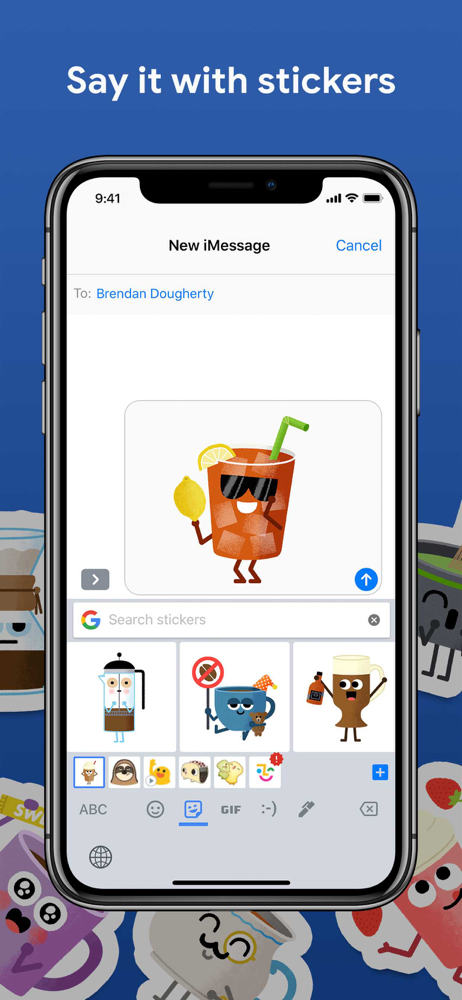
Gboard is the keyboard from Google for your iPhone, packed with features to make typing effortless. On top of GIFs, emoji search, and Glide Typing, th...