Check the acquisition promise
Read the store headline, screenshots and description. What problem is the app promising to solve?
Study the storefront ↗
xNeat.com · iOS
Explore the ad evidence, study the storefront, and build your next acquisition hypothesis.
01 / Creative research
Read the store headline, screenshots and description. What problem is the app promising to solve?
Study the storefront ↗Explore apps with direct store-link matches. Compare their hooks and formats without assuming the same approach works here.
Browse observed advertisers ↗Store rankings and revenue estimates describe market context. They do not establish ad spend, conversions or ROAS.
Review the market context ↗02 / Storefront & product
Study the product story and store experience behind the acquisition funnel.

03 / Market context
Keep revenue, downloads and store rankings separate from advertising performance.
This said it will convert fractions to decimal as a basic function, and it doesn’t. It’s also not intuitive at all. I spent 5 minutes trying to figure out how input a fraction. I never figured out how to input something like two & three-quarters. There’s no button or setting to tell it to convert, so if the function exists, it’s impossible to find. Very disappointed.
I’m assuming the positive reviews were from before the current subscription model. All of those 8 year old reviews should be removed, it’s not the same app. Subscriptions for products that don’t provide a specific cloud service are ridiculous! I can buy a physical fraction calculator with more features for less than the price of an annual subscription. Out of touch!
I've always hated math and I got really tired of adding and converting fractions in my head or on paper for all my construction and woodworking projects. So I decided to look for an actual fraction calculator to make it faster and easier (as well as less prone to mistakes). I downloaded a couple others with good ratings (including ones geared toward woodworkers) before I found this one. I never thought I'd get excited about a calculator, and I don't usually write reviews, but this makes everything so much easier for me! I had to watch the tutorials though, since I couldn't figure out how to switch out of fraction-entering mode. Once I understood how to use it, I realized it is far and away the best app of its kind. You can customize so many things, it's so easy to enter the fractions, there are dedicated keys for feet/inches (and their metric equivalents), and once you hit the equals key, it still displays the full equation you entered (a feature the other apps were lacking). Disclaimer: I purchased the upgrade, not sure which of these features are included in the free version.
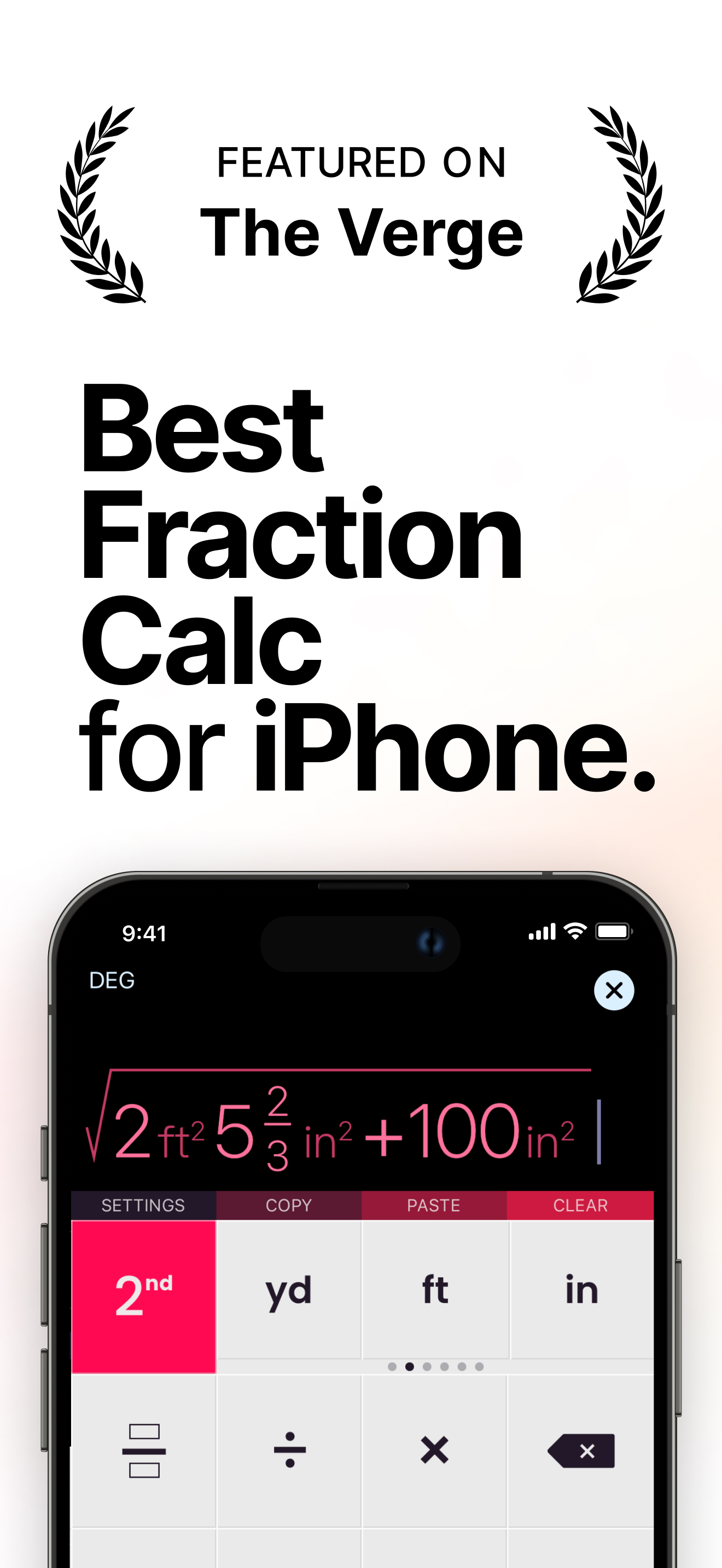
Award winning Feet Inch Fraction Calculator & Metric converter for iPhone and iPad. Designed with simplicity, usability and beauty in mind! FEATURES:...
| Name | Price | Type |
|---|---|---|
| Fraction Calculator Plus | $4.99 | One-time |