Check the acquisition promise
Read the store headline, screenshots and description. What problem is the app promising to solve?
Study the storefront ↗
UniCom Technology · iOS
Explore the ad evidence, study the storefront, and build your next acquisition hypothesis.
01 / Creative research
Read the store headline, screenshots and description. What problem is the app promising to solve?
Study the storefront ↗Explore apps with direct store-link matches. Compare their hooks and formats without assuming the same approach works here.
Browse observed advertisers ↗Store rankings and revenue estimates describe market context. They do not establish ad spend, conversions or ROAS.
Review the market context ↗02 / Storefront & product
Study the product story and store experience behind the acquisition funnel.




03 / Market context
Keep revenue, downloads and store rankings separate from advertising performance.
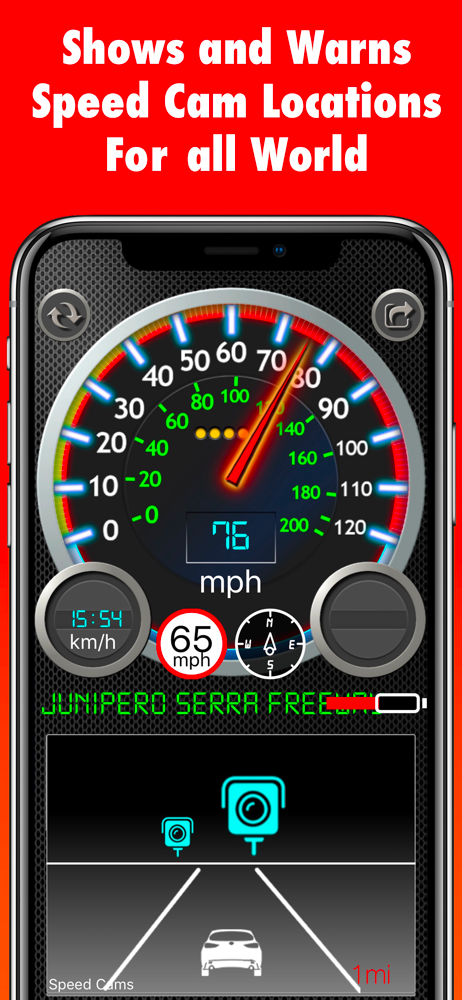
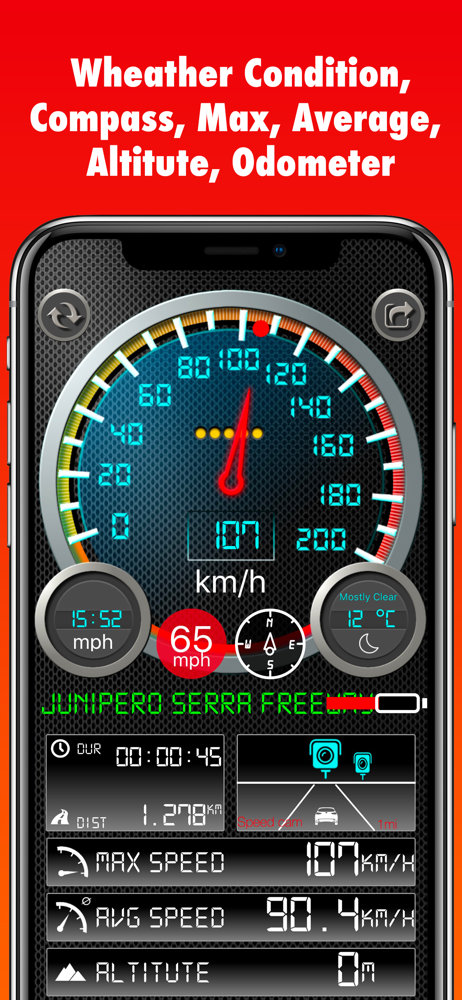
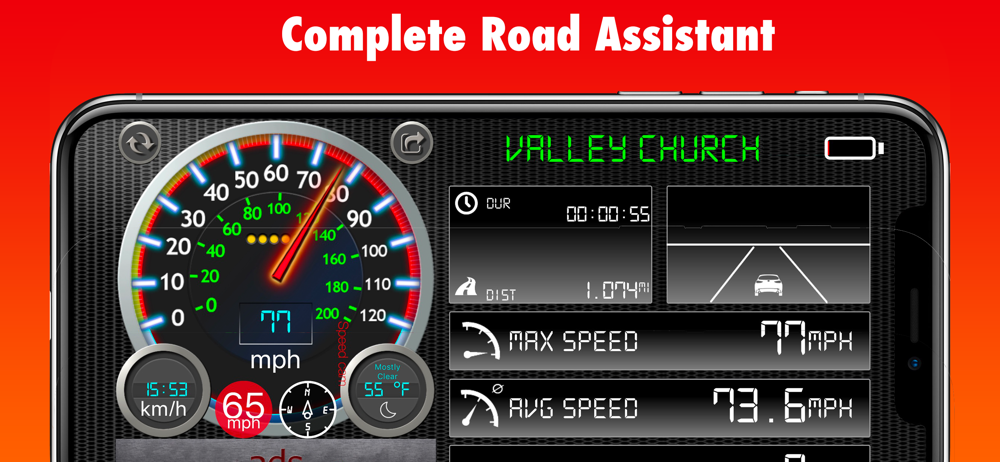
I like this one. I try out a lot of them from the App Store on my iPhone I like a lot of them, but this one I also enjoy it has a lot of features. However, I look, I look for the sound from the speed camera I’m wondering if the radar also can be observed from let’s say a patrol car police patrol that would be interesting The only suggestion I have about this particular one is it’s difficult for me to see the speed because I have it, but I’ll rather I have my iPhone closer to the cars speedometer and I look at it through the steering wheel. The numbers are hard to read on the dial I would like to see digit digital speed Also, when I look at the radar camera on the streets, is there supposed to be a sound with the read out on the radar in my iPhone oh here’s another question. Does this mean that when I’m driving and I see The Red emblem above the little car does that mean the camera reports by drivers I mean my license plate well here’s another question. What is that little green emblem it’s different than the red. I can’t think what color it is cause I’m talking into my iPhone right now anyway, maybe you can answer these questions for me But I don’t know how you’re going to contact me unless you write to me on your app
Just read a review that complained about the speed limit function being very broken and here we are 1 year later and nothing has changed. The limit is so very unreliable. I pass under a freeway and the limit changes to 70mph. 1 mile away later and it is still 70mph. The street identifier is a bit wonky too. Why can’t the devs get this right? It is an awesome app and I would pay to support it if it worked. Edit: I found out the dataset is not in the control of this app but an open source db. I have since joined the db to edit the information. Now it is on me to ensure accuracy!! Changed my rating from 3 to 5 stars! My only change would be to make the over speed limit warning to go off at 1mph or kph over. Right now if you’re .1mph over it goes off.
The current speed function works flawlessly, it is accurate and updates nearly instantaneously when speeding up or slowing down. The speed limit function is very broken it stated the speed limit was 35mph on a road that that is either 45 or 55 mph the while way down it. Also the distance travelled is outrageously inaccurate my trip was 27.8 miles and according to this app I travelled 297 miles in just 32 minutes. There are no speed cameras where I was traveling so I have no views on that particular function. If you are just looking for a nice speedometer this is a worthy choice to tryout. Anything beyond that I wouldn’t recommend this.
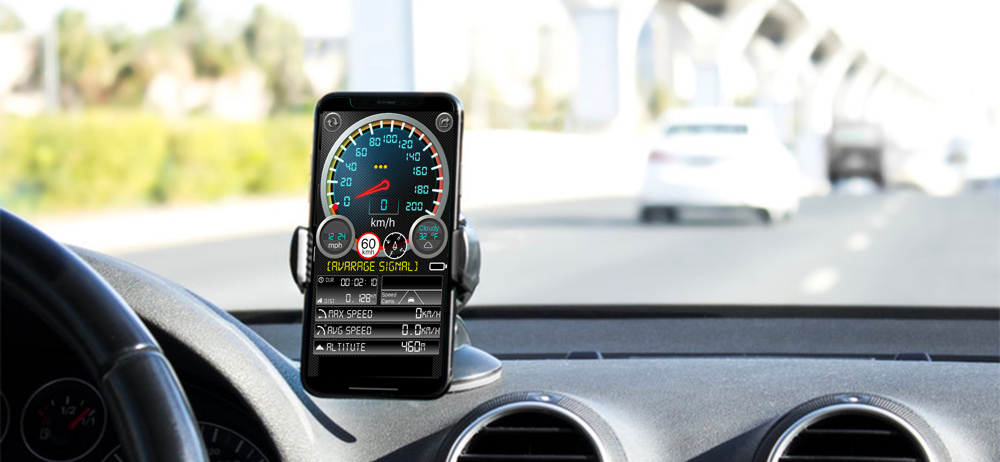
This app is a gps based speedometer, odometer for the iPhone and iPad. Track your speed and distance from your iPhone in Miles and Kilometer! * It ca...