
Check the acquisition promise
Read the store headline, screenshots and description. What problem is the app promising to solve?
Study the storefront ↗
SmileOnMyMac, LLC · iOS
Explore the ad evidence, study the storefront, and build your next acquisition hypothesis.
01 / Creative research
Read the store headline, screenshots and description. What problem is the app promising to solve?
Study the storefront ↗Explore apps with direct store-link matches. Compare their hooks and formats without assuming the same approach works here.
Browse observed advertisers ↗Store rankings and revenue estimates describe market context. They do not establish ad spend, conversions or ROAS.
Review the market context ↗02 / Storefront & product
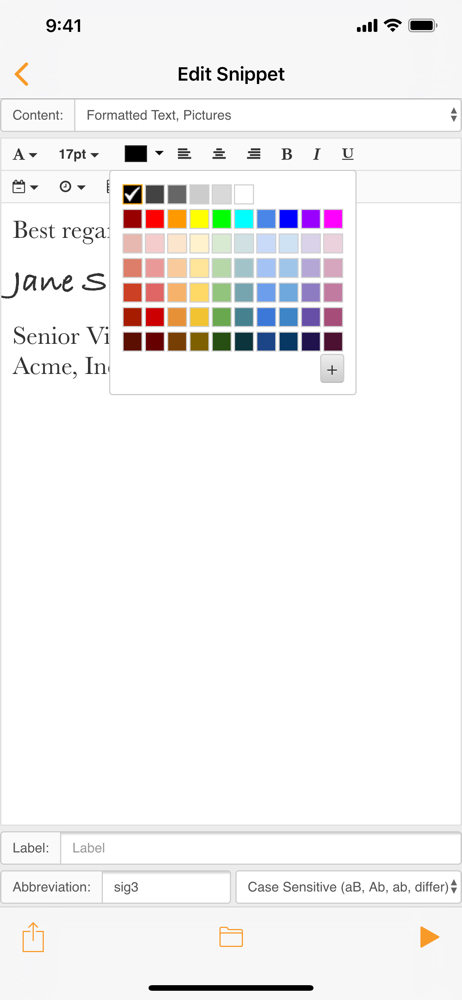
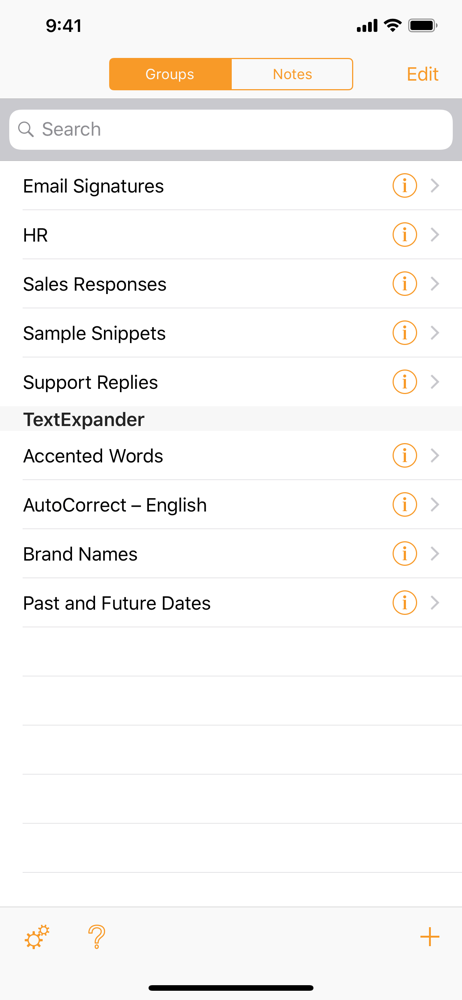
Study the product story and store experience behind the acquisition funnel.


03 / Market context
Keep revenue, downloads and store rankings separate from advertising performance.
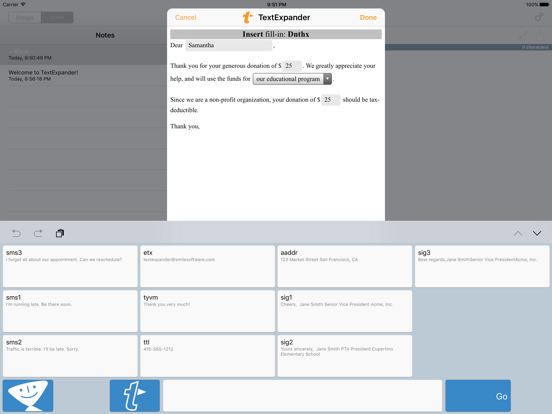
I’ll be honest, I’m extremely disappointed with removal of text expander functionality with apps such as drafts. The keyboard doesn’t provide the same functionality… for instance, I can’t use fill in fields in my expansions on iOS with the keyboard, it expands the entire snippet without allowing me to edit my fill in fields. The in app Drafts functionality allowed me to do this. I have been a long time user of this app and want to continue but breaking my workflows feels like a complete reverse to the automation your company and app support. I hope the in app keyboard gains more functionality or you reconsider the current moves because the way things are currently has me as an extremely dissatisfied user.
This is all on Smile’s dev team, now. I don’t mind paying for the subscription, but the keyboard has to deliver. Make this keyboard able to search through all the snippets like yoink does for its files. Make the keyboard respond like the ios keyboard, so I don’t have to type somslowly and accurately to get the words out on it compared to the ios stock keyboard. Give me the option to get rid of the Text Expander T button. Add support for iOS autocomplete. Give us snippets search in spotlight. Allow for mousing the cursor by holding down spqcebar. Whatever Apple won’t help with, tell us and we’ll fule bugs. I hate that I can’t turn off Apple’s snippet expansion by toggle. There’s a lot Smile could do tomfix this and make it work for the annual fee. They just aren’t developing it. How about a safari extension? How about Grammarly support? Maybe work with Xsearch. Work closer with Drafts App and fantastical to eliminate app updates for snippets.
My love for Text expander goes back a long time. There is so much you can do with the native Mac app. Unfortunately the iOS version is not great. Some of it has to do with the developer and some of it has to do with the restrictions in iOS. The other issue I have is the moving to the subscription model. I am moved away from TE and shortly after that switch and went with ATEXT on the Mac which works exactly the same and it is only a one time low cost fee. Update… the app has gotten even worse. With the switch to the new app it doesn’t recognize my snippets. I’ve paid the developer 2 twice for a stand alone purchase and for 1 year subscription (through stack social, which i was never able to get it active) Unfortunately there are too many blocks to use this program. I undertand you need to make money but the restrictions put on paying clients is too much. I love TextExpander but moving to Atext on the Mac :(
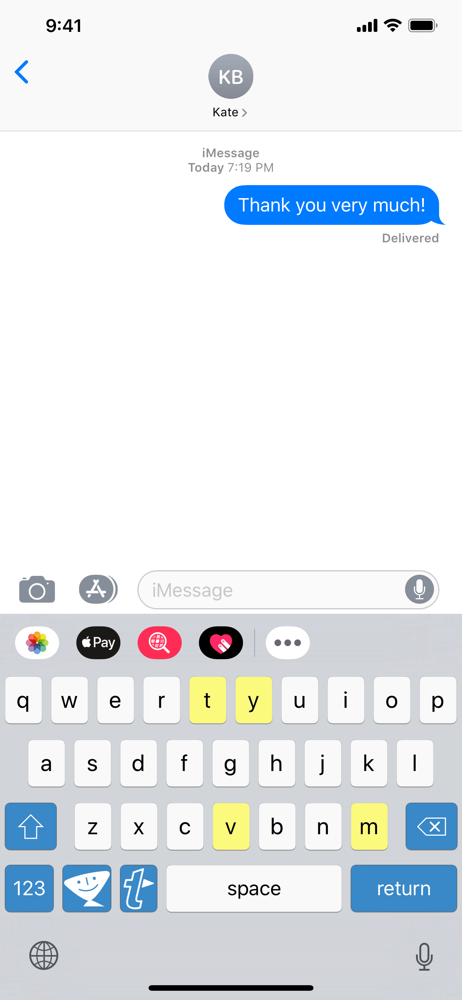
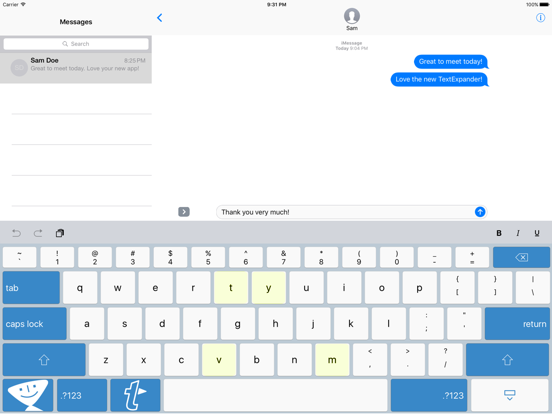
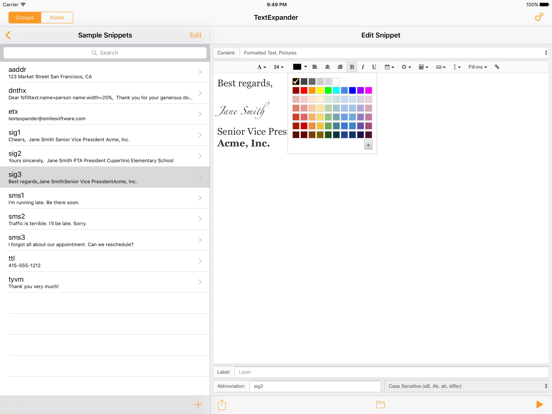
Type faster on your iPhone®, iPad®, or iPod touch® in any App using the TextExpander keyboard. The keyboard enables custom abbreviations to expand int...


