Check the acquisition promise
Read the store headline, screenshots and description. What problem is the app promising to solve?
Study the storefront ↗
City of San Diego · iOS
Explore the ad evidence, study the storefront, and build your next acquisition hypothesis.
01 / Creative research
Read the store headline, screenshots and description. What problem is the app promising to solve?
Study the storefront ↗Explore apps with direct store-link matches. Compare their hooks and formats without assuming the same approach works here.
Browse observed advertisers ↗Store rankings and revenue estimates describe market context. They do not establish ad spend, conversions or ROAS.
Review the market context ↗02 / Storefront & product
Study the product story and store experience behind the acquisition funnel.




03 / Market context
Keep revenue, downloads and store rankings separate from advertising performance.
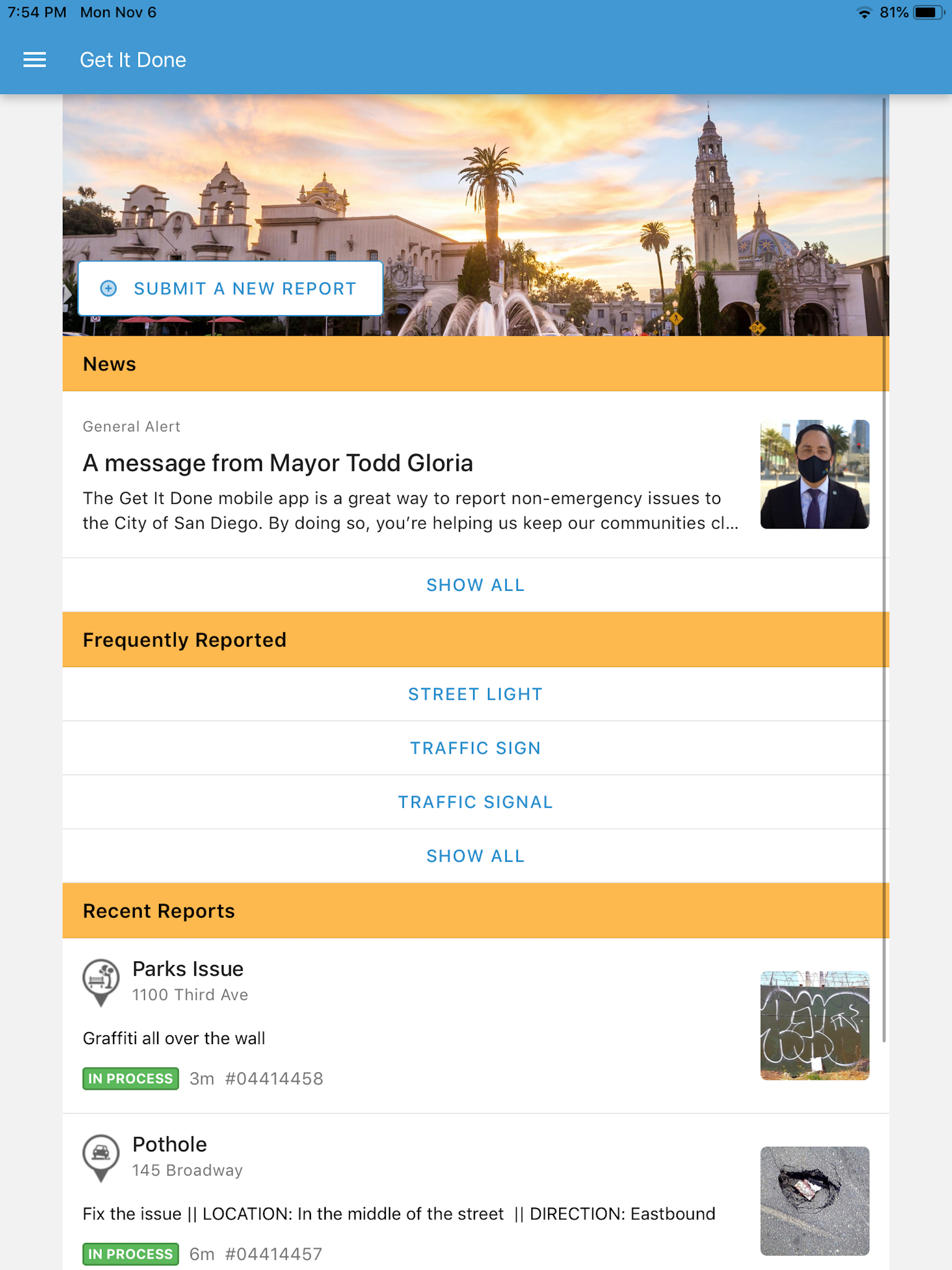
I’ve only reported pot holes and graffiti—a task the app makes incredibly convenient. It’s not quite frictionless, and text entry fields in the UI are really dated, but otherwise much better than filling a form out on some obscure city website, drafting an email or god forbid, having to call someone. Biggest gripe with the app: it doesn’t support the iOS swipe to go back gesture. That left side drawer belongs in a hamburger menu. If any decision makers are reading this, look up Apple’s “Human Interface Guidelines” for best design practices.
Not only does the app now just sit there with a search feature to select city and never goes anywhere rendering the app useless. But when it did work, it automatically changed to address to a random address nowhere near the encampment issue. So not only did it waste my time to report it, nothing will get done about it either. And since the app is now seemingly useless, there has to be some other way. Please, Developers, fix this stuff. It can’t be that hard.
I use the SD Get It Done app occasionally, and appreciate that you offer it to us, but one very frustrating issue it has, is that it always seems to automatically change the address/location of the issue being reported, and almost without fail, that automatically “corrected” location is wrong. It could be just a dozen feet, 100 feet off. I don’t know if anyone else has mentioned this problem, but it is very irritating especially when the exact location is important to the issue being reported. I would ask that this function be fixed, or just removed from the app. A simple request for an address or other description of where an issue is would work. Or just an option to turn on, or off, the automatic location feature, maybe? Thanks in advance for considering my suggestion.
Get It Done San Diego is the official app for reporting non-emergency problems to the City of San Diego. App users can report problems like potholes...