
Check the acquisition promise
Read the store headline, screenshots and description. What problem is the app promising to solve?
Study the storefront ↗
QRMedia · iOS
Explore the ad evidence, study the storefront, and build your next acquisition hypothesis.
01 / Creative research
Read the store headline, screenshots and description. What problem is the app promising to solve?
Study the storefront ↗Explore apps with direct store-link matches. Compare their hooks and formats without assuming the same approach works here.
Browse observed advertisers ↗Store rankings and revenue estimates describe market context. They do not establish ad spend, conversions or ROAS.
Review the market context ↗02 / Storefront & product
Study the product story and store experience behind the acquisition funnel.



03 / Market context
Keep revenue, downloads and store rankings separate from advertising performance.
Google search was not able to open the page over LTE network but worked over the wifi only. I talked to apple several times and nobody was able to fix my problem. I did factory reset several times too but not solved. But as soon as I download this app, i am enjoying it. Thank you
I’m an Apple Certified Technical Coordinator and I had a few suggestions for the app. The developer decided to implement these suggestions in a near future release and gave me clear answers to my questions. The app works as intended. I’ve experienced no bugs so far. I see a few users are concerned about using DNS on cellular connections. I had the same question. The app does allow you to alter DNS on in cellular. However, the DNS service you may be using might not. This is a limitation of the DNS service, not this app. I have full confidence this app will continue to mature and the dev will add more features.
I’ve tried multiple times and even restarted my iPhone but the app would not change the dns server for cellular as advertised and the reason I paid for the upgrade (you can change WiFi dns in settings without any app, but not cellular which is why this app is even in existence). The dns leak test , even the one that’s in the app, shows T-Mobile dns after I’ve “forced” it to something else in the app. Disappointing. Also the app claims no VPN is used but they add a VPN profile to your device which stays disconnected. I’m curious about the hack they were trying to exploit in iOS but it obviously doesn’t work for cellular and concerned about potential privacy implications.
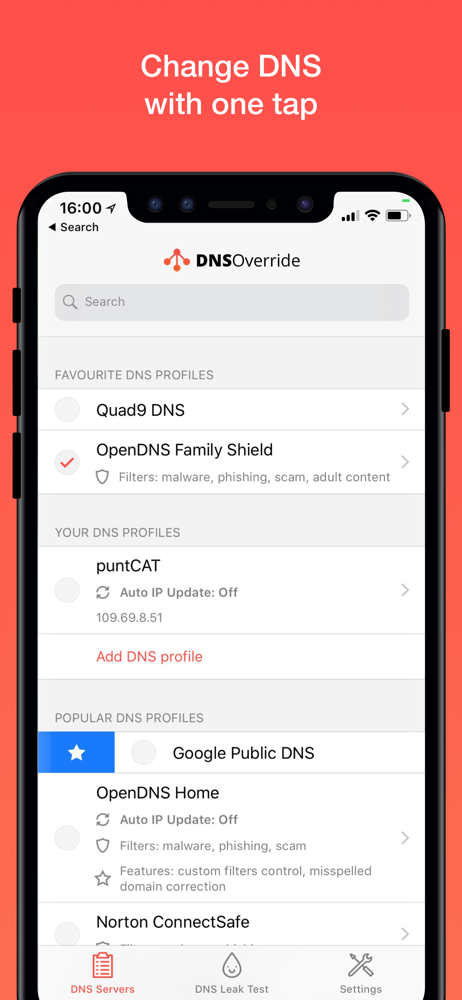
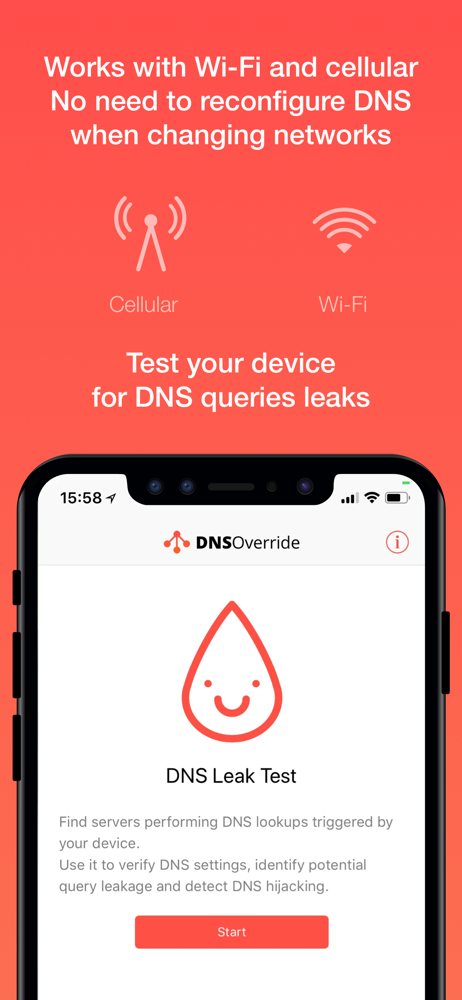
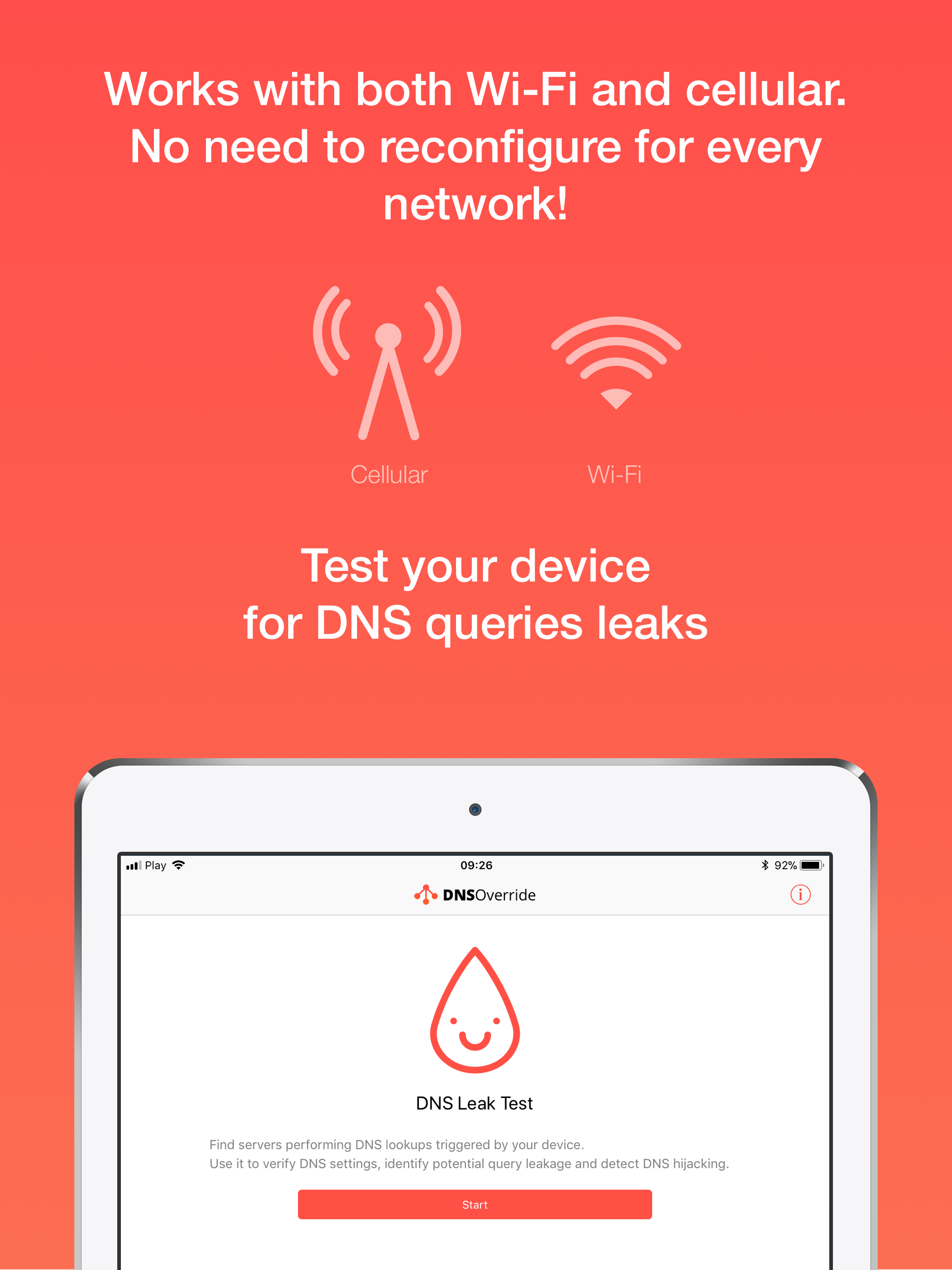
DNS Override is the World’s FIRST App that Lets You Easily Change DNS Server Settings On Your iPhone or iPad! > Works for Wi-Fi & cellular networks >...
| Name | Price | Type |
|---|---|---|
| Auto IP Update feature | $1.99 | One-time |
| DNS Override feature | $2.99 | One-time |


