Check the acquisition promise
Read the store headline, screenshots and description. What problem is the app promising to solve?
Study the storefront ↗
Kenta Kubo · iOS
Explore the ad evidence, study the storefront, and build your next acquisition hypothesis.
01 / Creative research
Read the store headline, screenshots and description. What problem is the app promising to solve?
Study the storefront ↗Explore apps with direct store-link matches. Compare their hooks and formats without assuming the same approach works here.
Browse observed advertisers ↗Store rankings and revenue estimates describe market context. They do not establish ad spend, conversions or ROAS.
Review the market context ↗02 / Storefront & product
Study the product story and store experience behind the acquisition funnel.

03 / Market context
Keep revenue, downloads and store rankings separate from advertising performance.
A couple minutes if that after connecting to it my computer sent an alert that my computer had been compromised and 900+ Passwords had been stolen and who knows what else they took from my computer. I know it came from this app because I did not change anything different on on any settings that was not from this app and I did not go in to any website, I was just typing up a paper when the alert popped up… now who knows what they will take because it will take me a few days to get all my important passwords protected again as well as all my wallet keys.
It does exactly what it’s meant to do with no fuss and it works really well. For some reason, adding a new DNS-over-TLS entry freezes the app which then shuts down but the new entry is saved anyway and works so not a big deal. Please add a way to save and sync DNS entries through iCloud to sync across devices, or at least allow an export/import function.
Found via reddit search for ‘how to block app ads ios’ and installed. Very simple setup, although it was not immediately apparent what the difference between the DNS servers beyond ‘block trackers’ or ‘block malware’. I did a bit of research & selected LibreDNS to block in-app advertising (in-app meaning other apps; this app is wonderfully both free and ad-free). Thank you Mr. Kubo (the developer) for this app. It does what is says and does so cleanly.
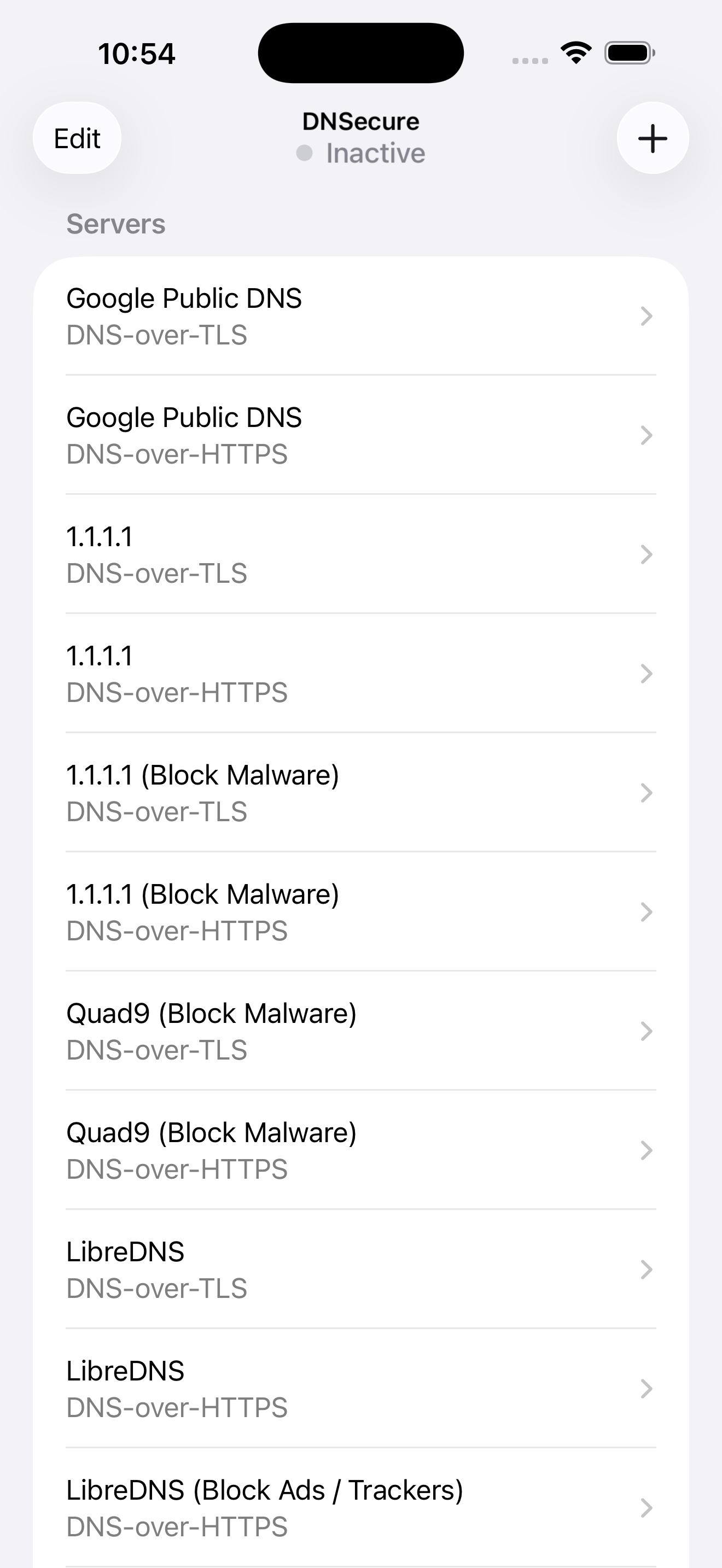
DNSecure is a configuration tool of encrypted DNS for iOS/iPadOS. An encrypted DNS service you configure will be used system-wide. Supported protocol...