Check the acquisition promise
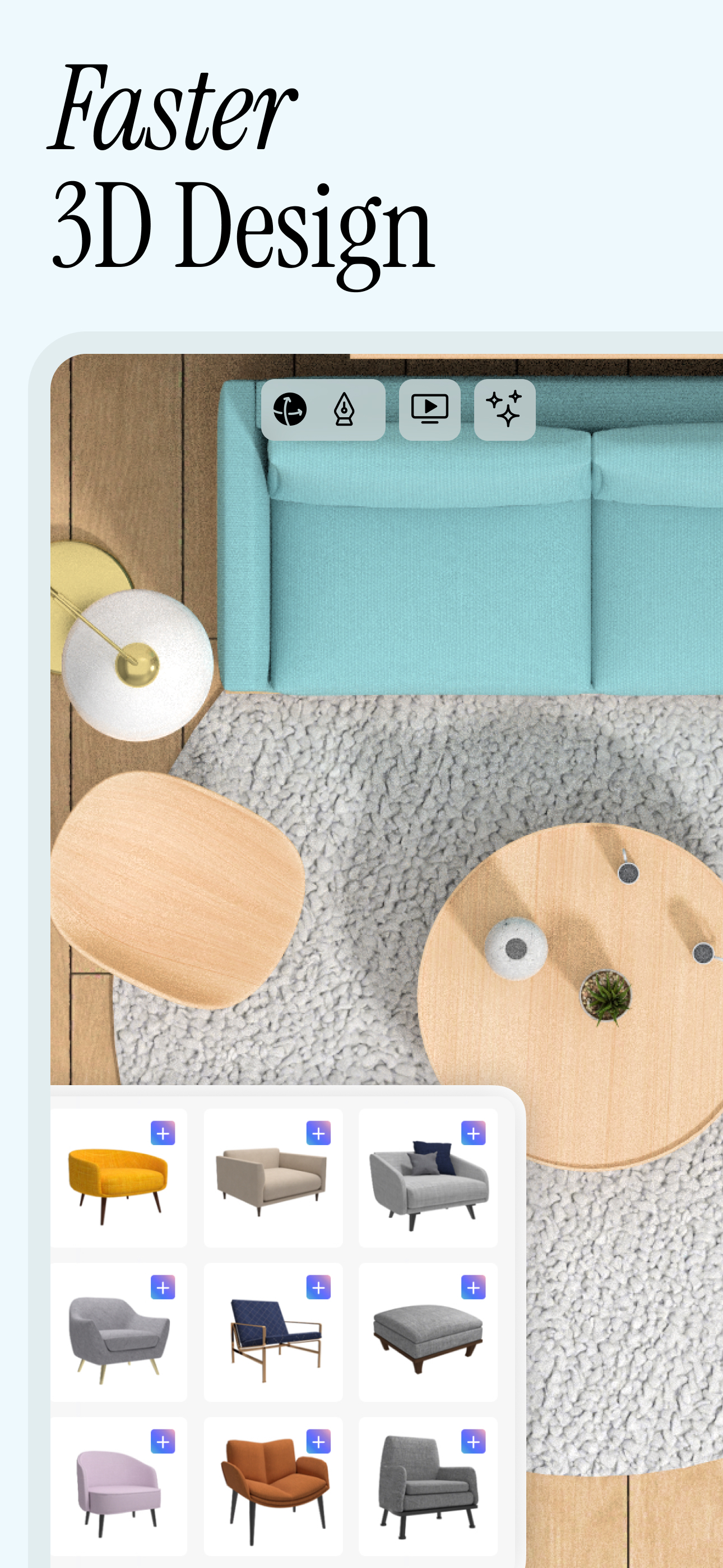
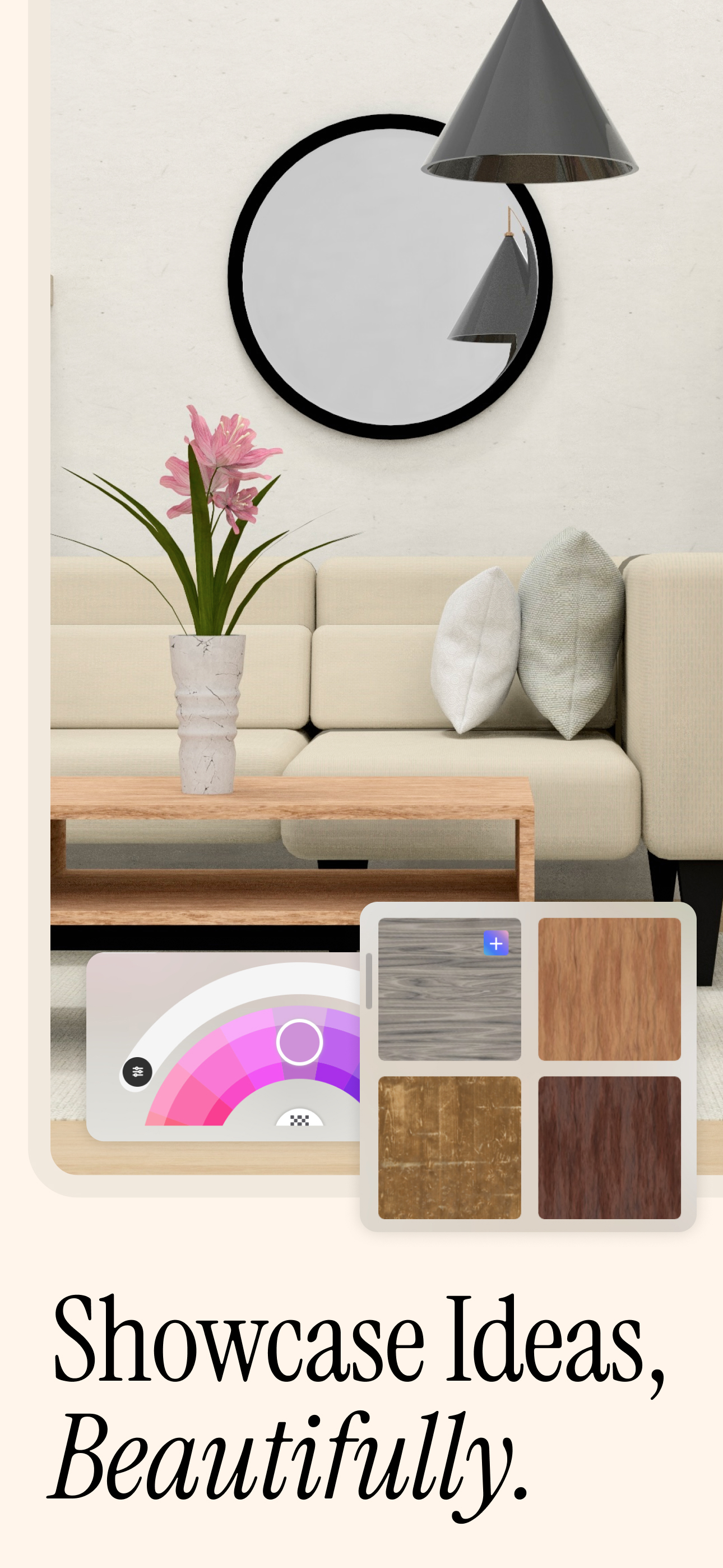
Read the store headline, screenshots and description. What problem is the app promising to solve?
Study the storefront ↗
UMake · iOS
Explore the ad evidence, study the storefront, and build your next acquisition hypothesis.
01 / Creative research
Read the store headline, screenshots and description. What problem is the app promising to solve?
Study the storefront ↗Explore apps with direct store-link matches. Compare their hooks and formats without assuming the same approach works here.
Browse observed advertisers ↗Store rankings and revenue estimates describe market context. They do not establish ad spend, conversions or ROAS.
Review the market context ↗02 / Storefront & product
Study the product story and store experience behind the acquisition funnel.





03 / Market context
Keep revenue, downloads and store rankings separate from advertising performance.
I like what I can do, but the UI doesn’t really teach you enough. There are help videos to learn it, but they go too quickly to be easy to follow, some without any spoken word so it’s just difficult to follow. This isn’t helped by some videos having different UIs than what’s in the current version of the app. It seems fairly powerful, and there is definitely a lot of potential here. It’s just hidden behind a UI that’s hard to follow and learn. It would be nice to have an actual tangible reference to the measurement units, so I can better recognize the size of the things I’m working on. Finally, I’m also using an M4 iPad Pro with the Apple Pencil Pro, and the app refuses to recognize the pencil is there so all of my touches can register as drawing, so I find myself fighting the app while trying to navigate and make adjustments without accidentally drawing a line somewhere. I’m glad I could do a trial and the price is reasonable for what this app COULD be. But it needs some work to make it actually worthwhile. Even at the discount it offered me when I turned off the subscription before the trial ended just isn’t quite worth it because of the issue I experienced with the Apple Pencil. Even struggling with the UI, I’m sure I could figure it out over time (though it should have more friendly options to teach me the UI)
Since the last review i’ve posted i’ve seen some useful and important updates to the app, I hope to continue to see that. Allow me to provide a suggestion, PLEASE focus on iCloud sync, AND allow for slicing models for 3D printing, I’ve had to make the switch to Shapr3D because my models made in uMake aren’t solid models so they wont print when I export the stl files to my printer and I need to know whether my designs print correctly or not before selling them. If your primary use for this app will be for printing, then I recommend Shapr3D, they have an export option for 3D printers, I've finally successfully printed a model I designed, with Shapr3D. It’s very aesthetically similar to uMake but has significantly more features (while at the same time lacking some that uMake has) than uMake. Just don’t get too excited their app is only a step up (maybe, depending who you ask). For example, on Shapr3D you can’t easily change the dimensions of a design, scaling it up or down is annoying especially cuz it’s not intuitive to invoke the pop up for the dimensions to type it in. I look forward to seeing what the devs take from this and where they intend to take the app going forward, I do appreciate the frequency of updates.
1. For those that don’t pay ur barely can’t really make anything on the payed subscription side you have access to ever tool and can make stuff compared to those that don’t pay with subscription They can’t make anything really... Example: you made a app that you do high quality animation and you can make unlimited animations and have a good amount of tools to work with to do those animations Scene the person loves doing animation with on the free version then he will mostly likely will go on the subscription service because. On no payed he enjoyed the tools he had to work with and made animations and then pays for subscription because he or she loves the app Now applying to here you must at least give the person something to work with so they can decide weather or not the app is suiting for him or her or even can do anything with it But on here you have non of that so if you can’t get anyone to at least experience a bit of taste of this app with a bit of tools and stuff then they would love this app. Now all that out of the way, this is a very high quality app and gives you creatively control in what u want to create I would personally recommend this but please take this in consideration
Transform Your Ideas into Professional 3D Models - The Award-Winning CAD app for iPad & iPhone OVERVIEW Create professional 3D CAD models, architect...
| Name | Price | Type |
|---|---|---|
| uMake: iPhone Only (1 Month) | $7.99 | Monthly |
| uMake Basic (1-Month) | $12.99 | Monthly |
| uMake (1 Month) | $15.99 | Monthly |
| uMake (1 Month) | $15.99 | Monthly |
| uMake: iPhone Only (1 Year) | $41.99 | Yearly |
| uMake: iPhone Only (1 Year) | $59.99 | Yearly |
| uMake: iPhone Only (1 Year) | $59.99 | Yearly |
| uMake (1 Year) | $95.99 | Yearly |
| uMake (1 Year) | $95.99 | Yearly |
| uMake Basic (1-Year) | $119.99 | Yearly |