
Check the acquisition promise
Read the store headline, screenshots and description. What problem is the app promising to solve?
Study the storefront ↗
Adobe Inc. · iOS
Explore the ad evidence, study the storefront, and build your next acquisition hypothesis.
01 / Creative research
Read the store headline, screenshots and description. What problem is the app promising to solve?
Study the storefront ↗Explore apps with direct store-link matches. Compare their hooks and formats without assuming the same approach works here.
Browse observed advertisers ↗Store rankings and revenue estimates describe market context. They do not establish ad spend, conversions or ROAS.
Review the market context ↗02 / Storefront & product
Study the product story and store experience behind the acquisition funnel.


03 / Market context
Keep revenue, downloads and store rankings separate from advertising performance.
Adobe Comp has great potential, and is already an amazing app. However, the app lacks simple key usability features. It frustrates me that I am not able to resize the art board at my will. The website’s FAQ answer is NOT a solution. Why should I be forced to make three extra clicks, to specify a specific height that I MAY NOT KNOW. In XD, I am able to resize the art board height to my liking without extra steps. This is a key feature missing. Secondly, the app needs better UI positioning. The minimal approach and hands on gesturing is very fascinating. However, you guys leave out key features by doing this. First, we lack customization and control over very simple things (text, color, shape control) etc.. Having to constantly tap back and forth just to change one element is actually ANNOYING. It creates a longer and unnecessary task flow. Aside from this.....you can’t create beautiful things with comp. You just have to sit there and take the time. It could be me, expecting the workflow to be a little easier. The app needs some major usability updates, but other than that. Great App
Adobe applications have been my main tool for image editing. Their design foster an experience that is unlike any other program in this category. The fluid ease of using Adobe’s tools allows anyone to make professional quality enhancements that are mind blowing. The only difficulty in learning the capabilities of this app is that there is not enough time in a day to do everything that is possible. Ive been using it daily for at least 5 years and I’m still learning new options and tricks. The only limit is your imagination!!! When they premiered this platform some years back it was revolutionary. Now it emulated by most by continues to remain unmatched. If you have tried all the rest and have been let down check this one out, it is better than any pay app I’ve ever used!!
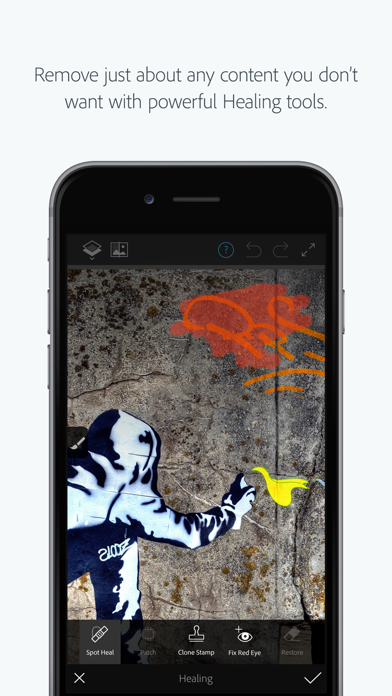
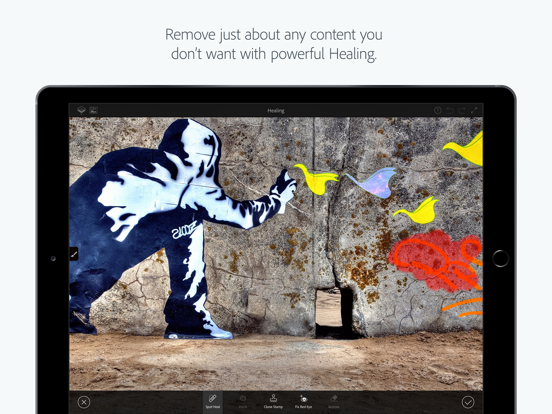
I got this app with low expectations because all of the other photo fix apps that I have got have not been good and had bad outcomes. For a while now I have been looking for an app that can take wired out of a picture I took a while ago. Every app so far has just made it really blurry and/or had replaced on wire with another wire. This app is very smart and knows what to replace what with and does it cleanly. This app did the job greatly and worked very well and it was easy and quick. It also has other filters like blurring the background so it looks like the photo is focused on one thing. It also has a feature that allows you to revoke object with colors you chose. Other apps that said allowed you to recollect object only made them black and white and you had to purchase the full version to color them different colors. This app is a completely free, amazing app that allows you to do many things. I definitely recommend getting it.
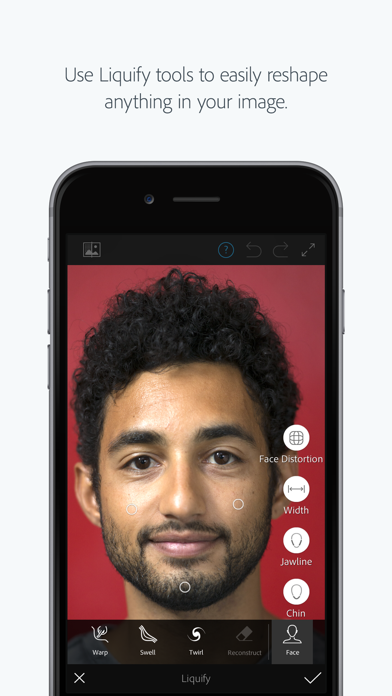
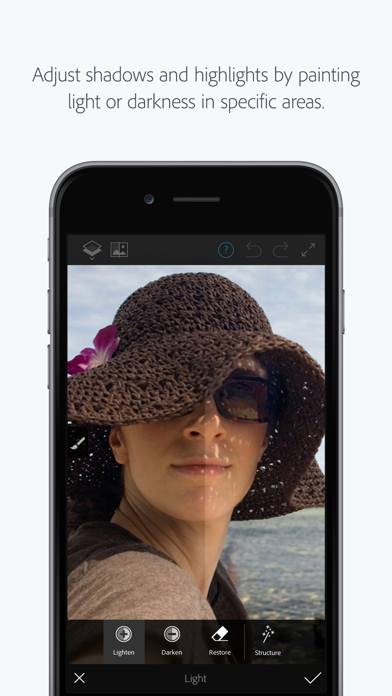
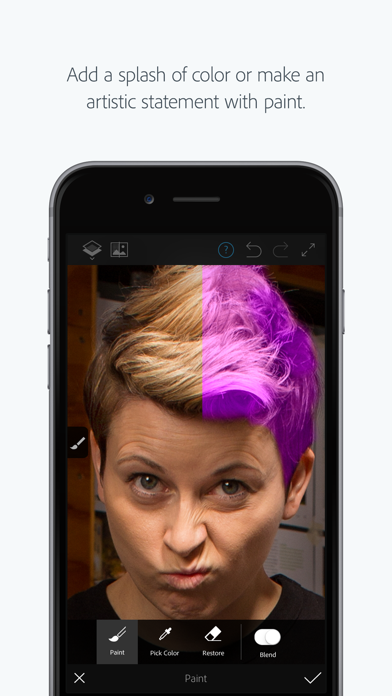
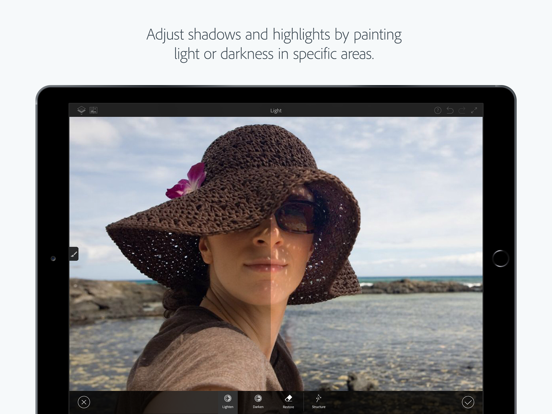
Adobe Photoshop Fix enables powerful, yet easy image retouching and restoration on your iPad or iPhone. Heal, smooth, liquify, lighten and make other...


