
Check the acquisition promise
Read the store headline, screenshots and description. What problem is the app promising to solve?
Study the storefront ↗
Microsoft Corporation · iOS
Explore the ad evidence, study the storefront, and build your next acquisition hypothesis.
01 / Creative research
Read the store headline, screenshots and description. What problem is the app promising to solve?
Study the storefront ↗Explore apps with direct store-link matches. Compare their hooks and formats without assuming the same approach works here.
Browse observed advertisers ↗Store rankings and revenue estimates describe market context. They do not establish ad spend, conversions or ROAS.
Review the market context ↗02 / Storefront & product
Study the product story and store experience behind the acquisition funnel.
03 / Market context
Keep revenue, downloads and store rankings separate from advertising performance.
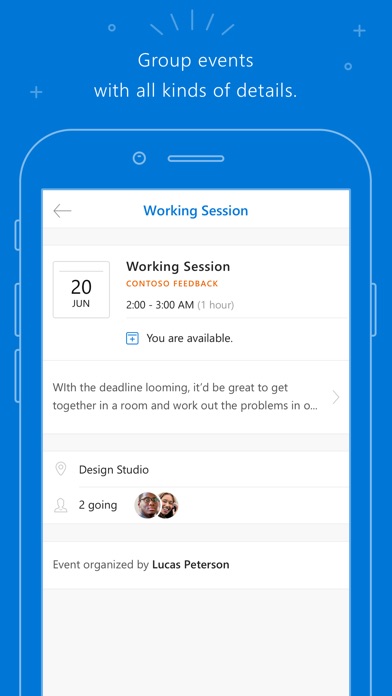
My team is struggling to use 365/outlook and stay connected as we travel without overloading our inbox or using terribly outdated apps like okta (due to company security requirements). I was excited and hopeful this app would solve those issues for our most mobile users. Our needs are unmet here: - we need a team calendar to show vacation and PTO but without sending everyone an email with an invite to their personal calendar. -the calendar viewing should allow me to see the group calendar and also individual team members -calendar views should be flexible (day, week, month, etc -calendar and notebook icon keep freezing over and over and over again.
It helps students find out who their teachers really before they get their schedule, and is helpful for teachers when they need to send out an assignment online to kids who need it. Also good for doing group projects for jobs. Of there is a better app out there, I haven't seen it yet.
Classic Microsoft at it again.. this is by far the worst functioning calendar I've ever used. Literally delete the entire thing and build something new from scratch. Notifications don't work, when you add new events to the calendar you get a new email every single time plus every time someone edits or adds to the event. Not to mention anyone else included in the event gets the email. Doesn't matter how many times you click unsubscribe or tell it to stop emailing you it just keeps doing it. I use Windows 10, an Xbox One, Office 365, and a few other Microsoft made products and they all have the same chronic lack of functionality. They must hire people who don't care about the quality of their work... and it shows!
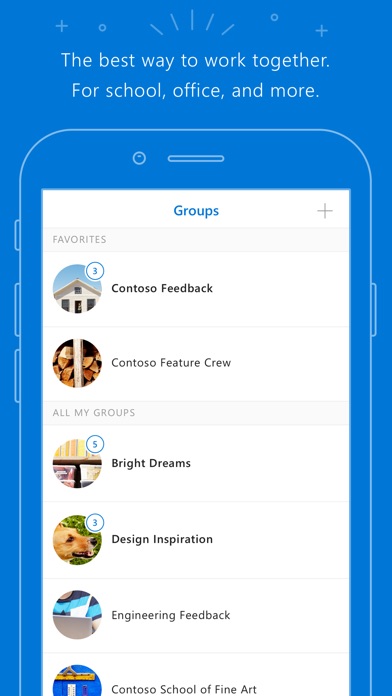
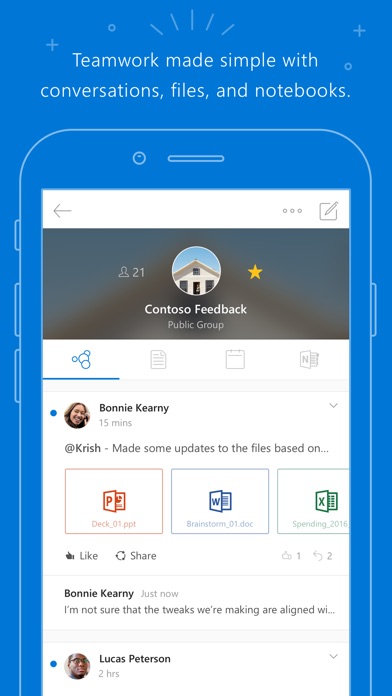
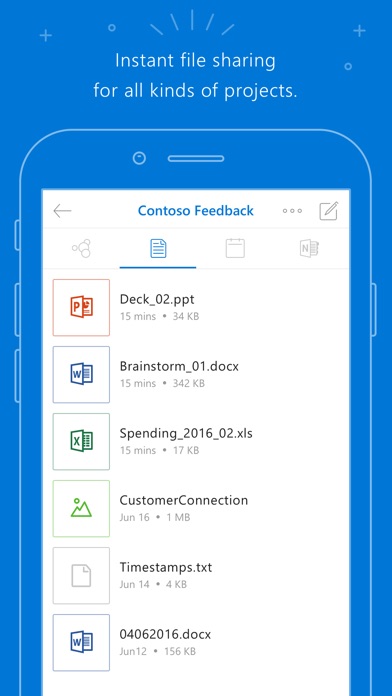
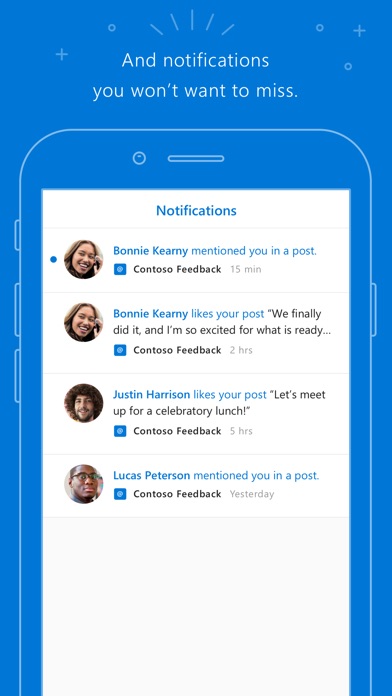
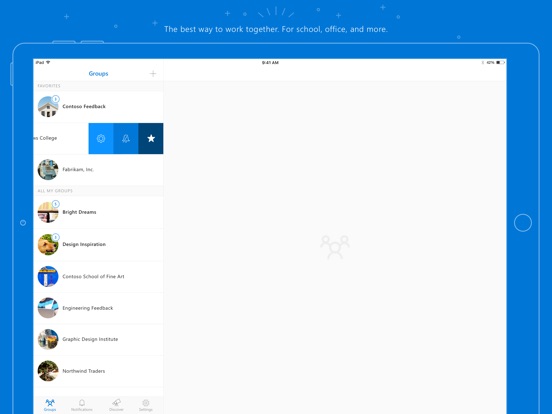
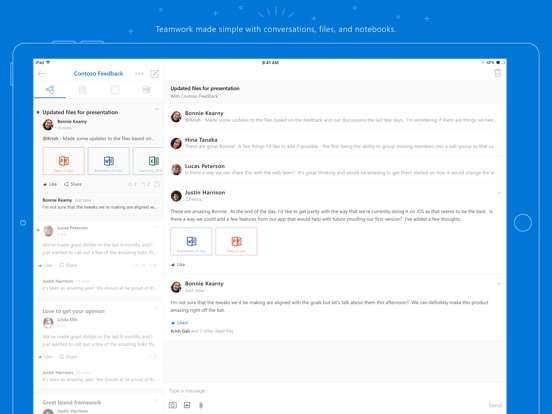
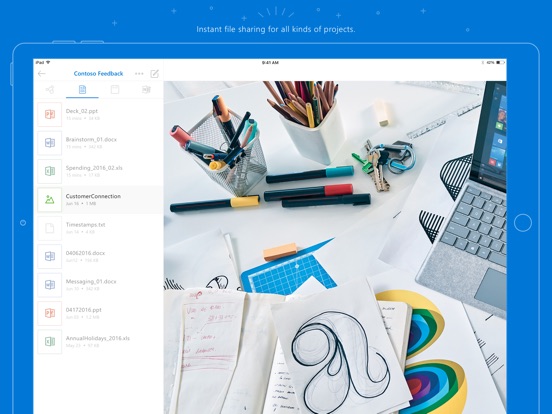
Outlook Groups lets you participate on-the-go with your entire team. With an Office 365 work or school account, you can take part in discussions, shar...


